DigitalZen has transformed how I manage my digital life, super easy to use and the scheduling features seriously boost productivity. Highly recommend!
J. Thompson
Developer
Helped my back
I’m good at focusing, but sitting for hours wrecked my back. DigitalZen reminds me to stretch every 25 minutes, it really eased the pain.
B. vance
Accountant
Can't study without it
I have ADHD and struggle to focus, but DigitalZen's Focus mode keeps me on track and off social media. Total lifesaver.
K. Smith
Student
Moderate my social media
I’m a news and social media addict, but DigitalZen helps me set limits—1 hour a day, blocked at night, guilt-free on weekends.
Y. Lubinski
Art teacher
Sleep at last
My wife thanks you—DigitalZen blocks work at night, so I finally log off, sleep better, and focus on what matters.
M. Mercer
Cmo
Team performance improved
I manage 5 remote devs, and DigitalZen boosts productivity without being invasive. They set it up their way, I just ask for social media blocks and use it for team focus sessions.
Y. Stoler
Team leader
Get your DigitalZen now!
No credit card required, your digital freedom is one click away
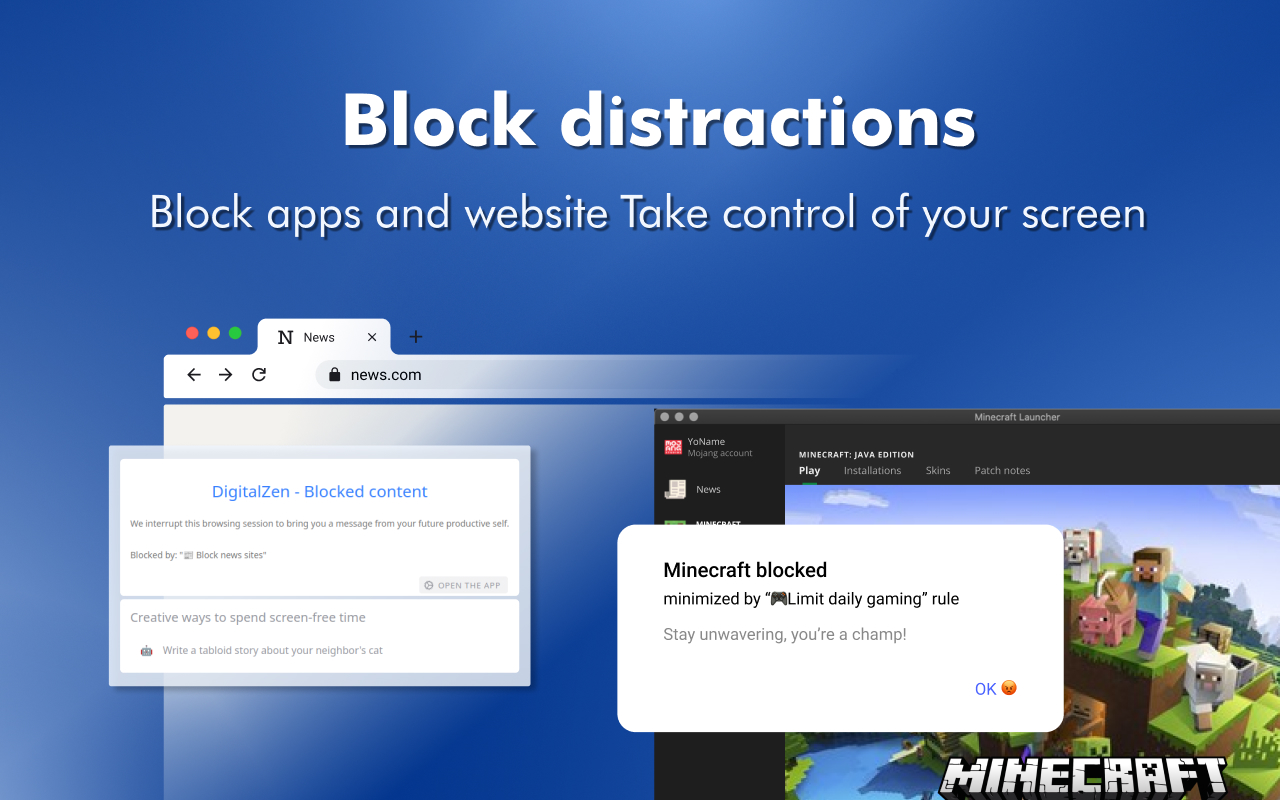
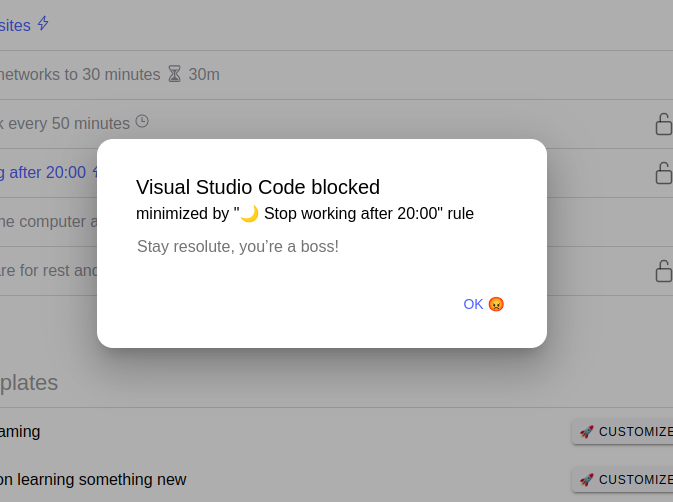
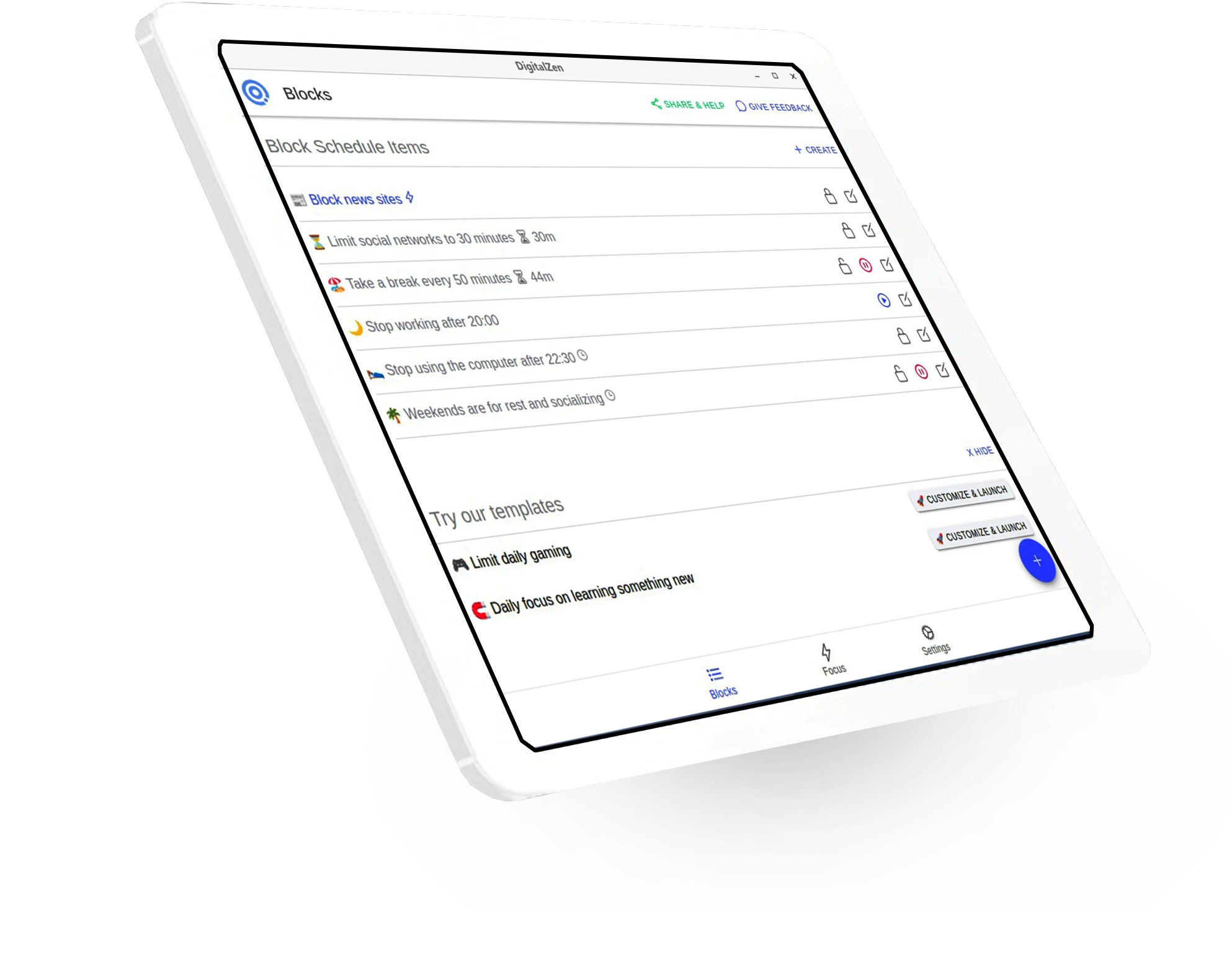
Block distractions by setting daily limits on your websites or desktop apps, block them entirely, or rotate blocking times
Focus Mode
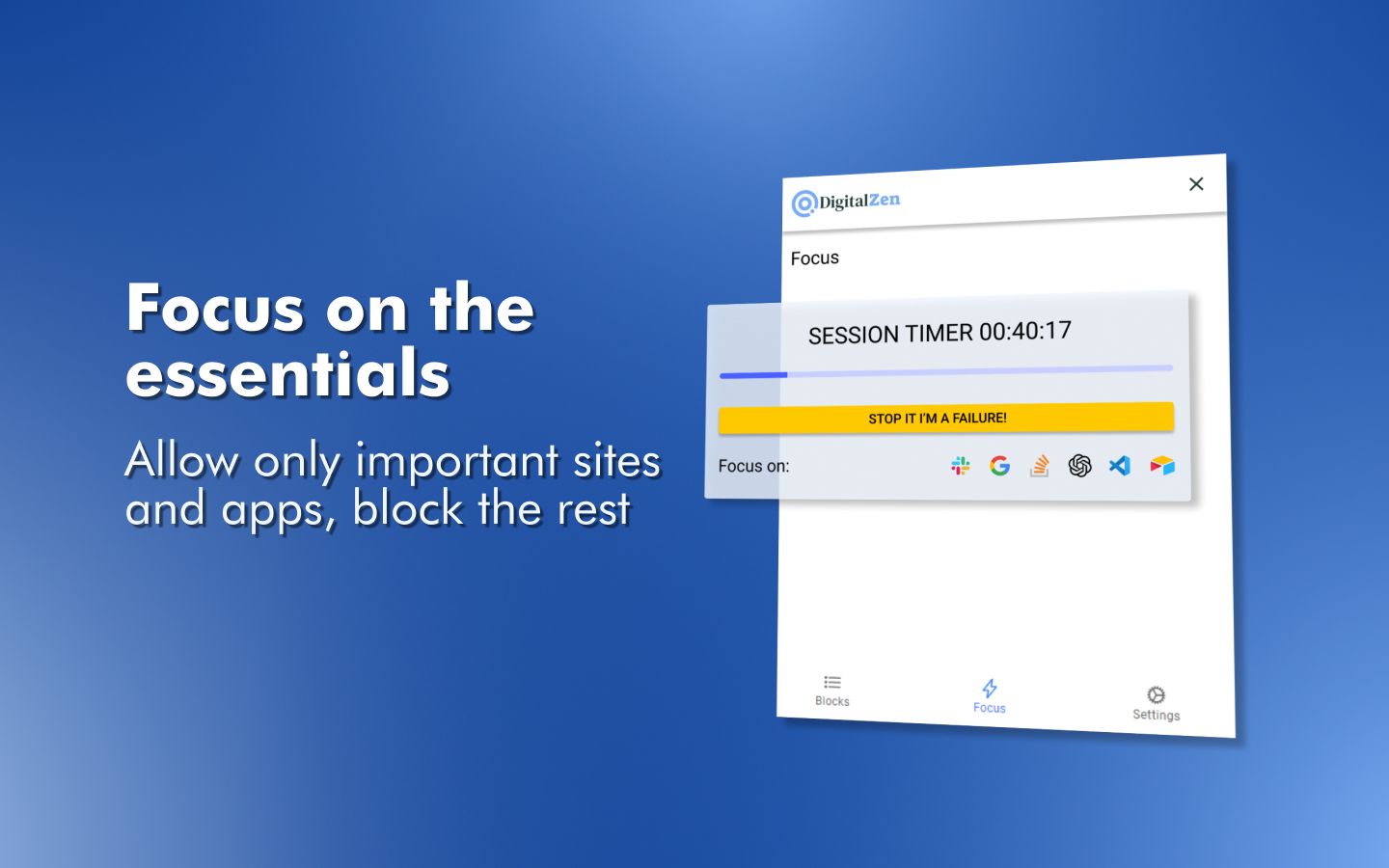
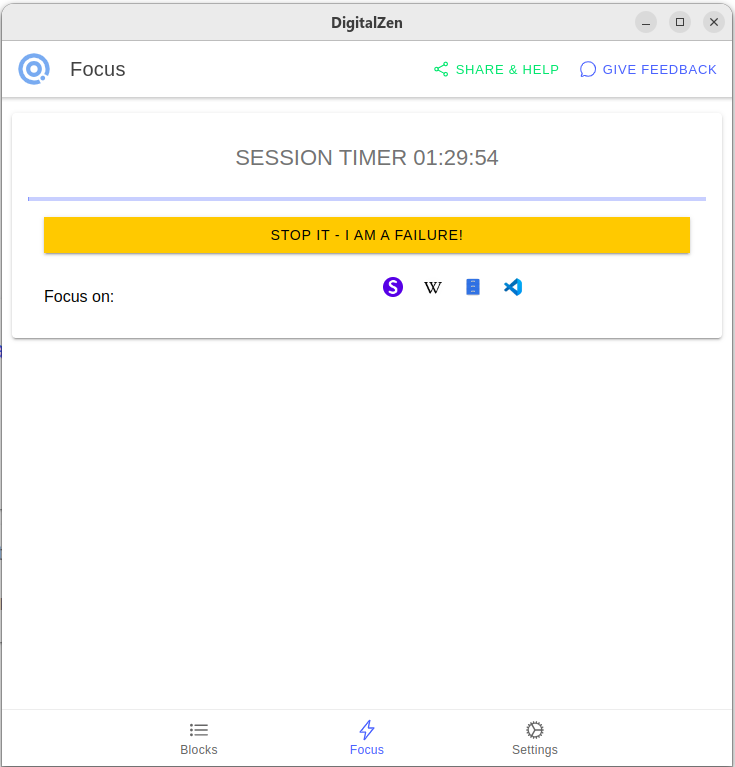
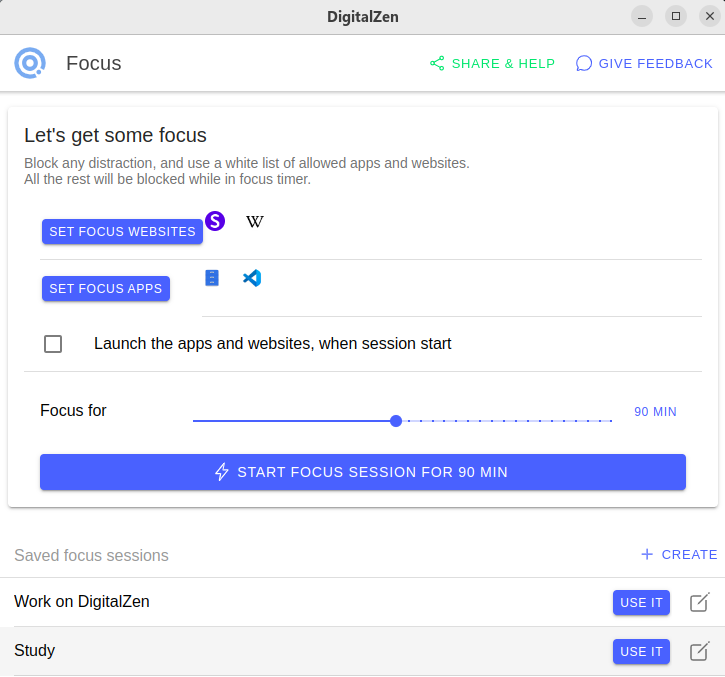
Select apps and websites you want to focus on or block EVERYTHING, set a timer and start achieving your goals
Cross-Platform
A desktop agent for Windows, Mac, and realLinux support.
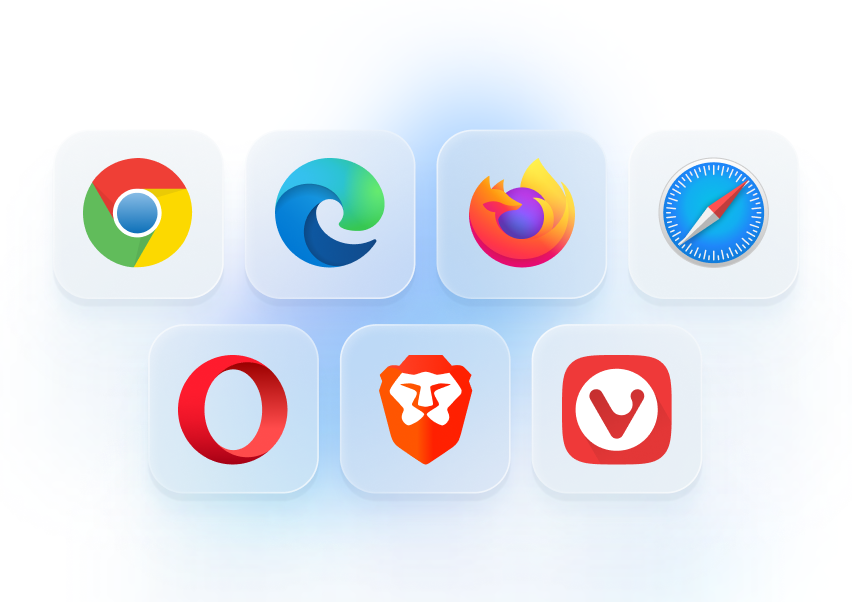
Add-ons for every browser you can think of – Chrome, Edge, Firefox, Safari, Opera, Brave, Vivaldi.
Yep, we’re the only app that truly supports Linux desktops.
Smart moderation
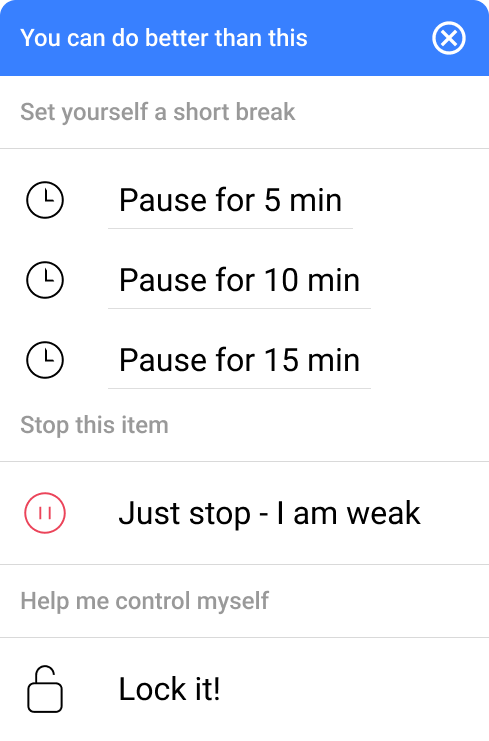
DigitalZen isn’t just a rigid blocker. You can start with a light nudge, pause the block when needed, or go all in and lock yourself out with smart, layered controls. It’s built to match your real-life willpower, strong some days, shaky on others.
Easy installation
Effortless setup with predefined templates and custom rules.
Superb customer support
We are here to assist you with any question
Weekly releases
We release new features on a weekly basis, stay tuned and get all the goodies
Get your DigitalZen now!
No credit card required, your digital freedom is one click away
Do I need to be tech-savvy to install and configure DigitalZen?
Not at all.
DigitalZen is built to be super simple to install and use – we even tested it on our parents and only launched it when they could do it without help.
In the rare cases when you run into trouble, we’re always here to help you out quickly and kindly.
Which operating systems does DigitalZen support for app blocking?
DigitalZen is compatible with Windows, Mac, and Linux to help you stay focused across all your devices:
Windows:
Officially supports: Windows 10 and 11 (with plans to support Windows 12 after release)
Also works on: Windows 7 and 8
Mac:
Officially supports: macOS Monterey, Ventura, Sonoma, and Sequoia
Also works on: macOS El Capitan, Sierra, High Sierra, Mojave, Catalina, Big Sur (unofficial support)
Linux:
Debian-based: Ubuntu, Debian, Linux Mint, Pop!_OS, Zorin OS, Kali Linux, and more
Red Hat-based: Fedora, CentOS Stream, RHEL, Rocky Linux, AlmaLinux, and more
Arch-based: Arch Linux, Manjaro, and more
What’s the difference between “Block” and “Focus” in DigitalZen?
At DigitalZen, we believe productivity has two layers:
Blocking distractions
Laser-sharp focus
That’s why we offer two powerful tools: 1. Block Distractions
Schedule blocking for apps or websites during specific times and days (or altogether). It’s perfect for creating structure and reducing daily interruptions. You can also set a whitelist of allowed websites/apps — effectively creating a scheduled focus session.
2. Focus Session
Start a deep focus mode where everything is blocked, except for the apps and websites you specifically allow. It’s your digital do-not-disturb zone.
Use “Block” for routine control, and “Focus” when you want full concentration, on demand.
Can I block a website without an extension/addon?
Short answer: No. Long answer: We ask you to install the extension because browsers act like black boxes – we can’t see what site you’re on or display a blocking page. Only after installing the extension does the browser allow us to interact with it.
Is app blocking supported on Linux by DigitalZen?
Yes, we do! and we’re the only commercial app blocker that does!
We love Linux, and several of our developers use it daily, so they made sure we added support.
Currently, we support any desktop distro using X11 or GNOME on Wayland.
We’re keeping an eye on KDE Wayland and plan to support it once it’s stable enough.
DigitalZen has been tested and works on:
Ubuntu
Debian
Fedora
Red Hat
Arch
Mint
Zorin O
Pop!_OS
…and more!
If you don’t see your distro listed, let us know, we’re committed to supporting as many as possible.
We currently support any Debian-based, Red Hat-based, or Arch-based distribution.
Why can’t I find reviews about DigitalZen online?
DigitalZen is a fresh product – we completed our Beta in early February 2025.
As we continue growing and reaching more users, reviews and feedback will follow naturally. In the meantime, if you have any questions or run into issues, we’re here to help. And if you’re enjoying the app, we’d truly appreciate you sharing your experience online – it helps others discover us and supports our journey!
Block distractions
How can I lock myself from just stopping the block?
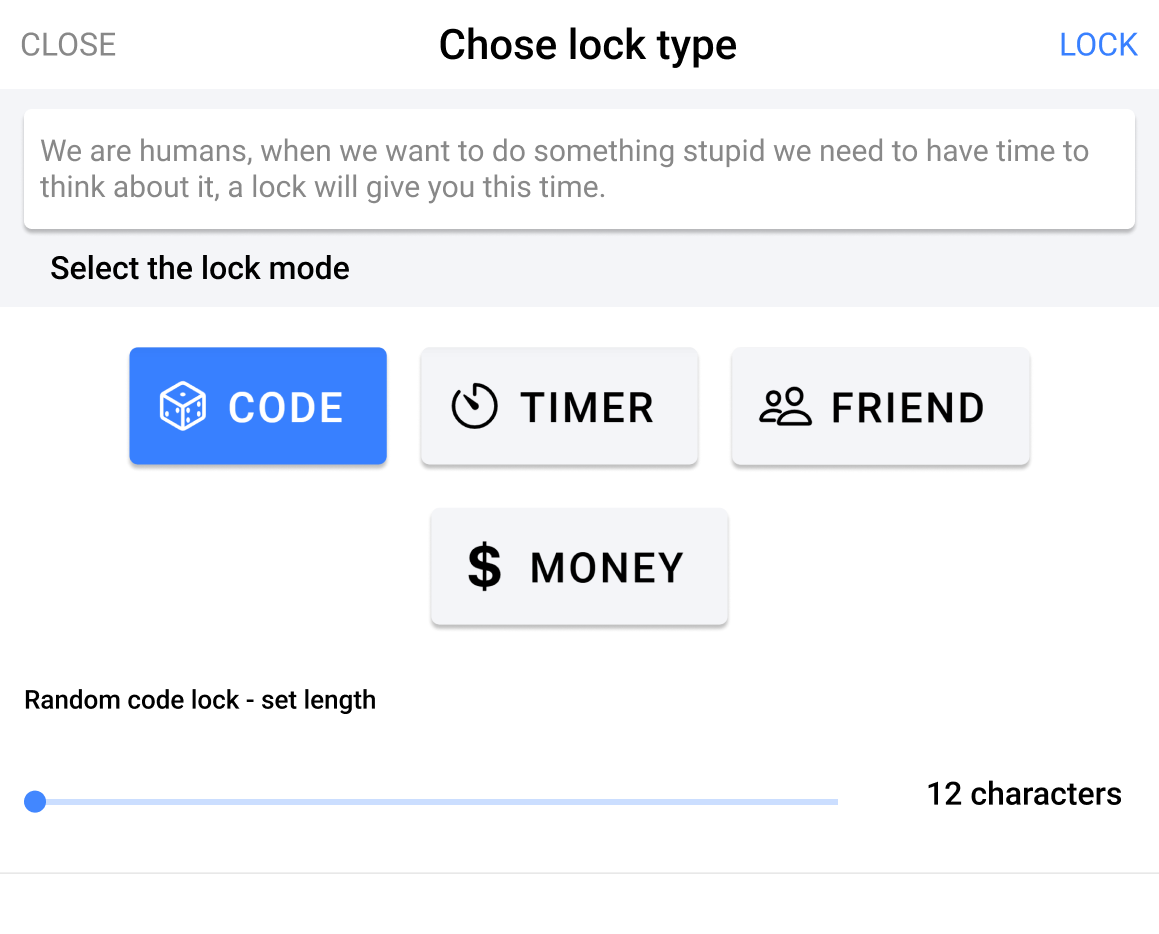
DigitalZen offers adaptive lock options to prevent you from stopping a block or changing settings too easily. You can enable locks for sessions or the entire system, and choose different lock types based on how much friction you need to stay disciplined.
Whether you need a gentle nudge or serious accountability, there’s a lock type that fits your focus style.
Can I show reminders during a scheduled block?
Yes! When creating a scheduled block, you can add blocking reminders.
These will appear as a checklist on the blocking screen, helping you stay mindful and focused during your session.
Can I block websites by wildcard?
Yes! DigitalZen lets you block websites using wildcards.
For example:
*.facebook.com – blocks all of Facebook subdomains.
facebook.com/groups/* – blocks any group (and allows the rest)
facebook.com/profile.php?id=* – blocks any profile (and allows the rest)
What is it allowance?
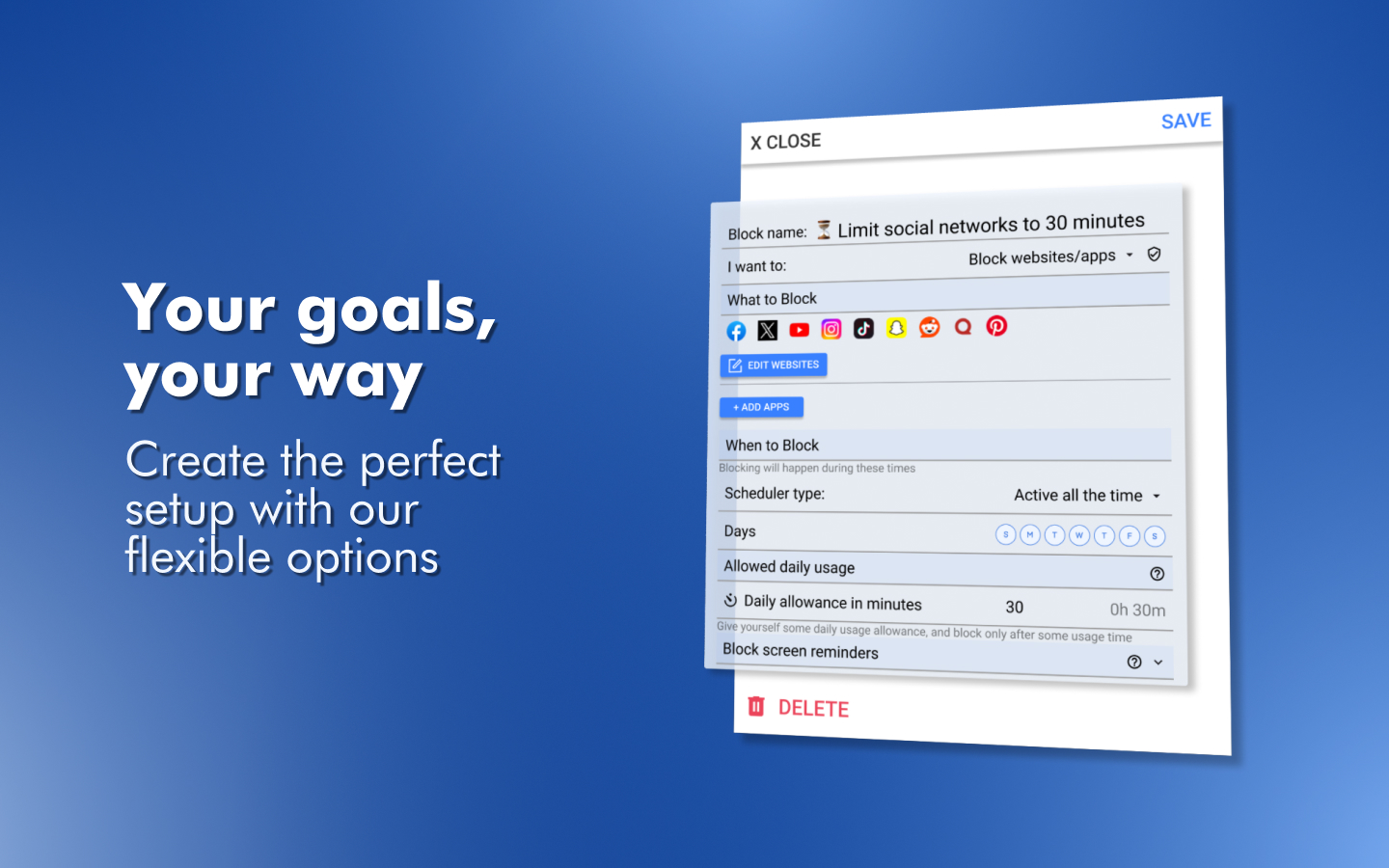
An allowance lets you set a daily time limit for using apps or websites you usually block. For example, if you block social media but allow yourself 30 minutes per day, DigitalZen will track your usage and stop access once your time is up. The timer resets automatically at midnight, giving you a fresh allowance every day
Can I rotate between “block” and “allowance” to give myself a break after working?
Use the “Rotate allowance and block” option under the Allowance settings. This lets you set cycles of focused work and short breaks. For example, you can configure it to allow 10 minutes of break time after every 50 minutes of focused work. It’s a great way to balance productivity and recovery.
Focus and Pomodoro
Can I schedule a focus session?
Yes! You can schedule a focus session by creating a scheduled block and setting its type to Focus instead of Block. During that time, only the apps and websites you’ve chosen to allow will be accessible, everything else will be blocked.
How can I allow Gmail but block Google during a focus session?
Your browser often hides subdomains, so google.com appears simple, but behind the scenes, services use specific subdomains:
www.google.com for search
mail.google.com for Gmail (docs.google.com, drive.google.com, calendar.google.com, etc.)
If you block just google.com, you might unintentionally block all of them.
To block only Google Search, use: www.google.com
To keep Gmail accessible, allow: mail.google.com
This method gives you fine control over which Google services stay open during focus time.
Can I focus on a Youtube list and block the rest? (i.e. lecture/podcast/music)
Yes, you can!
To whitelist a specific YouTube playlist and allow all its videos, replace the video ID with an asterisk (*). This tells DigitalZen to allow any video from that playlist.
YouTube playlist links typically look like this (when played): https://www.youtube.com/watch?v=[VIDEO_ID]&list=[PLAYLIST_ID]&…
To allow all videos in it, use: https://www.youtube.com/watch?v=*&list=PLQ_PIlf6OzqIEvjMOCAZsD21T6xn9QUP6*
The first asterisk allows any video in the list, the second allows any extra parameters.
Or a shorter version that will achieve the same result: https://www.youtube.com/watch*list=PLQ_PIlf6OzqIEvjMOCAZsD21T6xn9QUP6*
Perfect for focused listening!
Privacy and Security
What data are you collecting?
Aside from your name and email during registration, we don’t collect any personal data. We do collect anonymized analytics and performance data to help fix bugs and understand user behavior. This data is automatically deleted after a month and cannot be linked back to you.
Why don’t you collect user data?
Our core mission is to build the best productivity tool, not to profit from your data. In fact, handling personal data adds regulatory burden.
We fully comply with GDPR, and the easiest way to protect your privacy (and ours) is simply not to collect sensitive data in the first place.
Do you share data with third parties?
We don’t collect or sell your personal data to any third party! period.
We do use third-party tools like Google Analytics to understand user behavior and improve the product. However, all analytics data is anonymized, never linked back to individuals, and never sold or shared beyond our internal use.
Your privacy matters to us.
I’m paranoid about privacy, what can I do to stay anonymous?
We totally get it—and support it.
DigitalZen doesn’t collect personal data, but if you want extra peace of mind, here are a few tips:
Use an anonymous or random email address
Enter a fake name at signup
Use a VPN to hide your IP
Pay with a virtual or anonymized credit card
These steps make you virtually untraceable to us (and we’re fine with that).
Bonus: these are great habits for staying private across the web.
What do you do to keep my data and activity secure?
We take your security seriously. Our code is verified, signed, and regularly scanned using industry-standard tools to detect vulnerabilities and prevent unauthorized changes.
We implement strict development practices, conduct regular penetration testing (PT), and actively monitor web traffic for suspicious activity or threats.
On top of that, we don’t collect sensitive personal data in the first place, so even in a worst-case scenario, there’s nothing important for anyone to steal.