
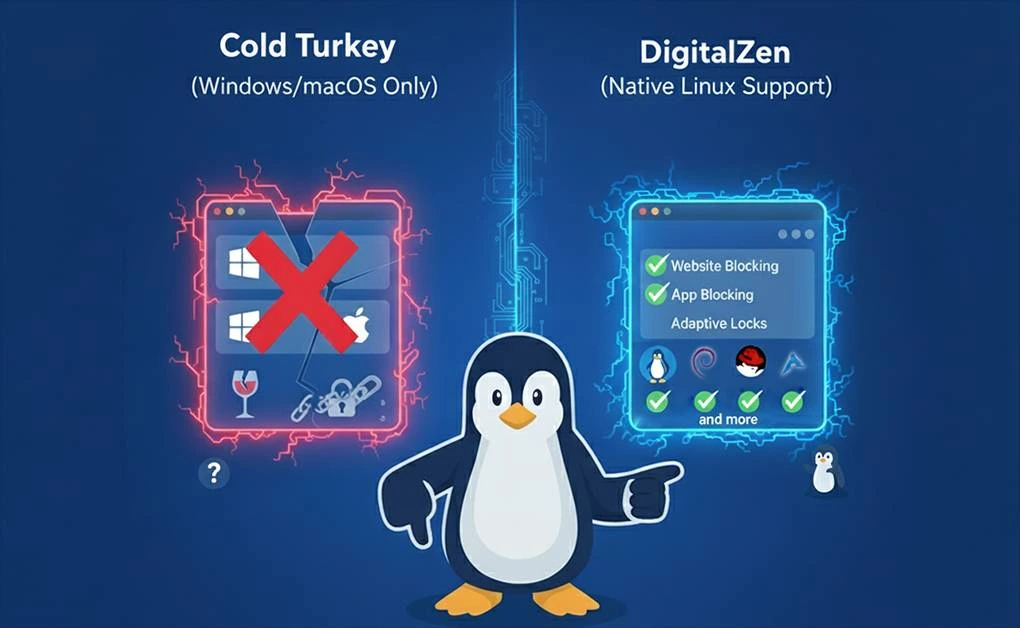
No, Cold Turkey doesn’t work on Linux. The software only runs on Windows and macOS. The developer hasn’t released a Linux version and hasn’t announced plans to build one. Linux users can’t use Cold Turkey for blocking distractions on their systems.
Key Takeaways
- Cold Turkey doesn’t work on Linux: Only runs on Windows and macOS, no Linux version exists or is planned
- Wine/VM workarounds fail completely: Browser blocking breaks, app blocking doesn’t work, zero developer support
- Linux users lose productivity without native tools: Developers, students, and remote workers need focus apps that actually work on their OS
- DigitalZen provides full Linux support: Native desktop agent blocks both websites and applications on all major Linux distributions
What is Cold Turkey?
Cold Turkey blocks websites and applications to help you focus. You set which sites or apps to block and for how long. Once locked, you can’t bypass the block until the timer ends. The software runs on Windows and macOS computers. Users pick Cold Turkey because it’s nearly impossible to cheat once a block starts.
Cold Turkey offers a free version with basic website blocking and timed sessions, plus a Pro plan that unlocks app blocking, scheduling, and advanced lock options for a one-time $45 payment. The license works on all your personal Windows and macOS computers, includes lifetime updates, and comes with a 30-day money-back guarantee.
Why Cold Turkey Can’t Run on Linux
Cold Turkey needs Windows-specific or macOS-specific system permissions to block apps and websites. These permissions don’t exist on Linux. The software hooks into operating system functions that Linux handles differently. Building a Linux version means rewriting the entire blocking engine from scratch.
Official OS Compatibility
Supported Operating Systems:
- Windows 7 SP1 through Windows 11
- macOS 10.13 (High Sierra) through macOS 15 (Sequoia)
- Linux: Not supported
The developer’s website explicitly states these limitations. No Linux development appears on their roadmap.
Wine and VM Workarounds Don’t Work
Linux users try running Cold Turkey through:
- Wine doesn’t just fail technically; it also compromises security.
- Since Wine can execute parts of Windows software (including malware), using it for productivity tools like Cold Turkey isn’t just unreliable; it could expose your Linux system to vulnerabilities it normally wouldn’t have.
- Therefore, using Wine is both functionally ineffective and unsafe for Cold Turkey
These methods waste time without delivering working focus tools.
Linux Users Need Real Productivity Blockers
Linux runs on millions of developer machines, servers, and student laptops. These users need focus tools just like Windows and macOS users. Without native Linux apps, they lose productivity to the same distractions but lack the tools to stop them.
Linux Gets Ignored by Most Focus Apps
Productivity app developers target Windows and macOS first because:
- Larger market share
- Unified system APIs
- Simpler deployment
Linux users get community projects that disappear after a few months or browser extensions that can’t block desktop applications.
Native Linux Support Matters
Native Linux apps deliver:
- Stable performance: No compatibility layers breaking
- Full features: All blocking mechanisms work
- Regular updates: Developer tests on Linux directly
- Real support: Problems get fixed, not ignored
Without native support, your focus tool becomes another distraction when it crashes.
What to Look for in Linux Alternatives to Cold Turkey
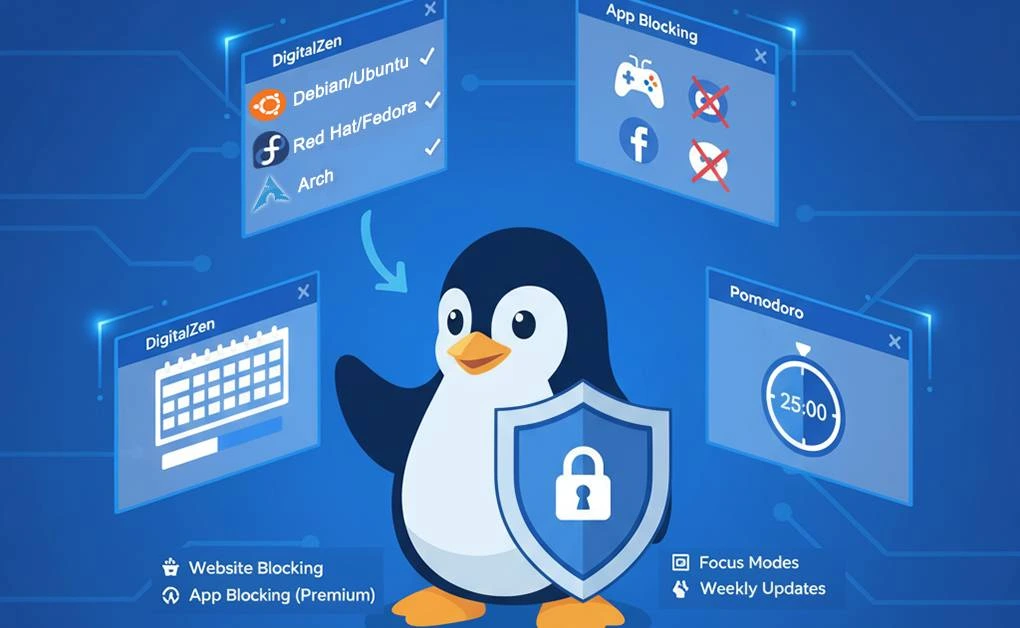
If you need distraction-blocking on Linux, look for a Cold Turkey alternative that runs natively on your system. The best tools should block both websites and desktop applications, install easily, and start working within minutes.
Built for Linux Users From Day One
Some tools are built with Linux users in mind from the start. They run natively on major distributions and desktop environments, without relying on emulators or compatibility layers.
These tools support a wide range of systems, including:
- Debian-based: Ubuntu, Debian, Linux Mint, Pop!_OS, Zorin OS, Kali Linux, and others
- Red Hat-based: Fedora, CentOS, RHEL, Rocky Linux, AlmaLinux, and more
- Arch-based: Arch Linux, Manjaro, and similar derivatives
If your distribution isn’t listed, developers often expand support quickly based on user feedback, a common strength of Linux-focused projects.
Supported Desktop Environments:
Some tools already work across:
- All X11-based desktop environments
- GNOME-Wayland and Unity
- Upcoming support for KDE-Wayland as its APIs stabilize
In short, some productivity blockers are truly designed for Linux, offering native performance instead of patched Windows ports.
Check Features That Work on Linux
Website Blocking:
- Block specific sites or entire categories
- Schedule blocks for work hours
- Set daily time limits
App Blocking (Premium):
- Block any Linux desktop application
- Works with Flatpak, Snap, and native apps
- Block games, social media apps, and messaging
Focus Modes:
- Pomodoro timer built-in
- Custom focus sessions where only allowed apps and websites remain accessible
- Break reminders to prevent burnout
Real Support and Weekly Updates
Some Linux productivity tools follow an Agile release cycle, rolling out small updates multiple times a week. Also, users can usually report bugs or request new features directly through the app, ensuring issues are addressed quickly and feedback helps shape future releases.
If you’re searching for the best Linux website blocker, look for tools that offer native Linux support, regular updates, and responsive customer service to ensure reliability across different distributions.
Why DigitalZen Works Better on Linux
DigitalZen is one of the few focus tools that offers a fully native desktop app for Linux, alongside extensions for all major browsers. It’s easy to install, requires no technical skills, and provides both website and app blocking in one unified system.
The platform includes adaptive lock mechanisms that help users control distractions. Options include cooldown timers, friend-based unlock codes, scheduled unlocks, and even small monetary fines to discourage impulsive behavior.
DigitalZen Linux Website Blocker also features content and wellness tools, such as pre-defined blockers for adult or gambling sites, weekend and nighttime schedules, and daily focus reminders for better work-life balance. Its anti-uninstall protection, extension-removal prevention, and one-click focus session make it reliable for serious users who want lasting productivity on Linux.
Final Thoughts: Why Cold Turkey Doesn’t Work on Linux (and What Does)
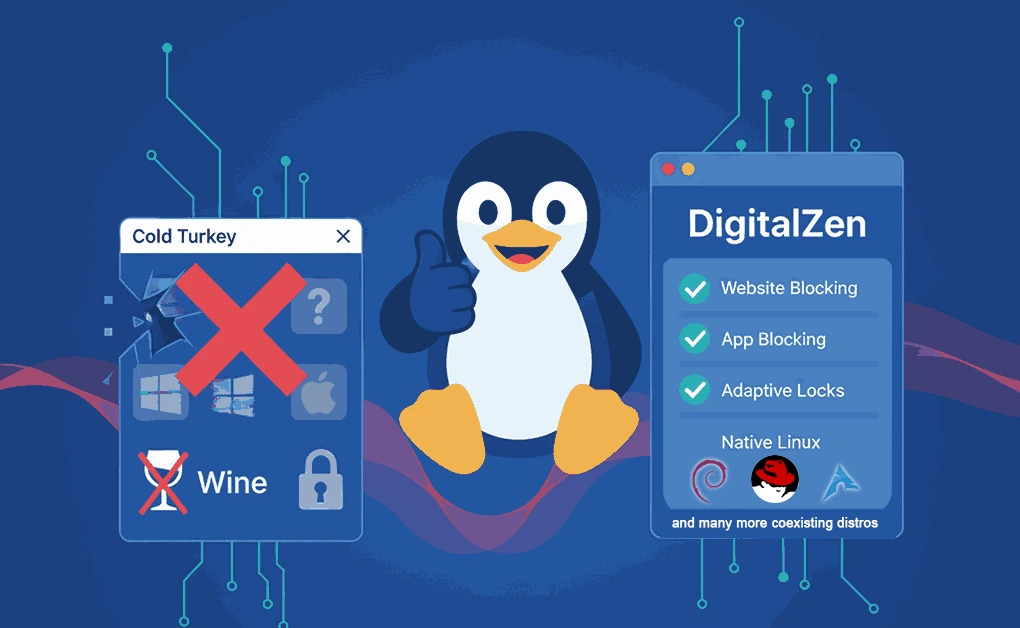
Cold Turkey isn’t built for Linux. It depends on Windows and macOS system permissions that don’t exist on Linux, making workarounds like Wine or virtual machines unreliable and insecure. As a result, Linux users are left without a native way to block apps and websites effectively.
That’s where DigitalZen comes in. It runs natively on Linux, blocks both websites and desktop applications, and includes adaptive lock features that help you stay focused without complex setup. The app updates frequently, supports all major distributions, and starts working right after installation: no emulators, no system tweaks, just pure focus.
Frequently Asked Questions
Can I Run Cold Turkey on Linux Using Wine?
No. Wine can’t replicate the system permissions Cold Turkey needs. Browser blocking partially works, but app blocking completely fails. The developer won’t support Wine installations.
Will Cold Turkey Ever Support Linux?
Unlikely. Cold Turkey has existed since 2010 without Linux support. The developer focuses on Windows and macOS exclusively.
Does DigitalZen Really Block Linux Applications?
Yes. DigitalZen’s desktop agent can block any Linux application. Users select apps from a pre-defined list or add custom applications, and the agent enforces focus using adaptive locks, cooldowns, and uninstall protection. It works across Linux distributions without requiring root access or special permissions.
Is DigitalZen’s Free Tier Enough?
The free Basic plan offers the essentials: you can block websites, use up to two adaptive schedulers, set focus sessions, and apply Pomodoro-style timers. It’s great for getting started and managing light distractions.
However, if you want deeper control and stronger anti-procrastination tools, the Premium plan is the better choice. It unlocks desktop app blocking, advanced adaptive locks, and VIP support across Windows, macOS, and Linux: giving you a more complete and reliable focus system.
References:
- https://askubuntu.com/questions/49255/risks-disadvantages-associated-with-wine#:~:text=Windows%20malware%20needs%20to%20be,out%20of%20the%20WINE%20sandbox.
- https://loginlockdown.com/best-time-management-apps/cold-turkey/
- https://getcoldturkey.com/