
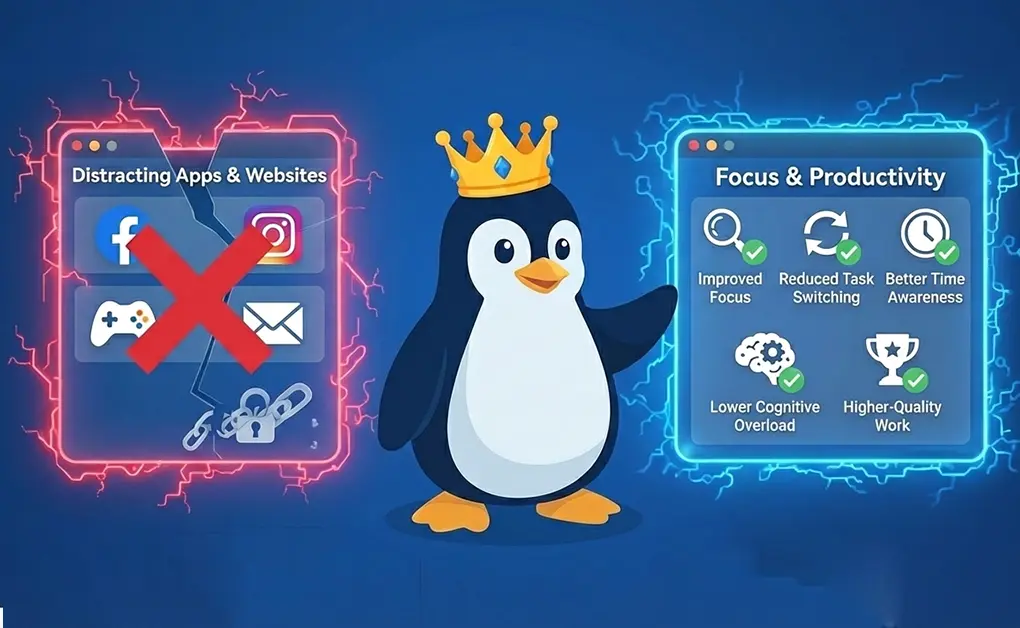
Blocking distracting apps and websites improves focus, reduces task switching, and helps you use time more intentionally. By limiting constant interruptions, these tools lower mental overload, support better habits, and make it easier to concentrate on meaningful work. The result is higher-quality output, less cognitive fatigue, and a more controlled, productive digital routine.
Key Takeaways
- Blocking distracting apps and websites improves focus and attention control: Reducing constant notifications and impulse checks allows the mind to stay engaged with a single task for longer periods without fragmentation.
- Limiting distractions reduces mental fatigue and task switching: Fewer context switches lower cognitive load, making sustained focus feel more natural and preventing burnout during work or study sessions.
- Screen time boundaries lead to better time awareness and efficiency: When access to time-wasting apps and websites is limited, it becomes easier to recognize how time is spent and complete tasks faster with fewer delays.
- Managing screen time lowers cognitive overload and supports balance: Processing less digital input throughout the day helps the brain transition more smoothly between focus, rest, and recovery.
- Consistent blocking supports habit formation and higher-quality work: Clear, predefined limits reduce reliance on willpower and make focused behavior easier to sustain over time, leading to deeper work and better output.
What Are the 6 Benefits of Blocking Distracting Websites and Apps?
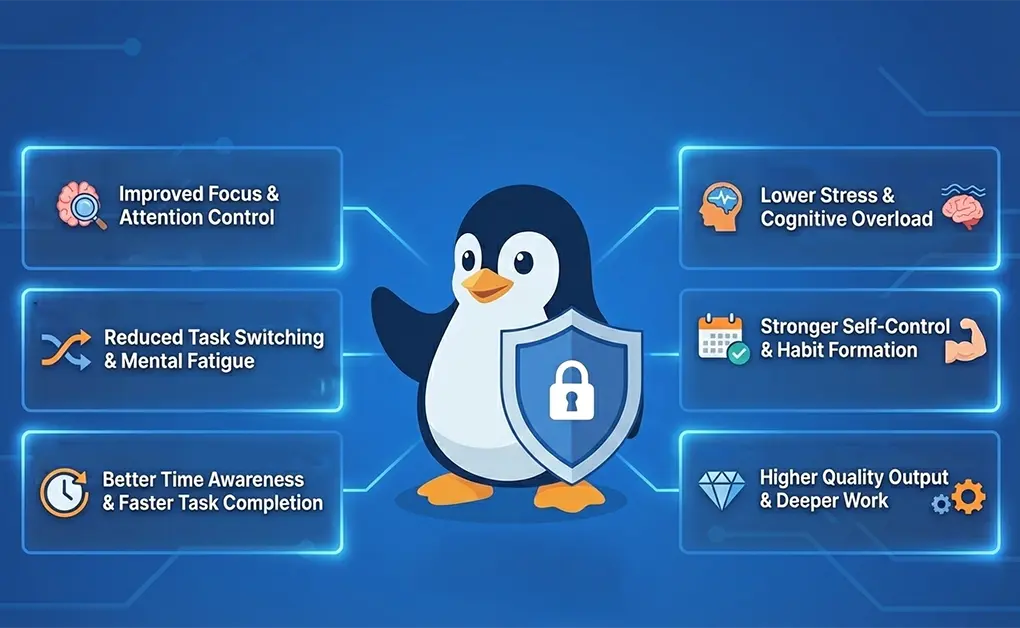
Instead of relying on willpower alone, website and app blockers help users set clear boundaries around distractions, making it easier to stay productive and in control of screen time.
Rather than completely denying access to social media, games, or email, some tools allow users to restrict or schedule usage to support focus and healthier work habits. The result is not just fewer distractions, but a noticeable improvement in how time, energy, and attention are used throughout the day.
1. Improved Focus and Attention Control
When distracting apps and websites are blocked, attention is no longer fragmented by constant notifications, pop-ups, or impulse checks. This helps the mind stay engaged with a single task for longer periods, making it easier to concentrate and maintain momentum while working or studying, especially when paired with practical Linux productivity tips to minimize system-level distractions.
2. Reduced Task Switching and Mental Fatigue
Frequent task switching drains mental energy and increases cognitive load. By blocking common sources of distraction, users reduce the number of context switches they experience, helping prevent mental exhaustion and making sustained focus feel more natural instead of forced.
3. Better Time Awareness and Faster Task Completion
Limiting access to time-wasting apps and websites helps users become more aware of how their time is spent, leading to more intentional work sessions and faster task completion. This is especially useful for people who switch devices throughout the day and need to keep productivity synced across Linux, macOS, and Windows.
4. Lower Stress and Cognitive Overload
Constant digital interruptions contribute to feelings of stress and overwhelm. Blocking distractions reduces the amount of information the brain needs to process, creating mental breathing room and allowing users to work in a calmer, more controlled state.
5. Stronger Self-Control and Habit Formation
By setting predefined limits around distracting apps and websites, users gradually strengthen self-discipline without needing to make repeated decisions throughout the day. Over time, this supports healthier digital habits and makes focused behavior easier to sustain.
6. Higher Quality Output and Deeper Work
With fewer interruptions and more consistent focus, users are better equipped to handle complex or demanding tasks. Blocking distractions supports deeper work, leading to higher-quality output and more satisfying progress on meaningful projects.
How Distractions Derail Productivity
Did you know the average person has about 4,000 weeks on earth? So why waste so much of it on screens? Smartphones, tablets, and laptops are a major part of daily life, but constant notifications, emails, and messages are some of the biggest enemies of productivity.
Multitasking with media reduces your ability to complete tasks effectively and makes it easy to lose track of time. On average, distractions consume about two hours per day in workplaces. According to a study by the University of California, Irvine, it takes 23 minutes and 15 seconds on average to fully regain focus after a distraction.
What happens next? Reduced work quality and delayed task completion. Once your attention is pulled away by constant alerts, tasks take longer to finish. On average, distractions increase task turnaround time by 27%.
Online interruptions also increase the risk of errors, which leads to rework and wasted effort. The cost of distraction is not just an individual issue. It affects teams, workflows, and entire businesses. Understanding how much time and focus are lost to distractions is the first step toward reclaiming control. Blocking the websites and apps you are most addicted to helps protect your attention and productivity.
How DigitalZen Blocks Distracting Apps and Websites Across Devices

DigitalZen is an app and website-blocking tool designed to help users take control of online distractions and manage their digital lives more intentionally. While browser-based tools can help, extensions alone may not be sufficient, especially when distractions arise from multiple browsers or desktop apps.
DigitalZen helps users manage distracting websites and maintain focus time by allowing them to:
Block distracting apps and websites across supported browsers
- Apply blocking rules beyond a single browser session
- Enforce scheduled breaks to help users refocus
- Use time-based reminders to step away from screens
A built-in whitelist allows users to specify which work-related apps and websites remain accessible, while everything else stays blocked by default. This creates a focused environment without requiring constant decisions or manual intervention throughout the day.
By integrating DigitalZen into a daily routine, users can stay focused during work sessions and create clearer boundaries around digital use in a constantly connected digital world. The result is a more controlled and intentional digital environment that supports consistent work habits.
How Managing Screen Time Reduces Cognitive Overload and Improves Balance
Managing screen time does more than improve workplace productivity or reduce distraction-related losses. When screen time is intentionally limited, the brain processes less incoming information throughout the day. This reduces cognitive load and makes it easier to move between focused work, rest, and recovery.
App and website blocking tools support this by placing clear boundaries around digital use. Instead of reacting to constant notifications and alerts, users experience fewer interruptions and more predictable breaks from screens.
Key effects of limiting screen time include:
- Reduced mental overload from constant information input
- Easier transitions between focus and rest
- More consistent daily rhythms without digital fatigue
DigitalZen reinforces these boundaries through structured screen-time controls. Features such as scheduled breaks, bedtime reminders, and zero-screen modes help users step away at defined moments rather than disconnecting only when exhaustion sets in.
As screen time becomes more controlled, users regain flexibility in how they spend time outside of work. With fewer digital interruptions competing for attention, it becomes easier to:
- Stay present during offline activities
- Maintain healthier daily routines
- Create space for priorities beyond screens
Conclusion: Making Focus a Lasting Habit With DigitalZen
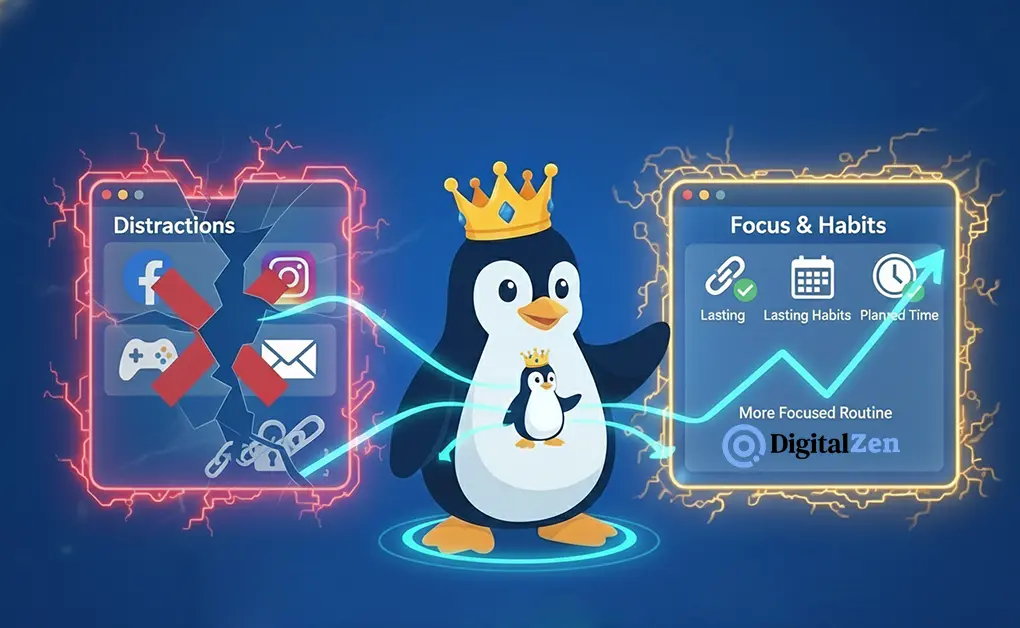
Building productivity and focus starts with reducing digital distractions that interrupt your workday. Every notification and moment of endless scrolling make it harder to maintain your ability to concentrate.
DigitalZen helps you regain control of your digital habits by applying intentional blocking settings for specific sites and apps across all your devices. Using planned time blocks and regular breaks makes focused work easier to maintain without constant decision-making.
Over time, fewer interruptions support better digital well-being, a stronger sense of well-being, and a more balanced life. If you are ready to take the first step towards a more focused routine, DigitalZen provides a practical solution for managing distractions and building healthier habits.
FAQs About Blocking Distracting Apps and Websites
What Are the Benefits of Avoiding Distractions?
Avoiding distractions helps improve focus, reduce mental fatigue, and make better use of time. With fewer interruptions, it becomes easier to stay engaged with tasks, complete work faster, and maintain consistent attention without constantly refocusing.
Can App Blockers Improve Productivity?
Yes. App blockers improve productivity by limiting access to distracting apps and websites during work or study periods. By reducing task switching and unnecessary interruptions, they help users stay focused, manage time more intentionally, and complete tasks with fewer delays.
How Does Blocking Distractions Affect Workplace Focus and Productivity?
Blocking distractions supports workplace focus by reducing interruptions from notifications, emails, and non-work websites. This leads to fewer errors, smoother workflows, and more consistent task completion across individual contributors and teams.
How Effective Are Website Blockers?
Website blockers are effective when they are used consistently and applied across devices and browsers. They work best when combined with scheduled blocking, clear boundaries, and system-level enforcement rather than relying on browser extensions alone.