
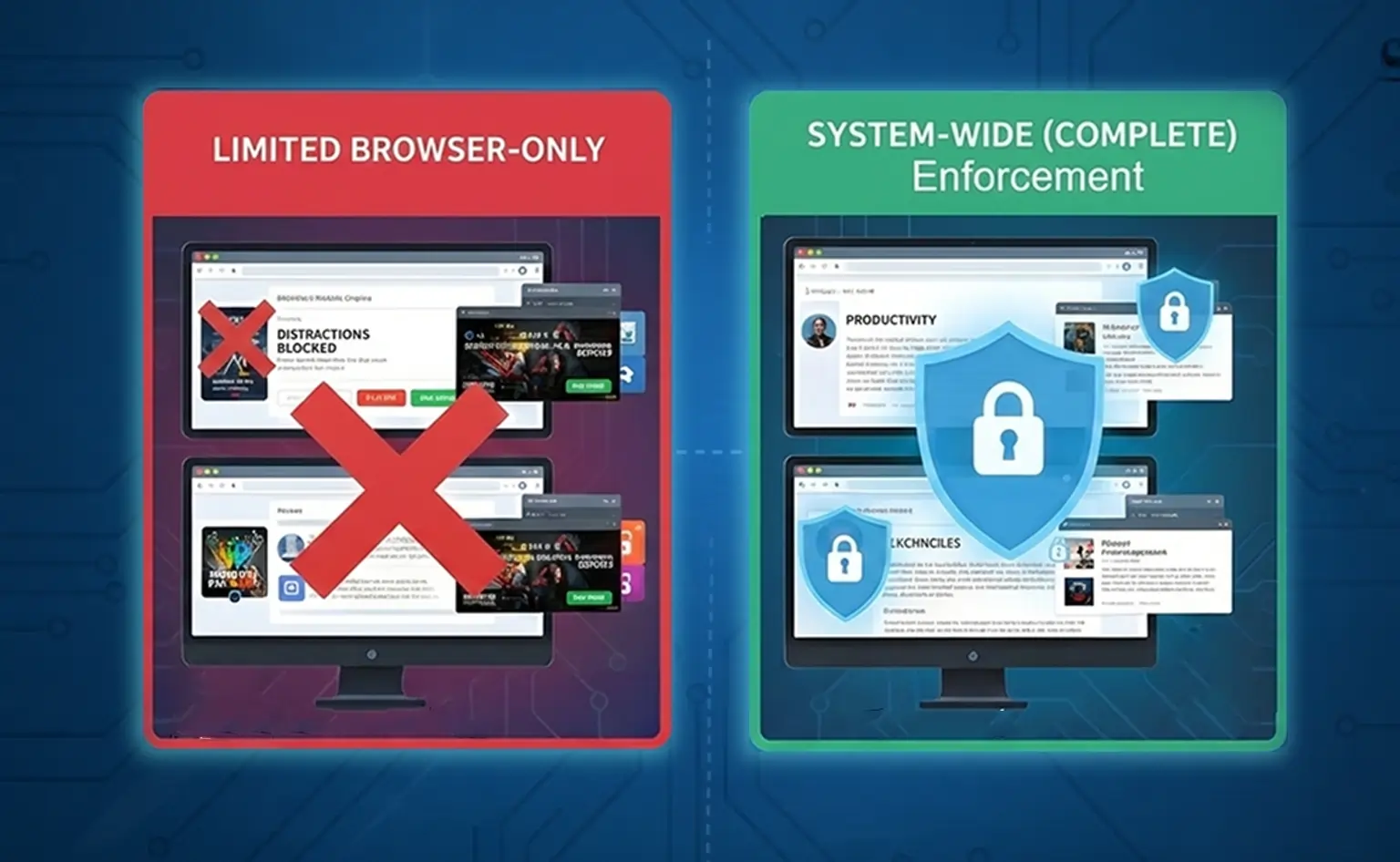
Browser extensions aren’t sufficient for blocking distractions on modern operating systems because they only control activity within a single browser. They cannot block desktop apps, enforce rules across multiple browsers, or prevent easy bypass. Distractions span the entire system across Linux, macOS, and Windows, so reliable focus control requires system-wide enforcement, not browser-only tools.
Key Takeaways
- Browser Extensions Are Limited to One Browser: Extensions apply rules only within the browser they are installed in. Switching browsers or profiles immediately bypasses distraction blocking on Linux, macOS, and Windows.
- Distractions Exist Beyond Web Tabs: Games, chat apps, launchers, and other desktop tools operate outside the browser. Extension-based blocking remains blind to many real-world distractions that live at the system level.
- Ease of Use Comes at the Cost of Enforcement: Browser extensions are simple to install because they lack system-level permissions. That same simplicity makes them easy to disable, remove, or override during moments of low focus.
- Effective Focus Requires System-Wide and Layered Control: Reliable distraction blocking depends on combining browser-level precision with desktop-level enforcement and behavioral friction that holds up under real usage across operating systems.
Browser Extensions Can’t Enforce Focus Across the System
Browser extensions operate inside a single browser environment. They do not control what happens outside that browser, and on modern operating systems, that limitation matters immediately.
A browser extension has no authority over:
- Desktop applications such as games, chat tools, and launchers
- System processes that start apps or open links
- Alternative browsers or separate browser profiles
Modern operating systems do not funnel activity through one application. Distractions move freely between browsers, desktop software, and system tools. When blocking exists only at the browser level, focus control stops as soon as attention shifts elsewhere.
Browser-Only Control Breaks the Moment You Leave the Browser
Browser extensions apply rules only to the browser they are installed in. That creates a fragile boundary that depends on staying in one place.
In practice:
- Opening a different browser bypasses extension rules instantly
- Desktop apps continue running without restriction
- Focus rules do not follow you across workflows or usage contexts
Using multiple browsers is common across Linux, macOS, and Windows. People separate work and personal browsing, switch browsers for compatibility, or move between tools based on the task. This is especially common for students and professionals who jump between research, learning platforms, and daily work tools.
Modern Operating Systems Provide Too Many Escape Routes for Extensions to Control
Modern operating systems prioritize flexibility and user control over built-in guardrails. That design choice makes browser extensions easy to bypass.
Browser extensions lack:
- System-level enforcement that applies across the operating system
- A centralized authority that controls all access paths
- Protection against quick disablement, removal, or simple workarounds
Pausing an extension, uninstalling it, opening a private window, or launching an unprotected browser requires little effort. These escape routes are not flaws in the tools themselves. They are a direct result of extensions operating at the weakest enforcement layer available.
When distractions exist across the system, tools confined to a single browser cannot enforce focus reliably, regardless of whether the system is Linux, macOS, or Windows.
Browser Extensions Are Easy Because They Lack Authority
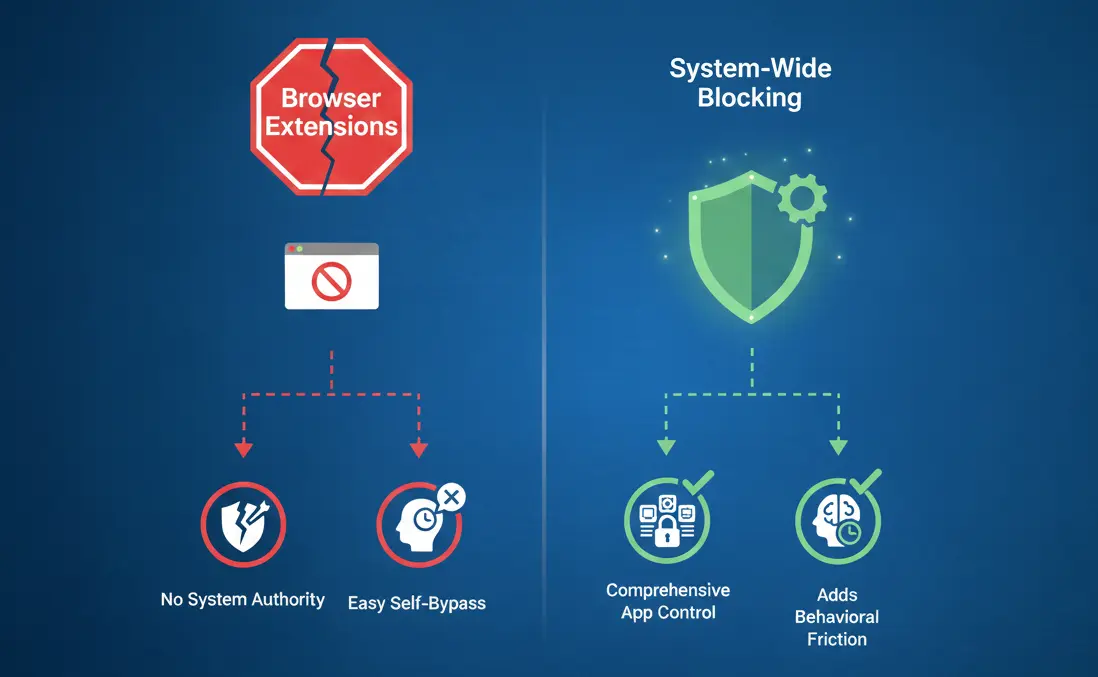
Browser extensions feel simple because they operate with limited permissions. They install quickly, do not require administrative access, and remain confined to the browser. That same convenience explains why they struggle to enforce focus on modern operating systems.
Extensions Don’t Require Elevated Permissions
Browser extensions run without system or administrative privileges. They cannot see or control activity beyond the browser sandbox.
This limited scope means extensions cannot enforce rules across the operating system, control desktop applications or system processes, or protect themselves from being disabled or removed.
They are designed to be lightweight and safe, not authoritative. This design keeps setup simple but prevents extensions from acting as a reliable enforcement layer for focus control across Linux, macOS, and Windows.
Why Convenience Fails Under Real Distraction Pressure
Tools that are easy to install are just as easy to disable. When focus slips, there is nothing slowing that decision down.
In moments of temptation, disabling or uninstalling an extension takes seconds. This often shows up in gaming contexts, where disabling a block for “one session” quickly becomes a recurring habit. There is no friction to pause impulsive behavior, and nothing prevents self-override.
This pattern appears across many situations, from gaming sessions that run longer than planned to workdays where motivation dips and distractions feel easier than the task at hand.
This is not a discipline problem. It is a tooling limitation. Focus tools that rely on willpower alone break down when distractions compete for attention in real time.
System-Wide Blocking Solves What Extensions Can’t
System-wide blocking operates at the operating system level instead of inside a single browser. This changes how focus rules work across modern systems. Rather than relying on a single app or context, the same rules apply consistently across the entire system, which is essential when limiting app usage time on Linux and on other operating systems like macOS and Windows, across browsers and desktop applications.
System-Level Rules Follow the User Everywhere
System-wide blocking uses a single rule set that applies universally. You do not manage separate configurations for each browser or application. The same boundaries remain in place regardless of how distractions are accessed.
This matters for people working across locations or temporary setups, where reinstalling and managing scattered browser extensions is not practical and consistent system-level control is required.
System-wide rules provide:
- One consistent rule set across all browsers
- Enforcement that applies to both browsers and desktop apps
- No need to reconfigure settings when switching tools or workflows
Because enforcement lives below the browser layer, these rules continue to work even when contexts change. This matters for anyone who moves between devices, locations, or work environments and needs focus controls that remain reliable.
Why Reliable Focus Control Requires a Layered Approach
Modern operating systems are flexible by design. That flexibility means no single blocking layer is sufficient on its own. Reliable focus control requires multiple layers working together.
A layered blocking approach combines:
- Browser-level filtering for precise control over specific sites or pages
- Desktop-level enforcement to cover native applications and launchers
- Behavioral friction that slows impulsive decisions and prevents quick self-bypass
This combination addresses both technical limitations and human behavior. Instead of relying on willpower alone, layered blocking creates boundaries that hold up under real-world distraction pressure across Linux, macOS, and Windows.
What to Look for Instead of Relying on Browser Extensions

If browser extensions fall short, the solution is not adding more extensions. The solution is to understand what makes an effective website and app blocker and to choose tools designed to work across the entire system, while matching how people actually use their computers.
This applies to Linux, macOS, and Windows, where distractions can move freely between browsers and desktop applications.
1. Centralized Control Across Browsers and Apps
Effective focus control starts with managing rules in one place. When blocking logic is centralized, it applies consistently regardless of how distractions appear.
Centralized control provides:
- One rule set that applies across all browsers
- Coverage that extends to desktop apps, not just websites
This removes fragmentation. You do not need to remember which browser is protected or which tool is active. Focus rules follow you automatically, even when workflows shift between apps and browsers on Linux, macOS, or Windows.
2. Protection Against Easy Disabling or Uninstalling
Blocking tools fail when they are easy to override in the moment. Reliable alternatives introduce friction that slows impulsive decisions without permanently locking you out.
Look for protections such as:
- Unlocking steps instead of instant disable buttons
- Time delays or accountability mechanisms that force a pause
This resistance is not punishment. It creates space to reconsider when temptation hits, something browser extensions alone cannot provide on any operating system.
3. Adaptive Blocking That Matches Real-Life Willpower
Willpower is not consistent. Some days you need a light reminder. Other days, you need firm boundaries. Effective tools must support both without creating loopholes.
Adaptive blocking provides:
- Light nudges when focus is stable
- Stronger locks when discipline drops
- Flexibility that adjusts without opening easy escape routes
This balance works across many use cases, from focused work and study to gaming limits and flexible schedules. Tools that combine browser-level precision with desktop-level enforcement are built for how people actually use their computers, not for a single OS or workflow.
Conclusion: Browser Extensions Are Helpful, But Not Enough
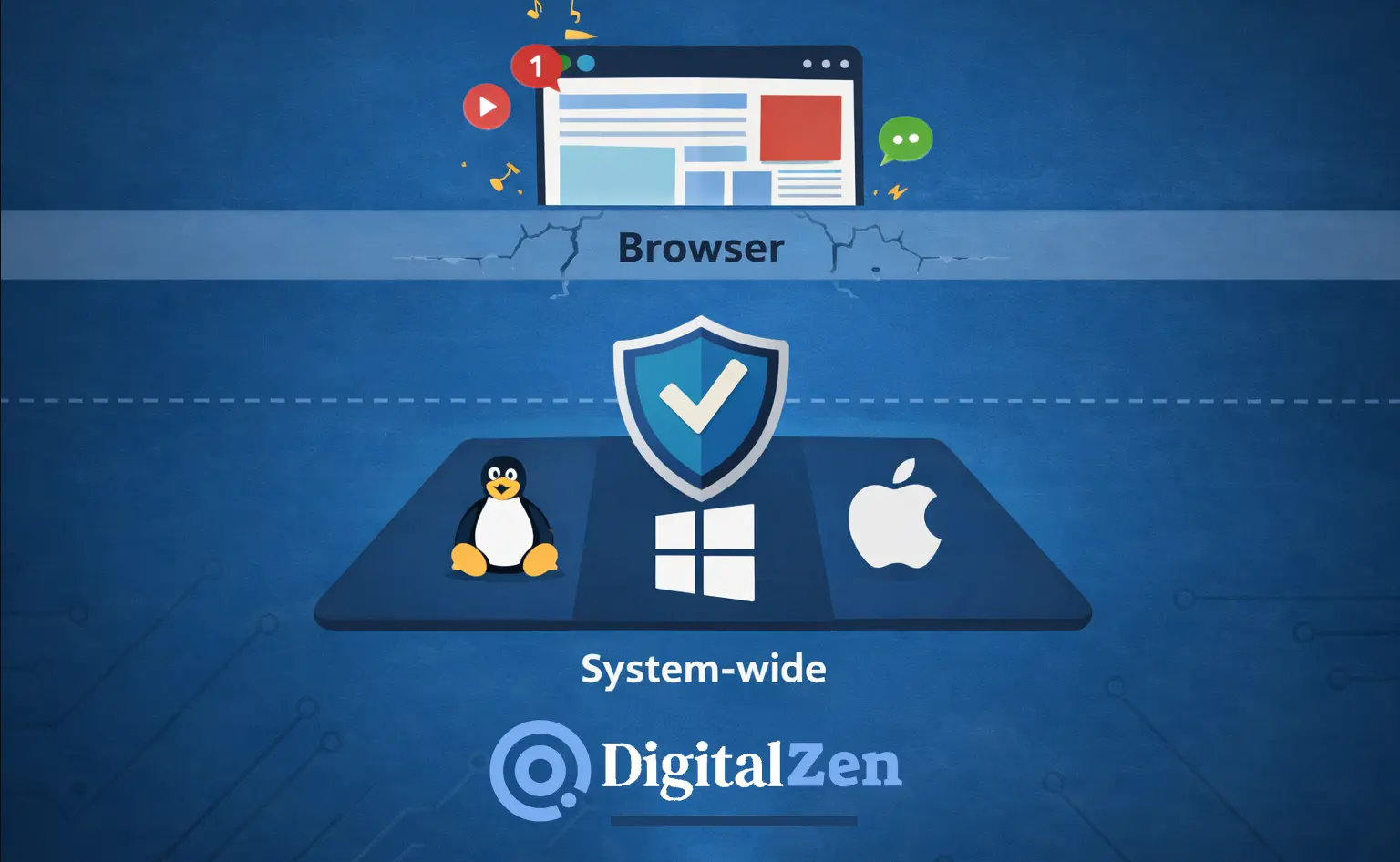
Browser extensions are useful for light, short-term focus. They work when distractions stay inside a single browser and when enforcement is not critical. On modern operating systems, that situation rarely lasts.
Linux, macOS, and Windows are all flexible by design. That flexibility makes browser-only blocking fragile because distractions move freely between browsers, desktop apps, and system entry points. When focus tools operate at only one layer, they lose effectiveness as soon as context changes.
Real distraction control requires system-wide enforcement. Focus rules need to apply across browsers and applications, not just inside a single tab. Without that depth, blocking relies too heavily on willpower and breaks down under pressure.
The problem is not discipline. It is the tooling depth. Tools designed for system-wide focus control, such as DigitalZen, address this gap by combining website blocking with desktop app blocking in a single, unified setup. Effective focus tools must work with how people actually use their computers across Linux, macOS, and Windows, not around those realities.
Frequently Asked Questions
Why Is Distraction Blocking Harder on Linux Than on Other Operating Systems?
Distraction blocking is harder on Linux because the system prioritizes user freedom and flexibility. Linux allows multiple browsers, custom launchers, separate profiles, and unrestricted app installation without centralized enforcement by default. This creates many parallel access paths to the same distractions. Tools that work only at the browser level struggle to remain effective in such an open environment.
What Happens When I Switch Browsers or Use Multiple Browser Profiles?
When you switch browsers or create a new browser profile, browser extensions stop enforcing their rules unless they are installed and configured again. Each browser and profile operates independently. This means blocking rules do not carry over automatically, and distractions become accessible again.
On Linux, where using multiple browsers is common, this fragmentation makes extension-based blocking unreliable.
How Do People Bypass Browser Extensions Without Realizing It?
People often bypass browser extensions unintentionally by switching browsers, opening private or incognito windows, using separate profiles, or disabling extensions during moments of low focus. Because extensions are easy to pause or remove, small decisions made under distraction pressure quickly undermine blocking rules.
This happens even to disciplined users and is a result of tool design, not behavior.
Can Browser Extensions Block Desktop Apps?
No. Browser extensions cannot block desktop applications. They operate only inside the browser they are installed in and have no visibility into native desktop apps on Linux, macOS, or Windows.
Games, chat tools, launchers, and other desktop software run outside the browser environment. Extensions cannot detect, limit, or block them. This makes blocking distractions like games ineffective when relying on browser-only tools. If distractions include desktop apps, browser extensions alone are insufficient.
What Should I Look For in a Website and App Blocker?
A reliable website and app blocker should offer centralized control across browsers and desktop apps, protection against easy disabling or uninstalling, and system-wide enforcement.
It should also support adaptive blocking, allowing lighter restrictions when focus is stable and stronger boundaries when focus declines. This aligns with productivity tips for Linux users and users of macOS and Windows, where focus tools must adapt to real workflows instead of relying on rigid, one-size-fits-all rules.
What Does System-Wide Distraction Blocking Mean?
System-wide distraction blocking means applying focus rules at the operating system level rather than inside a single browser. These rules affect all browsers and desktop applications consistently.
Because enforcement lives below the browser layer, distractions remain blocked even when workflows change, new browsers are installed, or apps are launched outside the web. This approach works across Linux, macOS, and Windows, where distractions can originate from multiple entry points.
References: