
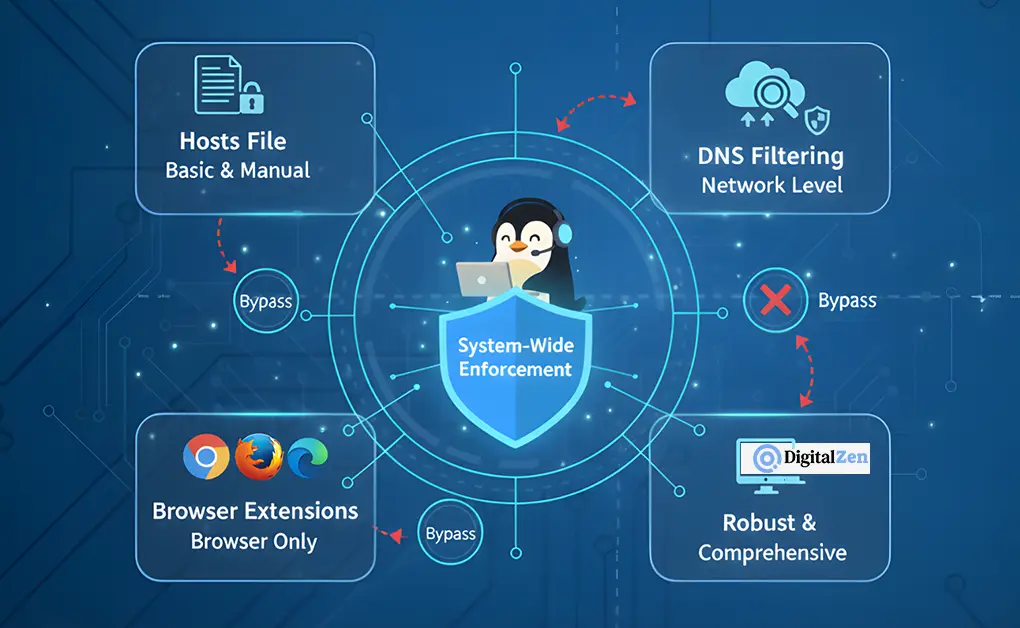
How to Block Websites on Windows: Easy & System-Wide
You can block websites on Windows using the hosts file, DNS-based filtering, browser extensions, or system-wide blocking apps. Built-in tools and browser-based methods work for basic needs, but system-level blockers
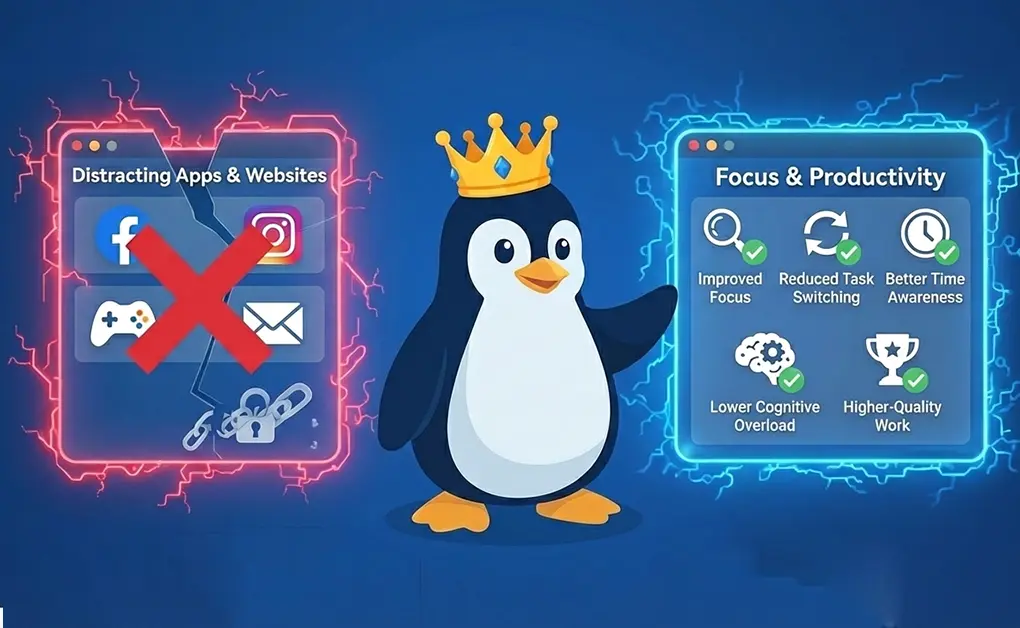
The Benefits of Blocking Distracting Apps and Websites
Blocking distracting apps and websites improves focus, reduces task switching, and helps you use time more intentionally. By limiting constant interruptions, these tools lower mental overload, support better habits, and
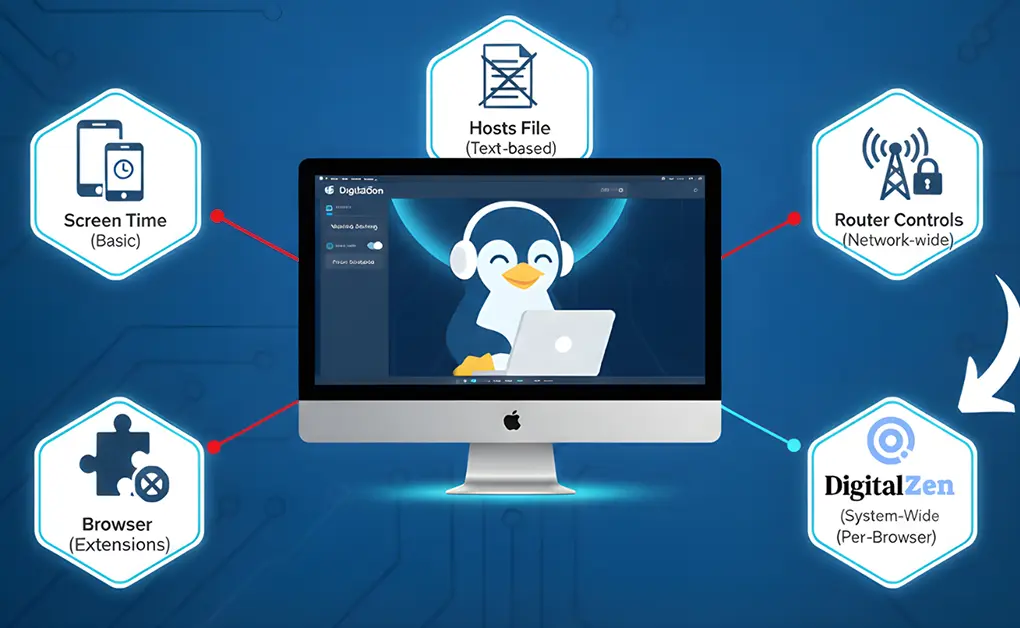
How to Block Websites on Mac: Screen Time to System-Wide
You can block websites on a Mac using Screen Time, the hosts file, router-level controls, browser extensions, or a system-wide blocking app. Built-in options work for basic or shared use,
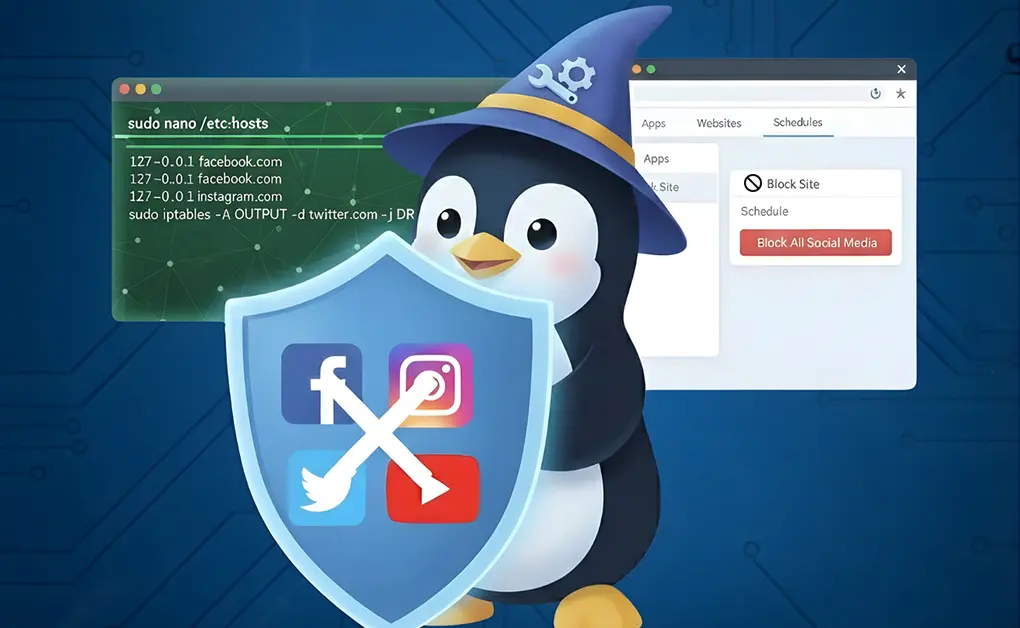
How to Control Social Media Usage on Linux Using Simple Tools
You can control social media usage on Linux using system-level blocks, firewall rules, browser extensions, or desktop tools. While basic methods fully block access, many users prefer moderation. Tools like
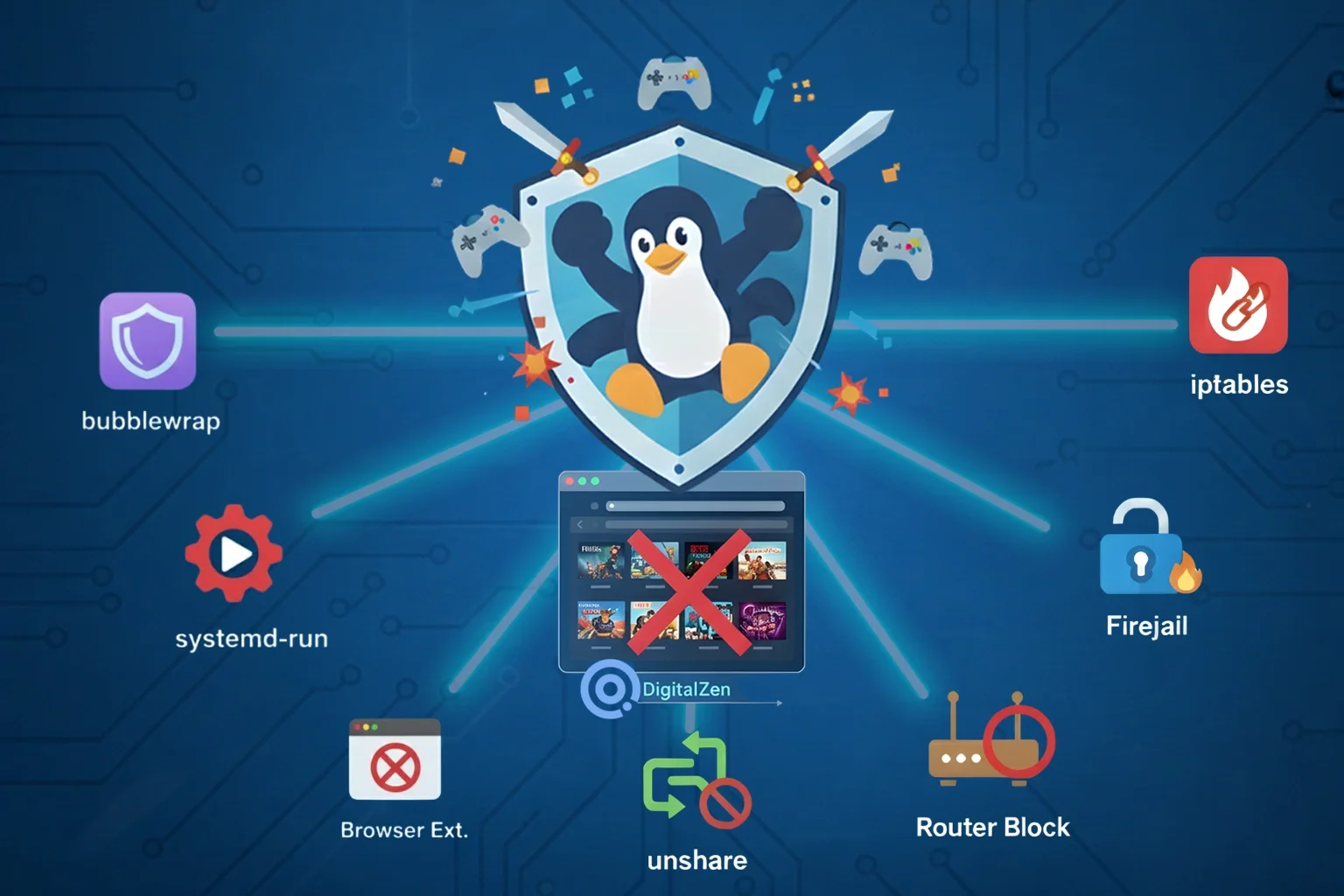
How to Moderate Gaming on Linux with 8 Simple Methods
You can moderate gaming on Linux by controlling desktop games such as Steam, Proton, Wine, and native Linux titles using the DigitalZen platform, which supports schedules, time limits, and reminders.
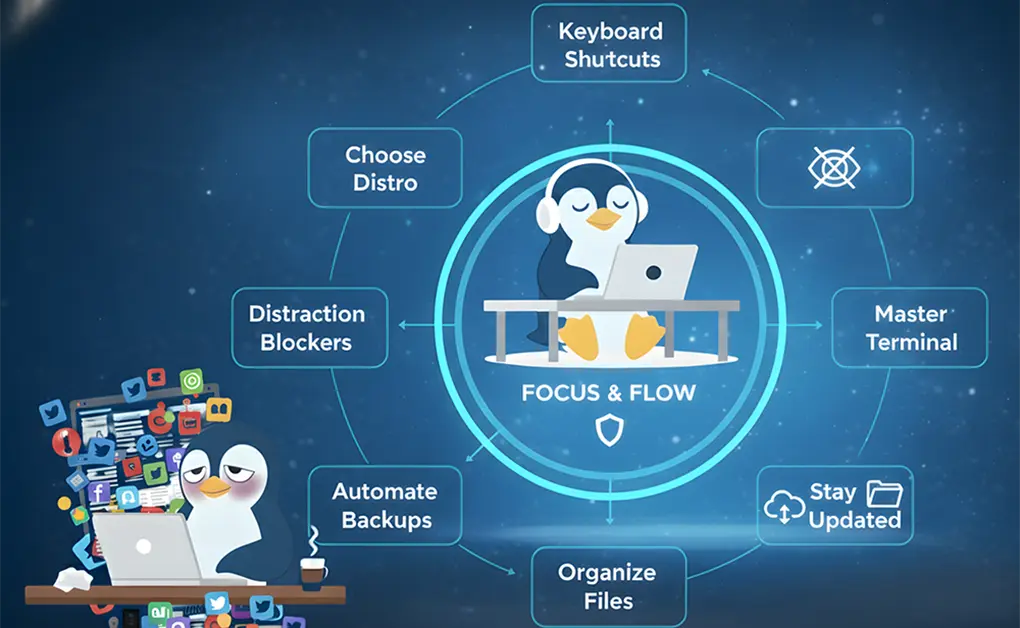
12 Linux Workflow Mistakes That Waste Time (And Fixes)
The biggest Linux workflow mistakes that waste time include choosing the wrong distro, treating Linux like Windows, over-customizing setups, avoiding the terminal, mixing software sources, skipping updates, using root for
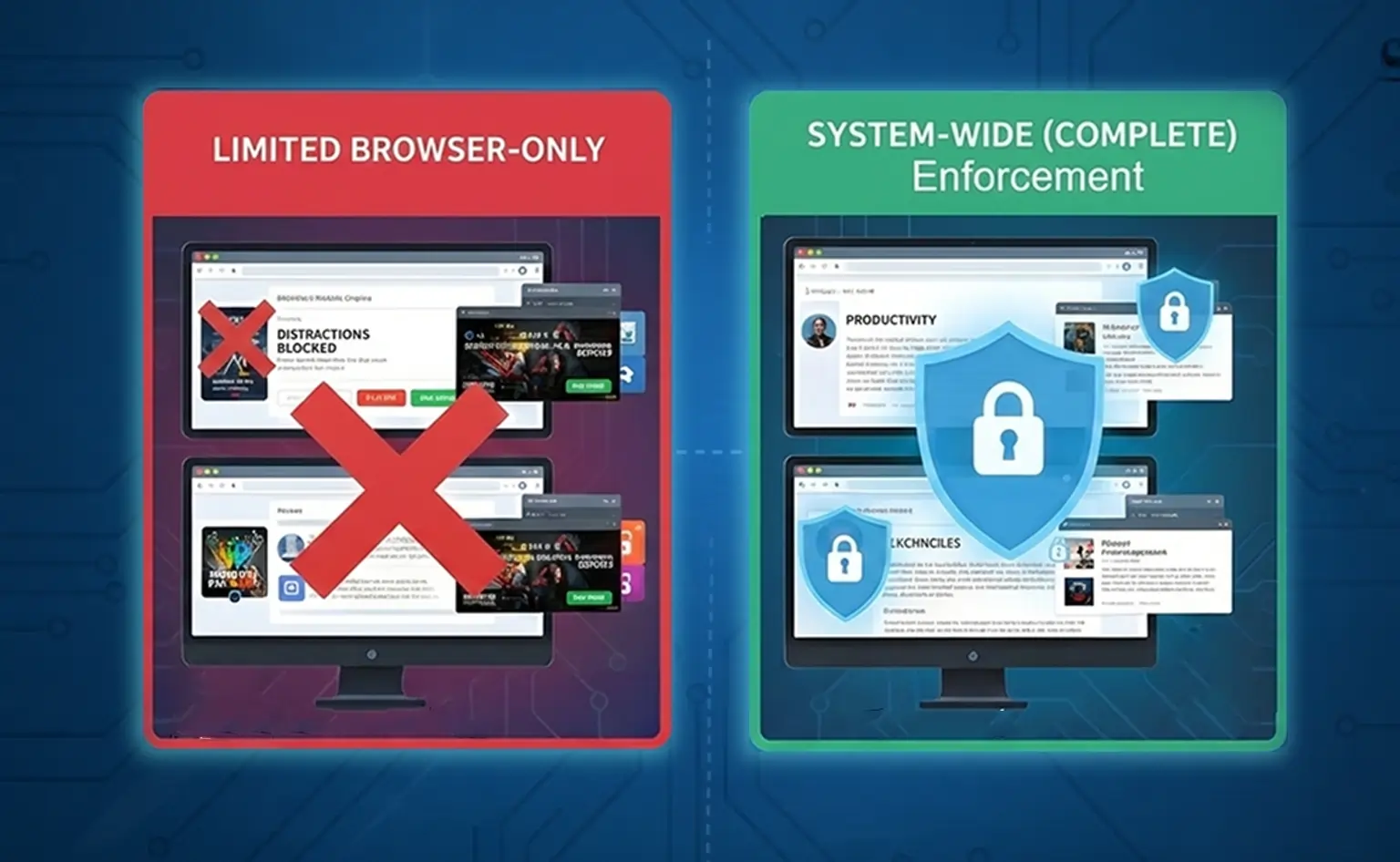
Why Browser Extensions Aren’t Enough to Block Distractions
Browser extensions aren’t sufficient for blocking distractions on modern operating systems because they only control activity within a single browser. They cannot block desktop apps, enforce rules across multiple browsers,
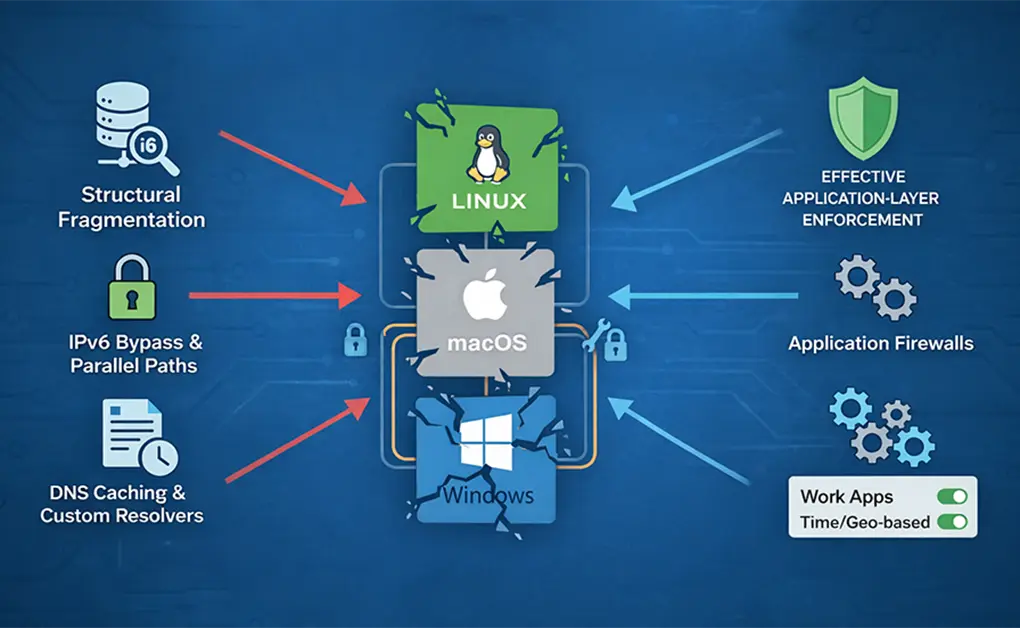
Why Hosts File Blocking Fails on Linux, macOS, and Windows: How to Fix It
Hosts file blocking often fails on Linux, macOS, and Windows because browsers and applications can bypass it, cache DNS results, or rely on IPv6 and custom resolvers. Even correctly configured
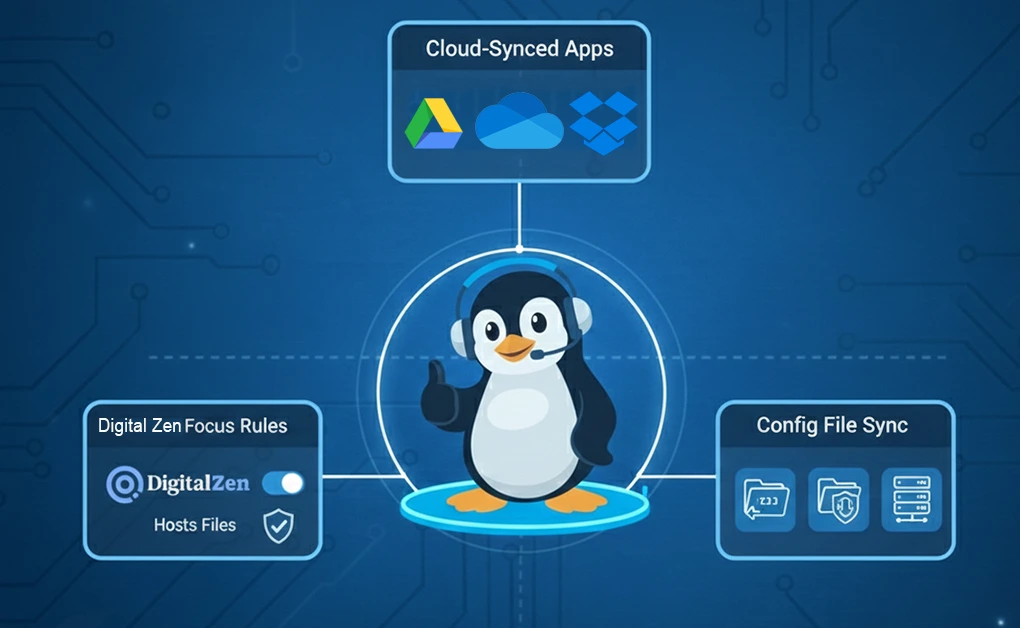
How to Stay Productive by Syncing App Settings Across Devices and Platforms
The fastest way to maintain a consistent workflow is to sync your favorite apps settings across your devices. Whether you're recovering from a crash, using multiple machines, or switching between
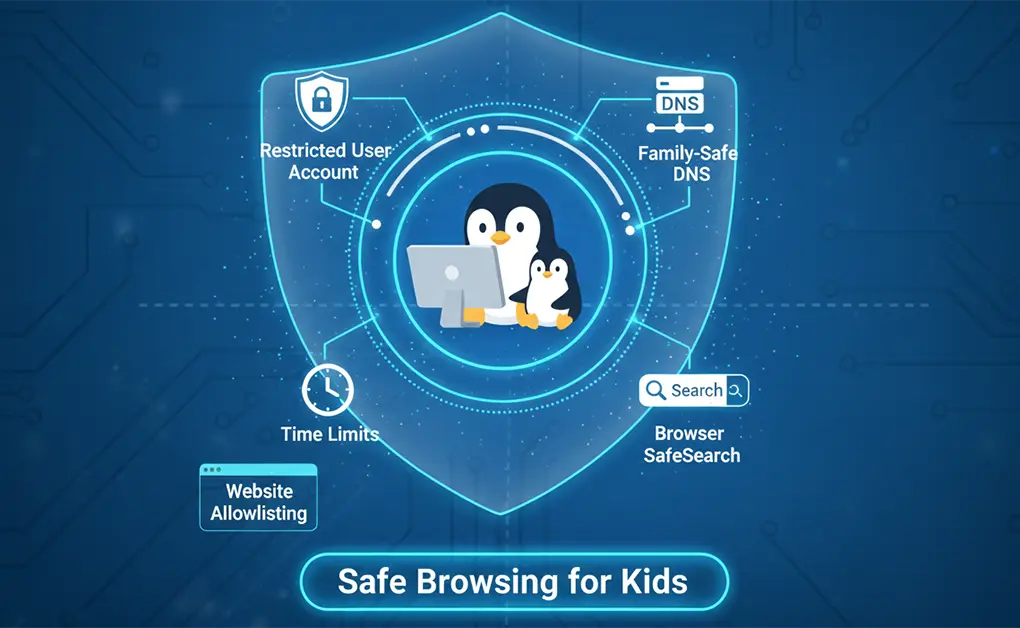
How to Set Up Safe Browsing for Kids on Linux: Quick Setup
To set up safe browsing for kids on Linux, create a restricted (non-admin) user account, apply family-safe DNS filtering, enable browser SafeSearch, and set time limits. For younger children, use