
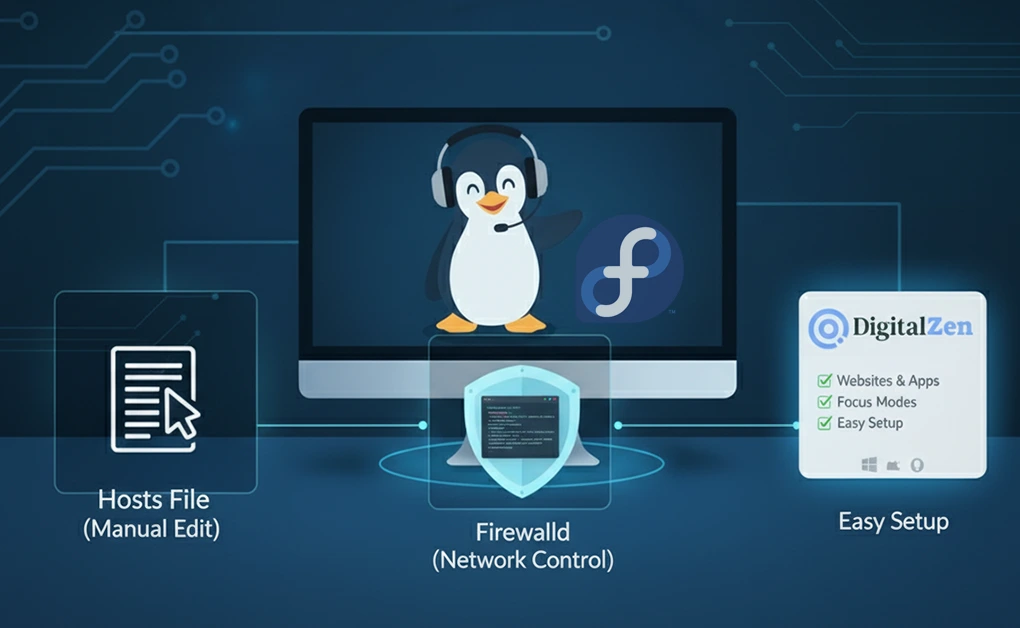
How to Block Websites on a Fedora Linux for Better Focus
You can block websites on Fedora by editing the /etc/hosts file or by using Firewalld rules to restrict network connections. These methods work system-wide and prevent access to distracting or
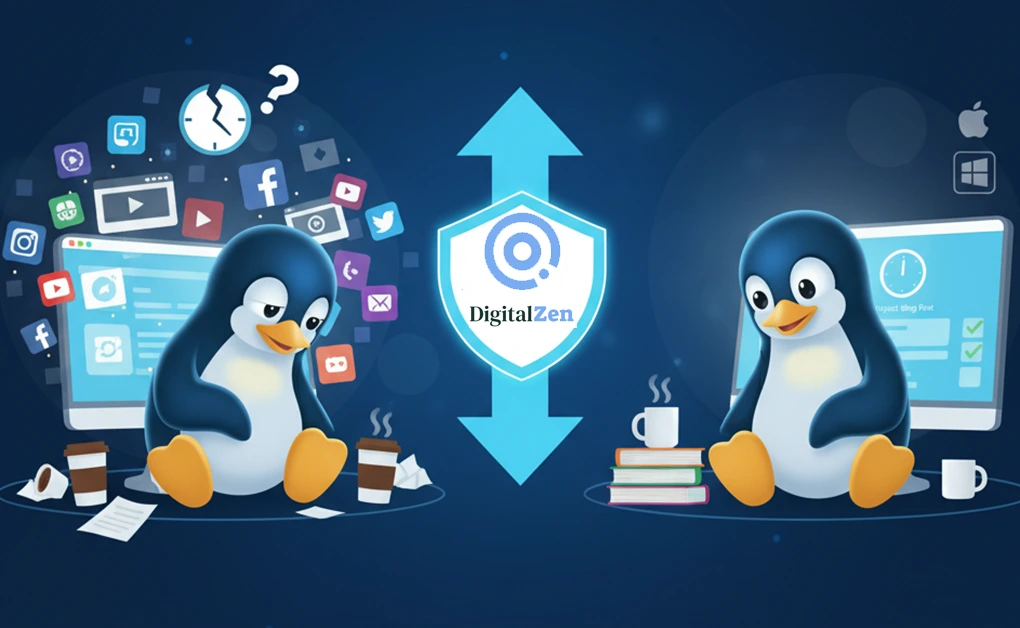
Best Linux Website Blocker: Tools for Focus and Productivity
DigitalZen is the best Linux website blocker because it provides full desktop-level control, app and website blocking, and mindful productivity tools designed for Linux, Mac, and Windows. Unlike browser-only extensions,
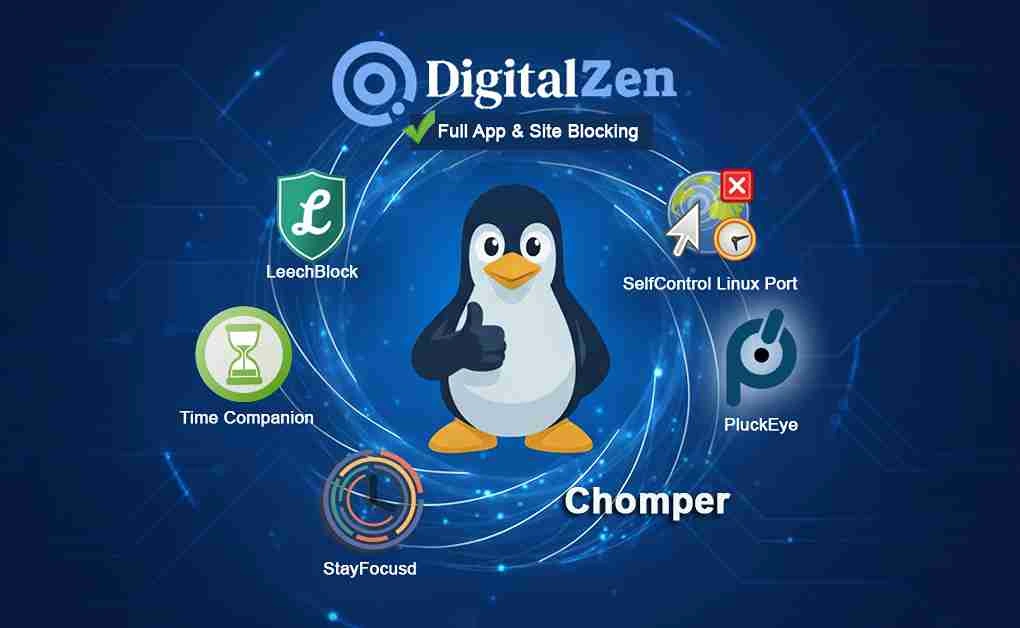
Best Freedom App Alternatives for Linux to Stay Focused
The best Freedom App alternatives for Linux are DigitalZen, Chomper, PluckEye, StayFocusd, Time Companion, SelfControl Linux Port, and LeechBlock. These tools range from full desktop-level blockers to lightweight browser extensions,
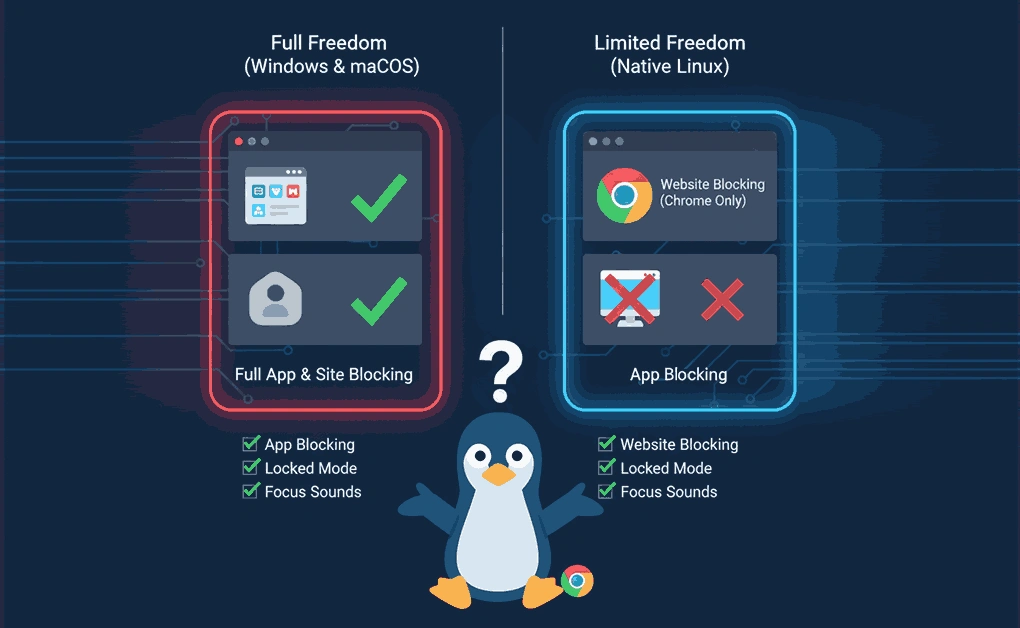
Does Freedom Work on Linux? Setup, Limits, and Key Features
Yes, Freedom works on Linux through a Chrome browser extension that blocks distracting websites. Unlike Mac or Windows versions, Linux users can't block desktop applications - only websites within the
Cold Turkey Alternatives for Linux: 8 Website & App Blockers
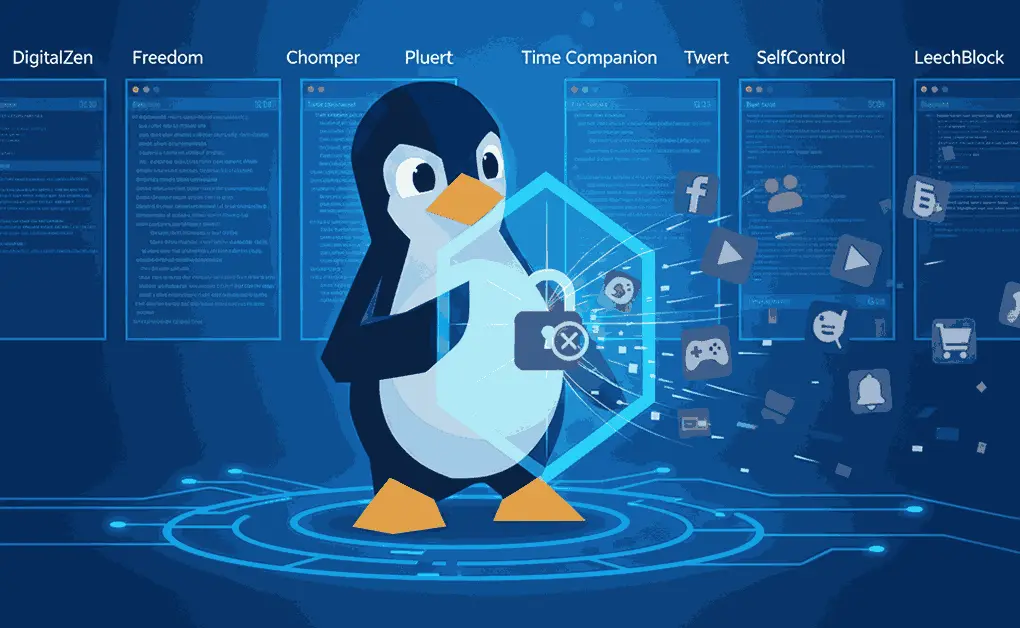
Linux users have multiple alternatives to Cold Turkey for blocking distractions. Tools like DigitalZen, Freedom, Chomper, Pluckeye, Twert, Time Companion, SelfControl Linux Port, and LeechBlock provide various options for website
Does Cold Turkey Work on Linux? What You Need to Know
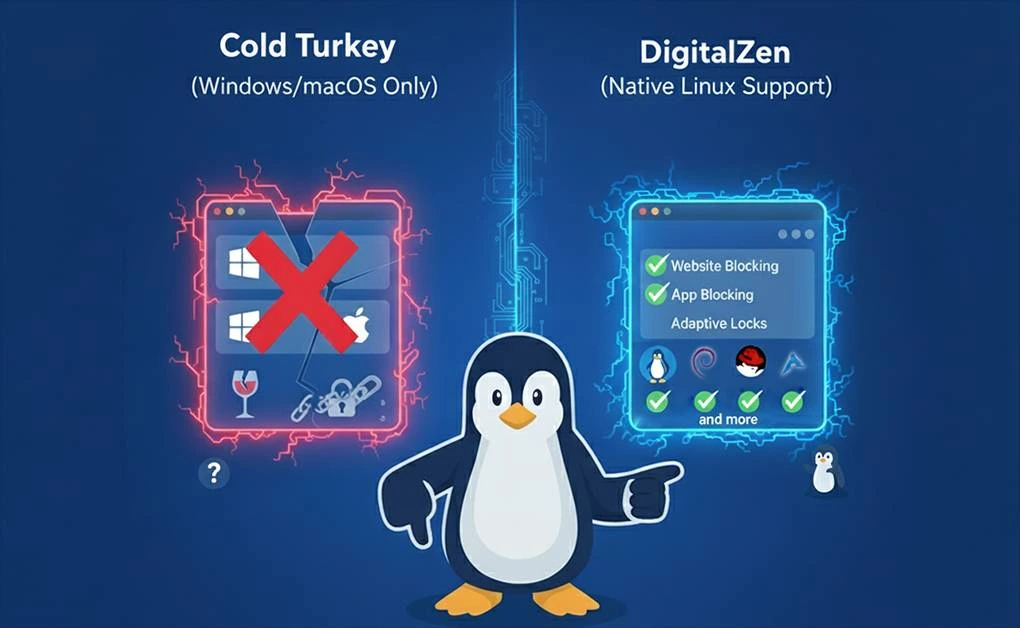
No, Cold Turkey doesn't work on Linux. The software only runs on Windows and macOS. The developer hasn't released a Linux version and hasn't announced plans to build one. Linux
How to use DigitalZen with the Getting Things Done method (GTD)
Getting Things Done (or GTD) by David Allen is one of the best productivity books out there. To summarize it to someone who hasn’t read it yet, it has 5 pillars: Capture

Reclaim Your Freedom: How to Avoid “Brain Rot”
We've all felt brain fog at some point - that feeling of mental confusion and exhaustion, even when we've had enough sleep and not had too much to drink. Causes

Reclaim Your Focus: How Blocking Websites and Apps Boosts Productivity
It’s hard to stay focused in today’s fast-paced digital realm. The “distracted generation” constantly consumes information from various digital screens, making it extremely rare to complete a task effectively. Something

How Digital Detox Can Change Your Life – The Ultimate Guide
In a hyperconnected digital age where our daily routines depend on the billions of highly reliable devices, it’s easy to get caught up in constant pings, notifications, and endless scrolling.