
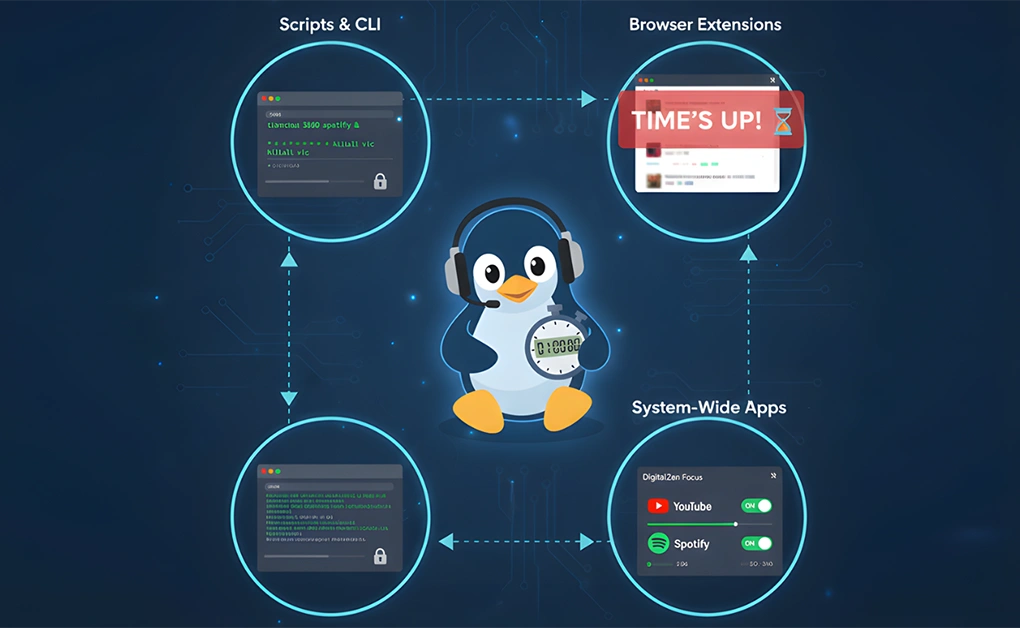
How to Limit App Usage Time on Linux Using Scripts & Apps
You can limit app usage time on Linux by enforcing rules at the process, browser, or operating system level. Common methods include using scripts to track app runtime, GNU timeout

Top Linux Productivity Tips for Better Focus and Efficiency
The best Linux productivity tips focus on reducing friction, keeping your workflow organized, and removing digital distractions. Start by using workspaces, smart window organization, custom keyboard shortcuts, and terminal tools.
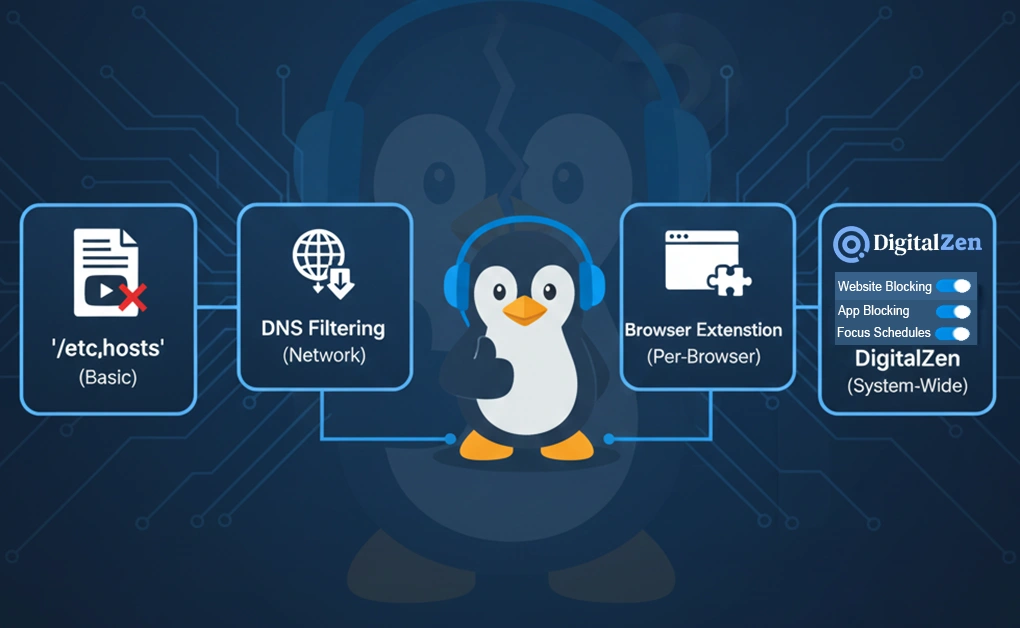
How to Use Linux to Block YouTube Across All Browsers
You can block YouTube on Linux using four reliable methods: editing the /etc/hosts file, using DNS-level filtering, installing a browser extension, or using a dedicated blocker like DigitalZen. The best
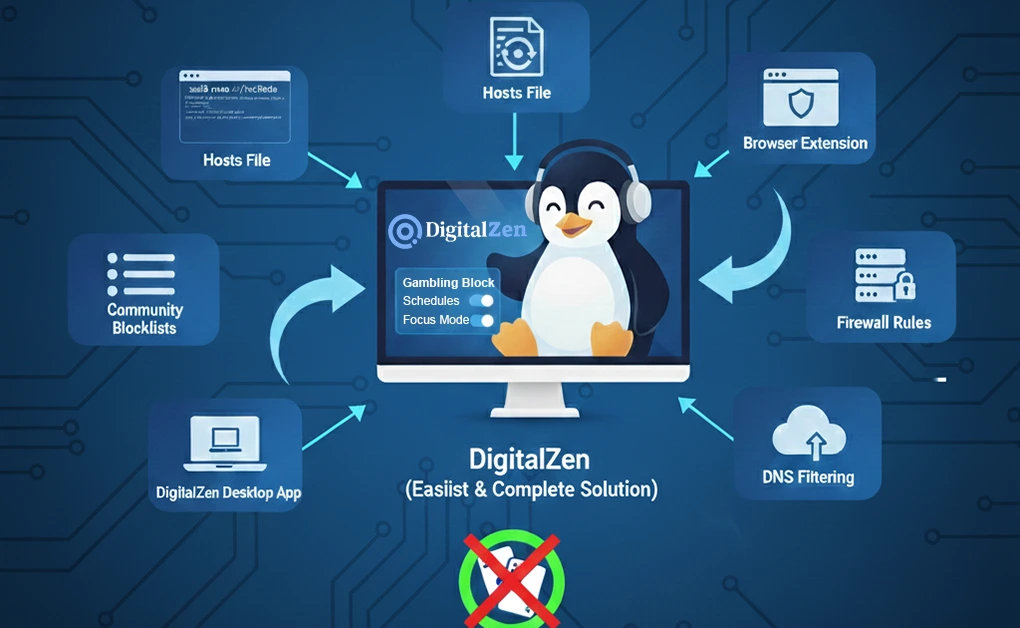
How to Block Gambling Sites on Linux for Better Focus
You can block gambling sites on Linux using DigitalZen, the /etc/hosts file, DNS filtering, firewall rules, or community-maintained domain blocklists. The easiest method is the DigitalZen app, which blocks gambling
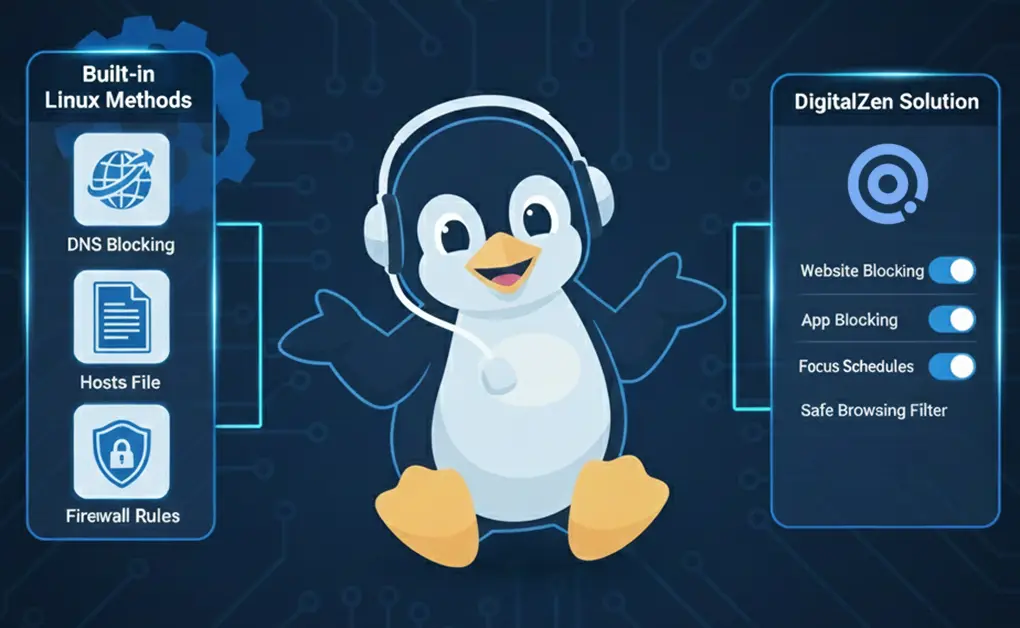
Linux Porn Blocker Options: Complete 6-Method Guide
If you want a reliable Linux porn blocker, you have two options: use built-in Linux methods (DNS, hosts file, firewall rules) or use a tool like DigitalZen for browser-level or

14 Productivity Apps for Linux to Stay Focused & Organized
Some of the best Linux productivity apps to stay focused and organized include GoForIt! and Reminduck for timers and reminders, DigitalZen for blocking distracting apps and websites, Planify and Super

How to Block an Application’s Internet Access on Linux: 4 Methods
You can block internet access for applications on Linux by using tools like Firejail, iptables, AppArmor, or Flatseal. Each method isolates or filters network connections so specific apps cannot go

Complete List of Digital Zen Supported Linux OS: Full Guide
DigitalZen supports Linux systems that use modern X11 window managers or GNOME-Wayland. Compatibility does not depend on specific distro versions. Any Debian-based, Red Hat-based, or Arch-based Linux distribution that uses
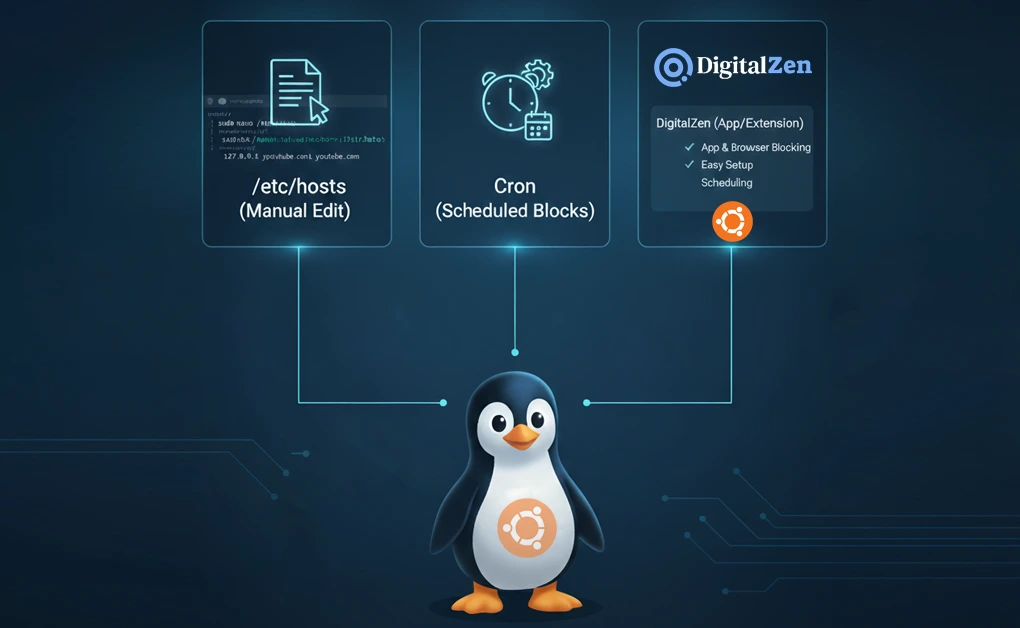
How Do I Block Any Website in Ubuntu: 4 Simple Methods
You can block websites on Ubuntu by editing the system’s hosts file, automating schedules with cron, or using tools like DigitalZen for app-level and browser-wide blocking. These methods let you
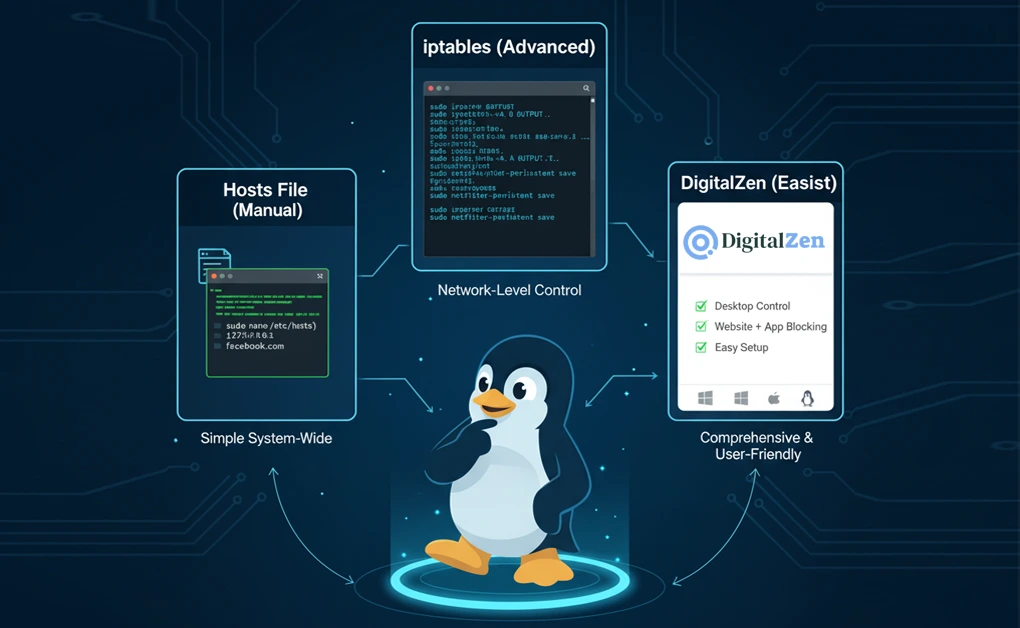
How to Block Websites on Linux: Step-by-Step Guide
You can block websites on Linux by editing the hosts file, using the iptables command, installing an easy-to-disable browser extension, or using a dedicated tool like DigitalZen. Each option offers