
Linux productivity apps can help with planning, focus, reminders, notes, and communication without forcing everything into one oversized suite. GoForIt! and Reminduck cover timers and reminders, DigitalZen blocks distracting apps and websites, Planify and Super Productivity support task management, Joplin and Obsidian handle notes, and Slack or Thunderbird can organize communication.
Together, these Linux productivity tools help you build a workflow around the way you actually work.
Key Takeaways
- Linux offers many productivity app options: Focus timers, reminders, task managers, note tools, and communication platforms are available through formats such as Flatpak, Snap, AppImage, DEB, RPM, or official downloads.
- The right mix depends on where your workflow breaks down: A timer can help with starting, a reminder can bring tasks back, a planner can organize priorities, and a blocker can protect focus when distractions keep pulling you away.
- Note-taking and communication apps support clarity: Markdown notebooks, knowledge systems, email clients, and team chat tools can keep ideas, updates, and decisions easier to revisit.
- DigitalZen adds the anti-distraction layer: It blocks distracting apps and websites on Linux and adds protections that make undoing your own setup more deliberate than instant.
Disclaimer: This article was published in December 2025 and updated in October 2026. It reflects the app details available at the time of posting. Notice an error? Let us know and we’ll fix it!
Focus, Reminder, and Anti-Distraction Apps
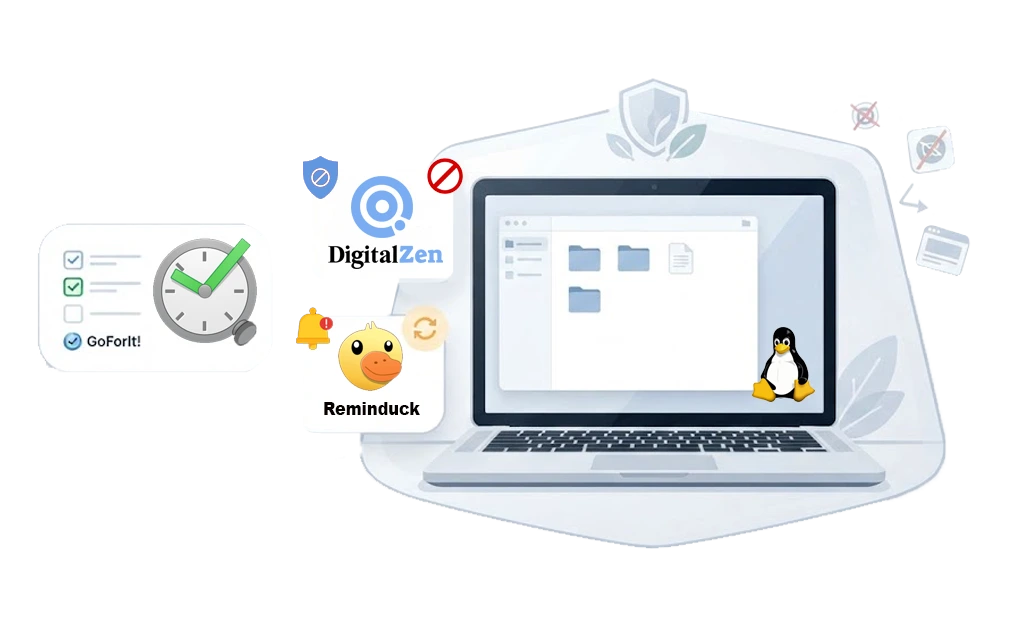
Best focus and to-do app: GoForIt!, which pairs a task list with a built-in timer.
Best Linux anti-distraction app: DigitalZen, for blocking distracting websites and apps during focus sessions.
Best Linux reminder app: Reminduck, for simple recurring nudges
These Linux apps help with focus sessions, reminders, and distraction control. Several are available through Flathub or other cross-platform Linux install methods, which makes them easier to use across different desktop setups.
1. GoForIt!
GoForIt! is a simple productivity app that combines a to-do list with a built-in focus timer. It works well for users who want structured work sessions without switching to a larger task-management system. It is available on Linux through Flathub.
How It Helps
- Combines a to-do list with a built-in focus timer
- Can be configured to work as a Pomodoro timer
- Keeps tasks organized in a minimal layout
- Reduces context switching by keeping the current task and timer in one app
- Available through Flathub for straightforward installation
2. DigitalZen
DigitalZen is a Linux website and app blocker and a cross-platform focus tool for users who need a dedicated anti-distraction layer. It supports website and app blocking on Debian-based, Red Hat-based, and Arch-based Linux distributions, with compatibility depending on the desktop environment and supported setup.
Unlike simple reminder tools, DigitalZen can block distracting websites and desktop apps during focus sessions, making it useful when planning tools alone are not enough.
How It Helps
- Starts built-in focus sessions from the desktop
- Blocks distracting apps and websites during work blocks
- Offers lock types including cooldown and friend approval, which slow down an impulsive unlock
- Supports scheduled blocks, which can help with limiting app usage time on Linux
- Adds protections against stopping or removing the app mid-session, making it harder to undo your own setup in a weak moment
- Works cross-platform on your mobile and your Laptop so productivity stays wherever you go
For detailed compatibility, check the supported Linux OSes for DigitalZen to confirm your distro and desktop environment are supported.
3. Reminduck
Reminduck is a lightweight Linux reminder app for people who need simple and recurring alerts without a full task-management system. It offers a simple graphical interface for setting reminders and is available through Flathub for supported Linux setups.
How It Helps
- Sends desktop reminders for simple tasks and routines
- Supports simple and recurring reminders
- Uses a minimal interface suited for users who want a focused reminder tool
- Available through Flathub for supported Linux setups
- Keeps reminders simple without requiring a larger planner or task-management app
Best Linux Task Managers and To-Do Apps
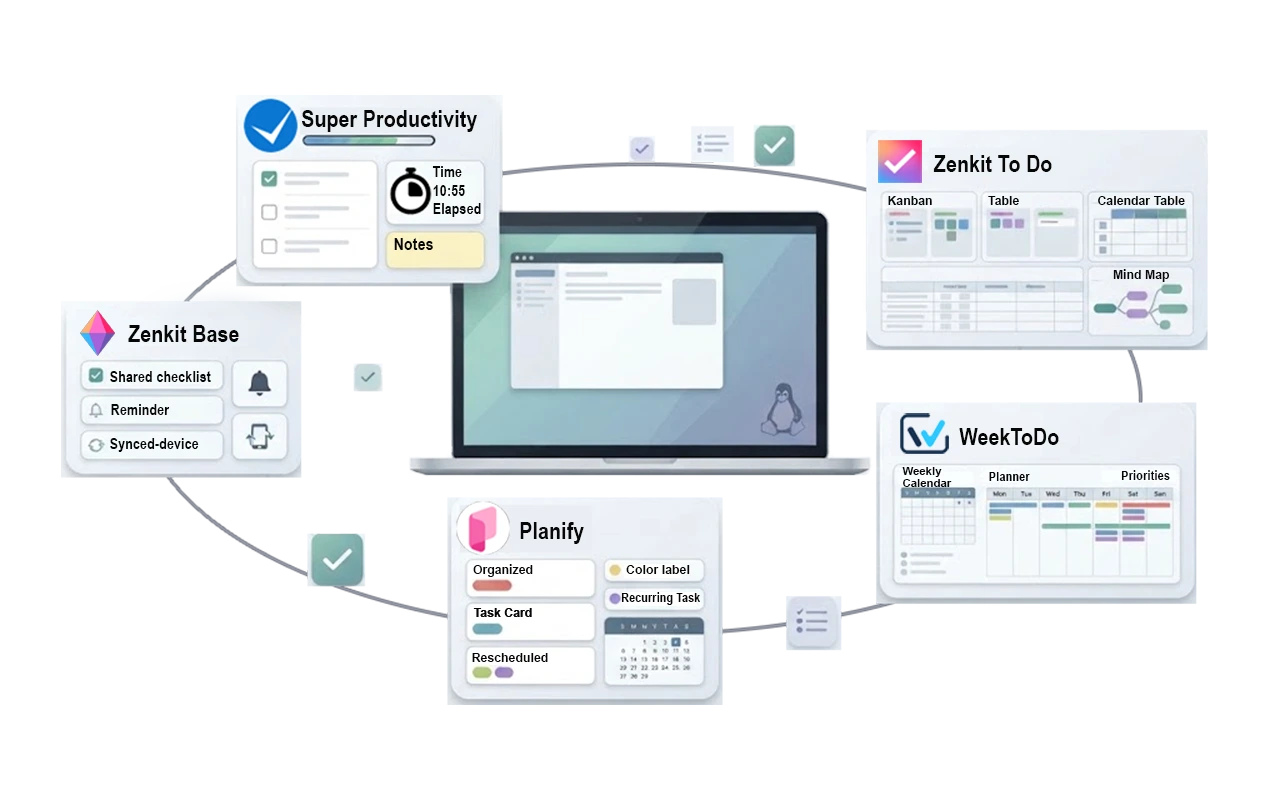
Best Linux task manager overall: Super Productivity, for combining tasks, notes, and time tracking.
Best Linux to-do app for simplicity: Zenkit To Do, for shared lists, reminders, and cross-platform syncing.
Best Linux planner for weekly planning: WeekToDo, for a clean week-by-week layout.
These are practical Linux options for organizing daily work, from simple to-do lists to weekly planning and more detailed task management. Choose based on whether you need a lightweight list, a weekly planner, or a fuller task workspace.
4. Zenkit To Do
Zenkit To Do is a lightweight task management app with folders, lists, reminders, smart lists, and task sharing. It is available across multiple platforms, including Linux, which makes it useful for people who want the same task list across devices.
How It Helps
- Organizes tasks with folders, lists, and smart lists
- Adds due dates and reminders to help keep tasks visible
- Supports shared lists and folders for collaboration
- Syncs tasks across platforms when you use multiple devices
- Is available for Linux, with setup depending on your distro and install method
5. Planify
Planify is a modern open-source task manager for Linux users who want a clean interface with sections, labels, reminders, recurring tasks, and sync options. It supports Todoist, Nextcloud, and CalDAV, which makes it useful for people who want a native Linux planning app that can still connect to external task systems.
How It Helps
- Organizes tasks with sections, labels, reminders, and recurring tasks
- Syncs with Todoist for users who already store tasks there
- Supports Nextcloud and CalDAV for self-hosted or privacy-conscious sync setups
- Includes calendar integration, attachments, progress indicators, and task details
- Offers offline mode so you can continue working without an internet connection
6. WeekToDo Planner
WeekToDo is a free and open-source minimalist weekly planner and to-do list app for Linux, Windows, macOS, and the web. It is useful for people who want a simple weekly overview instead of a larger project-management system.
How It Helps
- Helps map weekly priorities in a simple planner layout
- Combines weekly planning with to-do list management
- Separates personal and work tasks into clear sections
- Runs on Linux desktop or directly in the browser
- Keeps planning lightweight for users who do not need a full project-management app
7. Super Productivity
Super Productivity is an open-source task manager and time tracker for Linux users, especially developers who want task planning, notes, time tracking, and issue-tracker integrations in one app. It integrates with GitHub, GitLab, Jira, and other development tools.
How It Helps
- Combines tasks, notes, time tracking, and timeboxing in one workspace
- Provides GitHub and GitLab integration for development workflows and issue tracking
- Helps reduce tool-switching by keeping planning and tracking together
- Supports project notes and task details alongside your to-do list
- Offers multiple Linux install options from its official download page
8. Zenkit Base
Zenkit Base is a flexible project tool that uses Kanban boards, tables, calendars, lists, and mind maps to organize complex work. It suits users who prefer a visual system and want to switch between different project views instead of forcing everything into one layout.
How It Helps
- Lets you reorganize projects visually across Kanban, table, calendar, list, and mind map views
- Offers swimlanes, labels/categories, and custom fields for personalized workflows
- Supports multiple views so you can move between Kanban, list, table, calendar, and mind map layouts
- Suits teams that want structured project tracking without moving into a full enterprise project-management system
- Provides flexible views and fields that can support long-term project tracking
Note-Taking and Organization Apps
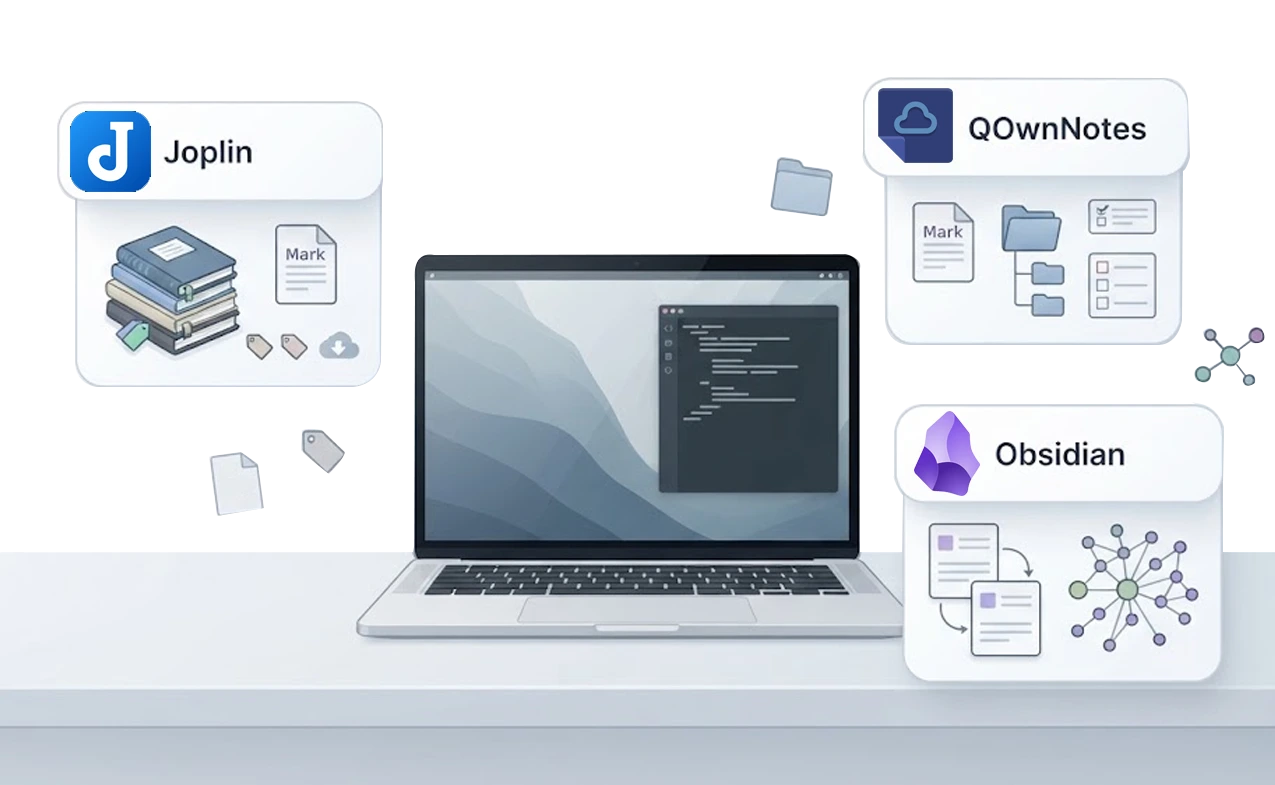
These note-taking tools help you capture ideas, structure your thoughts, and keep important information organized across your devices. They support Markdown, tagging, and flexible organization systems suited for students, professionals, and anyone managing complex notes.
9. Joplin
Joplin is an open-source note-taking app for users who want Markdown notes, notebooks, tags, flexible sync options, and optional end-to-end encryption. It can sync through services such as Joplin Cloud, Nextcloud, Dropbox, OneDrive, WebDAV, S3, or the local filesystem, depending on how you configure it.
How It Helps
- Organizes notes into notebooks and sub-notebooks
- Supports Markdown for structured writing
- Syncs across devices using options such as Joplin Cloud, Nextcloud, Dropbox, OneDrive, WebDAV, S3, or local filesystem
- Includes tagging for sorting and retrieval
- Offers end-to-end encryption for synced notes when enabled
10. QOwnNotes
QOwnNotes is a Qt-based plain-text notepad and to-do list manager for Linux, macOS, and Windows. It stores notes as Markdown files in ordinary folders, so your notes stay readable outside the app and are not locked into a proprietary note database. It suits everyday writing and study notes where you want folder-based structure without a larger knowledge-management system.
How It Helps
- Keeps notes as plain Markdown files you can open, move, or back up with other tools
- Organizes work into note folders and subfolders instead of one flat list
- Syncs through Nextcloud or ownCloud for people who self-host
- Includes a built-in to-do list manager alongside notes
- Is available as AppImage, Snap, or Flatpak, giving Linux users several install paths
11. Obsidian
Obsidian is a knowledge management app for users who want linked Markdown notes, local storage, and visual connections between ideas. It stores notes as local Markdown files and uses graph view to show relationships between notes. This makes it useful for researchers, writers, and anyone managing complex information over long periods.
How It Helps
- Links notes together to create a connected knowledge system
- Uses graph view to show relationships between notes
- Supports community plugins that can add tasks, calendars, automation, and other workflows
- Works offline with local Markdown files
- Helps organize complex information in a flexible, non-linear structure
Communication Apps That Support Workflow

Communication tools can help teams stay organized, keep projects moving, and manage updates in one place. These apps centralize conversations, files, and notifications so work is easier to follow without relying on scattered messages.
12. Slack
Slack is a widely used communication platform that brings team messaging, channels, and file sharing into one place. The Linux desktop version supports the same core Slack workflow as other desktop platforms, including multiple workspaces and quick switching. It works well for teams that rely on regular collaboration, project updates, and quick discussion.
How It Helps
- Centralizes team conversations so updates stay organized
- Supports channels for projects, departments, and focused discussions
- Integrates with tools like GitHub, Google Drive, and task systems
- Provides desktop notifications for important messages
- Offers official Linux installs through DEB, RPM, and Snap packages
13. Thunderbird
Thunderbird is an open-source email client that combines email, calendar, tasks, and RSS feeds in one desktop app. It works well for users who need a more organized inbox and want advanced search, tagging, and message filtering. With add-ons and customization options, Thunderbird can adapt to different email-heavy workflows.
How It Helps
- Organizes communication with a unified inbox
- Includes a built-in calendar and task manager for scheduling
- Supports POP, IMAP, Gmail, and Exchange-style accounts
- Offers tagging and virtual folders for clean sorting
- Provides extensions for advanced customization and automation
14. Virola
Virola is a self-hosted collaboration app for teams that want messaging, meetings, screen sharing, and task tracking in one workspace. It combines private and group chat, audio and video conferencing, remote-control options, and task boards. Unlike many tools on this list, Virola is proprietary rather than open source, and its free tier is built around small-team use.
How It Helps
- Allows private messages, group chats, and topic-based rooms for team communication
- Supports audio and video conferencing, including meeting recording
- Offers screen sharing and remote-control options for real-time collaboration
- Includes task boards for tracking issues and assignments
- Supports self-hosted deployment for teams that want more control over communication and project data
Building a Productive Linux Workflow
A productive Linux workflow usually comes from combining a few tools that solve different problems: planning work, capturing notes, managing communication, and protecting focus. The Linux ecosystem gives users many options, from open-source note apps and task managers to cross-platform communication tools and distraction blockers.
The simplest setup is often enough. Use a task manager to plan your work, a note tool to organize information, and a communication app that keeps updates easy to find. If distractions are the part of the workflow that keeps breaking down, a blocker like DigitalZen can add a dedicated focus layer for apps and websites.
Choosing one tool from each category is usually better than building a complicated stack. Start with the part of your workflow that causes the most friction, then add only what solves a real problem. For a more complete focus environment, see this guide to building a distraction-free Linux setup.
FAQs About Productivity Apps for the Linux Operating System
Do These Apps Work on All Linux Distros?
Most tools are available through Flatpak, Snap, AppImage, official downloads, or distro repositories. Check the app’s install page for your distro before assuming support.
Looking for a System Task Manager Instead?
If you came here looking for the Linux equivalent of Windows Task Manager, use a system monitor instead. GNOME System Monitor, Plasma System Monitor, or htop can help you watch processes and close frozen applications. The task managers on this page are to-do tools for organizing work, not process monitors.
How Can I Reduce Distractions on Linux?
Use a blocker if distracting apps and websites keep interrupting your work blocks. DigitalZen can block apps and websites on Linux, while its focus sessions and protection layer make undoing your setup more deliberate. For a dedicated comparison, see our guide to the best Linux website blockers.
How Do I Choose the Best App for My Workflow?
Pick tools based on what slows you down. If planning is the issue, choose a task manager or planner. If scattered notes are the issue, choose a note-taking app. If distracting apps and websites are the issue, consider an anti-distraction tool.
If the slowdown comes from habits rather than missing tools, such as window clutter or repetitive commands, these Linux productivity tips may help more than another app.
Are These Tools Beginner-Friendly?
Some are beginner-friendly, especially simple planners, reminder apps, and basic note tools. More advanced tools may take longer to configure if they include sync, team features, plugins, or self-hosting. Start with the simplest app that solves the problem you actually have
Do I Need to Pay for Any of These Apps?
Many Linux productivity apps are free or open source. Paid plans usually matter only if you need sync, team features, stronger blocking controls, advanced customization, or hosted services. Start with the free option when it covers your workflow.
References
- https://www.reallinuxuser.com/a-yearly-review-my-52-most-favorite-apps-for-linux-for-2024/
- https://www.zdnet.com/article/my-6-must-have-linux-apps-for-productivity-and-why-they-make-work-easier/
- https://itsfoss.com/to-do-list-apps-linux/
- https://opensource.com/article/20/3/productivity-apps-linux-elementary
- https://jmoerman.github.io/go-for-it/
- https://github.com/elly-code/reminduck
- https://zenkit.com/en/todo/
- https://flathub.org/en/apps/io.github.alainm23.planify
- https://weektodo.me/
- https://super-productivity.com/
- https://zenkit.com/en/solutions/kanban/
- https://joplinapp.org/
- https://www.qownnotes.org/
- https://obsidian.md/
- https://slack.com/downloads/linux
- https://www.thunderbird.net/en-US/
- https://virola.io/