

Cold Turkey prioritizes strict enforcement on desktop computers with powerful lock mechanisms, while Freedom emphasizes cross-device sessions that sync across phones and computers. Your choice depends on whether you value stronger blocking on one device or coordinated focus across multiple devices.
Key Takeaways
- Cold Turkey provides stronger bypass prevention than Freedom: Features like task manager blocking, random text locks up to 999 characters, and anti-uninstall protection make Cold Turkey difficult to bypass during active blocks.
- Freedom syncs blocking sessions across multiple devices: A single session can apply to your phone, tablet, and computer simultaneously, while Cold Turkey applies blocking only to the device where it is installed.
- Cold Turkey uses one-time pricing while Freedom offers subscription plans: Cold Turkey Pro costs $45 as a one-time purchase, while Freedom costs $39.99 per year or $99.50 for lifetime access.
- Neither tool provides full Linux support: Cold Turkey has no Linux version. Freedom offers a Chrome extension for Linux that blocks websites in the browser, but cannot block desktop applications.
- DigitalZen provides system-level blocking across Windows, Mac, and Linux: For users who need strong enforcement with broader platform support, DigitalZen offers a third option that neither Cold Turkey nor Freedom fully covers.
What Is Cold Turkey?
Cold Turkey is a website and app blocker for Windows and macOS. It’s designed for users who need blocking that’s genuinely difficult to bypass, with features like task manager blocking, random text locks, and anti-uninstall protection during active blocks.
What Is Freedom?
Freedom is a cross-platform distraction blocker that works on Windows, macOS, iOS, Android, and Chromebooks. Its main appeal is multi-device sync, where a single blocking session applies across all your connected devices.
Platform Support and Device Compatibility

Cold Turkey focuses exclusively on the desktop:
- Windows and macOS only
- No mobile apps
- Cold Turkey has no Linux version
Freedom takes a multi-platform approach:
- Windows, macOS, iOS, Android, Chromebook
- Freedom supports Linux via a Chrome extension only (no app blocking, Chrome browser only)
The trade-off is clear: Freedom reaches more devices, but its blocking capabilities are more limited on some platforms. If you primarily use a desktop computer, Cold Turkey’s deeper system integration provides stronger enforcement. If you use multiple devices, Freedom’s cross-device sync prevents users from bypassing blocking by switching devices
Lock Mechanisms and Bypass Prevention

This is where Cold Turkey and Freedom differ most significantly.
Cold Turkey Lock Options
- Timer: Block stays active until time expires
- Random text: Type 1-999 random characters to unlock
- Password protection (Pro): Restricts access to settings or disables blocks
- Restart: Some blocks require restarting the computer before changes take effect
- Time range: Prevent changes during certain hours
Cold Turkey also includes bypass prevention features:
- Blocks the task manager
- Prevents system time changes
- Locks the uninstaller during active blocks
Freedom Lock Options
- Locked Mode (Premium): Prevents ending a session early
- Disable Quit During Sessions: Optional setting to prevent quitting the app
Freedom includes fewer system-level bypass protections. No task manager blocking, no time-change protection, and no anti-uninstall features. A determined user may still find ways to bypass restrictions, while Cold Turkey includes more system-level mechanisms designed to reduce bypass attempts.
Scheduling and Session Management
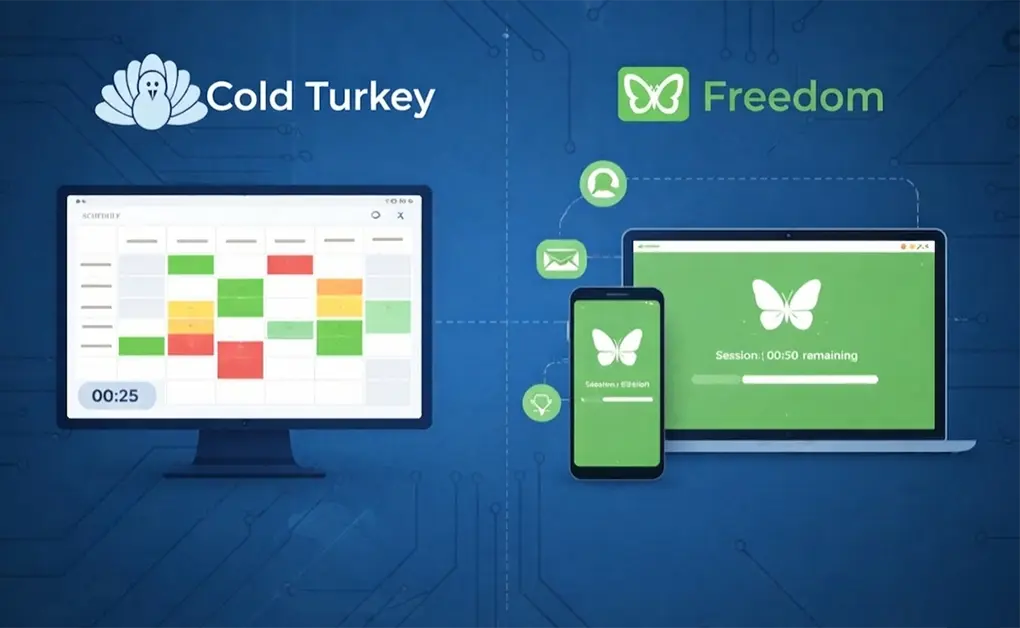
Cold Turkey uses a visual weekly scheduler:
- Drag to create blocks on a calendar grid
- Schedules repeat each week automatically
- Includes Pomodoro timers and optional time allowances for limited access
- Applies only to the device where installed
Freedom uses session-based scheduling:
- Sessions start immediately or at scheduled times
- Sessions sync across all connected devices
- Phone, tablet, and computer enter the block together
Cold Turkey offers more visual scheduling control, while Freedom provides unified blocking across multiple devices.
Pricing and Long-Term Value
| Plan | Cold Turkey | Freedom |
| Free | Basic features | 7 sessions, limited features |
| Paid | $45 one-time (Pro) | $39.99/year or $99.50 lifetime |
| Year 2 Cost | $0 | $39.99 (subscription) or $0 (lifetime) |
| Year 3 Cost | $0 | $39.99 (subscription) or $0 (lifetime) |
For desktop-only users, Cold Turkey is the better financial deal. For users who need mobile blocking and cross-device sync, Freedom’s price includes features Cold Turkey doesn’t offer at any price.
Side-by-Side Feature Comparison
| Feature | Cold Turkey | Freedom |
| Windows/macOS Support | Yes | Yes |
| iOS/Android Support | No | Yes |
| Linux Support | No | Chrome extension only |
| Website Blocking | Yes | Yes |
| App Blocking | Desktop only | Desktop and mobile |
| Block Entire Internet | Yes | Yes |
| Allowlist Mode | Yes | Yes (Mac/Windows only) |
| Cross-Device Sync | No | Yes |
| Scheduling | Yes (Pro) | Yes (Premium) |
| Pomodoro Timer | Yes | Yes |
| Random Text Lock | Yes (1-999 characters) | No |
| Password Lock | Yes (Pro) | No |
| Block Task Manager | Yes | No |
| Anti-Uninstall Protection | Yes | No |
| Focus Sounds | No | Yes |
Which One Should You Choose?
Choose Cold Turkey If You:
- Primarily use Windows or macOS
- Need strong bypass prevention that’s hard to undo
- Prefer one-time pricing over subscriptions
- Don’t need mobile blocking or cross-device sync
Choose Freedom If You:
- Use multiple devices throughout the day
- Need blocking on iOS or Android
- Want sessions that sync across all devices
- Don’t mind subscription pricing for cross-platform features
DigitalZen Offers System-Level Blocking Across All Major Platforms
If your needs fall between Cold Turkey and Freedom, DigitalZen provides a third option.
What DigitalZen offers:
- Cross-platform support: Works on Windows, Mac, and Linux natively
- System-level blocking: Blocks websites across all browsers (Chrome, Firefox, Edge, Brave, Opera) at the OS level
- Flexible modes: Both block mode and allow mode for different use cases
- Adaptive lock mechanisms: Code locks, cooldown timers, friend verification, future-date locks, and money penalty locks
- Scheduled blocking: Set work hours, focus sessions, or digital detox periods
DigitalZen fits users who want the enforcement strength of Cold Turkey with broader platform support than either tool provides. If you’ve been searching for a Cold Turkey alternative for Linux or frustrated by Freedom’s enforcement on non-mobile platforms, DigitalZen addresses both gaps.
Final Thoughts on Choosing the Right Focus Tool

Cold Turkey and Freedom excel in different areas. Cold Turkey provides stronger bypass prevention and one-time pricing for desktop users. Freedom provides cross-device sync and mobile apps for users who work across multiple devices.
Neither tool fully serves Linux users nor combines strong enforcement with broad platform support.
DigitalZen offers system-level blocking across Windows, Mac, and Linux with adaptive lock mechanisms and flexible scheduling. For a broader comparison of options, we’ve reviewed the best website blockers for productivity.
Frequently Asked Questions
Is Cold Turkey Better Than Freedom?
The right choice depends on whether you prioritize enforcement strength or multi-device coverage. Cold Turkey offers stronger bypass prevention and costs less over time with its one-time pricing. Freedom offers cross-device sync and mobile support that Cold Turkey lacks entirely.
Does Cold Turkey Work on Mobile?
No. Cold Turkey is only available for Windows and macOS. The developer has stated that mobile operating systems do not allow the level of system access needed to make blocking truly hard to bypass.
Does Freedom Work on Linux?
Freedom offers a Chrome extension for Linux that blocks websites in Chrome only. It cannot block desktop apps, doesn’t work in Firefox or Edge, and provides no system-level protection. Linux users looking for full functionality can explore Freedom app alternatives for Linux.
Can You Bypass Cold Turkey?
Cold Turkey is designed to be difficult to bypass during locked blocks. It blocks the task manager, prevents time changes, and locks the uninstaller. No blocking tool is completely bypass-proof, but Cold Turkey comes close for most users.
Is Freedom Free to Use?
Freedom offers a free plan with seven sessions and limited features. Full functionality, including Locked Mode and scheduling, requires Premium ($39.99 per year) or lifetime access ($99.50).
References: