
Popular body doubling apps for Linux include Focusmate, Flow Club, FLOWN, and Caveday. These platforms are browser-based, so they work on Linux without extra installation. Body doubling means working alongside another person to make it easier to start, stay focused, and follow through on a task.
For people who struggle to start tasks alone or drift into other tabs during solo work, body doubling can make focused work feel easier to begin and easier to stay with.
Key Takeaways
- Body doubling adds accountability through another person’s presence: That can make it easier to start and stay focused.
- Virtual coworking platforms use different formats: Some are built around 1:1 pairing, while others use hosted or facilitated group sessions.
- The main body doubling platforms covered here work in the browser: Focusmate, Flow Club, and FLOWN can all be used on Linux without installing a separate desktop app.
- Free access and pricing vary by platform: Focusmate has a free tier, while Flow Club and FLOWN offer free trials and paid plans.
- DigitalZen can make body doubling sessions more focused: It can block distractions while keeping the coworking session available.
Disclaimer: This article was published in April 2026. It reflects the app details available at the time of posting. Notice an error? Let us know and we’ll fix it!
What Is Body Doubling and Why Does It Work?
Body doubling means working alongside another person while doing your own task. They do not need help. Their presence can make it easier to stay focused. Body doubling is commonly described as working alongside someone else, in person or virtually, to support focus and productivity.
Body doubling is often associated with the ADHD community as a strategy for managing ADHD and focus challenges. Over time, the idea has also spread to broader productivity use cases.
Virtual coworking also appeals to freelancers and remote workers who want more structure during solo work. Working from home can feel isolating, and body doubling can recreate some of the accountability that comes from working near other people.
Why Body Doubling Might Work
- Social accountability. Knowing someone else is there can make it harder to drift off task.
- Reduced isolation. Working alongside other people can feel less lonely than working alone.
- External structure. Sessions have a clear start and end, which helps create focus blocks.
- Lower barrier to start. Committing to a session with someone else can make it easier to begin.
Virtual coworking platforms make this easier to use as part of a regular routine.
Body Doubling With DigitalZen

Body doubling works better when distractions are harder to reach. A coworking session creates accountability, but it does not automatically stop you from drifting into social media, YouTube, news sites, or other distractions.
DigitalZen is a Linux website and app blocker that works well with body doubling platforms. It lets you keep the coworking session available while blocking unrelated sites and apps.
How to Set It Up
- Add your body doubling platform, such as Focusmate, Flow Club, or FLOWN, to your whitelist
- Block social media, YouTube, news sites, and other distractions
- Start focus mode before joining the session
- Keep the session tools available while distractions stay blocked
This setup can make it easier to stay with the session instead of drifting into other tabs. The body double adds accountability, while DigitalZen limits access to distractions.
DigitalZen supports major Debian-based, Red Hat-based, and Arch-based Linux distributions. Some other distros can also work with manual setup. See the full list of supported Linux distributions for compatibility details.
4 Linux-Friendly Body Doubling Apps and Platforms
These platforms bring body doubling online in different ways. Some keep things simple, while others add more structure, facilitation, or group energy.
1. Focusmate
Focusmate is a virtual coworking platform that pairs you with another person for a structured focus session. You join a video call, share your goal, work quietly on camera, and check in at the end.
Key Features
- 1:1 video pairing with accountability partners
- 25, 50, and 75-minute session options
- Goal sharing at the start and a check-in at the end
- Favorite partners for repeat sessions
- Calendar sync for scheduling
- Works for studying, writing, desk work, and other focus tasks
Linux Compatibility
Browser-based. Works in modern Linux browsers with no installation required.
Pricing
Free plan includes up to 3 sessions per week. Focusmate Plus costs $8 per month, billed yearly, or $12 per month, billed monthly. No credit card is required to start.
Setup
- Go to focusmate.com and create a free account
- Book a session
- Join in the browser and greet your partner
- Share your goal, work quietly, and check in at the end
Best For
People who want simple 1:1 accountability sessions. Good for those who prefer working with one other person instead of a group.
2. Flow Club
Flow Club is a virtual coworking platform built around hosted group sessions. Members join a session, share what they plan to work on, follow a structured deep-work block, and check in again at the end.
Key Features
- Group coworking sessions with community hosts
- Intention-setting at the start and progress check-in at the end
- Visible timer and shared session structure
- Optional focus music during deep work segments
- Theme-based sessions for writing, small tasks, side projects, and more
- ADHD-friendly design with structured accountability
Linux Compatibility
Browser-based. Works in modern Linux browsers with no installation required.
Pricing
7-day free trial available. The yearly plan is $33.33 per month billed annually, and the monthly plan is $40 per month.
Setup
- Go to flow.club and create an account
- Browse available sessions by time, host, or theme
- Join a session and share your intention
- Work through the focused segment and check in at the end
Best For
People who prefer group sessions with structure and facilitation. Good for those who benefit from community energy and hosted accountability.
3. FLOWN
FLOWN is a virtual coworking platform built around structured body doubling and focus sessions. Its facilitated sessions, called Flocks, include intention-setting, focused work, breaks, and reflection. FLOWN also offers a 24/7 Drop-In room and recharge-style sessions.
Key Features
- Facilitated group sessions called Flocks
- 24/7 Drop-In coworking room
- Intention-setting, focused work, breaks, and reflection
- Recharge-style sessions such as breathwork and guided walks
- Strong fit for people who want more structure than a simple timer
Linux Compatibility
Browser-based. Works in modern Linux browsers with no installation required.
Pricing
30-day free trial with no card required. After that, FLOWN offers a free tier with limited access, including 4 community sessions per month and access on Fridays. Paid memberships are available in monthly and yearly plans.
Setup
- Go to flown.com and create an account
- Join the 24/7 Drop-In room or book a facilitated Flock
- Set your intention and work alongside others
- Reflect on progress at the end of the session
Best For
People who want facilitated sessions with built-in breaks and a more supportive coworking environment.
4. Caveday
Caveday offers guided online focus sessions called Caves. Sessions are more structured and often longer than typical coworking blocks, with live guides, work sprints, and breaks. The site shows 30-minute, 1-hour, and 3-hour live sessions, along with a 14-day free trial and pricing at $105 per 3 months. It is browser-based and works on Linux.
Key Features
- Guided online focus sessions called Caves
- 30-minute, 1-hour, and 3-hour live sessions
- Structured work sprints and breaks
- Human guides lead each session
- 24/7 Focus Lounge for ongoing accountability
Linux Compatibility
Browser-based. Works in modern Linux browsers with no installation required.
Pricing
14-day free trial available. Membership is priced at $105 per 3 months.
Setup
- Go to caveday.org
- Start the free trial or sign up
- Reserve a Cave session
- Join through the emailed Zoom link and follow the guided session flow
Best For
People who want guided body doubling sessions with more structure, longer focus blocks, and live facilitation.
Finding the Right Body Doubling App for You
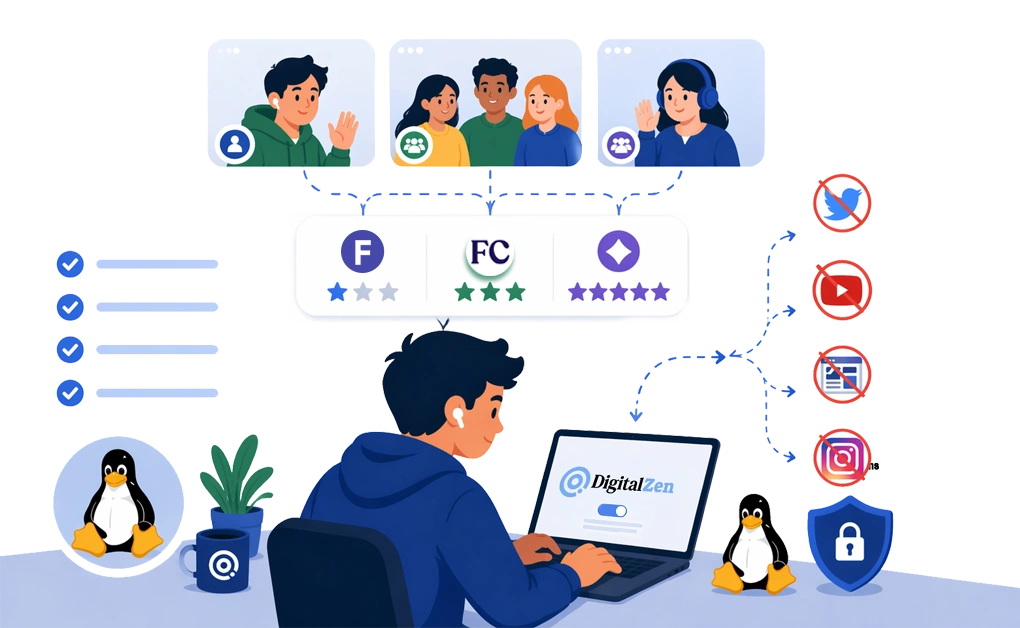
Body doubling creates accountability through the presence of other people. Virtual coworking platforms bring that idea online, and the main options covered here all work on Linux in the browser.
The best platform depends on how you like to work. Focusmate is best for simple 1:1 accountability. Flow Club is better for hosted group sessions with more structure and community. FLOWN is a stronger fit for people who want facilitated sessions, built-in breaks, and a more supportive environment.
You can also make body doubling more effective by pairing it with DigitalZen. A coworking session adds accountability, while DigitalZen helps block distractions before they pull your attention away. Together, they create a more structured focus setup.
Frequently Asked Questions
What Is Body Doubling and How Does It Help With Focus?
Body doubling means doing your own task while another person is also present and working. Their presence can create accountability and make it easier to start and stay focused. It is often linked to ADHD support, but it can also help people who struggle with focus or procrastination.
Do Body Doubling Apps Work on Linux?
Focusmate, Flow Club, FLOWN, and Caveday are browser-based, so they work on Linux without installation.
What Is a Good Free Body Doubling Option?
Focusmate is a strong option if you want a free plan with limited weekly sessions. FLOWN also has a free tier with limited access and Friday access. The best choice depends on whether you want simple 1:1 sessions or a more structured group format.
What Is the Difference Between Focusmate and Flow Club?
Focusmate uses 1:1 pairing. You work with one other person in a simple video session. Flow Club uses hosted group sessions with more structure, guided flow, and community energy.
Can I Use Body Doubling for Studying?
Body doubling can work well for studying because it adds accountability and structure. Many people use platforms like Focusmate, Flow Club, or FLOWN for study sessions.
References:
- https://www.healthline.com/health/adhd/body-double-adhd
- https://www.focusmate.com/
- https://www.flow.club/
- https://flown.com/
- https://www.caveday.org/