
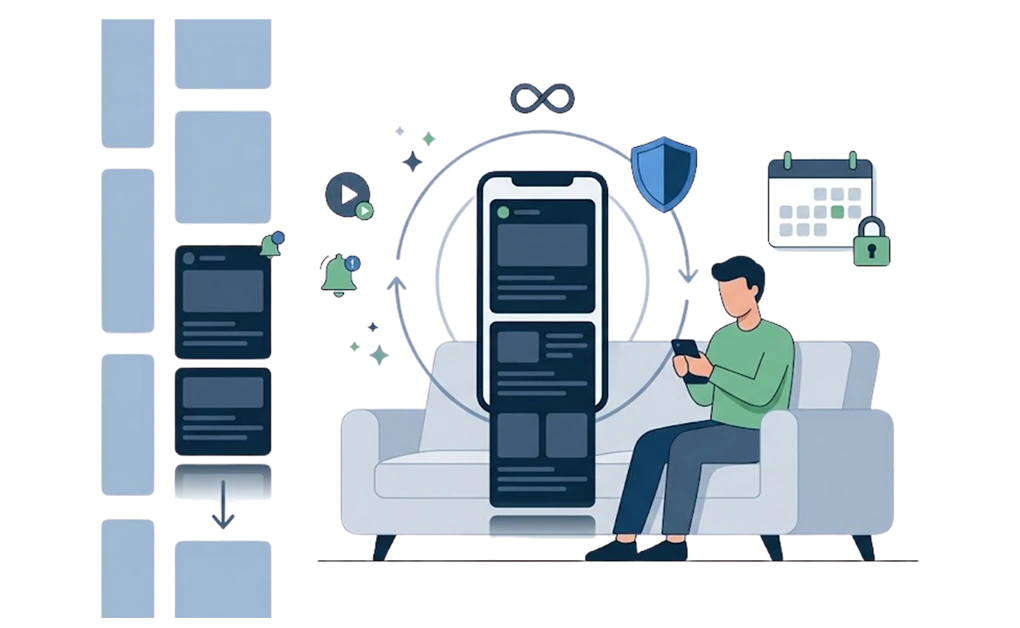
Doomscrolling means scrolling through bad news or distressing content long after you meant to stop. You know the feeling. You open your phone for one thing, look up forty minutes later, and feel worse than when you started.
If you have tried to stop and failed, the problem is probably not your self-control. It is what you are up against. This guide covers what doomscrolling is, why it is so hard to quit, and a setup that can help when willpower alone has not been enough.
Key Takeaways
- Doomscrolling is a loop, not just reading bad news: It has no endpoint, so finishing one item satisfies nothing and you keep going.
- The pull is engineered, not a personal failing: Infinite scroll removes the stopping point, autoplay removes the decision, and unpredictable rewards keep the next swipe promising.
- Courts and state attorneys general have now examined the same design: A New Mexico jury found Meta liable in March 2026, and in August the company agreed to pay up to USD 17.1 billion to 47 states without admitting wrongdoing.
- The limits that came out of those cases are for accounts belonging to under-18s: A default daily cap, an overnight stop, and regular prompts. None of it applies to an adult account, so adults have to build their own.
- Optional limits do not hold: A reminder you can dismiss asks permission from the person who wants to keep scrolling. What works is blocking the loop during your vulnerable hours and putting the setting behind a lock.
What Does Doomscrolling Mean?
Doomscrolling means continuing to scroll through negative or distressing content, usually online news or social feeds, past the point where you intended to stop.
The word combines “doom” and “scrolling,” and it spread widely in 2020, when the pandemic made constant news-checking feel urgent for many people. The meaning has stayed current because the behavior outlasted that news cycle.
It is not the same as reading the news. Doomscrolling has no endpoint. You are not looking for a particular piece of information, and finishing one item does not satisfy anything, so you keep going.
It counts as doomscrolling whether it happens in a news app, a social feed, a short-video stream, or a comments section. The format does not matter. What matters is the loop: there is always more, and the more is always arriving.
Is Doomscrolling Bad for You?
It depends on how much, how often, and when it happens. It is worth being careful here rather than alarming: reading the news is not the same as doomscrolling.
Research on doomscrolling, heavy news exposure, and problematic smartphone use points to associations with mood, anxiety, and sleep. These are associations, not proof that one scroll session directly causes those outcomes.
The pattern matters most:
- Mood: Brief exposure to distressing news can lower positive mood in the moment, especially when the content is negative and emotionally charged.
- Sleep: Late-night scrolling can push back bedtime, shorten sleep, and make the next day harder to manage.
- Attention: After a long session of short, unrelated, emotionally charged items, slower tasks can feel harder to start or stay with.
None of this makes doomscrolling a diagnosis. It makes it a habit worth changing if it is costing you sleep, evenings, or focus.
It Is Not Your Fault. Courts Are Now Saying So Out Loud.
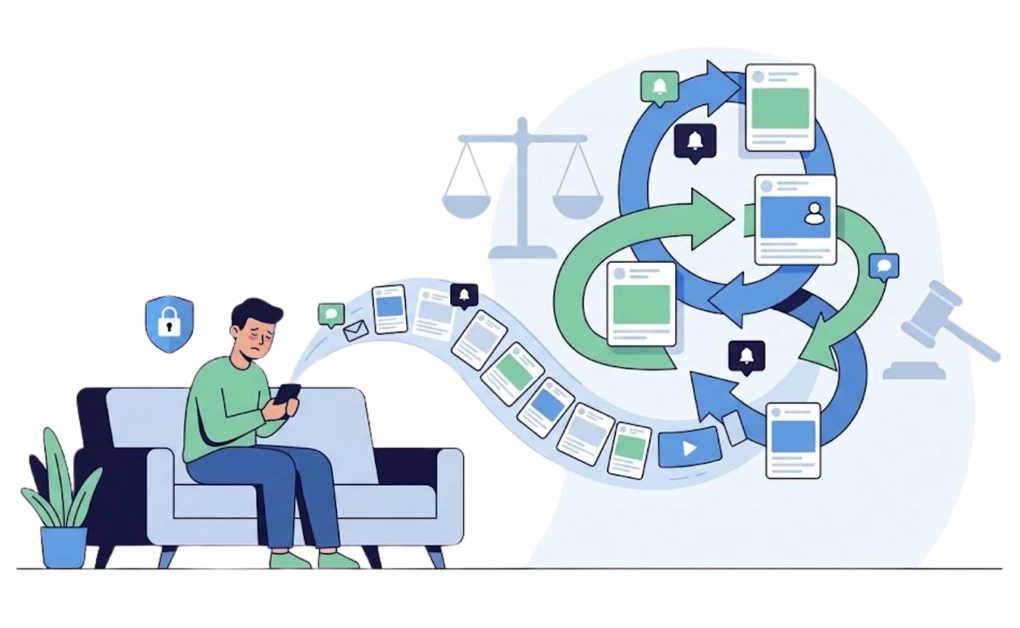
You have had this conversation with yourself. It is late, later than you meant, and you put the phone down and promise that tomorrow will be different. Some nights you really mean it.
Then tomorrow arrives. By 11pm you are somewhere in the same feed, reading something that is making you feel worse, with no memory of deciding to open it. And somewhere underneath, a quieter thought: other people manage this. What is wrong with me?
Nothing is wrong with you. You are in a contest you did not agree to, against people who are extremely good at their jobs.
The Machinery Is Not an Accident
The parts of the experience that keep you there are rarely accidental.
- Infinite scroll removes the stopping point. Pages used to end. Infinite scroll removed that natural moment where you would have looked up and decided whether to continue.
- Autoplay removes the decision. The next video does not wait to be chosen. By the time you notice, you are already watching, and stopping now requires an action while continuing requires none.
- Variable rewards keep the next swipe promising. Most of what you scroll past is forgettable. Occasionally something lands: funny, shocking, useful, enraging. Because you cannot predict which swipe delivers, the next one keeps feeling worth checking.
None of this requires you to be weak. It can work even when you are not especially tired, sad, or looking for anything.
It is also why the popular fixes tend to disappoint. A weekend away from your phone does not change what the feed does when you come back. That is one reason a dopamine detox does not reset your brain in the way the phrase suggests.
Courts and Attorneys General Are Now Naming the Design Problem
This is no longer just a feeling that the apps are built to hold you. These design questions have been argued in court, ruled on by juries, and negotiated in state settlements.
In March 2026, a New Mexico jury found Meta liable under the state’s Unfair Practices Act and imposed USD 375 million in civil penalties, the maximum available under the statute.
In August 2026, the court entered a final judgment that added USD 567 million and ordered five years of court-supervised changes to Facebook and Instagram. The New Mexico Department of Justice put the total financial liability at USD 942 million, and described the case as the first time a court had held a social media company financially and structurally accountable for how its products were designed.
Later that month, Meta agreed to pay up to USD 17.1 billion to 47 states, the District of Columbia, and several territories over claims that its platforms were addictive and harmful to children. Stateline reported that Meta did not admit wrongdoing.
What Meta agreed to change is the part worth reading closely:
- a default two-hour daily limit for young users
- a night mode that blocks Meta apps between midnight and 6 a.m.
- prompts after every fifteen minutes of continuous use
- the ability to turn autoplay off
- the ability to choose a feed that is not algorithmically ranked
Read that list next to the machinery described above: infinite scroll, autoplay, personalized feeds, and no natural stopping point. The settlement terms focus on the same friction points that make feeds hard to leave.
One honest caveat: Meta pays roughly 70 percent of the settlement amount regardless. The remaining portion depends on TikTok and YouTube adopting comparable limits, so the agreement is also partly a negotiation about whether the rest of the industry moves with it.
Where the Shame Actually Belongs
Put those two things beside each other. On one side, a person trying to stop using an app. On the other, teams of designers, researchers, and engineers whose work is measured by how long that person stays.
That is not a fair fight. If you have lost it repeatedly, you have been fighting a contest designed to be difficult to leave.
Which means there is nothing embarrassing about needing help to get out. There is nothing lesser about locking your phone away, using a timer, or installing something that takes the decision off you. That moment is when the decision is hardest to make clearly.
Using tools is not an admission of weakness. It is a reasonable response to the situation you are in.
Nobody Is Building Those Limits for You
Here is the part that matters most for the adults reading this.
The default protections described above are for users under 18. A two-hour daily cap that needs a parent’s permission to lift. A hard stop between midnight and 6am. A nudge every fifteen minutes. An autoplay switch. None of it automatically applies to an adult managing their own account.
Your feed has no default bedtime. It has no session cap and no reminder that you have been scrolling for an hour. No default system is likely to give you those limits for your own adult account. If you want limits that hold, you have to build them yourself.
If Their Pull Is This Strong, Your Blocker Has to Be Stronger
There is a lesson buried in all of this, and it is the most useful thing on this page.
Optional limits often fail at the exact moment they are needed most. Reminders you can dismiss, timers you can extend, and warnings you can tap past can all fail the same way. Each one asks permission from the exact person who wants to keep scrolling.
A limit only does anything if it holds when you push against it. That single idea is often the difference between a tool you abandon and a setup you keep.
Everything that follows is built on it.
How to Actually Stop Doomscrolling
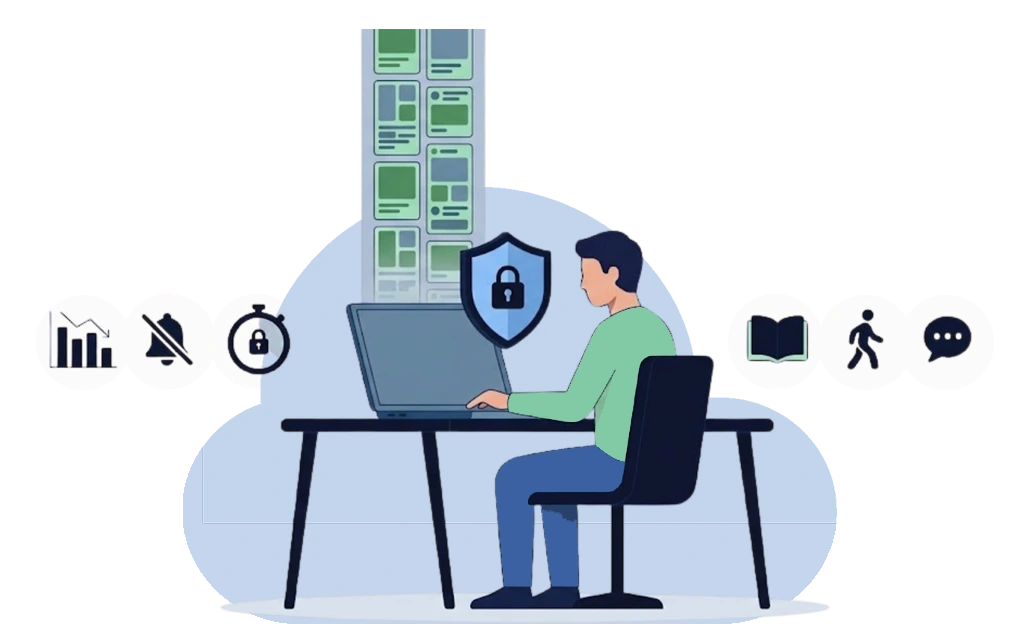
Most advice on how to stop doomscrolling begins and ends with trying harder. These four steps run in order instead, from easiest to most committed. You do not need all four, and starting with the first two is fine.
1. Find Out What You Are Actually Doing
Before changing anything, look at the numbers without judging them.
Open your phone’s screen time settings and find the two or three apps taking the most time, plus the hours when that time disappears. Many people are surprised by both. The app you thought was the problem may not be the top one, and the damage often happens in a window you had not noticed, especially late in the evening.
You are not doing this to feel bad. You are doing it because you cannot block a pattern you have not identified.
2. Turn Off What Is Summoning You
A lot of scrolling is not chosen. It is answered.
Turn off notifications for every feed app. Not the badges only, all of it. Then move the apps off your home screen and out of your dock, and clear the feed shortcuts from your browser’s new tab page.
Two seconds of friction between the impulse and the feed can remove a surprising amount of unplanned scrolling. A lot of it is your thumb arriving somewhere before you did.
This step is free, takes about ten minutes, and often gives you a quick win.
3. Add Structure That Does Not Depend on You
Steps one and two reduce accidental scrolling. This step handles the deliberate kind, when you know exactly what you are doing and do it anyway.
The idea is simple. Decide in advance, while you are calm, what is available during your vulnerable hours. Then make that decision harder to reverse once those hours arrive.
- Block the loop during the window you identified. Not all day. Many people may find a recurring evening block easier to keep than an all-day ban, because total bans often interfere with legitimate use and become easier to justify undoing.
- Use a delay rather than a wall. An urge to scroll feels permanent and is not. It usually rises, peaks, and becomes easier to ignore if you create a delay. A cooldown that makes you wait before the block lifts does not need to fight the urge forever. It only needs to help you outlast the moment.
- Lock the setting, not just the site. This is the part people skip. If 11pm-you can change the schedule 9am-you set, then 9am-you did not really set anything. A lock puts the decision out of reach during the window it covers. A tool like DigitalZen can support this by putting the block behind a lock, and the practical version is permanently blocking the sites that pull you in rather than blocking them again each evening.
4. Know Which Version of This Is Yours
Two patterns deserve their own treatment, and forcing them into the general advice above will not work.
If your scrolling has always been part of a broader difficulty with starting, stopping, and switching, the mechanics are different and so is the fix.
If the problem is specifically the hour before sleep, and the rest of your day is fine, the answer is narrower than anything here. Start with reducing doomscrolling before bed.
What to Do Instead of Doomscrolling
Removing the feed leaves a gap, and the gap is what pulls you back. It helps to know what the scrolling was actually doing for you.
- If you were looking for information, replace constant checking with one scheduled news check a day, at a fixed time, from a source with an end. A newsletter or a print-style summary finishes. A feed never does. If compulsive news checking is the specific shape of your problem, here’s a setup page for compulsive news checking.
- If you were looking for connection, the feed is a poor substitute and you probably already know it. Messaging one person directly often gives you more real connection than an hour of watching strangers.
- If you were decompressing, pick something with an endpoint. An episode, a chapter, a walk, a game with a save point. The endpoint is the whole feature. Anything infinite can start doing to your evening what the feed was already doing.
Evenings are where most of this is decided. If that is your window, it is worth treating how to stop using social media before bed as a routine rather than a resolution.
The Technical Part: What a Stronger Blocker Looks Like
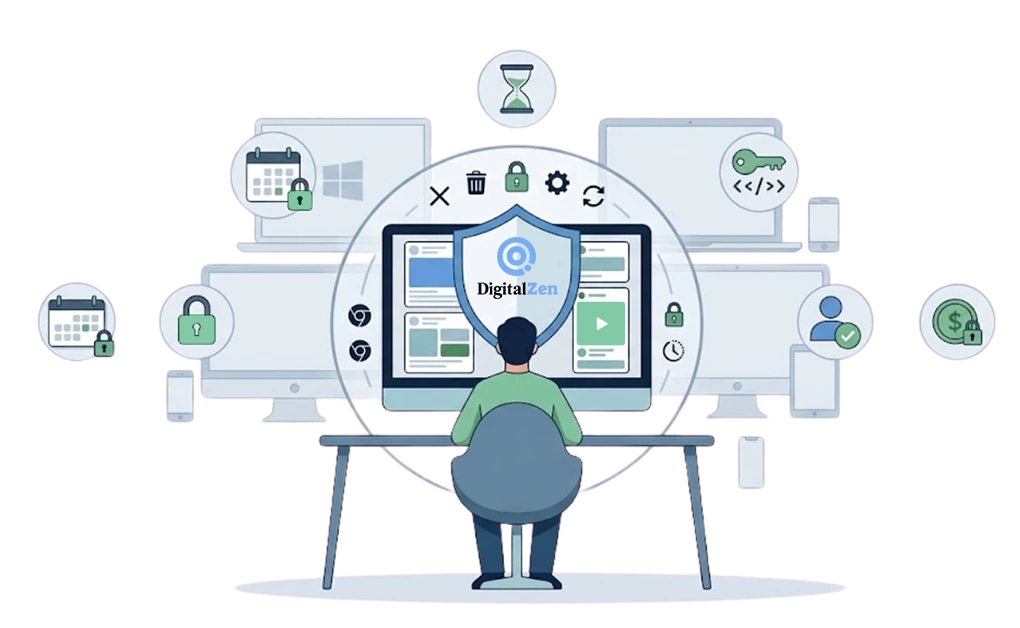
If you have read this far, you have probably already tried the easy version and watched it fail. Here is what the stronger version involves, using DigitalZen as the example.
- Block the loop, not one site. Feeds, short-video apps, and news sites can be blocked as categories instead of typed in one domain at a time. The goal is to block the pattern you keep falling into, including desktop apps where supported, not only websites.
- Use schedules for the vulnerable window. The block starts on its own at the hour you chose. You do not have to remember to switch it on when you are already tired.
- Add a cooldown. Asking to unlock starts a timer instead of lifting the block immediately. You wait it out, and the urge often becomes easier to ignore.
- Choose the right lock. DigitalZen has five locks: code, cooldown, friend approval, schedule, and money fine. Each one adds friction to a different escape route. A code slows the impulsive unlock. Friend approval puts another person between you and the off switch. A schedule removes the daily decision. A money fine adds a self-chosen cost.
- Protect the blocker itself. An active block should resist common bypass routes, such as closing the app, removing the extension, uninstalling the software, stopping background services, restarting to escape a plan, or changing the system time. Without that protection layer, the uninstaller becomes the real off switch. If you have already defeated a blocker before, it is worth reading about making your blocker harder to bypass.
DigitalZen runs on Windows, macOS, and Linux desktops, with a browser extension, plus iOS and Android apps. There is a free tier. Premium is USD 3 per month billed annually, or USD 119 one time, with a 14-day trial and no card required.
None of these fixes the feeling underneath the scrolling. What it does is take the decision away from the version of you least equipped to make it.
Frequently Asked Questions
What Does Doomscrolling Mean?
Doomscrolling means scrolling through negative or distressing content, usually news or social feeds, after you meant to stop. The term combines “doom” and “scrolling” and came into wide use around 2020.
Is Doomscrolling an Addiction?
It is more accurate to call doomscrolling a compulsive pattern than an addiction. Addiction is a clinical term, and doomscrolling is not a recognized diagnosis.
That said, if scrolling is consistently affecting your sleep, work, or relationships, and you have tried to change it without success, it is worth raising with a doctor or therapist. No app is a substitute for that conversation, including ours.
How Do I Stop Doomscrolling at Night?
Block feed apps and sites on a schedule that covers your vulnerable hours. Put the block behind a lock so it is harder to lift in the moment. Charging your phone outside the bedroom can also remove one of the easiest routes back into the feed.
Why Is It Worse With ADHD?
Feeds are built around novelty and immediate feedback, a combination many people with ADHD may find especially hard to step away from. Stopping is also a transition, and transitions can be difficult.
The specifics are covered in why doomscrolling hits harder with ADHD.
References:
- https://pubmed.ncbi.nlm.nih.gov/39160461/
- https://journals.plos.org/plosone/article?id=10.1371%2Fjournal.pone.0257728
- New Mexico Department of Justice, Court Orders Meta to Pay $942 Million and Overhaul Protections for Children, 7 August 2026: https://nmdoj.gov/press-release/court-orders-meta-to-pay-942-million-and-overhaul-protections-for-children-on-facebook-and-instagram-in-landmark-new-mexico-ruling/
- Stateline, Meta to pay 47 states up to $17.1B in landmark child safety settlement, 26 August 2026: https://stateline.org/2026/08/26/meta-to-pay-47-states-up-to-17-1-billion-in-landmark-child-safety-settlement/