
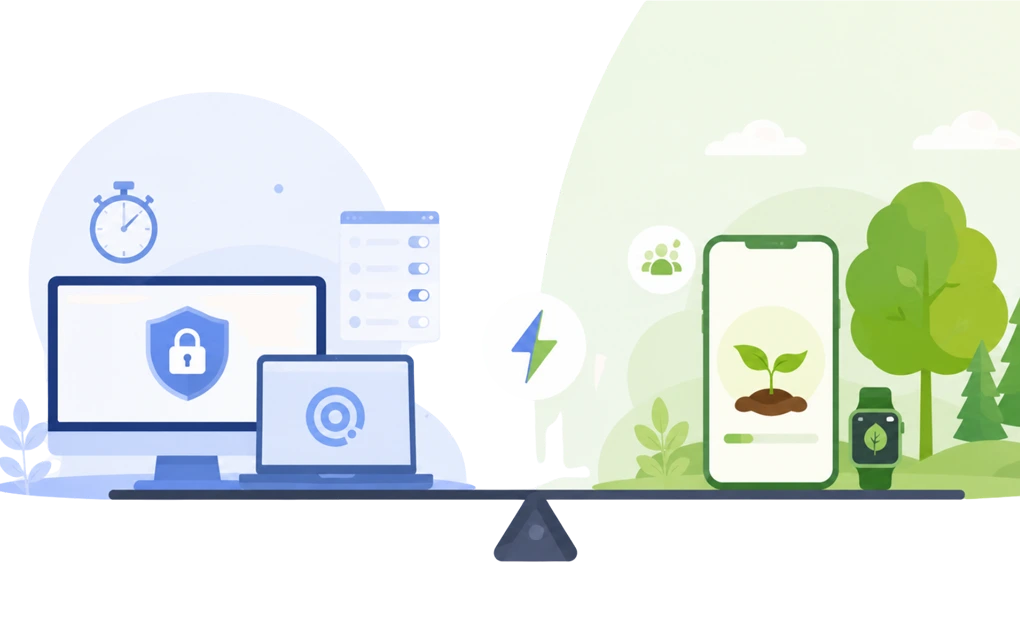
DigitalZen is a productivity tool with strong blocking built in, with native desktop apps for Windows, macOS, and Linux, Android support, and iOS planned for 2026. Forest is a gamified focus app built around mobile sessions, visible progress, and gentle accountability.
Some users may pair them: Forest for gamified focus sessions, and DigitalZen for stronger desktop blocking when motivation alone is not enough.
Key Takeaways
- The two tools work on different layers: DigitalZen works through blocking, layered system-level protection, and adjustable strictness. Forest works through motivation and visible progress. Running both is not redundant.
- DigitalZen covers the desktop and the enforcement layer: It blocks websites and desktop apps across Windows, macOS, and Linux, with keyword-based rules, exception lists, schedules, and lock options that add friction before a protected setup can be changed.
- Forest can support mobile-first gamified focus sessions: Its focus timer, Deep Focus, Time Guard, Plant Together, and soundscapes are built around motivation, with browser extensions for lighter desktop coverage.
- A common setup is Forest on the phone and DigitalZen on the desktop: Both have free entry points, so you can test the pairing before committing to either paid plan.
Disclaimer: This article was published in August 2026. It reflects the app details available at the time of posting. Notice an error? Let us know and we’ll fix it!
Why Forest and DigitalZen Work Well Together
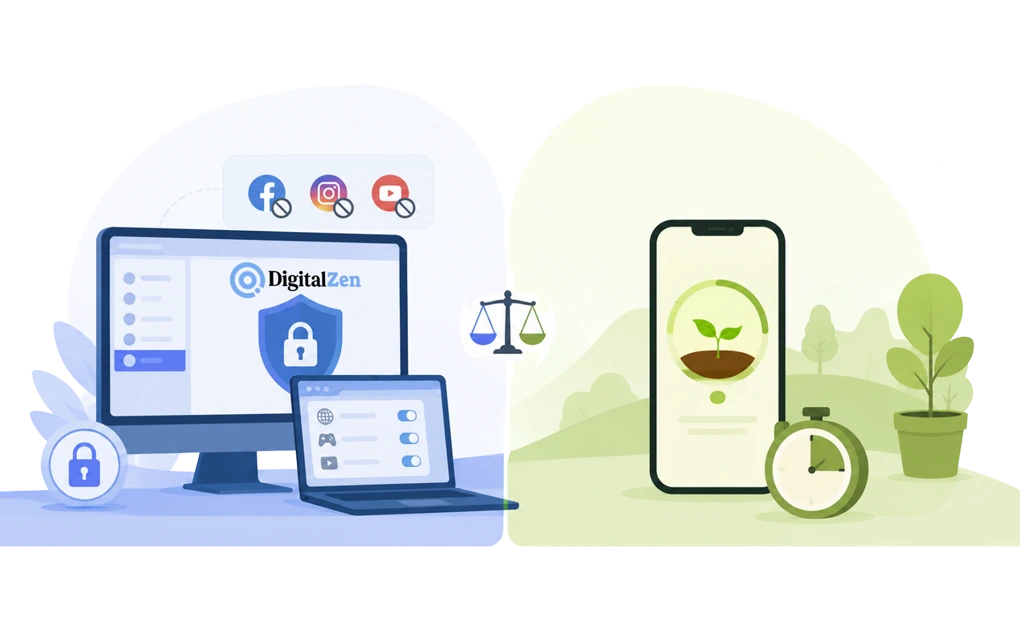
Forest is designed around gentle accountability. You plant a tree, it grows while you stay focused, and it withers if you leave the session. In the browser extension, visiting a site on your blocklist brings up a block screen, and you can still choose to continue at the cost of the tree.
That is a deliberate design choice rather than a gap. Forest is built to make distraction feel noticeable, not impossible. It can make focus sessions more visible and reward-based for users who respond to gamification. For a lot of people that is exactly the right amount of pressure, and it serves a different role from a blocker: it can make focus sessions feel more visible and reward-based for users who respond to that style.
DigitalZen is built for a different job. It works more like a productivity coach than a timer, giving you control over how strict your setup should be. It blocks distracting websites and desktop apps, applies schedules and daily allowances, and uses system-level protection to make common bypass routes harder to use.
Motivation helps you start a session. Protection helps in the afternoon when motivation has already run out. Using both means you are covered in both situations, on both the phone and the desktop.
How the Pairing Works Across Desktop, Browser, and Phone
The simplest way to think about the pairing is by role. Forest can serve as a gamified session layer. DigitalZen is the blocking and protection layer. The browser is the one place they overlap, and that overlap is useful rather than wasteful.
| Where you work | DigitalZen | Forest |
| Desktop | Native app for Windows, macOS, and Linux, blocking websites and installed desktop apps with schedules and daily allowances | Browser extension only; no standalone desktop app |
| Browser | Add-ons plus automatic coverage of unknown browsers, so a second browser does not reopen what you blocked | Blocklist and allowlist modes in Chrome and Firefox during sessions |
| Phone | Android available; iOS planned for 2026 | iOS and Android |
Forest can still be useful for users who want gamified focus sessions on iOS, while DigitalZen already supports Android and has iOS planned for 2026. DigitalZen handles the desktop, where Forest runs as an extension rather than an installed application.
On Linux specifically, DigitalZen ships a native desktop app with a full GUI across Debian-, Red Hat-, and Arch-based distributions, so nothing has to happen at the command line.
Where DigitalZen goes further is in how precisely you can define a distraction. Keyword-based blocking lets you block a term rather than only a domain, so a rule can catch a URL like safesite.com/blog/adult-content instead of only adult.com.
Exception lists work in the other direction: you can block reddit.com while allowing reddit.com/work-related-url, or allow a domain while blocking specific pages inside it. That matters for the mixed-use sites that tend to survive a simple blocklist.
Where They Overlap, and Why That Is Fine
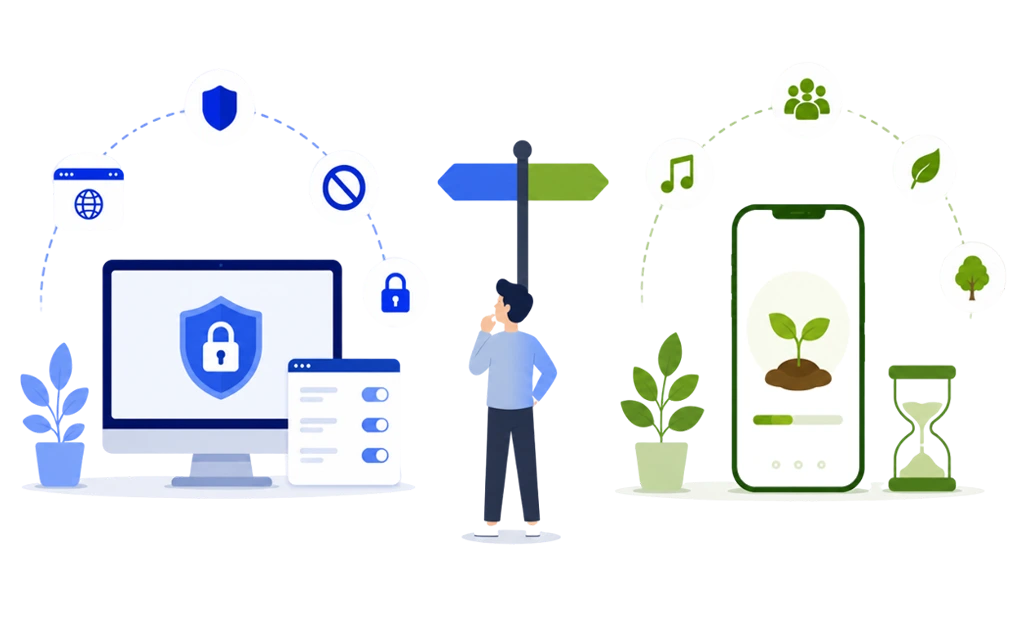
Both tools run focus sessions, but they support those sessions in different ways. DigitalZen has Focus Mode, which can function as an allowlist, plus Pomodoro and Team Focus for shared sessions. Forest has its timer, tree mechanic, Plant Together, tags, streaks, and soundscapes.
This overlap can be useful because each tool supports a different part of the focus session. If the visual forest and streaks help you start, you can use Forest as the session timer while DigitalZen controls what stays reachable during that time. Forest tracks the session. DigitalZen holds the boundary around it.
The same idea applies to cost: you can test the pairing before committing to a paid plan. DigitalZen has a permanent free Basic plan covering website blocking, Focus Mode, and Pomodoro, with monthly, annual, and lifetime paid options and up to 60% off for students and lower-income regions. Forest offers a free core focus experience, with some features and limits varying by plan.
Where DigitalZen Does the Heavier Lifting
The clearest difference is what happens when you decide to bypass your own setup.
DigitalZen’s anti-bypass strength comes from system-level protection first. It is designed to prevent the app from being stopped, prevent extension removal, prevent uninstalls, and resist reboot and time-change workarounds, with automatic weekly updates that can respond to newly discovered bypass methods.
It includes lock options that add user-facing friction before a protected setup can be changed. The protection layer remains the main safeguard, helping keep the blocking system harder to remove, stop, or bypass.
| When you try to get around your own setup | DigitalZen | Forest |
| Stopping the app or uninstalling it | Protected | Not part of the design |
| Removing the browser add-on | Protected | Not part of the design |
| Rebooting or changing the system clock | Protected | Not part of the design |
| Changing or ending a block early | Five lock options add friction: Code, Cooldown, Friend, Schedule, and Money | You can continue, and the tree withers |
Forest is not built for this kind of anti-bypass protection. Its accountability is based on motivation, visual progress, and the cost of withering a tree.
DigitalZen is the layer that keeps a block in place on the days when a withered tree is a price you are willing to pay. There is a broader case for why gentle blocking works better than all-or-nothing enforcement, which is a different question from how much friction any one tool should apply.
Setting Up Forest and DigitalZen Side by Side
The goal is to give each tool a clear surface rather than have them both half-covering everything.
Step 1: Decide where Forest fits. Use Forest only if you want a gamified session layer for phone focus or visual motivation. If you do not need that layer, DigitalZen can handle the blocking and focus structure on its own.
Step 2: Install the DigitalZen desktop app. Download the desktop application for Windows, macOS, or Linux and run the guided setup. This is where website blocking, desktop app blocking, schedules, and the protection layer live.
Step 3: Add the DigitalZen browser add-on separately. The browser add-on is a separate install from the desktop application, added through your browser rather than through the desktop setup. It extends coverage inside the browser, while the desktop app covers unknown browsers on its own.
Step 4: Split the blocklists. Put phone-only distractions in Forest, and put desktop apps, games, chat clients, and browser distractions in DigitalZen. Anything you use in both places is worth adding to both.
Step 5: Add friction last. Once the protection layer is running, choose a lock option that matches how hard the week is. Code or Cooldown suits ordinary weeks. Friend, Schedule, or Money suits deadline periods when you already know you will try to talk yourself out of it.
When It Helps to Add Stronger Desktop Blocking

Needing more than motivation is not a failure of Forest or of you. It usually just means the problem got harder. Three signs point to that shift:
- You need more control over what stays available: You may want to block distracting apps while keeping calendars, notes, messages, or work tools open during a session. Focus Mode can function as an allowlist for exactly this.
- Your distractions moved to the desktop: You might catch yourself opening Firefox because Chrome is blocked, or launching a game client that a browser extension cannot reach. This is where a native desktop app changes the outcome.
- You are giving up trees during hard weeks: Withering a tree is a small cost, and during exams, deadlines, or stressful periods it can stop being enough of one. Students tend to hit this first, and our guide on how to block distractions during exam prep covers that situation in more detail. DigitalZen’s setup for students is built for the same period.
For readers weighing tools that combine focus support with mental clarity, the best blockers for mindful digital wellbeing include DigitalZen and Forest.
Bringing the Two Together
The decision is not really which tool wins. It is which layer you are missing.
Keep Forest if the tree mechanic, Plant Together, and the visual record of focused time are what get you started. It does that job well, and no blocker replicates it.
Add DigitalZen if you need website and app blocking, Focus Mode, schedules, layered protection, and adjustable strictness across your desktop. You can start with one block, choose the level of friction that fits, and use the permanent free plan to see how it sits alongside Forest before paying for anything.
If you are comparing DigitalZen against stricter desktop-only tools rather than complementary ones, Cold Turkey vs. DigitalZen covers that end of the range.
Frequently Asked Questions
Can I Use DigitalZen and Forest at the Same Time?
Yes, and for many people that is the more useful setup. They work on different surfaces and through different mechanisms, so they do not conflict. Forest runs your focus sessions and covers the phone, while DigitalZen runs the blocking and protection layer on the desktop. The one thing worth doing is splitting the blocklists deliberately so you are not maintaining the same rules twice.
Does Forest Work on Desktop?
Forest offers browser extensions for Chrome and Firefox, but it does not provide a standalone desktop application with app blocking. If your distractions include installed desktop programs or a second browser, DigitalZen’s native desktop app for Windows, macOS, and Linux covers what an extension cannot reach.
Is Forest a Real Blocker or Just a Timer?
Yes. Forest is more than a basic timer. It includes focus sessions, Deep Focus for app blocking, Time Guard for scheduled phone-free windows, focus statistics, and social focus features.
The difference is how strict the blocking needs to be. Forest can block distractions during a session, but its accountability is still built around motivation and the cost of withering a tree. If a user decides to bypass the session, that friction may not always be enough.
DigitalZen is built for users who need stronger blocking. It adds system-level protection, website and app blocking, schedules, and lock options that make distracting sites and apps harder to reopen when motivation alone does not hold.
Which Should I Use for Studying and Exam Prep?
DigitalZen is the stronger fit for the laptop side of exam prep. Forest can be added only if gamified phone focus helps you start study sessions.
What If I Need to Block Desktop Apps, Not Just Websites?
That is the clearest case for adding DigitalZen. Forest can block mobile apps during focus sessions and cover the browser through its extension, but installed desktop apps, games, and chat clients sit outside what an extension can reach. DigitalZen blocks distracting websites and desktop apps from one setup across Windows, macOS, and Linux.
References
- https://digitalzen.app/
- https://digitalzen.app/pricing/
- https://digitalzen.app/platforms/
- https://forestapp.cc/
- https://apps.apple.com/us/app/forest-focus-for-productivity/id866450515
- https://play.google.com/store/apps/details?id=cc.forestapp
- https://addons.mozilla.org/en-US/firefox/addon/forest-stay-focused-be-present/