
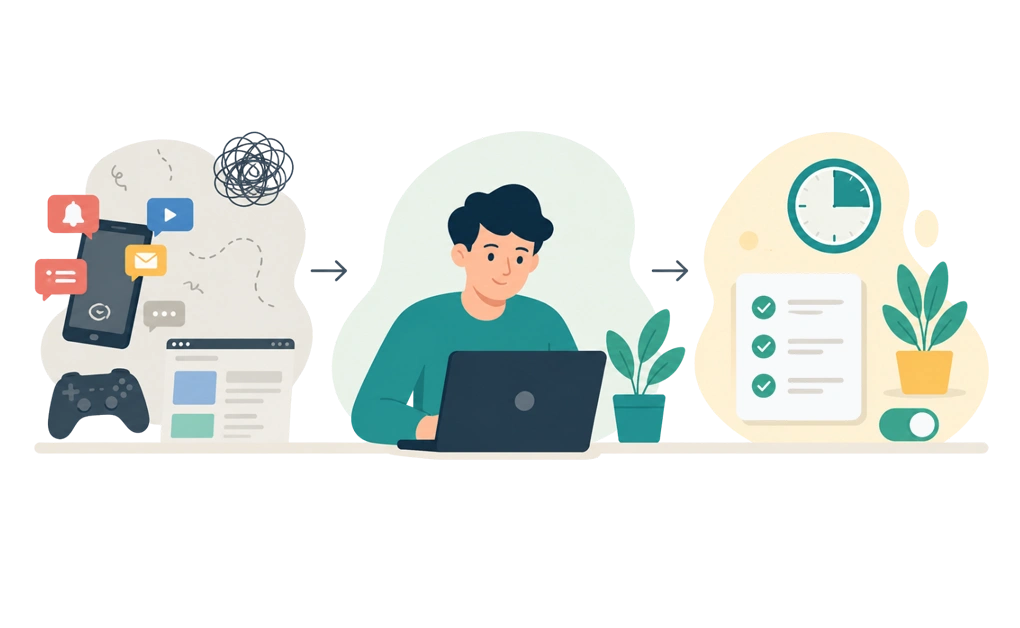
Whether to take medication for ADHD is a clinical decision between you and a qualified clinician. This article does not advise on ADHD treatment, in either direction, and nothing here is medical advice. If you are weighing it up, that conversation belongs with a doctor who knows your history.
What this article covers is your digital environment. That part is yours regardless of what you decide about medication, and it is the part most focus advice skips over. Below is what changing it can do, and what it cannot.
Key Takeaways
-
- This is about your environment, not your treatment: The two are separate questions, and only one of them is answered on a blog.
- Advice that depends on deciding well in the moment asks for the hardest thing: Setting up conditions in advance asks for much less.
- Start with the cheapest changes: Notifications and a single-purpose workspace cost nothing and are often the easiest place to begin.
- Removing a decision works better than winning one: A choice you made yesterday does not have to be re-won at four in the afternoon.
- Environment changes have real limits: They help with a specific slice of the problem, and the parts they do not touch are still there.
Why Willpower-First Advice Tends to Fail With ADHD
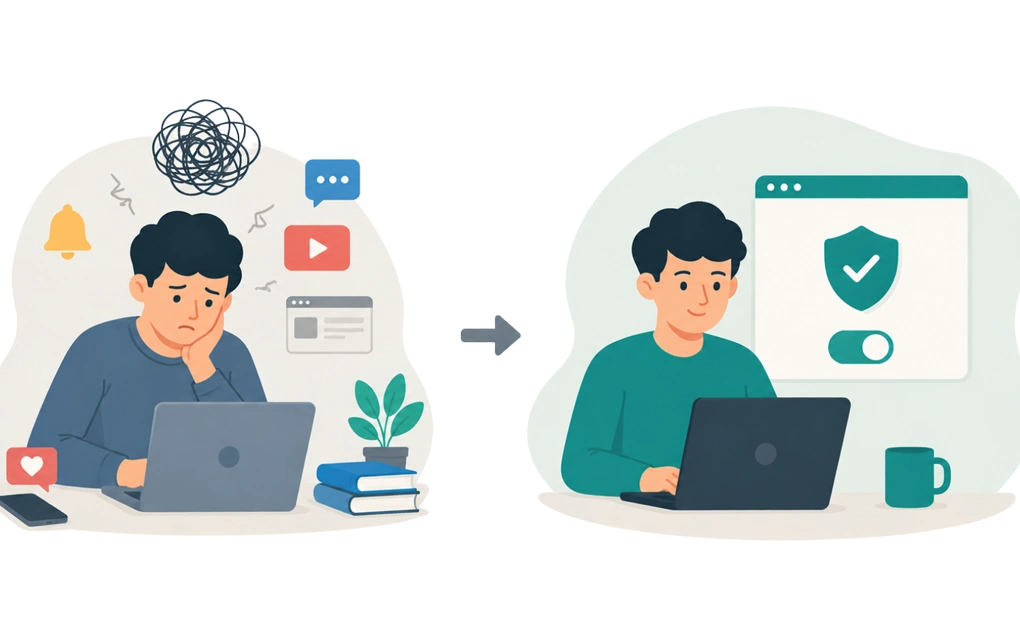
Most focus advice quietly assumes the problem is that you do not know what to do.
Try harder. Be more disciplined. Want it more. If you are living with ADHD, you have almost certainly heard some version of this, possibly from yourself.
Russell Barkley’s work on ADHD, executive functioning, and self-regulation makes a useful distinction. He describes ADHD as a performance problem rather than a knowledge problem, and frames it in terms of self-regulation and executive functioning. The gap is not between knowing and not knowing. It is between knowing and doing, at the specific moment the doing has to happen.
That has a practical consequence:
- More information is not always the missing piece.
- The hard part is often using what you know at the moment you need it.
- Changing the conditions around that moment can ask less of you than trying to win the decision every time.
This is why advice built on making good decisions in the moment can keep failing. ADHD often makes that exact moment harder because self-regulation is already under pressure. It is also why willpower-based tools tend to slip. A tool that asks you to choose well every single time has quietly handed the problem back to you.
None of that is a reason for despair. It is a reason to stop trying to fix the moment and start changing what the moment contains.
The Environment Changes, Ordered by Effort Against Impact
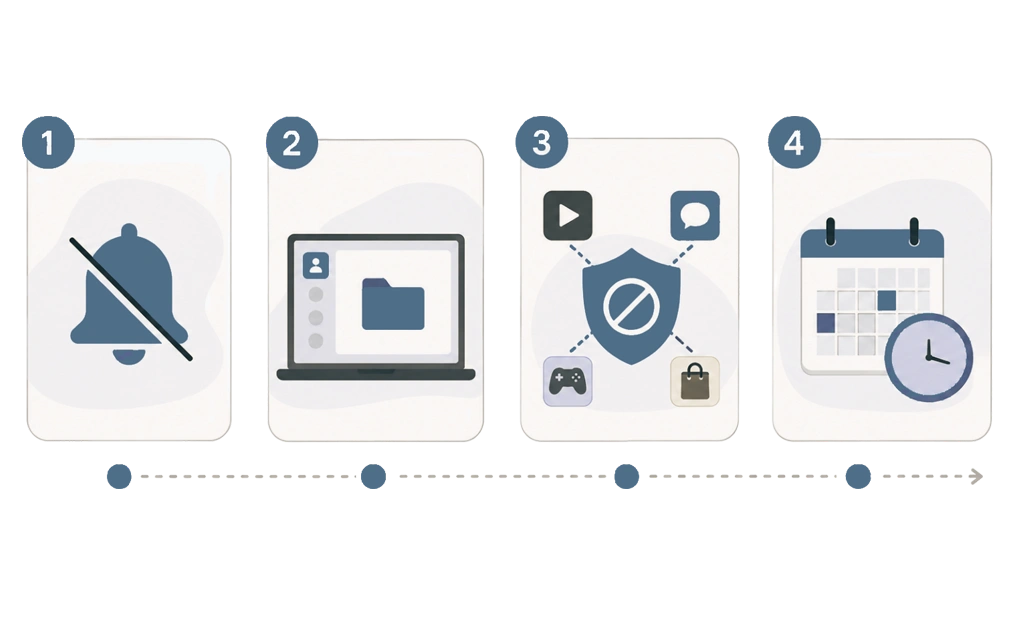
These are arranged cheapest first. The early ones cost nothing and take minutes. The later ones ask for more setup, so it is worth doing them in order rather than starting with the ambitious one and abandoning it.
1. Turn Off Notifications
The cheapest change on the list, and often the easiest place to start.
Every notification is a reminder you did not ask for, arriving at a moment you did not choose. Turn off anything that does not need your attention right now: badges, banners, sounds, and previews.
Most chat and email tools have a do-not-disturb mode with a timer, which is easier to live with than switching them off permanently. Set it for the length of the task rather than the whole day.
This is a small setup change that can keep paying off without asking you to decide again each time. It also requires less discipline in the moment, which is the entire point.
2. Give Spaces One Purpose
Context can shape what feels available, and mixed-purpose spaces can send mixed cues.
Say the same window is where you work, chat, watch things, and read the news. Sitting down to work then means sitting down next to several alternatives, all one click away.
A separate browser profile, a separate desktop, or even a window with only the task open makes that distinction physical rather than mental. Tabs count too. A pile of open tabs is not a filing system. It is a row of invitations.
The same applies to physical space where you have the option. A workspace used only for work asks less of you than a desk that is for everything. A headphone habit can do similar work in a room you do not control, marking the difference between working and not.
3. Remove the Escape Routes You Actually Use
Not every possible distraction. The two or three specific ones you reach for when procrastination takes over.
You already know what they are. Many people can name them quickly, which is useful because it means the target is small and specific rather than the entire internet.
Keep what you need reachable while you do it. If the setup blocks a tool your work depends on, you may switch the whole thing off in frustration and not switch it back.
Removing everything tends to backfire for the same reason. A setup that makes your machine unusable often gets dismantled quickly, which is why gentler limits tend to last longer than total lockouts.
4. Decide in Advance Instead of in the Moment
This is the change that alters the shape of the problem rather than nibbling at it.
Deciding in advance means choosing on Monday morning what is available on Monday afternoon. The decision gets made once, by the version of you with a clear head and nothing tempting in front of you.
In practice, that looks like scheduled blocks that start without being asked, or rules that run on a calendar rather than on a decision. Build it into the routine so it is not something you reinstate each morning. The advantage is that it can still be there on the days you would not have chosen it, which are often the days that matter.
It pairs well with whatever you already use to prioritize work. Task management systems tell you what to do next. They do not stop you opening something else instead, so the two jobs are worth solving separately.
There is more on setting boundaries that do not depend on the moment and why they hold better than the ones you renew daily.
Where Friction and Locks Fit
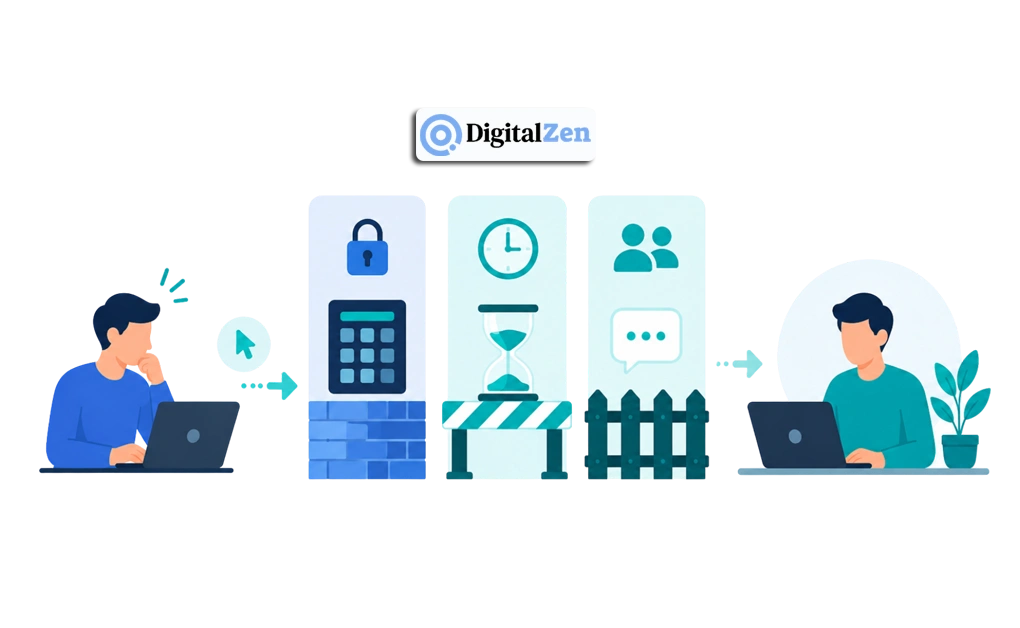
Everything above still has a hole in it. You can undo much of it very quickly.
That is where friction comes in. A block you can switch off instantly is a suggestion. A block that asks for an extra step gives the urge time to soften:
- A code makes the decision slower.
- A waiting period gives you time to return to the task.
- A message to an accountability buddy adds another person to the decision.
The argument is not that you need to be forced. It is that removing a decision can work better than trying to win it in the moment, and that this is a design choice rather than a statement about your character. Nobody thinks less of you for putting the biscuits on a high shelf.
DigitalZen is built around that idea. You choose the level of friction when you set the session up, and it holds while the session runs. What is available was decided by you, earlier, when deciding was easy. Some people want a light delay and others want accountability built in, so the level is yours to set rather than ours to prescribe.
Several categories of tool work this way, and they solve different problems. It is worth understanding the categories of tool that support this before picking one. Choosing the wrong category is one common reason a tool gets abandoned.
DigitalZen for ADHD and focus challenges covers the version written for this audience. There is a free tier if you want to see whether extra friction helps with the specific distraction pattern you are trying to change.
What Changing Your Environment Will Not Do
Changing your digital environment does not change what ADHD is. ADHD is commonly described as a neurodevelopmental condition, and rearranging your notifications does not act on ADHD symptoms. What it can do is remove some obstacles that sit between you and the work.
Plenty sits outside it:
- Impulsivity and impulse control do not stop at the edge of a screen.
- Emotional regulation, restlessness, and disorganization can show up across a whole week, not just in one browser window.
- Patterns of inattention appear in conversations, errands, car keys, and appointments as much as in tabs.
- The wider question of daily functioning is bigger than any software setup.
It does not touch mental well-being either. The frustration of a day that went nowhere, or the accumulated weight of years of being told you were not trying, is not something software can fix.
There is also a limit worth being blunt about. Barkley’s account notes that improvements from environmental adjustments tend to persist only while those adjustments stay in place. This is not something you install once and graduate from. It is a support you keep, in the same way a ramp keeps working only as long as it is there.
And none of this is a substitute for clinical care, or a reason to change anything about a treatment plan. If medication is a question you are sitting with, it stays a question for your doctor. Environment changes are something you can do alongside whatever you and your clinician decide, not instead of it.
Frequently Asked Questions
Can You Improve Focus With ADHD Without Medication?
Environment changes can make certain kinds of focus easier, particularly the kind that fails because a distraction was one click away. They work on the conditions around the task rather than on ADHD itself, so they should not be treated as a direct way to change sustained attention.
Whether they are enough on their own varies enormously between people, and that is a question for you and a clinician rather than an article.
What Helps ADHD Focus Besides Medication?
The digital environment is the piece covered here: notifications, a single-purpose workspace, removing the specific escape routes you use, and deciding in advance rather than in the moment.
Other approaches exist, including therapy, CBT, coaching, mindfulness, support groups, exercise, and sleep. Those clinical and behavioral strategies sit outside what a software company can speak to with authority. They are worth discussing with a qualified professional, because they sit outside what this article can responsibly cover.
Do Blockers and Focus Apps Help Unmedicated ADHD?
They can help with one specific failure: reaching for a distraction you had already decided against. They may not help much with starting a task you cannot begin, and they do not address the parts of ADHD that happen away from a screen. Useful for a narrow job, and worth knowing which job that is.
Is It Possible to Manage ADHD Focus With Environment Changes Alone?
Environment changes can support focus, but they do not manage ADHD as a condition. For some adults with ADHD, environment changes carry a lot of weight. For others, they help around the edges and the rest remains difficult. There is no general answer here, and anyone offering one without knowing your situation is oversimplifying it, including us.
Should I Talk to a Doctor About ADHD Medication?
If it is a question you find yourself returning to, that is a reasonable thing to raise with a doctor. They can assess your situation properly and discuss evidence-based options, which nobody can do from a blog post. We have no position on what you should decide, and nothing in this article depends on which way you go.
References
- https://www.russellbarkley.org/factsheets/ADHD_EF_and_SR.pdf