

Stopping procrastination while studying on Linux often comes down to addressing what makes starting hard in the first place. Overwhelm, boredom, and easy access to distractions are common triggers.
Tools like DigitalZen, Pomodoro timers, and focus music apps can help address each one and make it easier to begin.
Key Takeaways
- Procrastination often comes from three triggers: The task feels too large (overwhelm), the task feels boring (low dopamine), or a more stimulating option is one click away (distraction access).
- Breaking tasks into smaller blocks can make starting easier: A 25-minute Pomodoro session often feels more manageable than a 3-hour study marathon.
- Focus music can make studying less boring: Tools like Blanket and whitelisted lofi streams add background stimulation without pulling attention away.
- Managing distractions can reduce the urge to procrastinate: DigitalZen’s focus mode and allowances limit access to distracting sites and apps during study time.
- Pre-commitment helps when motivation is low: Planning study blocks the night before prevents future-you from backing out.
Breaking Large Tasks Into Smaller Blocks
Starting a 3-hour study session often feels harder than starting a 25-minute block. The Pomodoro Technique breaks study time into focused intervals followed by short breaks.
How Pomodoro Helps With Overwhelm
Large tasks can trigger avoidance. A 25-minute block often feels more manageable than an undefined stretch of studying. Knowing a break is coming can make it easier to begin. The goal can shift from “finish everything” to “just start one block.”
Using DigitalZen’s Rotation Feature
DigitalZen’s rotation feature supports the Pomodoro approach.
- Set preferred work and break intervals
- Distractions are limited during work time and open during breaks
- The cycle repeats automatically without manual input
Starting is often the hardest part. Once the first block begins, continuing often becomes easier.
Making Study Sessions Less Boring
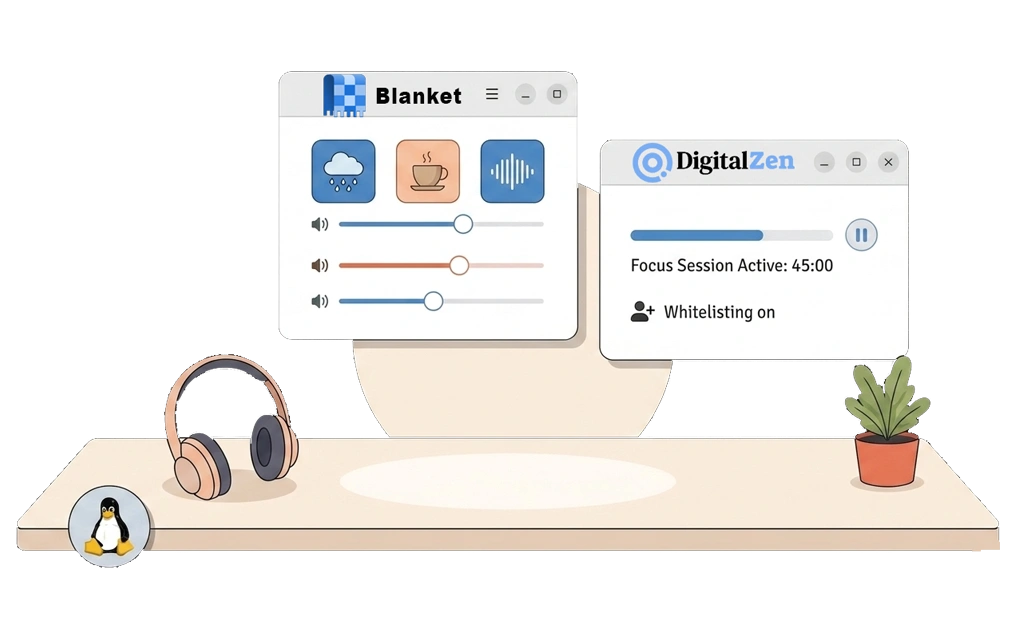
Studying often competes with high-dopamine alternatives like social media, games, and videos. Adding background stimulation can make study time feel less dull without pulling attention away.
Focus Music Tools on Linux
- Blanket: A free, open-source ambient sound app for Linux. It includes sounds like rain, a coffee shop, white noise, and more. Available via Flathub.
- Lofi streams: Web-based streams like lofi.cafe can be whitelisted during study sessions. Quick Lofi is a GNOME extension that streams lo-fi beats directly from the panel.
Pairing Focus Music With Distraction Blocking
Focus music works best when distractions are already blocked.
- Whitelist the focus music source: Blanket runs locally, while lofi.cafe is a URL to allow
- Limit or block everything else during study time
- Background audio can add just enough stimulation to make studying feel less monotonous
The goal is not to entertain but to reduce the gap between studying and more appealing alternatives.
Managing Access to Distractions
A more stimulating option is often just one click away. Social media, YouTube, and similar sites can compete for attention before studying even starts. Managing access with a tool like DigitalZen can shift the default from constant temptation to a more controlled environment.
Common Distractions to Limit
Social media is one of the biggest procrastination triggers. Controlling social media on Linux can reduce easy access during study time. YouTube, Reddit, news sites, and messaging apps are also common time sinks for students.
Using DigitalZen Focus Mode and Allowances
DigitalZen offers different ways to manage distractions depending on what works best for you.
- Focus mode allows only whitelisted study tools during a session. Everything else stays blocked until the session ends.
- Allowances let you set daily time limits for distracting sites. For example, 30 minutes of social media per day. Once the limit is reached, access pauses until the next day.
For students who lose hours to video content, blocking YouTube on Linux or setting a daily allowance helps reduce one of the easiest distractions to fall into.
Locking Settings to Prevent Undoing
Limits only work if they stay in place. Adaptive locks add friction before you can change your settings.
- Schedule lock prevents changes until a set time
- Cooldown lock adds a waiting period before unlocking
- Future-you cannot easily undo what present-you set up
For a ready-made list of distractions, sites to block for productivity provides a starting point that can be imported into DigitalZen.
Why Procrastination Happens When You Know You Should Study
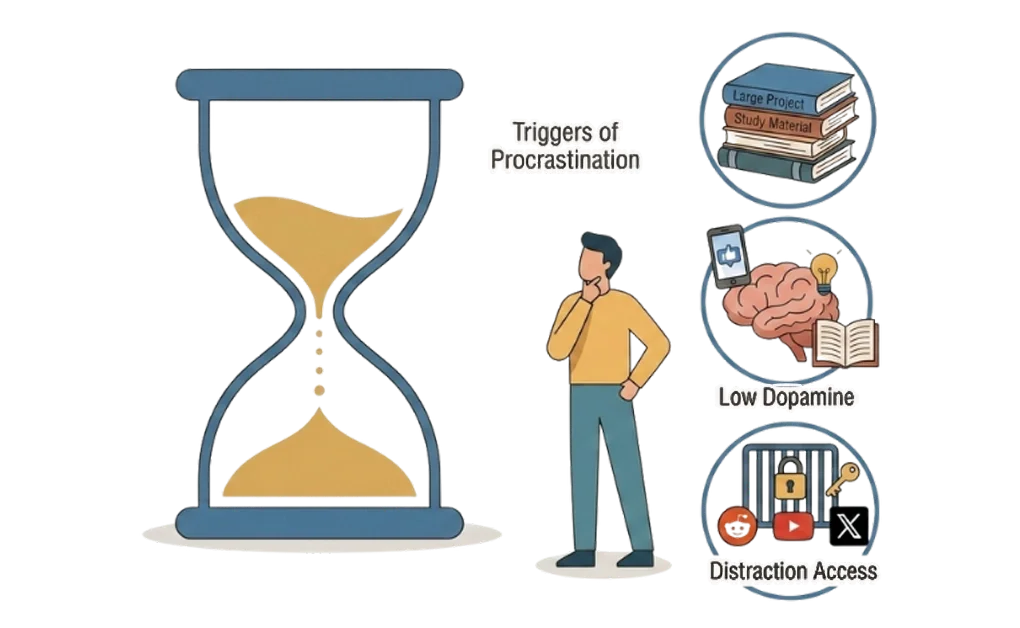
Understanding why procrastination happens can make it easier to address. Study procrastination often comes from one of three triggers.
- Overwhelm
When a task feels too big, starting can feel pointless. The brain may resist engaging with something that has no clear endpoint. Smaller blocks with defined timeframes can make the first step feel more approachable.
- Low Dopamine
Studying often struggles to compete with the instant reward of social media or videos. It is often easier to drift toward faster, more stimulating activities like social media or videos. Adding background stimulation like focus music can support bridging this gap without becoming a distraction itself.
- Distraction Access
Even with motivation to study, easy access to distractions can create constant temptation. Each decision to resist can take effort. Managing access through blocking or limits can make studying the easier option compared to scrolling.
Planning Tomorrow’s Study Blocks in Advance
Motivation is often higher in the evening than in the moment. Pre-commitment uses this to your advantage by planning study blocks before procrastination has a chance to kick in.
How Pre-Commitment Works
Pre-commitment means making decisions when motivation is high so you do not have to make them when motivation is low.
- Plan tomorrow’s study blocks the night before
- Scheduled blocks start automatically at the planned time
- You do not need to decide in the moment: the decision is already made
Why This Can Help With Procrastination
- Reduces the friction of starting: the block begins whether you feel fully ready or not
- The plan made earlier creates a little more accountability when the time comes to begin
- Reduces the need to rely on willpower alone: there is less need to convince yourself to begin
Creating Scheduled Blocks in DigitalZen
DigitalZen allows you to create scheduled blocks in advance.
- Create a block for tomorrow’s study session
- Set the block type to Focus
- Only the tools you approved in advance remain accessible
Pre-commitment often works best when paired with locking. This prevents changes until the block ends, so you cannot undo the plan during a weak moment.
A Linux Study System for Beating Procrastination
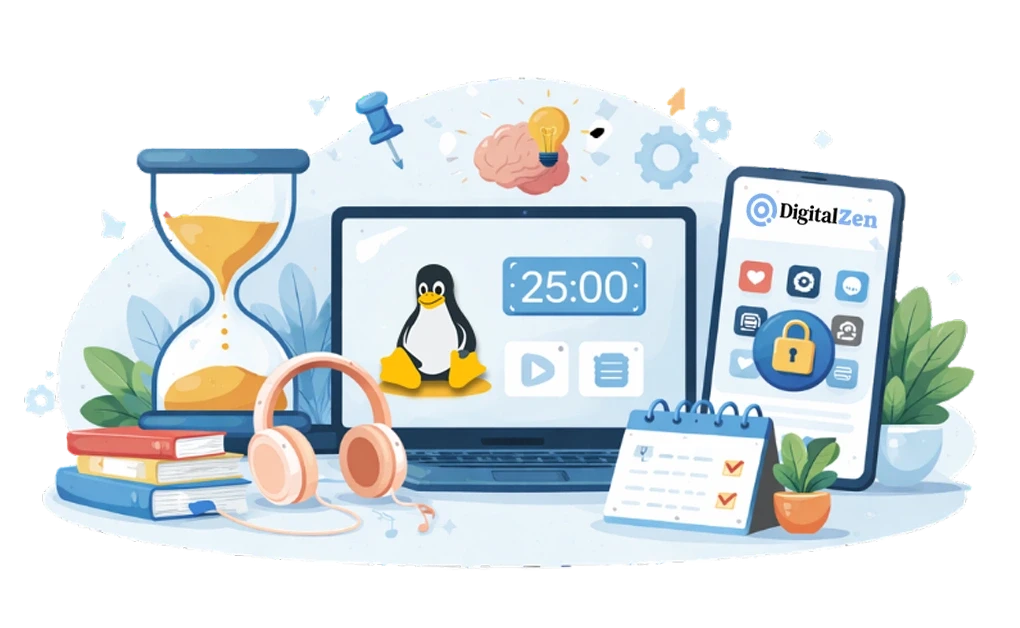
Procrastination while studying often comes from one of three triggers: overwhelm, boredom, or easy access to distractions. Each trigger requires a different approach. What works for overwhelm may not work for distraction access, and what works for boredom may not work for either.
Linux tools may make it easier to address all three. Pomodoro with rotation breaks large tasks into smaller, more approachable blocks. Focus music tools like Blanket add background stimulation without pulling attention away.
Managing distractions with DigitalZen reduces easy access to distracting sites and apps. Pre-commitment allows you to plan study blocks in advance, so you do not have to rely on motivation in the moment. Once you start, focusing while studying on Linux becomes easier with the right environment and tools in place.
DigitalZen offers focus tools for students that help reduce triggers for procrastination on Linux.
Frequently Asked Questions
Does Blocking Distractions Actually Help With Procrastination?
Blocking or limiting access removes the option to procrastinate on distracting sites. Without easy access, the default often shifts to studying rather than resisting temptation. Locking your settings adds another layer by preventing you from undoing the setup during weak moments.
What Is the Best Way to Start Studying When I Do Not Feel Like It?
Breaking the task into a single 25-minute Pomodoro block is often a good starting point. Starting one small block tends to feel easier than starting a long session. Adding focus music can also make the session feel less dull and easier to begin.
How Can I Stop Myself From Undoing My Blocks?
Adaptive locks, like schedule lock or cooldown lock, add friction before you can disable a block. Schedule lock prevents changes until a set time. Cooldown lock adds a waiting period before unlocking. Pre-commitment the night before also takes willpower out of the equation.
Can Focus Music Actually Help With Studying?
Focus music can add background stimulation without pulling attention away from the task. Tools like Blanket offer ambient sounds such as rain, coffee shop noise, and white noise. Lofi streams can also be whitelisted during study sessions. The goal is to make studying feel less boring compared to high-dopamine alternatives.
What Linux Tools Help With Study Procrastination?
Several Linux tools can help address procrastination triggers. DigitalZen offers focus mode, allowances, rotation for Pomodoro, and scheduled blocks for pre-commitment. Blanket provides ambient sounds for background stimulation.
Lofi streaming sites like lofi.cafe can be whitelisted for focus music. Together, these tools create a study system that addresses overwhelm, boredom, and distraction access.
References:
- https://www.apu.apus.edu/area-of-study/education/resources/how-do-i-stop-procrastinating-in-online-school/