
Limiting screen time on Linux while studying usually starts with creating clearer boundaries between academic work and entertainment. Students often need the same computer for textbooks, lecture recordings, research, and assignments, but that also makes it easy to drift into social media, YouTube, or messaging.
Tools like DigitalZen can help by setting daily allowances, scheduled study blocks, and structured breaks.
Key Takeaways
- Studying and entertainment often happen on the same device. Clear boundaries can make it easier to protect study time from distractions.
- Daily allowances can keep non-study browsing under control. For example, you might allow 30 minutes of social media per day before access pauses until the next reset.
- Scheduled blocking can protect dedicated study hours. Distracting sites and apps stay restricted during planned study periods, then open back up afterward.
- Rotation can create a better rhythm between focus and breaks. Study blocks and break periods alternate automatically, so you do not have to manage each cycle manually.
- Screen-time tracking can help you spot patterns. Recent GNOME releases include screen-time usage features that can make it easier to see how your time is being used.
Ways to Limit Screen Time on Linux While Studying
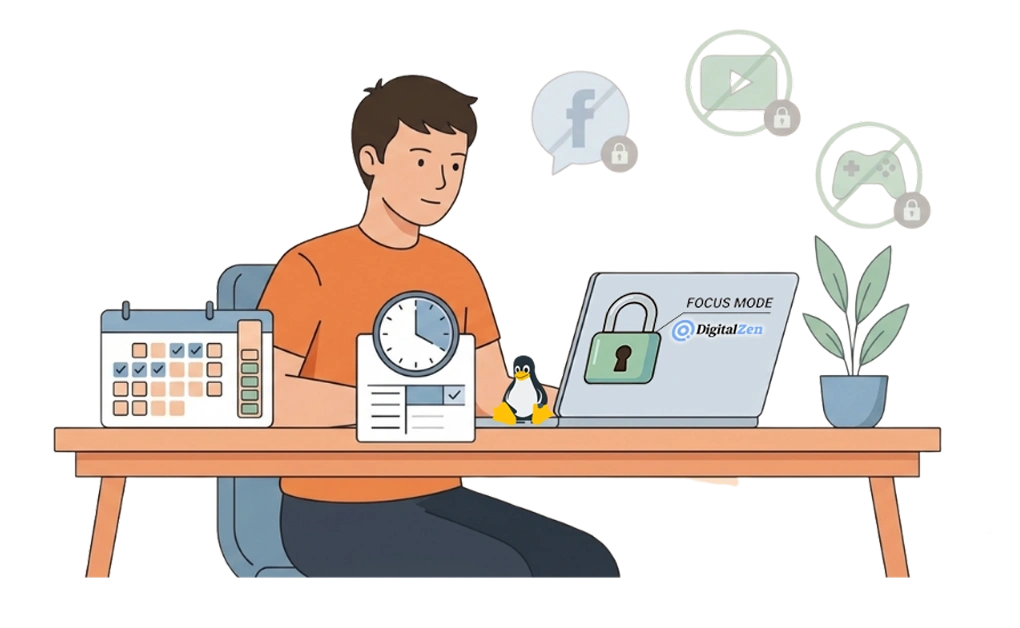
Students need their computers for classwork, research, and online resources, but the same machine also makes it easy to drift into social media, YouTube, games, or messaging before study time really gets going.
Limiting screen time while studying usually starts with creating clearer boundaries between academic use and everything else.
The basics of limiting app usage time on Linux still apply here, but student routines often need a more flexible setup. The goal is to keep study tools available while placing firmer limits on distractions.
1. Daily Limits With Allowances
Allowances place a daily cap on specific sites or apps. Once the limit is used up, access pauses until the next day.
- Set time limits for entertainment sites like social media or YouTube
- Keep study tools available throughout the day
- Let limits reset each morning automatically
This approach can work well for students who want some flexibility without letting short checks turn into long detours.
2. Scheduled Limits for Study Hours
Scheduled limits restrict access to distractions during planned study periods. Outside those hours, access returns to normal.
- Define your study hours in advance
- Distracting sites and apps stay limited automatically during those times
- No need to start or stop each session manually
This can work well for students who already have a regular routine or want study hours to start without having to decide each time again.
3. Using DigitalZen Focus Mode for Deep Concentration
Focus mode narrows access to only the tools needed for studying, while everything else stays unavailable until the session ends.
- Whitelist academic tools like your browser, note-taking app, and word processor
- Block entertainment sites and apps during the session
- Start a study session quickly from the system tray
DigitalZen offers focus tools for students designed to help manage screen time during study sessions.
Structuring Study and Break Time With Rotation
Alternating between focused study periods and breaks can make longer sessions feel easier to sustain. Rotation automates this pattern by switching between distraction-limited study blocks and more open break periods.
How Rotation Works
During study blocks, distracting sites or apps stay limited. During breaks, those restrictions ease up. The cycle then repeats automatically, so you do not have to manage it yourself each time.
- Set your preferred study and break lengths
- Let limits change automatically based on the current block
- Avoid having to start or stop each cycle manually
Finding the Right Intervals
Different students respond better to different pacing. Some prefer shorter blocks with frequent breaks, while others find longer stretches easier once they get going.
- Shorter intervals: 25 minutes study, 5 minutes break
- Medium intervals: 45 minutes study, 10 minutes break
- Longer intervals: 90 minutes study, 20 minutes break
It may take a bit of testing to find a rhythm that fits your workload and attention span.
Why Rotation Helps With Screen Time
Rotation creates a built-in rhythm between focus and rest. Knowing a break is coming can make it easier to stay with the task in front of you. Breaks also give you room to reset without letting non-study screen time quietly take over the rest of the session.
Tracking Screen Time on Linux
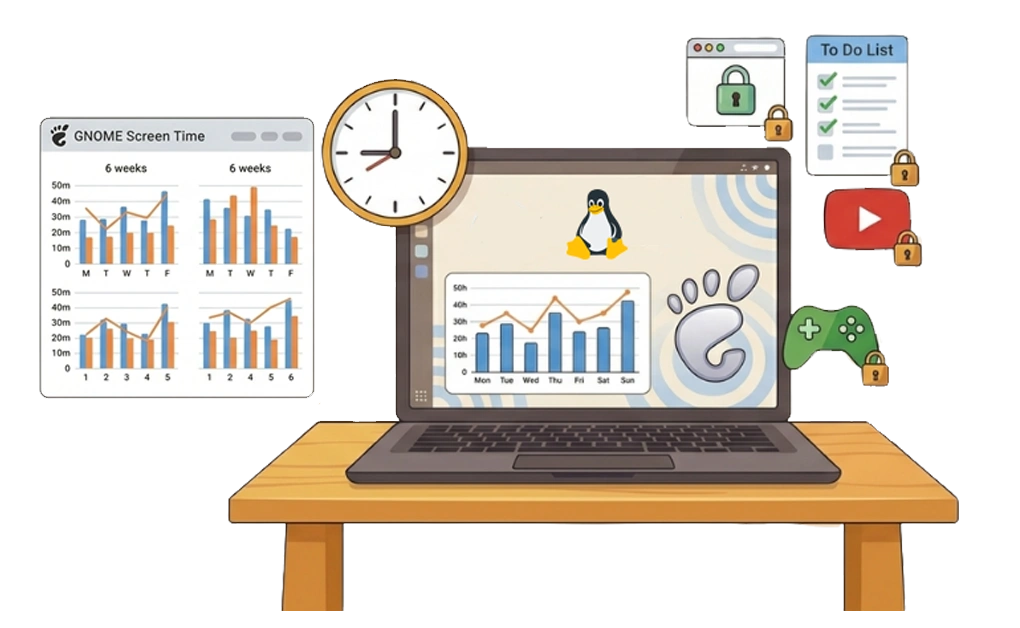
It is easier to set limits when you can see how your time is being used. Screen-time tracking can help you notice patterns, identify your biggest distractions, and make better decisions about what to limit.
GNOME Screen Time
Recent GNOME releases include screen time usage features that let users view how much time they spend using the screen each day and compare recent usage across days and weeks.
- View screen-time patterns across days and weeks
- Get a clearer picture of overall device use
- Use the built-in tools available in newer GNOME environments
This may reveal habits that are easy to miss, like how often messaging or media checks interrupt study time.
Using Tracking to Inform Limits
Once you can see your usage patterns more clearly, it becomes easier to set limits that match your actual habits.
- If social media takes 2 hours a day, cap it at 30 minutes
- If YouTube fills most of your breaks, give it a daily allowance
- If messaging apps interrupt often, block them during study hours
That kind of awareness can make your limits more realistic, especially when it is easy to underestimate how often certain apps interrupt your study flow.
Adjusting Screen Time Rules for Exam Periods and Breaks
Study demands change throughout the semester, so your screen time setup should change with them.
Stronger Restrictions During Exam Periods
Exam prep often calls for longer study sessions and fewer distractions. Tightening your screen time rules during these periods can help protect focused work when stress is higher and distractions become easier to justify.
- Reduce daily allowances
- Extend scheduled blocking hours
- Use focus mode more often
Some students prefer to block entertainment entirely during exam weeks. Others do better with short breaks that help them stay steady over longer study days.
More Flexible Screen Time During Semester Breaks
Semester breaks are usually a time to recover, so keeping the same strict setup may feel unnecessary.
- Increase or remove daily allowances
- Shorten or disable scheduled blocking
- Return to your usual routine when the new semester begins
The goal is to build habits you can sustain, not to keep every restriction at maximum intensity all year.
Keeping Your Setup Consistent Across Devices
Students who study on multiple machines can sync app settings for productivity across devices to keep their setup consistent. This helps reduce the temptation to switch devices when one setup starts to feel too restrictive.
Students who also use Windows can apply the same general approach there by using website and app blocking tools on that device as well.
Managing Study Screen Time on Linux
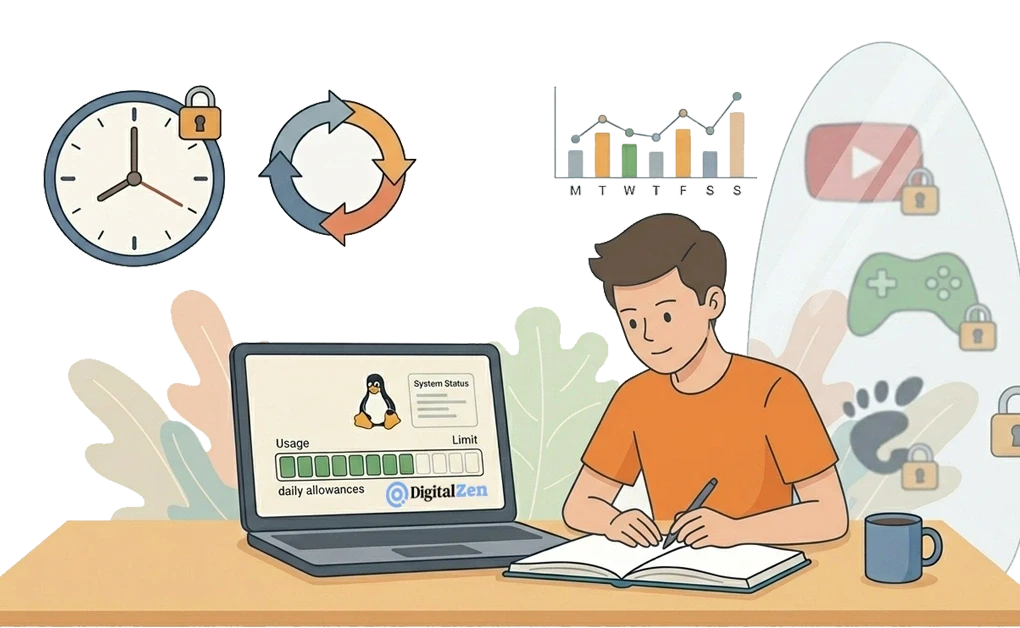
Limiting screen time while studying on Linux usually starts with creating clearer boundaries between academic work and entertainment. Without those boundaries, the same device that helps you study can also make it easier to drift away from what you planned to do.
Daily allowances offer a way to keep non-study browsing under control. Scheduled limits offer structure for dedicated study hours. Rotation can create a steadier rhythm between focus and breaks, while screen-time tracking can help you notice habits that are eating into study time.
Adjusting your approach during exam periods and semester breaks can also make the system easier to maintain over time.
Screen time management is one part of focusing while studying on Linux, which also includes environment setup and study techniques. DigitalZen brings allowances, scheduled limits, rotation, and focus sessions together in one setup designed to help students manage screen time with more structure.
Frequently Asked Questions
How Do I Limit Screen Time on Linux While Studying?
Start by setting daily allowances for distracting sites and apps. Add scheduled blocking during your study hours, and use focus mode when you need a session with fewer interruptions. Tools like DigitalZen combine these approaches in one setup for Linux, Windows, and Mac.
How Do I Keep Rules Consistent Across Multiple Devices?
If you study on more than one machine, syncing your setup can help keep your routines consistent. DigitalZen says it can sync blocklists, Focus Modes, schedules, limits, and break reminders across devices and platforms, which helps reduce the temptation to switch devices just to get around your restrictions.
What Is the Best Screen Time Limit for Studying?
There is no single rule that works for everyone. Some students do well with 30 minutes of daily entertainment, while others need tighter restrictions during exam periods. A moderate starting point usually works best, then you can adjust based on your routine and how easily distractions spill into study time.
Can I Track My Screen Time on Linux?
In some Linux environments. Recent GNOME releases include screen time features that show daily usage and compare patterns across days and weeks. This often reveals whether messaging, videos, or other distractions are eating into study time.
Should I Block Entertainment Completely While Studying?
Some students do better with moderation than full blocking. DigitalZen supports that by letting you set daily allowances, timed restrictions, and focus sessions, so entertainment stays controlled instead of disappearing completely.
For times when you need deeper concentration, stricter blocking can still be useful. The right approach depends on your study style and how much structure helps you stay on track.
How Does Pomodoro Help With Screen Time?
Pomodoro-style study blocks can make screen time easier to manage by separating focused work from planned breaks. During study blocks, distractions stay restricted. During breaks, access becomes more flexible. DigitalZen’s rotation approach follows that same idea by automating the cycle.
References:
- https://release.gnome.org/48/
- https://www.pocketprep.com/posts/the-science-of-study-breaks-boost-learning-without-burning-out/