

A reliable website blocker should stay active through normal daily use. That includes long sessions, sleep and wake, reboot, browser switching, and updates. This matters when you trust the block is still active and do not want to check it every time your computer wakes up. Local desktop blockers usually have the strongest foundation because they do not depend only on browser extensions or cloud syncing to hold blocks.
DigitalZen, Cold Turkey, and FocusMe are strong options to compare first, while Freedom and browser-extension blockers may add more reliability variables depending on the setup.
Key Takeaways
- Reliability is not the same as strictness: A blocker can feel strict during a session but still leave gaps after reboot, sleep and wake, browser changes, or updates.
- Local desktop blockers are usually the strongest starting point: Tools like DigitalZen, Cold Turkey, and FocusMe are better suited for full-desktop coverage than browser-only blockers.
- Browser extensions are more limited for full-machine blocking: They can work for lightweight blocking, but they may fail when you switch browsers, use private browsing, or change extension settings.
- Update stability matters: A reliable blocker should keep working after app, browser, and operating system updates, or make issues visible when something needs attention.
- DigitalZen is a strong fit for reliable desktop blocking: It offers cross-platform desktop support, including Linux, plus protection features, adaptive locks, and a free tier users can test before upgrading.
Disclaimer: This article was published in July 2026. It reflects the app details available at the time of posting. Notice an error? Let us know and we’ll fix it!
Which Blockers Are Most Reliable
If you searched for “most reliable website blocker,” the best place to start is with local desktop blockers. These tools are more likely to stay active through normal daily use, including long work sessions, sleep and wake, reboot, and browser changes.
DigitalZen, Cold Turkey, and FocusMe are the strongest candidates to compare first. Each runs as a desktop app instead of relying only on a browser extension. DigitalZen offers full desktop support across Windows, macOS, and Linux. Cold Turkey is known for strict desktop enforcement. FocusMe offers a deeper toolkit with Forced Mode and advanced plan controls.
Freedom is stronger for cross-device syncing, especially when you want blocking across multiple devices. The trade-off is that sync-based blocking can depend more on connection quality, account state, and platform behavior. That can matter when you work offline or move between unstable networks.
Browser extensions like LeechBlock and BlockSite can work for lightweight blocking, but they are more limited. They depend on the browser they run in and may not cover other browsers, private browsing settings, or browser update changes. There is a deeper case for why browser extensions alone are not enough for distraction blocking, and the reliability angle is one piece of it.
What Reliability Actually Means for a Website Blocker
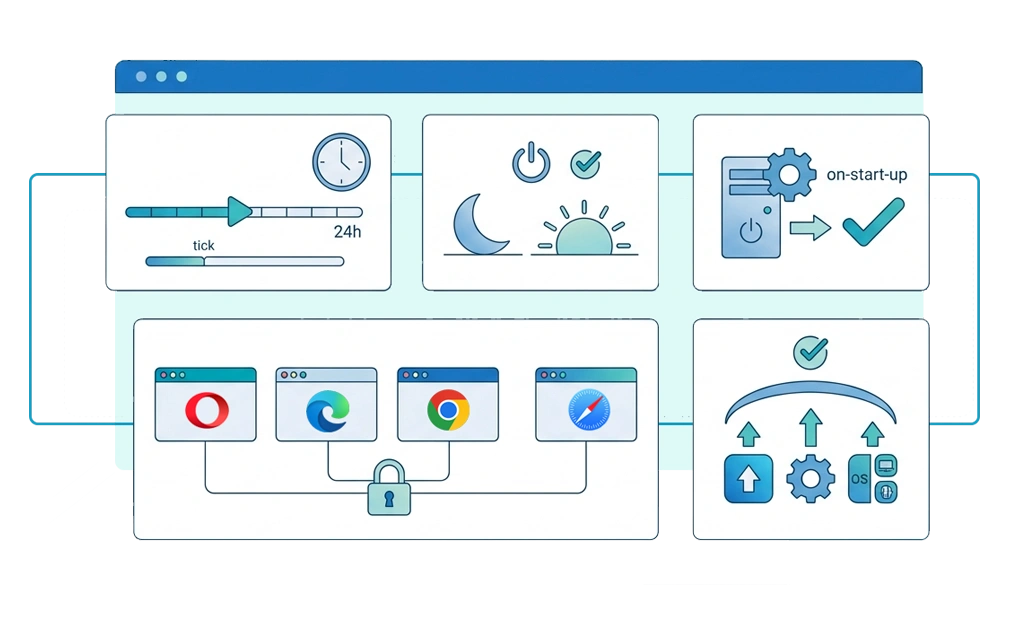
Reliability sounds simple, but it is not the same as strictness. A blocker can be hard to bypass and still fail after a reboot, browser update, or sleep and wake cycle.
A reliable website blocker should keep working through normal daily use. That means looking at five practical areas:
- Uptime during long sessions: Does the block stay active during a long work session?
- Behavior after sleep and wake: Does the blocker resume automatically when the computer wakes up?
- Behavior after reboot: Does the tool start with the operating system, or does the user have to open it manually?
- Cross-browser consistency: Does the blocker work across every browser on the computer, not just one?
- Update stability: Does the tool keep working after app, browser, or operating system updates?
These are the questions that matter when someone wants a reliable blocker. A tool does not need to be the strictest option to be reliable. It needs to stay active, recover cleanly, and avoid silent failures during everyday use.
How Each Tool Performs on Reliability
Reliability is easier to compare when you look at the layer each tool depends on. Local desktop apps usually have an advantage for long focus sessions because they run closer to the operating system. Browser extensions depend more on the browser being open, active, and supported.
Session Uptime and Recovery
| Tool | Long Session Reliability | Sleep and Wake Behavior | Reboot Behavior |
| DigitalZen | Strong local desktop coverage | More reliable than browser-only tools because it uses a desktop app | Strong reboot protection helps keep protected plans active after a restart. |
| Cold Turkey | Strong local desktop coverage | Should be more reliable than browser-only tools because it uses a desktop app | Scheduled blocks can autostart |
| FocusMe | Strong local desktop coverage | Desktop app behavior may vary by platform and settings | Reboot protection helps protected plans stay active |
| Freedom | Strong when the app and sync are active | Depends on app activity and sync state | Sessions should auto-sync, but may need manual sync if not starting correctly |
| LeechBlock NG | Browser-dependent | Depends on browser behavior | Loads when the supported browser and extension load |
| BlockSite | Depends on browser, app, and platform setup | Depends on browser extension, mobile app, and permissions | Loads through the browser extension or mobile app setup |
Local desktop apps are usually more reliable than browser-only extensions for long sessions because they do not depend only on a browser tab or extension state. Browser extensions can still be useful, but they work best as part of a setup where the browser is the main distraction layer.
Cross-Browser and Coverage Consistency
| Tool | Cross-Browser Coverage | Coverage Consistency | Unknown Browsers |
| DigitalZen | Broad browser coverage with desktop app and browser add-ons | Strong desktop coverage | Designed to cover unknown browsers automatically |
| Cold Turkey | Supports major browsers through its desktop app and extensions | Strong desktop coverage | Can try to detect and block unsupported browsers |
| FocusMe | Blocks across major browsers and other browsers at the system level | Strong, with platform differences | Covered through system-level blocking |
| Freedom | Cross-device and cross-browser when sessions are active | Strong when the app and sync are active | Covered when active session rules apply |
| LeechBlock NG | Available across supported browsers, including Firefox, Chrome, Edge, and Chromium-based browsers | Extension-dependent | Only covered where the extension is installed |
| BlockSite | Supports browser extensions and mobile apps across supported platforms | Depends on browser, app, account sync, and permissions | May depend on supported browser, app, and setup |
Coverage consistency matters because a blocker that only covers one browser can leave another browser open as a workaround. Desktop blockers are stronger here because they are not limited to one browser extension. Extension-based blockers can still help, but they are usually better for lightweight blocking than full-machine coverage.
This matters when browser switching is the easiest way past the block. A reliable setup should not depend on remembering which browser is protected.
Update Stability
| Tool | Browser Update Risk | App Update Risk | Update Frequency |
| DigitalZen | May be less exposed than extension-only tools because blocking is not only extension-based | More stable with active desktop app development | Weekly releases |
| Cold Turkey | May be less exposed than extension-only tools because it uses a desktop blocker model | Public release notes show ongoing fixes and updates | Periodic releases |
| FocusMe | May be less exposed on desktop because blocking works at the system level across browsers | Supported by long-running active development | Regularly maintained; exact cadence may vary |
| Freedom | May be less exposed than extension-only tools, but sync and app state can add variables | Can depend on app, account, session, and sync state | Regularly maintained |
| LeechBlock NG | May be more exposed to browser update changes because it depends on extension behavior | Browser API changes can affect extension behavior | Extension updates |
| BlockSite | Can depend on whether blocking runs through the browser extension, mobile app, or platform setup | Can depend on browser extension, mobile app, platform, and permissions | Regularly maintained |
Update stability matters because a blocker can feel reliable for weeks, then stop working after a browser, app, or operating system update. Desktop blockers have an advantage because they are not fully dependent on browser extension behavior. Browser extensions can still be useful, but they inherit more risk from browser permission changes, API changes, and extension settings.
Local desktop blockers are usually the best starting point for reliability. Cloud and sync-based blockers can be useful, especially across devices, but they add more variables. Browser extensions are the easiest to install, but they are also the most limited for full-machine reliability.
Why Blockers Fail When They Fail
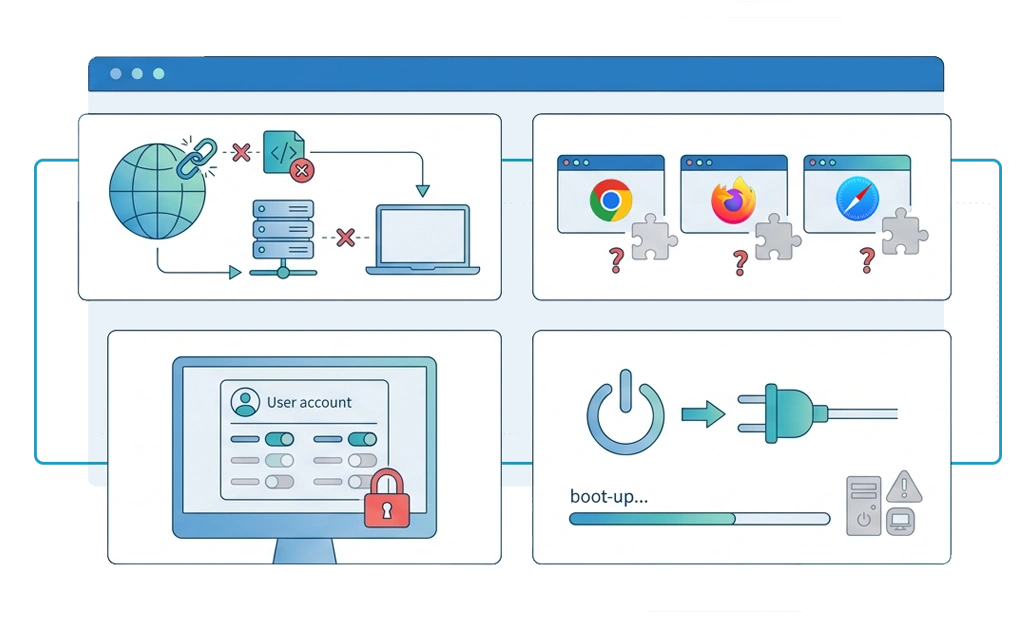
Most blocker failures come from a few predictable weak points. Knowing the failure mode helps you choose a better replacement instead of switching to another tool with the same problem.
- Network or sync dependency: Cloud-based blockers can depend on account status, sync behavior, and connection quality. If a session cannot verify or sync correctly, blocking may become less consistent until the app reconnects or refreshes.
- Browser extension limits: Extension-based blockers depend on the browser they run in. Browser updates, permission changes, private browsing settings, or extension API changes can affect how reliably rules work.
- Permission issues after system changes: Desktop blockers may need system permissions, especially on macOS. If an operating system update changes or resets a permission, the blocker should detect the issue and tell the user what to fix.
- Startup failures after reboot: A blocker that does not start with the operating system can leave a gap after restart. Reliable desktop blockers should launch automatically and restore active rules without the user having to remember.
The key question is not whether a blocker can ever fail. Any software can. A visible problem is easier to fix than a silent gap that leaves the distraction available.
How to Test a Blocker’s Reliability Yourself
You can test any blocker with a few simple checks. Use the same blocked website for each test so the results are easy to compare.
- The reboot test: Turn the blocker on, block one specific site, then restart your computer. After logging back in, try the blocked site right away. If it loads, the tool may not be starting with the operating system.
- The sleep test: Turn the blocker on, put your computer to sleep, then wake it. Try the blocked site again. If it loads, the blocker may not be recovering properly after sleep and wake.
- The unknown-browser test: With the block active, open the same blocked site in another browser. If the site loads, the tool may only be covering your main browser instead of the whole desktop.
- The extension-disable test: If the blocker uses a browser extension, try disabling the extension from the browser settings. If the block turns off, the extension may be too easy to remove during a low-focus moment.
If one of these tests fails, it does not always mean the blocker is unusable. It means you found the gap that needs a stronger setting, a permission fix, or a different blocking layer.
Where Reliability Fits Alongside Other Priorities
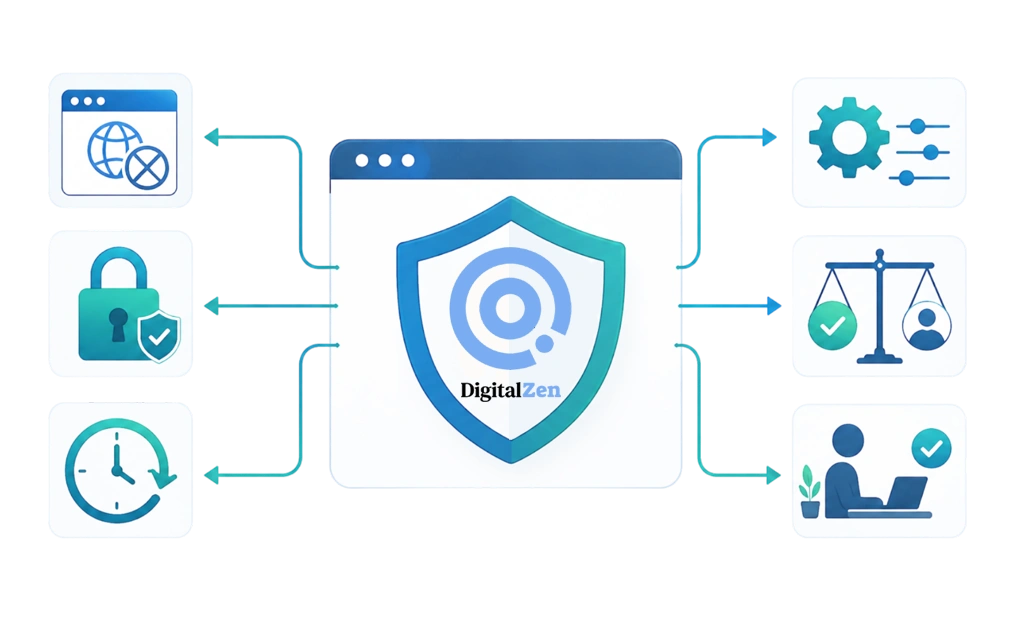
Reliability is only one part of choosing a blocker. A good tool should stay active, resist common override attempts, and still be easy enough to use every day.
DigitalZen balances those priorities with desktop blocking, protection features, and adaptive locks that add friction before a block can be turned off. Cold Turkey leans more heavily into strict system-level controls. FocusMe leans more into feature depth, advanced plan settings, and Forced Mode.
The best choice depends on what you need most. Some users want the strictest possible lock. Others want a blocker that stays reliable without making the computer hard to use. This is especially important for daily focus, where the setup has to work repeatedly without becoming annoying enough to abandon.
Our companion piece on blocking distractions without making your computer unusable covers that side of the trade-off. The right blocker is the one that stays running, holds against common workarounds, and does not get in the way of real work.
Choosing a Reliable Blocker That Fits Your Setup
A reliable blocker does not have to be perfect. It needs to stay active through normal use, recover cleanly after changes, and avoid quiet failures that leave distractions open.
For most users, local desktop blockers are the strongest place to start because they are better suited for reboot, sleep and wake, browser switching, and offline work.
DigitalZen fits users who want cross-platform desktop coverage, including Linux, plus a useful free tier, protection features, and multiple adaptive locks. Cold Turkey may fit users who want stricter system-level enforcement on Windows or Mac. FocusMe may fit users who want a broader toolkit with advanced plan controls and Forced Mode.
For a wider evaluation beyond reliability, we cover how blockers compare on broader productivity features in a separate roundup that includes scheduling, focus modes, and other criteria.
No tool is bulletproof. But a blocker that starts reliably, recovers cleanly, and reduces common failure points is easier to trust. With DigitalZen, you can start for free. Run the reliability tests above. Then see how it performs in your own setup before upgrading.
Frequently Asked Questions
What Makes a Website Blocker Reliable?
A reliable website blocker keeps working through normal use. It should hold blocks during long sessions, recover after sleep and reboot, work across browsers, and stay stable after app, browser, or system updates.
Which Website Blocker Has the Fewest Silent Failures?
Local desktop blockers such as DigitalZen, Cold Turkey, and FocusMe are usually the strongest starting points. They do not depend only on a browser extension or cloud sync to hold blocks, which can reduce common failure points.
Do Browser Extensions Count as Reliable Blockers?
Browser extensions can be reliable for lightweight blocking, but they are limited. They usually protect only the browser they run in and may not cover other browsers, private browsing settings, or extension changes after updates.
What Should I Do If My Blocker Keeps Breaking?
Look for the pattern. If it fails after reboot, check startup behavior. If it fails after sleep and wake, check recovery. If it fails in another browser, the tool may not offer full-browser coverage. If it fails after updates, the issue may be tied to permissions or extension changes.
Is Freedom Reliable When the Internet Goes Down?
Freedom is useful for cross-device blocking, but cloud and sync-based tools can depend more on connection quality, account state, and platform behavior. If you often work offline or with unstable internet, a local desktop blocker like DigitalZen, Cold Turkey, or FocusMe may fit better.
References:
- https://digitalzen.app/
- https://digitalzen.app/pricing/
- https://digitalzen.app/platforms/
- https://getcoldturkey.com/
- https://freedom.to/
- https://focusme.com/
- https://chromewebstore.google.com/detail/leechblock-ng/blaaajhemilngeeffpbfkdjjoefldkok
- https://blocksite.co/
Disclaimer:
This article was published in July 2026. It reflects the app details available at the time of posting.
Notice an error? Let us know and we’ll fix it!