
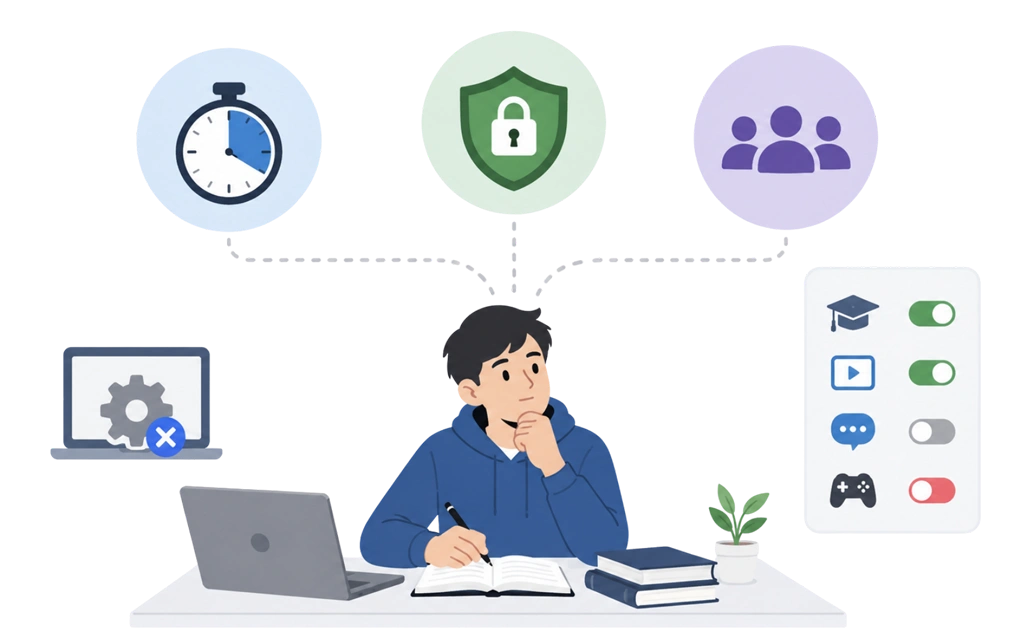
Study focus tools are not one category. Timers, blockers, and accountability apps solve three different problems, and students mix them up constantly. That is usually why the last one you tried lasted four days.
The better starting point is the problem itself. Once you know whether you need structure, enforcement, or shared focus, it becomes easier to choose the right tool and decide what to leave unblocked so your study sessions survive past Wednesday. Most of these options can be tested for free before you decide whether to pay.
Key Takeaways
- Match the tool to the problem, not the review score: A better timer will not stop you from opening a tab you cannot resist.
- Timers and blockers are not the same purchase: One handles time management. The other exists to block distractions you have already decided against.
- Over-blocking is one reason students quit: Block the platform hosting your lectures and you will switch the whole thing off.
- Check the machine before you check the app: A university computer may not let you install anything at all.
The Three Problems Students Confuse
Almost every study focus problem is one of three things. They look similar from the outside, but they need completely different tools.
| What it sounds like | What is actually happening | What you need |
| “I cannot make myself start.” | The reading is open. You have the time. Two hours disappear anyway. | Accountability and shared focus |
| “I start fine, then I drift.” | Forty minutes in, you are three tabs away and not sure how. | Session timers |
| “I cannot resist opening the tab.” | You know exactly what you are doing while you do it. | Blockers |
Many students find the middle row and the bottom row hard to tell apart. Someone who cannot resist opening a tab does not need a better timer. They need the tab to be unavailable.
Working out which row is yours only takes a moment, and it can save a lot of wasted study time.
Session Timers: Structure for When You Can Start but Drift
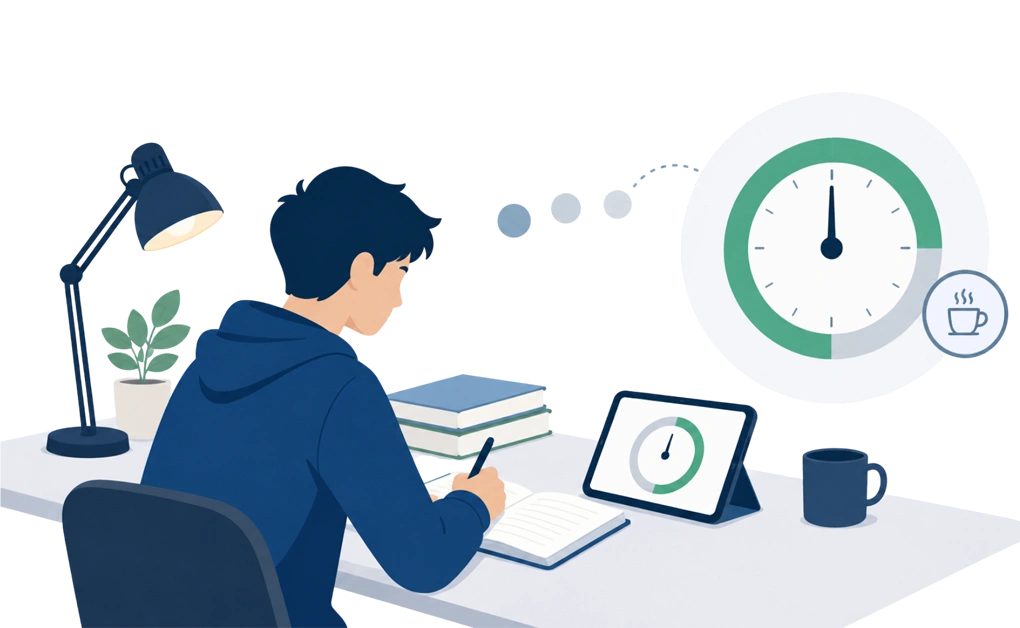
Timers turn an open evening into structured study. A set length, a clear start, a defined stop.
The best known version is the pomodoro technique. Work for a stretch, take a short break, repeat, then take a longer break after a few rounds. The exact numbers matter less than people think. What helps is that study periods have a visible end, so sitting down feels less like committing to the entire evening. Many students use countdowns to help them concentrate better because the session has a clear endpoint.
Pomodoro timers are easy to find for free, so this is simple to test before you buy anything.
There is a case where a timer beats a blocker outright. If your problem is maintaining focus over several hours rather than resisting temptation, a timer may be the whole fix. Some students are not mainly dealing with a distraction problem. They have a four-hour problem, and a timer breaks that into pieces they can finish.
Here is the honest limit. A timer helps you manage your time, but it cannot remove the distraction itself. When the tab is one click away, the timer is a polite suggestion, and suggestions often lose to group chats.
Blockers: What DigitalZen Does When You Cannot Resist the Tab
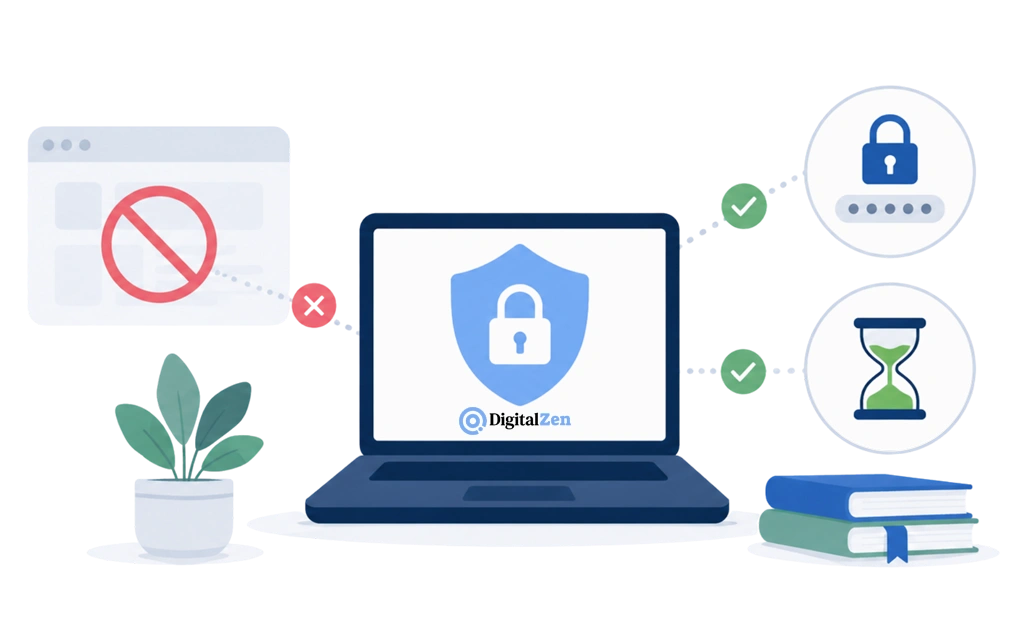
A blocker’s job is to block distracting websites and apps while you study. It does not decide what you should reach for. It changes what you can reach.
Most blockers have an off switch about one click away. At 11pm, when you badly want that click, one click is not an obstacle. Tools that help students resist distracting tabs have to survive that moment.
DigitalZen handles this in two layers.
- The first is system-level protection.
DigitalZen resists being stopped mid-session or uninstalled while a block is running. It protects the browser extension from removal and covers browsers you did not think to add. That matters more than students expect. The easiest workaround is usually a second browser that was already on the laptop, which is why an extension alone is not enough.
- The second is the locks, which are friction you choose.
A code lock makes you type a long generated code before anything changes. A cooldown keeps the block running for a set period. Pick the amount that matches how much friction you need when 11pm gets difficult.
The point is not punishment. The decision to stay focused gets made once, at the start of the session, by the version of you who wanted to study. For a student-specific setup, DigitalZen for students explains how this can fit around a timetable.
Accountability and Shared Focus: For When Working Alone Does Not Work
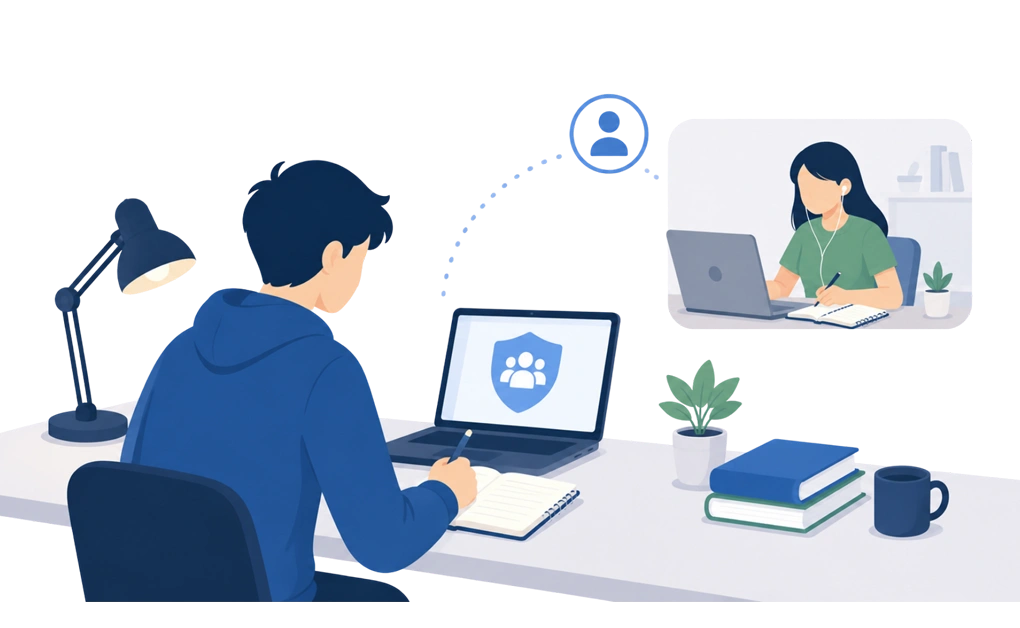
Some people struggle to start alone but get moving more easily the moment someone else is there. Not helping. Not checking. Just present.
This is often called body doubling, and many students find it easier to start when another person is present. It works over video, in a shared study space, or with a friend doing completely unrelated work. Here is what body doubling involves if you have not tried it.
DigitalZen includes Team Focus, and it is in the free tier. You can run a shared session with coursemates without paying, which matters when budget is part of the decision. A standing slot with the same person is also one of the easiest ways to build consistent study habits.
If this is your category, read about studying alongside other people before choosing a setup. The right tools can help, but sometimes the answer is a person, not an app.
Note and Capture Tools: For When the Idea Disappears
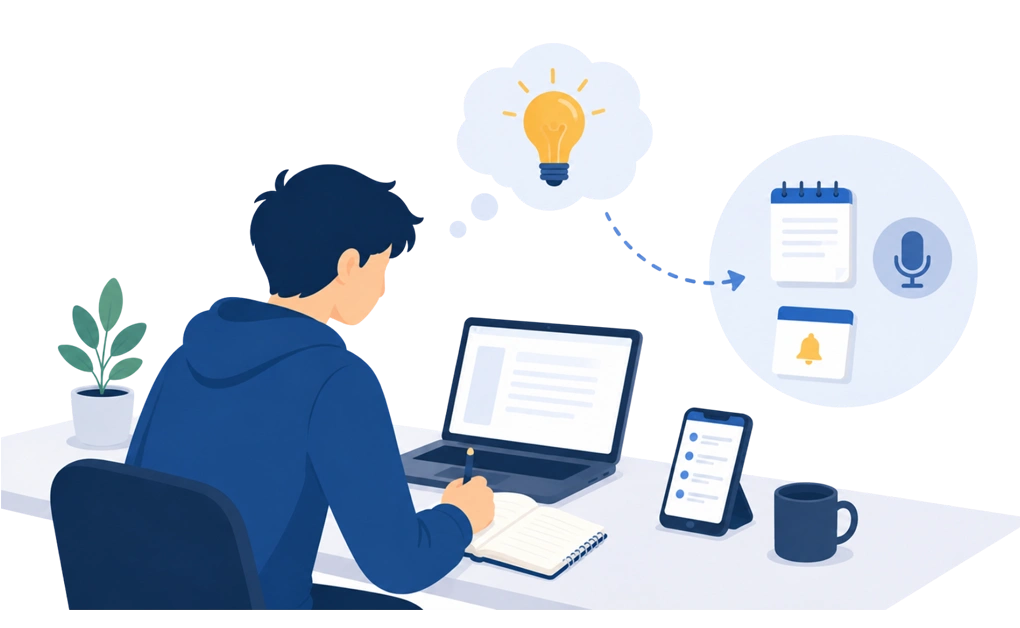
There is a fourth type that gets less attention because it does not feel like a focus tool at first.
You are halfway through an essay. A thought arrives. It is not about the essay and it feels urgent. Chase it and you have left the work. Ignore it and it keeps coming back.
Capture tools give the thought somewhere to go. A note-taking app, a plain text file, a voice memo, a reminder set for later that day. The format matters far less than the rule: it leaves your head and lands somewhere you trust. The goal is not to stay organized for its own sake. It is to stop the thought pulling you out of the work.
Task management tools and study planners do a related but separate job. They keep track of assignments and let you set due dates, which is useful, but neither one catches a stray thought mid-paragraph.
Two things decide whether a capture tool actually gets used. It has to be faster than the distraction, or you will go and do the thing instead. And you have to look at it later, because a list you never open stops feeling safe.
DigitalZen does nothing here. If this is your problem, no blocker will help. Start with a capture tool you trust and can use quickly.
What to Look For in a Study Focus Tool
These questions apply to any product, ours included.
| Question | Why it matters |
| Is there a free tier or student pricing? | If the cost stings, you will cancel it in week three. |
| Does it cover every device you study on? | A gap on the desktop makes the laptop block pointless. |
| Can you switch it off in one click? | If it comes off easily, it comes off at the worst moment. |
| Does it need admin rights? | A university machine may refuse to install it at all. |
| What happens in exam period? | Casual settings rarely survive revision week. |
Exam prep is often the thing students plan for last and need most.
The rules you set in October will not match the ones you need in May. Your study schedule tightens, and every deadline seems to land in the same two-week stretch. Check that the tool can go stricter without being rebuilt, so you can stay on track when the workload gets heavier. When that time comes, this exam-focused guide explains blocking during exam periods.
Session length matters too. A tool that works for forty minutes may not survive a full afternoon. That is a separate skill, and this related article covers holding focus across a long session.
What to Block, and What Not to Block
This is where many student blocking setups go wrong, and it is one reason they get abandoned.
Start with what has to stay open. Lecture recordings usually live on the same video platform you were planning to block. Subject help forums sit on sites that look like time-wasters from the outside. Your coursework group chat is on the same messaging app as everything else. The university portal, the library catalogue, and anything else holding your study materials all need to work.
Block the wrong websites and apps and the tool breaks your actual work. You will disable it in frustration, and you will not go back.
So block narrowly. The goal is to avoid distractions, not to make the laptop useless. Target the specific thing that pulls you, not the whole category it belongs to. A good setup should let you allow a single channel, page, or site while blocking the rest of the domain. That is the difference between a setup that lasts a term and one that lasts a day. For example, use a fuller list of sites worth blocking as a starting point.
It is also why over-blocking gets abandoned while gentler setups survive. If you want to build this properly instead of reacting each time, this related guide explains setting up a dedicated study mode.
Free Options and Student Budgets
A tight student budget does not mean you have to skip this.
DigitalZen has a permanently free tier, and it includes Team Focus. If you need stricter features later, Premium starts at USD 3 per month billed annually, with a “Money tight?” option at checkout.
Test it free for a couple of weeks inside your normal study routine. The best productivity setup is not always the one with the longest feature list. It is the one you can afford to keep using.
Frequently Asked Questions
What Is the Best Type of Tool for Studying?
It depends on which of the three problems is yours. If you cannot start, look at accountability and shared focus. If you start and then drift, use a timer. If you cannot resist opening a tab, you need a blocker. There are plenty of tools to help, but they are not interchangeable. Buying the wrong type is a common reason study focus apps get abandoned.
Do Website Blockers Help Students Focus?
They help with one specific problem, which is reaching for a distraction you already decided against. They are not built to solve getting started, and they do not create stamina on their own. A blocker on its own does not guarantee better academic performance. What it does is remove the easiest way to lose an evening.
Are Free Study Focus Tools Good Enough?
Usually, yes, especially at the start. Most focus tools offer a free version that covers the basics, which is enough to work out which category you need. Some students may not need more than that at first. Upgrade later only when you know what the paid version is solving.
What Websites Should I Block While Studying?
Block the specific things that pull you, not whole categories. Effective study still needs your course tools reachable, so leave lecture platforms, subject forums, coursework chats, and university systems open. Over-blocking breaks your real work, and that is when people give up on the tool.
Should I Use a Timer or a Blocker?
Use a timer if you can resist distractions but struggle to manage time across a long evening. Use a blocker if you cannot resist in the first place. If you have both problems, run a timer inside a blocked session. Start with one, and add the second only if you still need it.
Start with the free DigitalZen tier if enforcement is what your study setup has been missing.