
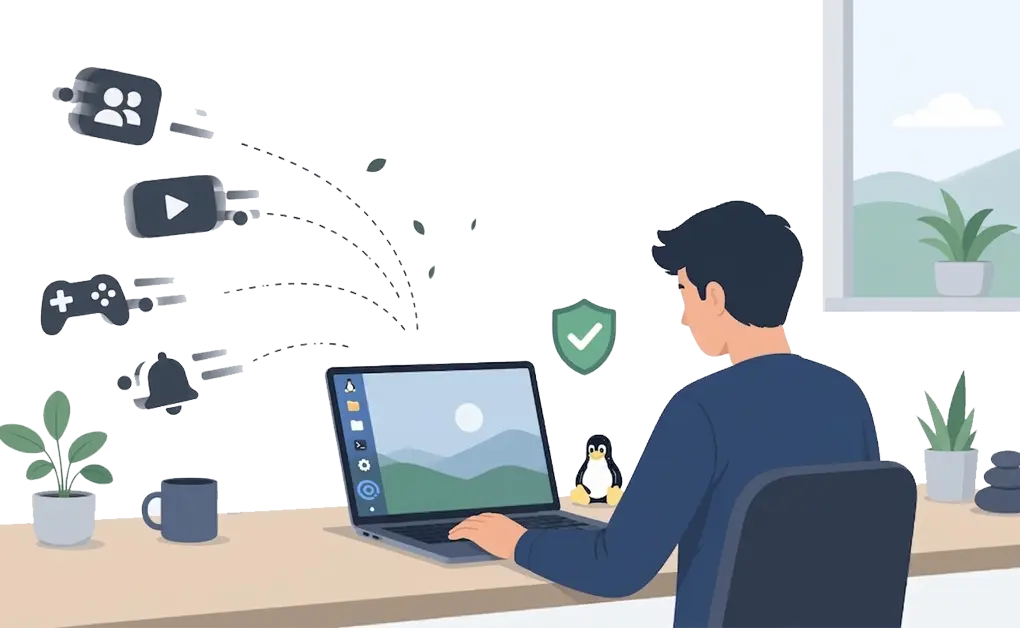
A dopamine detox on Linux means taking a break from highly stimulating digital activities like social media, video streaming, gaming, and constant news checking that can quickly turn into compulsive loops.
The goal is not to detox dopamine itself, but to reduce compulsive digital stimulation for a set period. Tools like DigitalZen can help make that break easier to follow.
Key Takeaways
- A dopamine detox is really a break from highly stimulating digital habits. It is better understood as reducing compulsive digital input, not literally detoxing dopamine.
- The right timeframe depends on your goals. A day or two can build awareness, while a week is a practical starting point for many people.
- Linux blocking tools make the detox easier to follow. DigitalZen can block distracting sites and apps while keeping work tools available.
- Lock features can make quitting early harder. They add friction when urges hit and help you stay with the plan.
- DNS filtering can add a second layer. Tools like NextDNS or Pi-hole can provide stricter network-level restrictions.
What Is a Dopamine Detox and Why It Might Help
A dopamine detox usually means taking a break from highly stimulating digital activities like social media, video streaming, gaming, and constant news checking. It does not literally remove dopamine or “reset” your brain. A more accurate way to think about it is as a short break from compulsive digital stimulation.
That break may help some people feel less pulled toward constant checking and make quieter tasks feel easier to stay with. The main goal is not a brain reset. It is to create distance from the digital habits that keep interrupting your attention.
Blocking websites and apps boosts productivity by removing the constant pull of distracting content. A dopamine detox applies a similar idea to a defined period of stricter digital restraint.
Choosing a Detox Timeframe
The right timeframe depends on your goals and current habits. There is no single duration that works for everyone.
A short detox of one or two days can help you notice how often you reach for high-stimulation content. A longer break may give you more time to notice which habits keep pulling you back and what routines feel easier without constant stimulation.
Some people try a week as a practical starting point. Others go longer if they find the break helpful. Habit change can take time, and Ohio State notes that it can sometimes take up to 90 days to adopt a new habit.
Start shorter if you are unsure. You can always extend the detox if it feels useful.
Setting Up a Dopamine Detox on Linux With DigitalZen
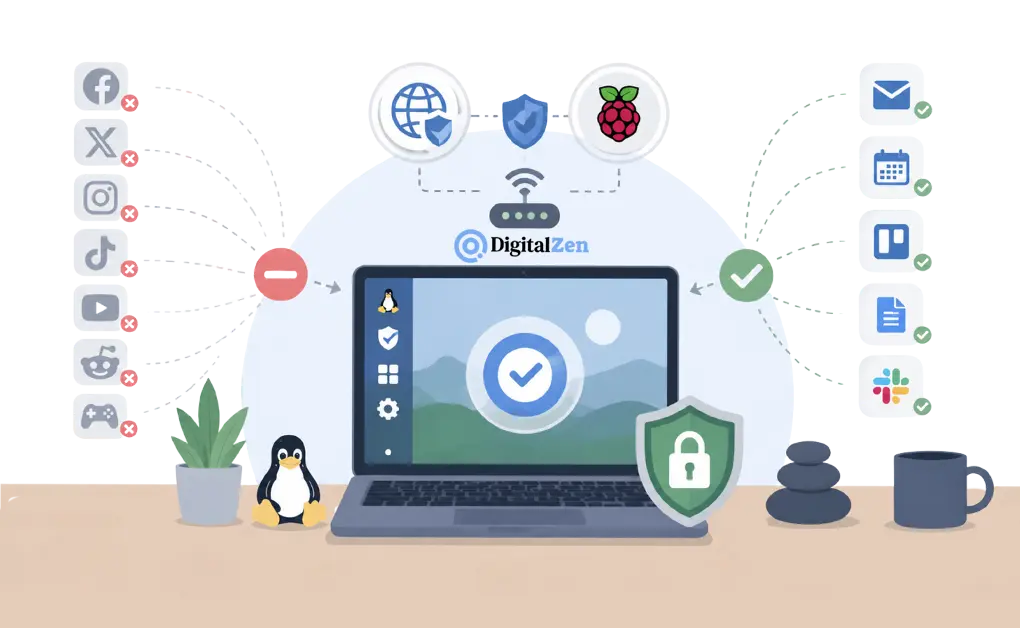
DigitalZen is a Linux website and app blocker that can help you reduce highly stimulating digital inputs while keeping work tools available. Its focus mode, blocking controls, and lock options make it easier to stay with the plan once the detox starts.
What to Block
Start with the digital activities you reach for compulsively. Controlling social media on Linux is often a practical first step. This may include Facebook, X, Instagram, TikTok, and Reddit.
Video platforms are another common problem. Blocking YouTube on Linux can help reduce one of the easiest distractions to fall into. You may also want to block Netflix, Twitch, gaming sites, news sites, and any app or website you check impulsively.
What to Allow
Keep the tools you actually need available, such as:
- email and calendar apps
- project management tools
- documentation and reference sites
- communication apps needed for work
The goal is to reduce distraction, not make your computer unusable.
Using DigitalZen Locks
Locks are what make this setup more practical. Instead of relying only on willpower, they add friction so it becomes harder to turn blocks off when the urge to check something kicks in. DigitalZen says it offers adaptive lock options for sessions or the whole system, with different lock types depending on how much friction you want.
Setup Steps
- Install DigitalZen on Linux
- Create a blocklist for distracting sites and apps
- Create a whitelist for work tools
- Turn on focus mode or a scheduled block with locks
- Start the detox period
Adding a Backup Layer With DNS Filtering
Browser-based blocking can work well, but some people prefer a second layer of protection. DNS filtering adds that at the network level.
- NextDNS is a cloud-based DNS filtering service. It can block categories, ads, trackers, and specific domains across devices and networks. Setup is quick, and no signup is required to try it.
- Pi-hole is a self-hosted network-level blocker. It can run on a Raspberry Pi, in a container, or on a supported Linux system, then act as your DNS server for the network. It also lets you manage allowlists and blocklists from a web interface.
Using both DigitalZen and DNS filtering can give you two layers of control. DigitalZen handles website and app blocking on the device, while DNS filtering can add broader network-level restrictions.
This step is optional, but it can be useful if you want a stricter setup.
7-Day Dopamine Detox Plan for Linux
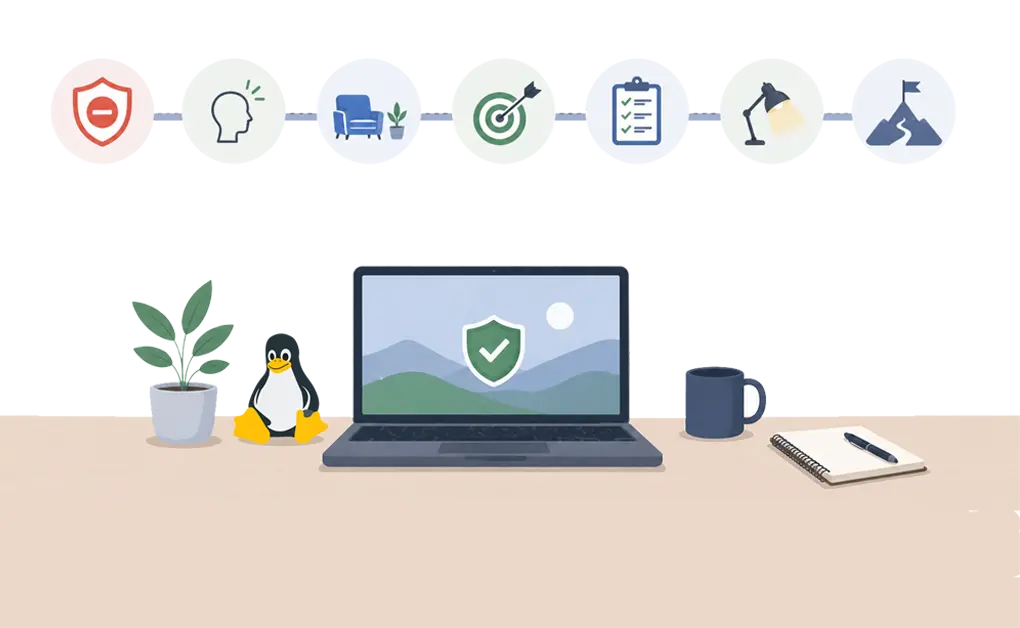
Below is a sample 7-day plan you can try. Adjust it based on your schedule, work needs, and how strict you want the break to be.
Day 1: Full Block Begins
Block your main high-stimulation sites and apps, such as social media, YouTube, gaming, and news. Keep only the tools you actually need for work or study. The first day may feel uncomfortable as you adjust to the change.
Substitute activity: Go for a walk, read a physical book, or do a simple offline task.
Day 2: Notice the Urges
You may feel the pull to check your usual sites. Try to notice the urge without acting on it right away. The point is to see the habit more clearly.
Substitute activity: Journaling, stretching, or a short outdoor break.
Day 3: Make Room for Boredom
Without constant stimulation, things may feel quieter or less exciting. That can be part of the process. Use the extra space for something slower and more intentional.
Substitute activity: Start a small project, clean your workspace, or cook a meal.
Day 4: Check Your Attention
By this point, some people notice that certain tasks feel easier to start when they are no longer competing with constant digital interruptions. Results vary, so focus on what you are actually noticing rather than what you expect to happen.
Substitute activity: Tackle a task you have been avoiding.
Day 5: Midpoint Check-In
Reflect on what you notice. How is your focus, energy, or mood? Adjust your whitelist if something essential is missing, then keep going.
Gaming can be one of the easiest habits to fall back into during a reset period. Blocking online games on Linux can help reduce that pull.
Day 6: Use the Extra Space Well
If you feel less pulled toward constant checking, use that space for deeper or more meaningful work. You do not need to force perfect focus. Just make better use of the quieter environment.
Substitute activity: Deep reading, creative projects, or learning something new.
Day 7: Detox Ends
Before unblocking everything, reflect on the experience. What felt different? What pulled at your attention the most? Decide what you want to reintroduce and what you may want to keep limited.
For a ready-made list, sites to block for productivity covers common distracting sites you can import into DigitalZen.
Making a Dopamine Detox Work on Linux
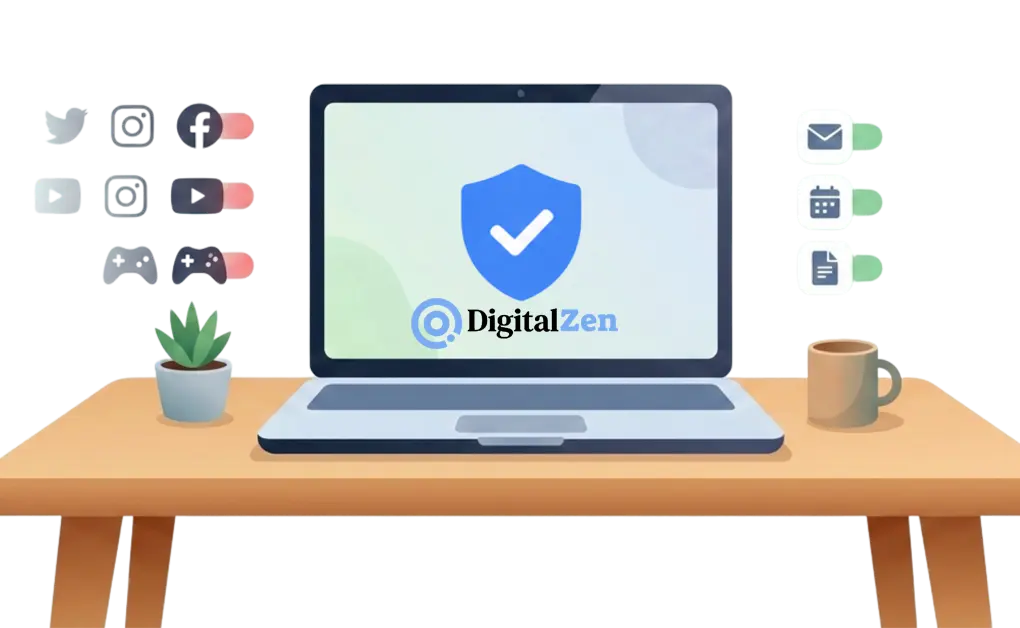
A dopamine detox on Linux is really about creating distance from digital habits that keep pulling your attention away before you have a chance to settle into slower, lower-stimulation work. The goal is not to “reset” dopamine. It is to reduce distractions, interrupt compulsive checking, and make it easier to focus on lower-stimulation tasks.
Linux tools like DigitalZen make this more practical. You can block entertainment sites and apps, keep work tools available, and add lock features so it is harder to undo the setup when urges hit. DNS filtering can also add a second layer if you want a stricter setup.
A 7-day reset can be a practical place to start. From there, you can adjust the length and strictness based on what feels useful. For related support needs, controlling screen time on Linux for ADHD covers strategies that may also help with distraction and overstimulation.
Frequently Asked Questions
What Is a Dopamine Detox and Does It Actually Work?
A dopamine detox usually means taking a break from highly stimulating digital activities. It does not literally detox dopamine. A more accurate way to think about it is as a short break from compulsive digital stimulation. Some people find that this helps them feel less pulled toward constant checking, but results vary.
How Long Should a Dopamine Detox Last?
It depends on your goals. A day or two can help you notice your habits. A week is a practical starting point for many people. If it feels useful, you can go longer. Habit change can take time, sometimes up to 90 days.
What Should I Block During a Dopamine Detox?
Block the digital activities you check compulsively. This often includes social media, video streaming, gaming, and news sites. Keep work tools accessible. The goal is to reduce distraction, not make your computer unusable.
Can I Still Use My Computer During a Dopamine Detox?
Yes. A dopamine detox does not mean avoiding your computer completely. It means avoiding the highly stimulating apps and sites that keep pulling your attention away. You can still use email, work tools, and productivity apps.
Do I Need DNS Filtering for a Dopamine Detox?
No. It is optional. DigitalZen may already be enough for many people. DNS filtering is just a second layer if you want a stricter setup.
References:
- https://health.osu.edu/health/mental-health/does-dopamine-fasting-work
- https://www.medicalnewstoday.com/articles/dopamine-detox
- https://nextdns.io/
- https://pi-hole.net/