
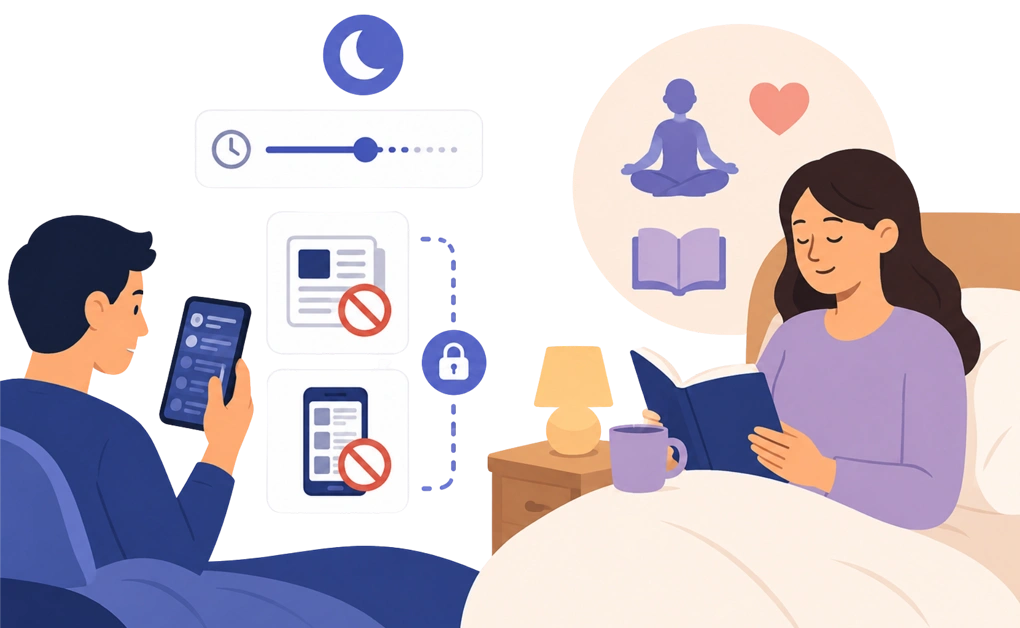
To reduce doomscrolling before bed, set a cutoff earlier in the evening. Block news sites and infinite-scroll feeds. Add a lock so the schedule is harder to change later. Doomscrolling can be tied to worry, restlessness, or the need for input. That is why a calmer replacement habit matters too.
Key Takeaways
- Doomscrolling is usually more than a news problem: It often combines distressing content, endless feeds, and the need for input while you wind down.
- The block should start before bedtime: A recurring cutoff is easier to follow when it starts before you are already deep in the feed.
- Cap your daily news intake: A small daily allowance can help you stay informed without leaving news open all evening.
- A locked schedule adds useful friction: Cooldown, Schedule, and Friend locks can make late-night changes less automatic.
- Replace the scroll with something calmer: Reading, audio, journaling, or a short check-in can give your attention somewhere else to go.
How to Tell the Difference Between Staying Informed and Doomscrolling
Before changing the habit, it helps to know what you are trying to reduce. Reading the news is not always the problem. The issue is often the format, the time of day, and whether the scrolling ever reaches a clear stopping point.
Three short questions can help you tell the difference:
- Are you reading the same story across several sources, or looking for details that are not available yet? A specific story may only update a few times a day. Checking for new information after that can keep the loop going without adding much clarity.
- Did you start with a specific question, or did you open the feed with no clear purpose? “I want to check on the wildfire near my cousin” has a clear endpoint. “Let me see what is happening” can turn into open-ended scrolling.
- Are you finding answers, or adding more worry? Staying informed should help you understand the situation more clearly. Doomscrolling often leaves you with more worry than clarity.
The goal is not to know less. It is to stop the kind of news consumption that does not actually help you understand anything better. Staying informed usually has a purpose and an endpoint. Doomscrolling is more open-ended, repetitive, and harder to leave.
How to Control Doomscrolling Before Sleep With DigitalZen
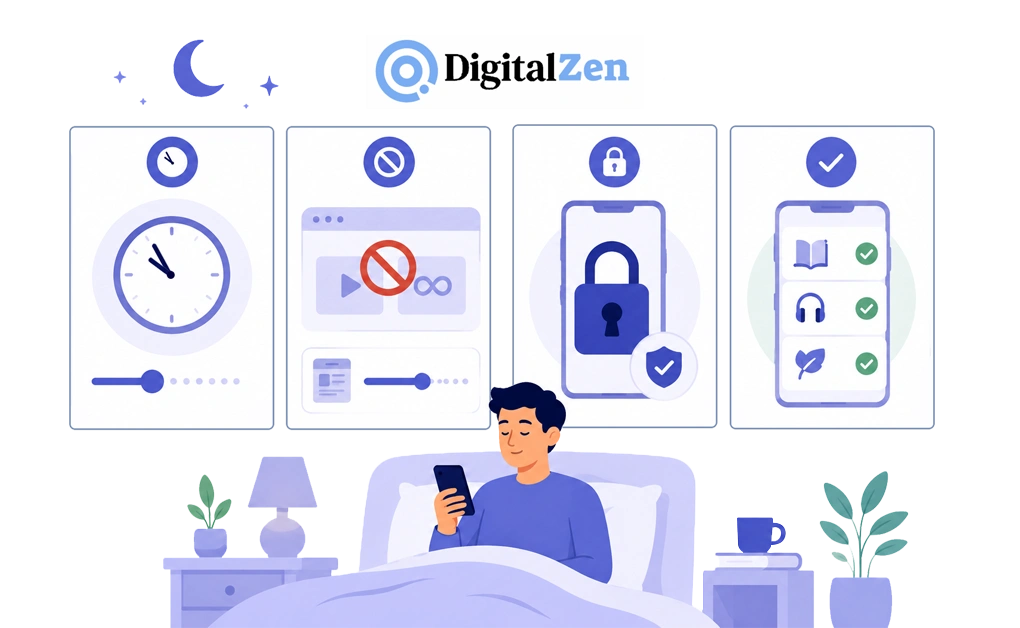
The four steps below are the practical core of a bedtime setup. Each one is simple to configure once. Together, they can help reduce doomscrolling while you wind down.
1. Set the Block Before the Evening Gets Hard
The best time to set a block is earlier in the day, before you are tired and already scrolling. Setting it at 10:55 p.m., when the feed is already open, is much harder to follow.
Start by picking the news sites and feeds you want blocked. Set a recurring schedule that turns the block on every night before your target bedtime. Then let it run automatically until morning.
A good starting point is 30 to 60 minutes before bed. If doomscrolling is harder to stop, you may prefer a longer cutoff, such as two hours. This gives you more time to move away from heavy news before sleep.
For people whose habit is mainly a nighttime pattern, DigitalZen is built around the night owl problem, with scheduled blocking and adaptive locks that can make late-night changes harder. After a long week or when the news feels unrelenting, the schedule does not depend on you remembering to flip a switch. The block is already on before you reach for the phone.
2. Block High-Engagement Formats and Cap Your News
Not every news source is equally hard to put down. Some formats are easier to keep checking, especially feeds, comment threads, short videos, and live updates. Your nighttime block list should target those formats first.
A starter list might include news sites with infinite scroll, Reddit, X, YouTube Shorts, TikTok, news-heavy subreddits, and comment-heavy political pages. If you are not sure which sites to start with, a starter list of sites worth blocking gives you a useful baseline.
Daily allowances can help with news sources you still want to access during the day. Set a small daily cap, such as 20 minutes. By bedtime, the cap may already be used up, which means the block is already in place.
DigitalZen’s controls for heavy news consumption pair scheduled blocks with daily allowances, so you can mix both depending on the source.
3. Add a Lock for Worry-Driven Scrolling
A schedule helps, but it may still be easy to pause or edit. Adding a lock creates friction before the block can be changed.
DigitalZen’s adaptive locks can work well for doomscrolling because each one adds a different kind of pause:
- Cooldown lock: A timer runs before an unlock is allowed. This gives the urge time to fade before you change the block.
- Schedule lock: You set a future date or time that the block holds until. This helps when you want to commit ahead of time.
- Friend lock: The unlock code goes to a friend’s email, so you cannot unlock alone. This can help if accountability makes the rule easier to follow.
Pick the lock that matches your usual pattern. If you tend to make quick changes, try the cooldown lock. If you want the block to hold until a set time, try the schedule lock. If social accountability helps you pause and think, try the friend lock.
4. Create a Wind-Down Whitelist for the Evening
The block creates space. What fills that space matters.
Doomscrolling often fills a role. It may provide input, distraction, or a sense of being engaged. Removing it without another option can make the evening feel restless. A whitelist gives your attention somewhere calmer to go.
DigitalZen’s Focus Mode works as a whitelist. Instead of choosing what to block at night, you choose what to allow. A simple evening whitelist might include:
- An e-reader or reading app: This gives you slower content without an endless feed.
- Calm music or ambient sound: This gives you something to follow while your eyes rest.
- A meditation or breathing app: This can support a calmer wind-down routine without opening the feed.
- A journal or notes app: A short reflection or tomorrow’s small to-do list can give the evening a clear endpoint.
The block does not have to leave the evening empty. It can make the easiest available option something gentler than the feed.
Why Doomscrolling Feels Harder to Stop at Night
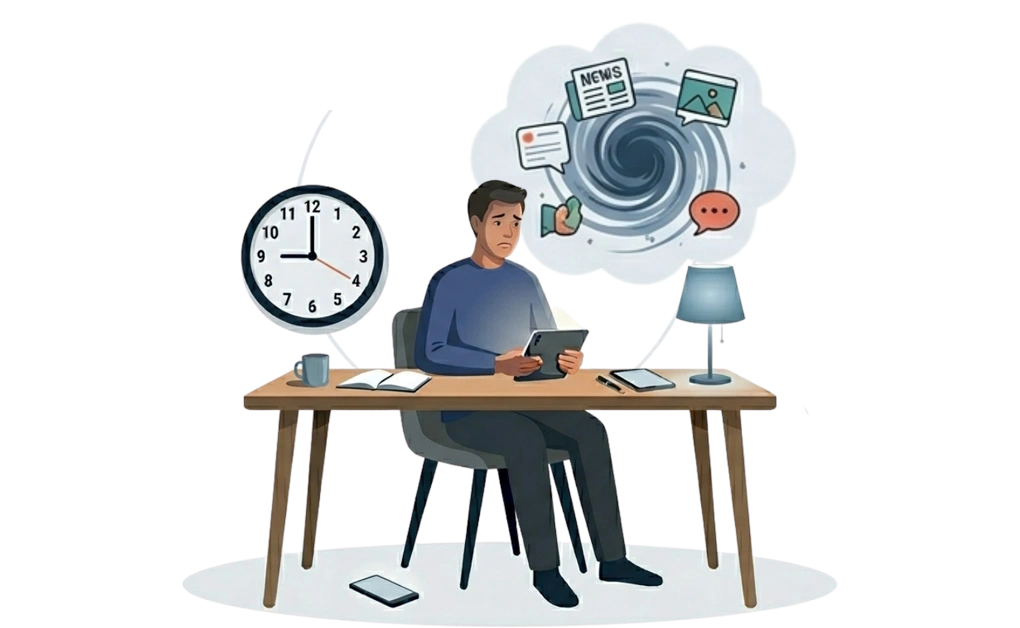
Doomscrolling is not always about the content itself. Sometimes, it fills a role in the evening. It may give you input, distraction, a sense of control, or a way to feel connected. At night, that pull can feel stronger because you may be tired, the day is quiet, and the phone is close by.
A few patterns often show up:
- You may be looking for more certainty. Scrolling headlines can feel like a way to stay on top of what is happening. Mayo Clinic Press notes that doomscrolling can shift mood and disturb sleep, especially when it happens in the hours before bed. A calmer option is to do one intentional news check earlier in the day, then let a daily allowance run out before evening.
- You may be trying to fill the quiet. After a busy day, silence can feel uncomfortable. Scrolling fills that space with constant input. A calmer option is audio, such as a podcast, audiobook, or quiet music.
- You may be looking for a connection. Reading what people are saying can feel like a way to stay close to the world. A calmer option is to send a short message to a friend, write a quick journal entry, or reflect on what mattered to you today.
- The phone makes the habit easier to continue. There is no clear endpoint, no change of setting, and no natural interruption. The next update is always one swipe away.
The Mental Health Foundation notes that doomscrolling can also affect physical well-being, including issues like headaches, neck pain, and disrupted sleep for some people. That is why the goal is not just to stop scrolling. It is to make the easiest available option something calmer than the feed.
How Doomscrolling Can Carry Into the Morning
Most advice about doomscrolling focuses on the night. But for some people, the effect can show up the next morning too. What you read before bed may still be on your mind when the day starts.
You may notice a few patterns:
- You wake up thinking about last night’s news. A headline, video, or comment thread may be the first thing that comes to mind before your own day has even started.
- You reach for the phone right away. If the first morning habit is checking the same feeds again, the nighttime scroll may be restarting the next day’s loop.
- The first task feels harder to start. After a heavy scrolling night, it may take longer to settle into email, work, school, or basic morning tasks.
- The mood of the feed follows you. Distressing content can leave a heavier tone behind, even after you have stopped scrolling.
Noticing these patterns can make the bedtime block easier to keep. A calmer evening is not only about the night itself. It can also help you start the next morning with fewer leftovers from the feed.
Give Your Evening a Clearer Stopping Point
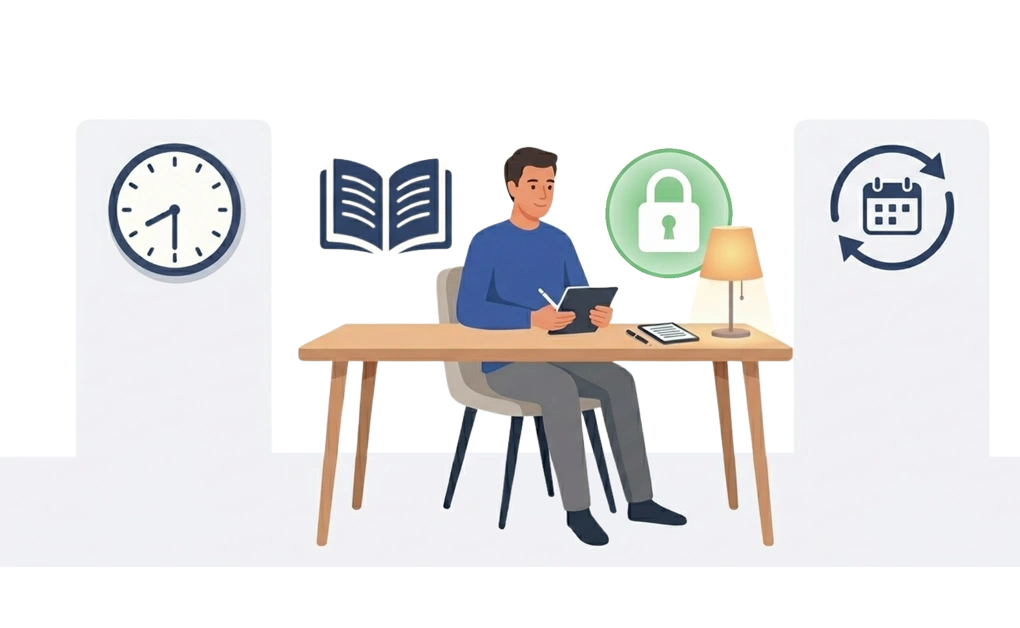
Doomscrolling is not only a discipline problem. It often fills a role in the evening, such as input, distraction, certainty, or connection. The setup here is about making the feed harder to reach before the urge arrives. It also gives you something calmer to choose instead.
A reasonable plan for tonight is simple. Pick one cutoff time, set a recurring schedule, add a cooldown lock, and choose one gentler alternative, such as an e-reader app, calm music, or a short journal entry. A good starting point is 30 to 60 minutes before bed. If doomscrolling is harder to stop, you can try a longer cutoff, such as two hours.
If worry or sleep struggles are persistent and a blocker alone is not helping, talking to a doctor or mental health professional is a useful next step. A tool can support a calmer routine, but it does not replace care.
If you want a broader setup that covers more than doomscrolling, our full guide to blocking apps at night walks through the configuration end-to-end.
With DigitalZen, you can start for free. Set up your first scheduled block tonight. Then have a 9 p.m. cutoff running before you go to bed.
Frequently Asked Questions
What Is Doomscrolling and How Is It Different From Regular Scrolling?
Doomscrolling means spending too much time scrolling through negative or distressing content, often news, political threads, or disaster coverage. Regular scrolling is usually more casual, such as checking messages or browsing for a few minutes. Doomscrolling tends to feel more open-ended and often leaves you with more worry than clarity.
How Many Hours Before Bed Should I Block News and Social Media?
A good starting point is 30 to 60 minutes before bed. If doomscrolling is harder to stop, you may prefer a longer cutoff, such as two hours. The best cutoff is the one you can follow consistently.
Can DigitalZen Block Specific Doomscrolling Triggers Like Reddit or News Sites?
Yes. DigitalZen can block specific sites and apps individually or by category. For doomscrolling, you can block Reddit, X, YouTube Shorts, TikTok, news aggregators, or comment-heavy pages. You can also leave calmer sources open, such as a daily news summary or a site you only check earlier in the day.
Will Blocking Doomscrolling Sites Help My Anxiety or Sleep?
Blocking doomscrolling sites may reduce one source of distressing input before bed, but it is not a treatment for anxiety or sleep problems. For people whose evenings feel heavier when worries pile up, DigitalZen’s approach for managing screen-time anxiety pairs scheduled blocks with quieter alternatives. For persistent anxiety or sleep struggles, talking to a doctor or mental health professional is the right place to start.
What Should I Do Instead of Doomscrolling Before Bed?
Choose a quieter activity that fills a similar role. Podcasts, audiobooks, calm music, reading on an e-reader, a short journal entry, or a brief check-in with a friend can all work. The point is not to do nothing. It is to give your attention somewhere calmer to land.
References
- https://mcpress.mayoclinic.org/mental-health/doom-scrolling-and-mental-health/
- https://www.mentalhealth.org.uk/explore-mental-health/articles/doomscrolling-tips-healthier-news-consumption