
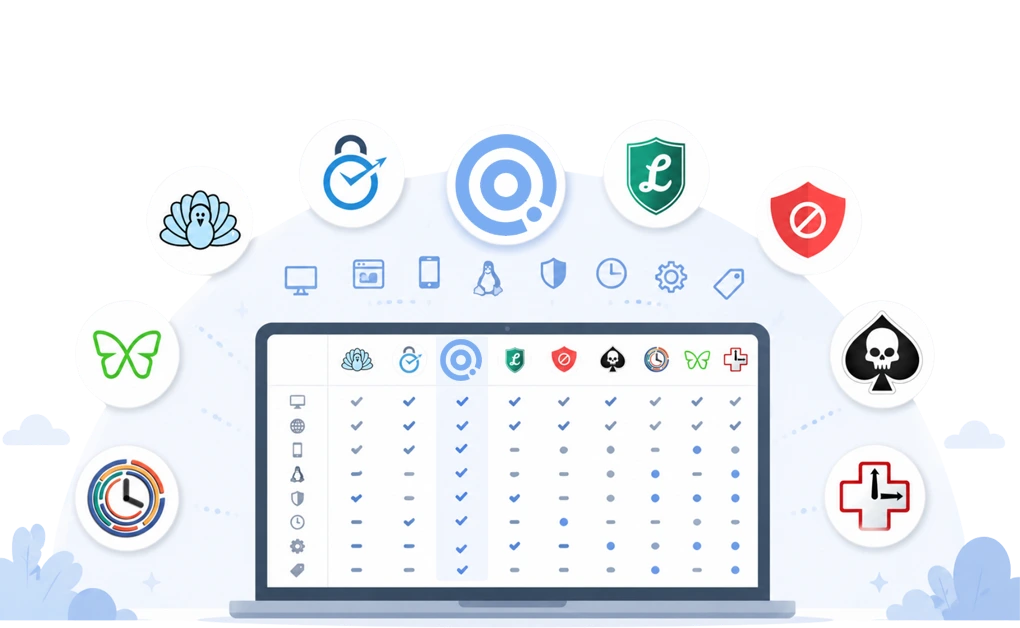
Eight website blockers compared side by side on the features that matter most. Compare platform support, blocking scope, how each tool works, session controls, enforcement, and pricing.
DigitalZen, Cold Turkey, Freedom, FocusMe, LeechBlock NG, BlockSite, SelfControl, and StayFocusd are presented without rankings, so you can compare the facts and decide which features matter most to you. This is especially useful when your current blocker works in one place but leaves another browser, app, or device open.
Key Takeaways
- Most browser-extension blockers cannot touch desktop apps: If your distractions include games, chat clients, or a second browser, an extension alone leaves those routes open.
- Only two tools offer a native Linux desktop app: DigitalZen and FocusMe. However, their Linux protection is not equal. DigitalZen offers deeper Linux blocking and protection features, while FocusMe’s Linux protection is more basic.
- Enforcement ranges from light friction to strict lock-ins: Some tools add delays or typing challenges. Others prevent sessions from ending until the timer expires.
- Every tool has trade-offs: Some focus on browser blocking, while others cover desktop apps, mobile devices, analytics, or stronger enforcement.
- Free and paid options are available: Some tools are completely free, while others offer permanent free tiers, subscriptions, trials, or lifetime licenses.
Disclaimer: This article was published in August 2026. It reflects the app details available at the time of posting. Notice an error? Let us know and we’ll fix it!
Platform Support
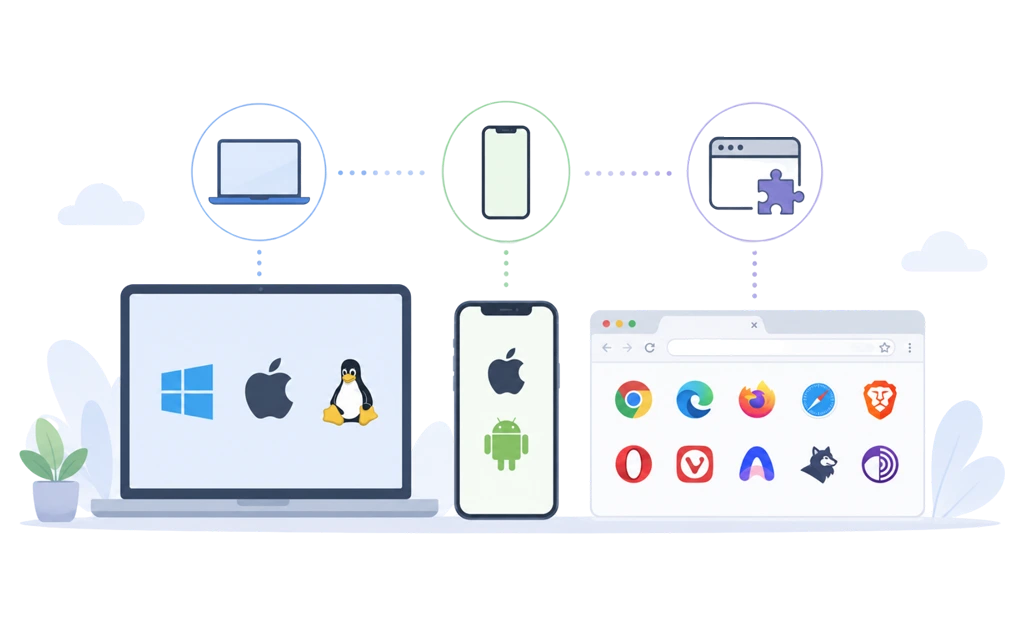
Platform support is about where the tool actually works and what it can do there. A “desktop app” cell means a native application for that OS. “Browser extension only” means the tool covers browser activity on that platform, without a standalone desktop application. Mobile app entries reflect native iOS or Android apps.
| Tool | Desktop platforms | Mobile | Browser extension |
| DigitalZen | Windows, macOS, Linux | Android is available; iOS will be available in 2026 | Chrome, Edge, Firefox, Safari, Brave, Opera, Vivaldi, Arc, LibreWolf, Waterfox, Floorp, Tor Browser, and 30+ browsers |
| BlockSite | Not supported | iOS, Android | Chrome, Firefox, Edge, Safari |
| Cold Turkey | Windows, macOS | Not supported | Chrome, Edge, Firefox, Safari, Brave, Opera, Vivaldi, Arc, Floorp, LibreWolf, Zen, and other supported Chromium- and Firefox-based browsers |
| FocusMe | Windows, macOS, Linux | Android | Optional extension for enhanced blocking |
| Freedom | Windows, macOS | iOS, Android | Chrome, Firefox, Edge, Opera |
| LeechBlock NG | Not supported | Not supported | Chrome, Firefox, Edge, Brave, Opera, Vivaldi |
| SelfControl | macOS | Not supported | None |
| StayFocusd | Not supported | Not supported | Chrome only |
The pattern shows a clear split. Browser-extension tools run wherever the browser runs, but they only cover browsing activity. Desktop apps cover more of the machine, but they require per-platform builds.
Platform support matters because distractions rarely stay in one place. A tool may block your main browser but leave your phone, desktop apps, or Linux setup uncovered. For setup guidance beyond the comparison table, see how blocking websites across Windows, Mac, and Linux differs by operating system.
What Each Tool Blocks
Blocking scope is about what the tool can actually reach. Website blocking means URLs and domains. Desktop app blocking means native installed applications such as games, chat clients, and social media apps. Other scopes include category-based blocking, keyword-based rules, in-page content filtering, and mail server blocking.
| Tool | Websites | Desktop apps | Blocking method |
| DigitalZen | Websites, URL patterns, categories, keywords, exception lists | Yes | System-level desktop application |
| BlockSite | Websites, keywords, and categories | Mobile apps (iOS/Android); | Browser extension + mobile |
| Cold Turkey | Websites, URLs, wildcards, search keywords, and categories | Yes | System-level desktop application |
| FocusMe | Websites, URLs, keywords, and categories | Yes | System-level desktop application |
| Freedom | Websites and domains | Yes | Cloud-synced desktop/mobile app |
| LeechBlock NG | Websites, subdomains, paths, keywords, and custom filters | Not available | Browser extension |
| SelfControl | Websites and mail servers | Not available | Firewall (packet filter) |
| StayFocusd | Websites, subdomains, paths, pages, in-page content | Not available | Browser extension |
Additional Blocking Scope
This is where the practical difference shows up. If the distraction is just a website, many tools can help. If the distraction is an installed app, a second browser, or a mixed-use site, the tool needs deeper control.
- DigitalZen adds Focus Mode whitelist, daily allowances, scheduled blocking, category blocking, unsupported browser blocking, easy selection of running or installed desktop apps, file blocking, Microsoft Store app blocking, YouTube channel blocking, and advanced tampering protection against kill attempts, uninstall attempts, browser workarounds, system clock changes, and more.
- Cold Turkey can also block files, folders, window titles, Microsoft Store apps, YouTube channels, and the entire internet.
- FocusMe includes file and folder blocking, schedules, time limits, Focus Sessions, and an optional browser extension.
- Freedom adds synced sessions, recurring blocklists, and allowlists, but does not focus on keyword or content-level blocking.
- LeechBlock NG is limited to the browser where the extension is installed.
- SelfControl focuses on system-level network blocking, including mail servers, IP addresses, and ports.
- StayFocusd includes in-page content filtering, YouTube and social media component blocking, and Active Days and Hours.
Session Controls and Scheduling
Blocking scope tells you what a tool can restrict. Session controls tell you when those restrictions run and how much access remains available.
Manual sessions let you start a block when you need it. Scheduled blocking runs automatically at set times. Daily time limits cap how long you can use selected sites or apps. Allow-only mode blocks everything except the tools you approve.
| Tool | Manual sessions | Scheduled blocking | Daily limits | Allow-only mode |
| DigitalZen | Yes | Yes | Yes | Yes |
| BlockSite | Yes | Yes | Yes | Not available |
| Cold Turkey | Yes | Yes | Yes | Not available |
| FocusMe | Yes | Yes | Yes | Yes |
| Freedom | Yes | Yes | Not available | Partial |
| LeechBlock NG | Yes | Yes | Yes | Partial |
| SelfControl | Yes | Not available | Not available | Not available |
| StayFocusd | Yes | Yes | Yes | Partial |
Cold Turkey, DigitalZen, FocusMe, LeechBlock NG, and StayFocusd offer scheduling and time-limit controls. They suit people who want blocks to run automatically.
Freedom and SelfControl focus more on manual sessions.
DigitalZen and FocusMe offer true allow-only modes. This can help when you need only a few tools for a task and do not want the rest of the internet available beside them.
Scheduling matters when focus is harder later in the day. The block is already active before you have to decide whether to start it. People managing writing, research, analysis, or other concentration-heavy tasks may also find this guide to focus tools for knowledge workers useful.
Enforcement and Lock Options
Enforcement is what the tool does to make its blocks hold when you try to get around them. This is the category where yes/no checkmarks fail, because each tool takes a genuinely different approach. The cell for each tool describes the actual enforcement mechanism in plain language.
| Tool | Enforcement approach |
| DigitalZen | Protection layer with adjustable multiple lock types (Code, Cooldown, Friend, Schedule, Money); uninstall protection and extension removal protection; prevents killing the app during an active block, system time change protection and more… |
| BlockSite | Password protection for settings; uninstall prevention on supported platforms; stricter blocking options vary by platform and plan |
| Cold Turkey | Multiple lock types (Timer, Random Text, Restart, Time Range, Password); Task Manager and system time protection during active blocks |
| FocusMe | Forced Focus Mode prevents pausing or ending a session early; up to 2,000-character random password; reboot and uninstall protection |
| Freedom | Locked Mode (Premium) restricts ending or changing active sessions; desktop options can also prevent quitting, logging out, and access to bypass routes |
| LeechBlock NG | Password or random access code for settings; countdown delays; optional password before opening blocked sites |
| SelfControl | Active blocks cannot be stopped by quitting the app, restarting the Mac, or deleting the application; users must wait for the timer to expire |
| StayFocusd | Nuclear Option locks blocks until they expire; Challenge requires a typing task before changing settings |
Enforcement ranges from light friction, such as typing tasks and delays, to strict lock-ins that cannot be ended early.
SelfControl and StayFocusd offer single-session commitment. Cold Turkey, DigitalZen, and FocusMe provide several lock options, so users can choose the level of friction they need.
Freedom adds session lock-in through Premium Locked Mode. If you care most about lock strength, you can compare hard-to-bypass website blockers through a more enforcement-focused lens.
Pricing and Free Tier
Pricing changes often, so use this table as a quick comparison of pricing models rather than a final checkout page. Always confirm the latest price on the tool’s official website before buying.
| Tool | Free Tier | Pricing Model | Lifetime Option |
| DigitalZen | Yes, Basic plan | Subscription or one-time | Yes |
| BlockSite | Yes, limited free version | Subscription or one-time | Yes |
| Cold Turkey | Yes, limited free version | One-time only | Yes |
| FocusMe | Trial only | Subscription or one-time | Yes |
| Freedom | No permanent free tier | Subscription or one-time | Yes |
| LeechBlock NG | Fully free | Free | Not applicable |
| SelfControl | Fully free | Free | Not applicable |
| StayFocusd | Fully free | Free | Not applicable |
Pricing Details to Check
- DigitalZen offers a permanently free Basic plan, a Premium trial, subscription pricing, and a one-time lifetime option.
- BlockSite offers a limited free version, a short Premium trial, monthly and annual plans, and a lifetime option that may vary by promotion.
- Cold Turkey offers a limited free version and a one-time Blocker Pro license instead of a subscription.
- FocusMe offers a free trial, monthly and annual subscriptions, and a lifetime option.
- Freedom does not have a permanent free tier, but it offers a trial, subscription plans, and a lifetime option that may vary by promotion.
- LeechBlock NG, SelfControl, and StayFocusd are fully free.
Discounts and Trial Notes
Some tools offer student discounts, regional discounts, or promotional pricing. These details change more often than core features, so they are better treated as purchase notes rather than fixed comparison points.
Before buying, check the official pricing page for the current trial length, discount availability, annual billing terms, and lifetime license price.
Choosing the Right Website Blocker
Use this comparison as a starting point, not the final word. Features, pricing, and platform support can change, so check the official product page before you commit.
Focus on the limits that matter in your routine. A browser extension may be enough if your distractions stay online. If games, chat apps, or other browsers are part of the problem, look for stronger desktop coverage and enforcement. Home-based setups bring their own challenges, so distraction blockers for remote work may be more useful if work and personal browsing happen on the same devices.
For a more opinionated ranking, read how these blockers compare on broader productivity criteria.
The best choice is the tool that covers your real distractions and adds enough friction to help without getting in the way of legitimate work.
Frequently Asked Questions
What Is the Difference Between a Browser Extension and a System-Level Blocker?
A browser extension works inside a specific browser. It can block websites and page content there, but it cannot control desktop apps or another browser without the same extension installed.
A system-level blocker runs through a desktop application or background service. It can cover more of the computer, including installed apps and multiple browsers. Extensions are usually quicker to install. System-level tools provide broader coverage.
This matters when the easiest workaround is opening a different browser or using a desktop app that the extension cannot reach.
Are Any Website Blockers Truly Impossible to Bypass?
The real difference is how much effort it takes.
SelfControl keeps active blocks running even if you restart the Mac or delete the application. StayFocusd’s Nuclear Option also cannot be canceled once activated.
Cold Turkey, DigitalZen, and FocusMe offer several lock and protection options. These can make impulsive overrides much harder without forcing every session to use the strictest setting. The goal is usually not perfect prevention. It is making everyday bypasses harder at the moment you are most likely to try them.
If you’re using Windows and want a reliable way to block distracting websites and apps, DigitalZen offers a powerful blocker designed for Windows users.
Which Blockers Are Free?
LeechBlock NG, SelfControl, and StayFocusd are fully free. DigitalZen, BlockSite, Cold Turkey, and Freedom offer permanent free options with limits or paid upgrades.
Freedom offers a free tier, but it is limited to Start Now sessions of up to two hours. Free users cannot schedule sessions for later, create recurring sessions, or use Locked Mode. Its annual Premium plan includes a seven-day trial.
FocusMe does not have a permanent free tier, but it offers a trial.
How Should I Choose Between These Tools?
Start with where your distractions happen. A browser extension may be enough if everything stays in one browser. Choose a desktop blocker if games, chat apps, or multiple browsers are part of the problem.
Platform support also matters. DigitalZen and FocusMe offer native Linux desktop apps, but their Linux protection depth differs. DigitalZen provides fuller Linux blocking and protection features, while FocusMe’s Linux setup is more basic. Freedom provides broad desktop and mobile coverage, although its blocking depth differs by platform.
Then consider enforcement. SelfControl and StayFocusd offer strict single-session lock-ins. DigitalZen, on the other hand, provides more adjustable enforcement options.
How Often Do These Tools Update?
Most website blockers update regularly, but the frequency varies by developer and platform. Some tools release small improvements and fixes often, while others update less frequently but still maintain core functionality.
Update frequency is only one part of dependability. The comparison of the most reliable website blockers looks more closely at consistency, maintenance, and how well blocks hold over time.
Because pricing, features, and availability can change at any time, it’s a good idea to check each tool’s official website before making a purchase. This ensures you have the most accurate and up-to-date information.
References
- https://digitalzen.app/
- https://digitalzen.app/pricing/
- https://digitalzen.app/windows-website-blocker-app-blocker/
- https://getcoldturkey.com/
- https://freedom.to/
- https://focusme.com/
- https://addons.mozilla.org/en-US/firefox/addon/leechblock-ng/
- https://blocksite.co/
- https://selfcontrolapp.com/
- https://www.stayfocusd.com/