
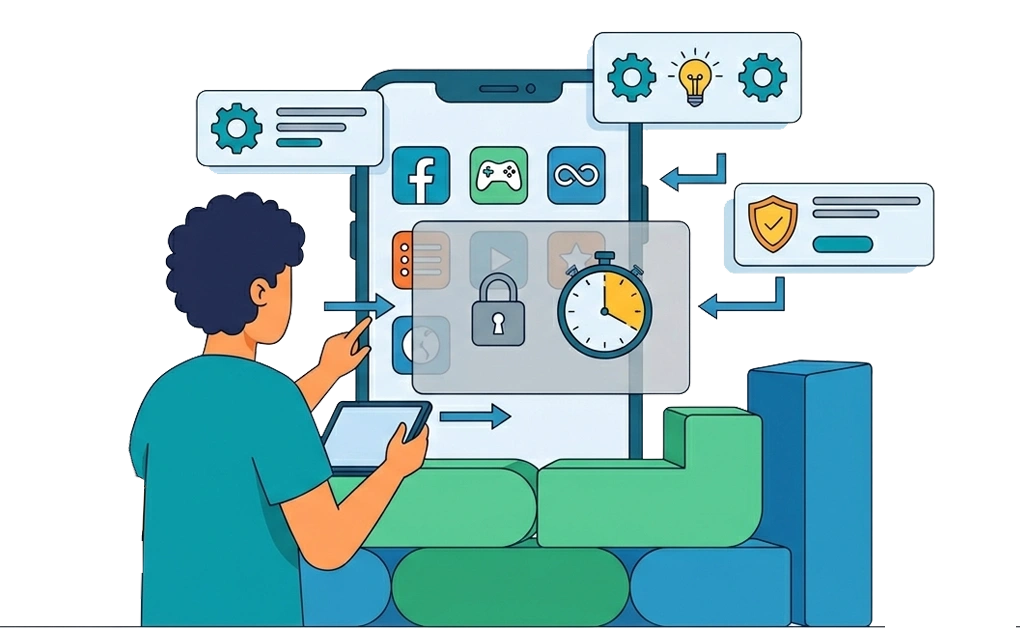
Digital boundaries for ADHD may work best when they are built into your devices, schedule, apps, notifications, and daily routines. When focus drops or habits take over, weak boundaries can be easy to bypass.
Stronger boundaries add friction before distractions become easy to access or undo. This can help you protect focus time, reduce impulsive browsing, and build a setup that feels easier to maintain during real workdays.
Key Takeaways
- Digital boundaries work better when they are built into your routine. Device settings, schedules, app limits, and notifications can help keep boundaries in place.
- Device and time boundaries can reduce distraction triggers. Separate workspaces, focus periods, and screen-free windows can make distractions less tempting.
- App and site limits help create controlled access. Daily allowances, whitelisting, and scheduled blocking can limit distractions without blocking everything.
- Notification and social boundaries protect focus time. Fewer alerts and clear reply times can make it easier to stay focused.
- Strong boundaries should avoid common setup mistakes. Rules that are too strict, too easy to turn off, or too rigid may be harder to keep.
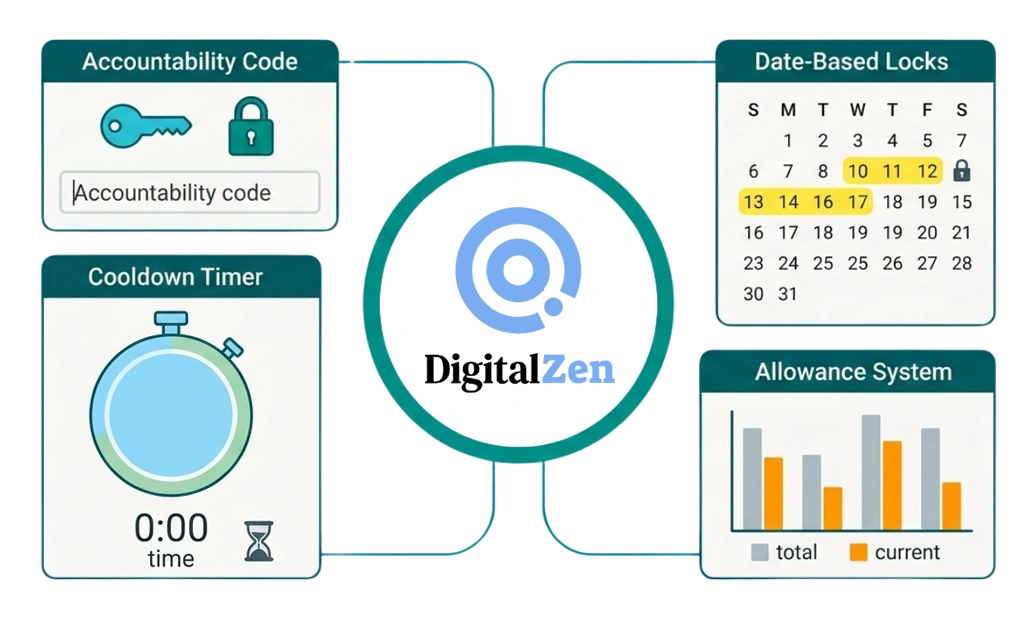
- DigitalZen can add friction when boundaries are hard to keep. Cooldown timers, accountability codes, date-based locks, and allowances can make boundaries harder to undo.
Why Digital Boundaries for ADHD Need External Enforcement
ADHD can make it harder to pause, remember the plan, or notice how much time has passed. Boundaries that depend on remembering or choosing to follow them in the moment may not hold. What you decide in the morning might not stick by the afternoon.
External enforcement takes the decision out of those harder moments. Instead of leaning on in-the-moment effort, you set up systems that make breaking the boundary harder by design. The goal isn’t to test your discipline, it’s to remove the option when it matters most.
Many people with ADHD find that boundaries work better when they do not require constant effort to maintain.
Common Areas for Setting Digital Boundaries With ADHD

Digital boundaries cover more than just blocking websites. Five areas often matter: devices, time, apps and sites, notifications, and social expectations. Each one addresses a different way distractions can enter your day.
1. Device Boundaries to Separate Work and Personal Use
One way to reduce temptation is to separate work and personal spaces on your devices.
- Use separate browser profiles for work and personal browsing
- Consider separate user accounts on the same computer
- Some people find it helpful to use different devices entirely
- Keep personal apps off work devices when possible
Boundaries can be easier to maintain when work and personal spaces do not overlap. To keep boundaries consistent across machines, sync app settings for productivity across devices covers the setup.
2. Time Boundaries for Focus and Screen-Free Periods
Time boundaries define when you focus and when casual browsing is allowed.
- Schedule focus periods when distractions are blocked
- Define “open browsing” windows for casual use
- Consider screen-free mornings or evenings to reduce digital pull
- Use scheduled blocking so boundaries start automatically
Time boundaries often work best when they do not require daily decisions. For a step-by-step setup guide, how to limit app usage time on Linux walks through the process.
3. App and Site Boundaries With Daily Limits
Instead of blocking sites completely, some people prefer daily limits.
- Use allowance systems to cap daily social media time
- Whitelist only work tools during focus hours
- Block everything else by default
- Daily limits can work better than total blocking for some people
The goal is controlled access, not complete elimination. Doomscrolling is one of the hardest habits to break. How to stop doomscrolling with ADHD covers strategies for this specific boundary.
4. Notification Boundaries to Reduce Interruptions
Notifications pull attention away from the current task. Fewer interruptions can mean fewer chances to drift.
- Turn off all non-essential notifications
- Keep only calendar reminders and critical alerts
- Batch email checks to specific times instead of constant monitoring
- Disable notifications for social media, news, and chat apps
Many people find that silencing notifications reduces the urge to check devices throughout the day.
5. Social Boundaries to Protect Focus Time
Other people can also be a source of digital interruption. Setting expectations may help.
- Tell friends and family you will not respond during focus periods
- Use status messages to signal when you are unavailable
- Set expectations so others do not expect instant replies
- Most people understand once you explain
Social pressure to respond is real. Naming it and setting clear expectations can reduce its pull.
Digital Boundary Habits Worth Reconsidering
Many people set digital boundaries that look good at first but are hard to keep during a normal workday. Here are a few common mistakes:
- Making the rules too strict: Blocking every distracting site all day can feel unrealistic. A daily allowance may be easier to maintain for apps you still want to use.
- Leaving overrides too easy: If a blocker can be turned off in one click, it may not hold during a distracted moment.
- Using the same setup for every day: A deep work day may need stricter limits than a lighter admin day.
- Blocking sites but leaving alerts on: Website limits may not help much if social, news, or chat notifications still pull you back to the same apps. A stronger setup should reduce both access and alerts.
- Setting quiet hours without telling people: Focus boundaries can be harder to keep if friends, family, or coworkers still expect fast replies. A simple status message or shared response window can lower the pressure to check messages often.
Enforcing Digital Boundaries With DigitalZen
Boundaries only work if they hold when impulse hits. DigitalZen is a focus and productivity app for distraction blocking and digital boundary management. It offers features that can help make boundaries stick.
- Cooldown Timers
Cooldown timers require a waiting period before disabling boundaries. The delay can interrupt the impulse. By the time the cooldown ends, the urge may have passed.
- Accountability Codes
Accountability codes let you send a code to a friend or partner. Someone else holds the key during focus time. This adds social friction to impulsive override attempts.
- Date-Based Locks
Date-based locks keep boundaries active until a specific date. They cannot be disabled mid-period. This can be useful for focused work sprints or digital detox periods.
- Allowance System
The allowance system caps daily usage instead of total blocking. Set a time limit for social media or entertainment sites. Once the allowance runs out, access is blocked for the day.
Standard blockers often fall short because they assume steady impulse control in the moment. Why most website blockers don’t work for ADHD explains the mismatch.
DigitalZen is designed for ADHD and focus challenges, with lock and limit features that can help digital boundaries hold.
Building a Digital Boundary System That Works for ADHD
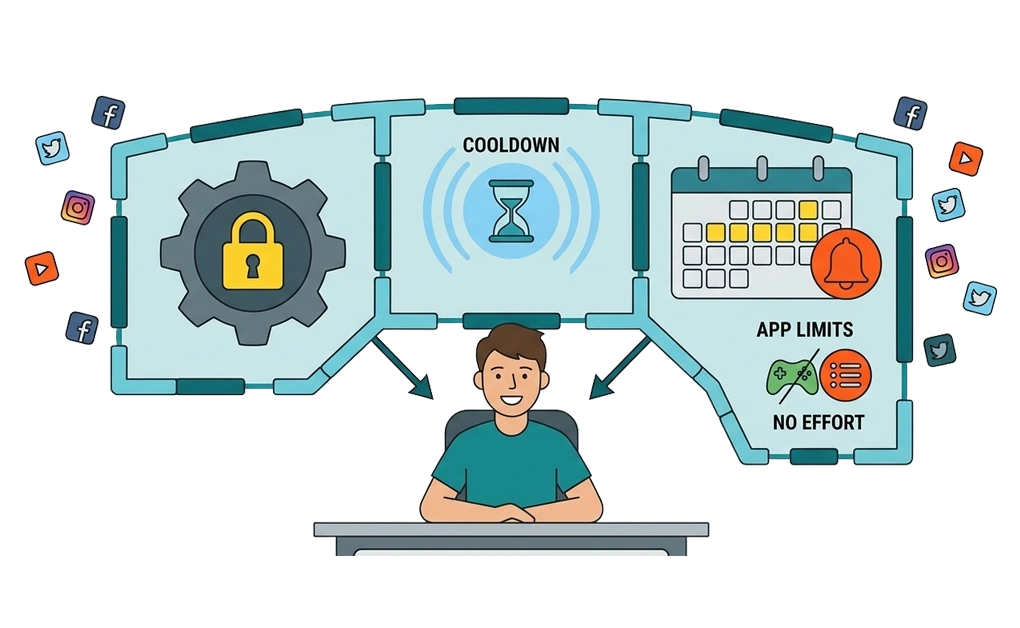
The bottom line: digital boundaries for ADHD work best when they don’t depend on in-the-moment effort. External enforcement helps them hold when motivation or focus dips.
Start with one or two boundaries that address your biggest distractions. For many people, this means app and site limits or notification boundaries. Add device, time, and social boundaries as needed. Use features like cooldown timers, accountability codes, or date-based locks. These add friction that can interrupt impulsive decisions.
Review your boundaries regularly. What works now may need adjustment as your routine changes. The goal is not perfection. The goal is a system that holds more often than it breaks.
Linux users who want OS-specific setup can follow how to stay focused on Linux with ADHD for a detailed guide.
Frequently Asked Questions
What Are Digital Boundaries for ADHD?
Digital boundaries are rules for how and when you use technology. For ADHD, they may work better when they are part of your daily setup. This can include app limits, blocked websites, separate work and personal browsers, fewer notifications, and clear times for replying to messages.
Why Do Digital Boundaries Fail for ADHD?
Digital boundaries often fail when they are too easy to ignore, change, or turn off. A rule may feel clear at the start of the day but become harder to follow when stress, boredom, or distraction makes quick access more tempting. Stronger boundaries add friction so the setup does not depend only on in-the-moment decisions.
What Is the Best Way to Enforce Digital Boundaries With ADHD?
The best approach is to make distractions harder to access or undo during focus time. Cooldown timers, accountability codes, date-based locks, and scheduled blocking can add friction. They make it harder to remove a boundary too quickly.
Allowance systems can also help. They limit usage without blocking every distracting site completely.
Should I Block Distractions Completely or Set Time Limits?
It depends on how you use the app or website. Full blocking may work better for distractions you do not need during the day. Time limits may be better for apps you still use for communication, breaks, or work-related tasks. A flexible setup is often easier to maintain than an all-or-nothing rule.
How Do I Set Social Boundaries Without Offending People?
Keep the message simple and clear. Let friends, family, or coworkers know when you usually respond and when you are focused. You can also use status messages, calendar blocks, or auto-replies to set expectations. This reduces pressure to check messages constantly and helps prevent misunderstandings.