
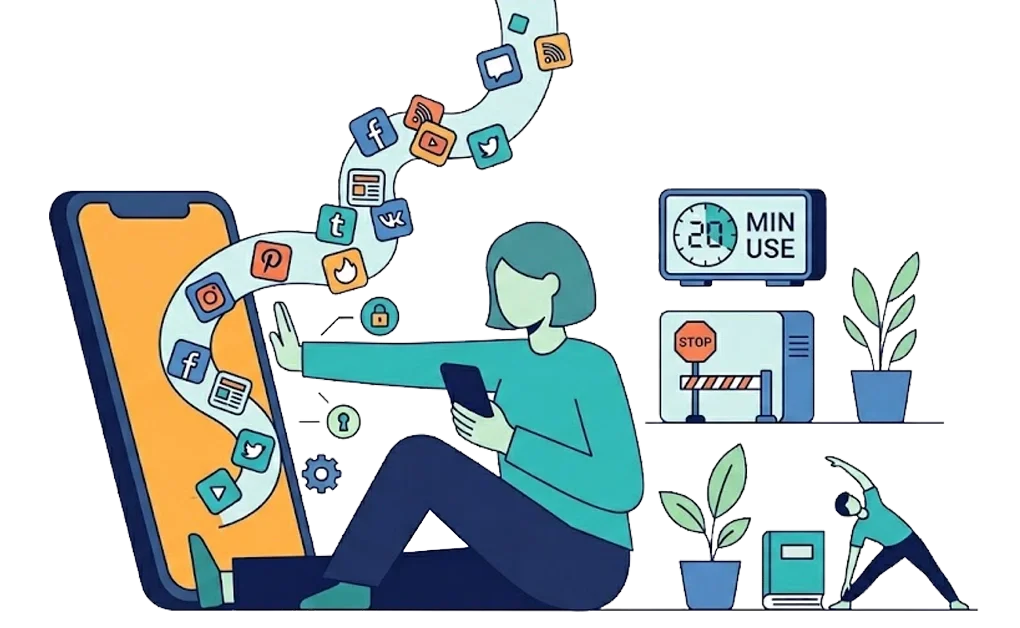
If you have ADHD, doomscrolling can be very hard to stop. It is less about self-control and more about how feeds work. They run on novelty and reward. An ADHD brain can be more sensitive to both.
Knowing why this happens helps. A stronger setup can do more than effort alone, blocking hard-to-stop sites, capping daily use, and adding a short delay before you scroll.
Key Takeaways
- It is mostly brain wiring, not weak willpower: ADHD can affect dopamine, impulse control, and time awareness. This may make endless feeds harder to put down.
- Trying to stop mid-scroll rarely works: Feeds have few natural stopping points. It is often easier to decide before the scroll starts than during it.
- Block infinite scroll sites during focus hours: Removing access during work or study time can make scrolling less automatic.
- Use daily allowances instead of total blocking: A set time limit may be easier to keep for apps you still want to use.
- Replace doomscrolling with simple reset activities: Movement, music, podcasts, hobbies, or short breaks can give you something better to do.
Why Is Doomscrolling So Hard to Stop With ADHD?
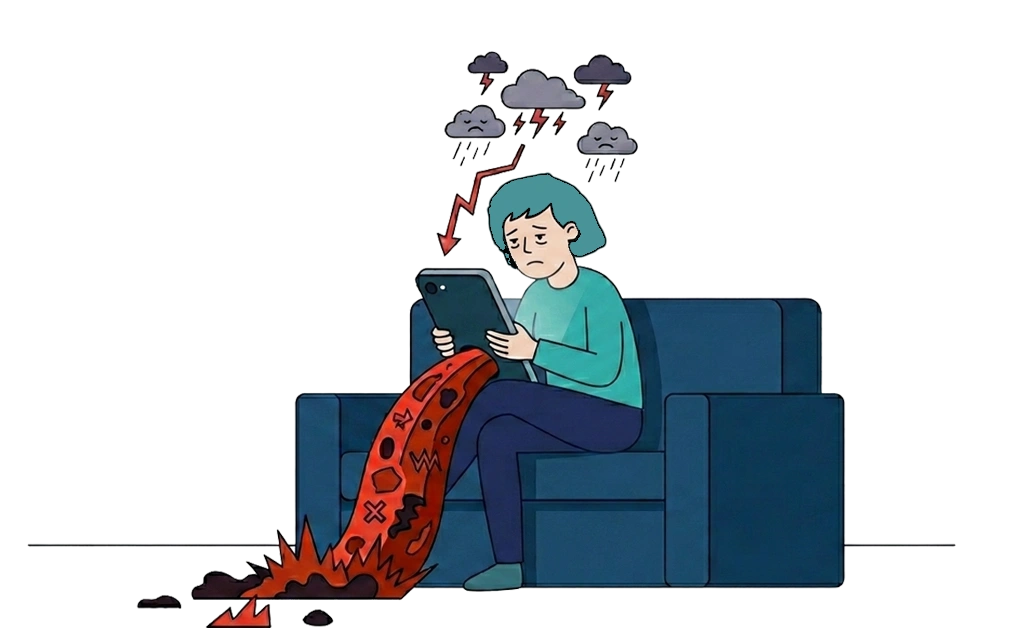
Doomscrolling can be hard to stop with ADHD because infinite feeds are built around novelty and reward. An ADHD brain can be more sensitive to both. Understanding why it happens may reduce self-blame. It can also point toward better solutions.
First, What Counts as Doomscrolling?
Doomscrolling usually refers to excessive scrolling through negative or distressing content, especially news. In everyday use, many people also use it to describe compulsive scrolling that leaves them drained, even when the content is not strictly news-related.
Common doomscrolling formats include:
- News feeds with constant updates, often negative
- Social media like Instagram, TikTok, Twitter/X, and Facebook
- Reddit with infinite threads and comment sections
- YouTube Shorts and TikTok with short-form video and autoplay
- Any infinite scroll format designed to keep you swiping
There are a few common signs of doomscrolling. You scroll without a clear purpose. You feel worse afterward, not better. Time passes faster than you realize. You struggle to stop even when you want to. Or you scroll during times you meant to do something else.
If these sound familiar, you are not alone. Many people with ADHD describe the same experience. YouTube Shorts is one of the highest-dopamine formats. Blocking YouTube on Linux covers how to limit access.
Dopamine and Novelty Cravings
ADHD has been linked to differences in how the brain responds to rewards and novelty. This may make fast-changing feeds feel more engaging. Infinite scroll has no clear stopping point. Each swipe can bring something new, funny, upsetting, or surprising. That steady stream of novelty can make it harder to stop, especially when your brain is looking for stimulation.
Impaired Impulse Control
ADHD can affect the ability to stop once an activity has started. The urge to swipe again may be stronger than the plan to stop. This is how the brain works for many people. It is not a lack of willpower. Many people with ADHD describe feeling “stuck” even when they want to stop.
Hyperfocus on Scrolling
ADHD can sometimes lead to hyperfocus on stimulating activities. What starts as a quick check can turn into hours. The brain may lock onto the scroll and resist switching tasks. The same tendency can also show up as helpful focus, when the task is meaningful or engaging.
Time Blindness
Many people with ADHD find time awareness difficult. A short scrolling break can stretch much longer than planned. The session keeps going without you noticing. By the time you look up, more time has passed than you expected.
How to Stop Doomscrolling With ADHD
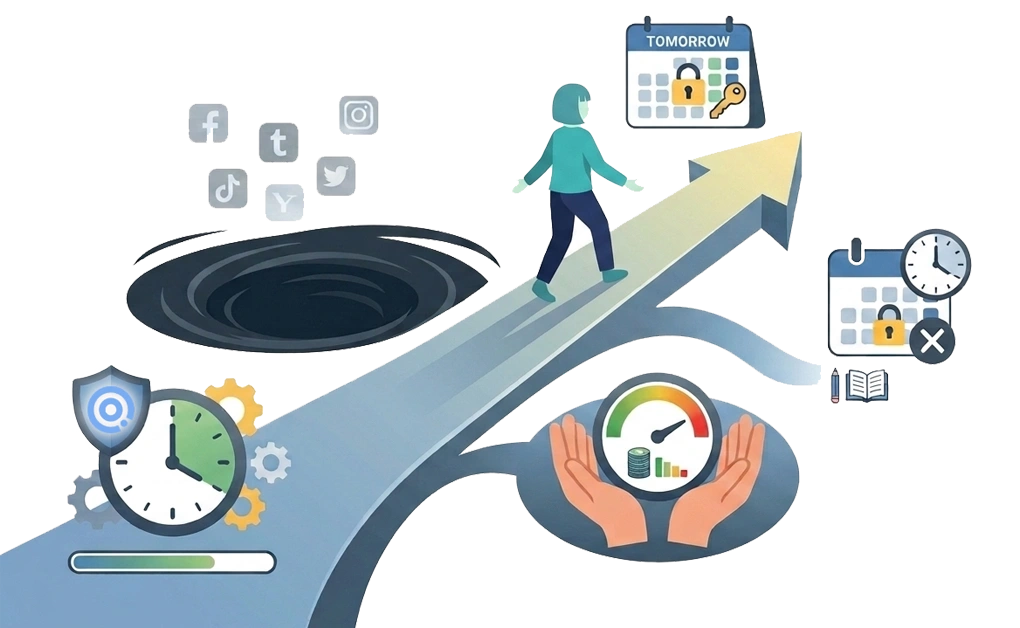
One reliable approach is to change your setup before the scroll starts. That can work better than relying on willpower in the moment. These strategies use tools, limits, and routines to make stopping easier.
1. Add Friction Before Scrolling Starts
DigitalZen cooldown timers add a short waiting period before blocked sites can open. That delay creates a pause before scrolling starts. By the time the cooldown ends, the urge may feel less strong. Friction is not punishment. It is a pause that gives you time to reconsider.
2. Block Infinite Scroll Sites During Work Hours
One approach is to block social media, news, Reddit, and YouTube during focus time. This removes the decision from the moment. If the site is not available, it is harder to fall into scrolling. For many people, removing access during work hours feels easier than trying to stop manually. DigitalZen can block these sites during set hours.
3. Use Daily Allowances Instead of Total Blocking
Total blocking can feel too strict for some people. Allowances cap daily usage to a set time. For example, 20 minutes after dinner. Once the allowance runs out, access is blocked for the day. This may work well for apps you still want to use sometimes. For broader screen time strategies, controlling screen time on Linux for ADHD covers more approaches.
4. Set Up Tomorrow’s Blocks Tonight
It is often easier to set limits before the next day gets busy or distracting. Pre-commitment means deciding ahead of time what you will block later. Set up scheduled blocks or date-based locks the night before. When the urge to scroll shows up tomorrow, the block is already in place. This removes the decision from the moment when it may be harder to pause.
5. Block the Hardest-to-Stop Formats First
Some formats are harder to stop than others. Short-form video feeds, Reddit threads, and social feeds keep offering new content. They have very few natural stopping points. Blocking these formats may help, even if you allow other sites. Not all scrolling works the same way. Linux users can find setup steps in controlling social media on Linux.
Replacing Doomscrolling With Better Habits
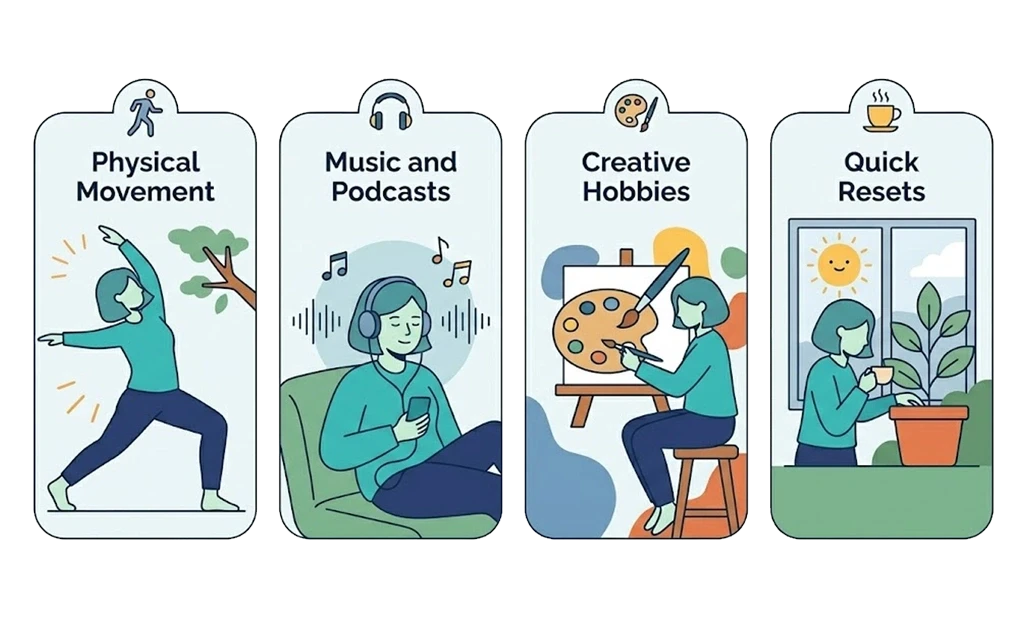
Blocking alone is often not enough. Doomscrolling can fill a real need for a break, stimulation, or something new. If you remove scrolling without replacing it, the habit may be harder to change. Better reset activities give you another option when the urge appears.
1. Physical Movement
Movement can give your body a quick reset. Even a short walk or a few jumping jacks may help you step away from the scroll. It does not have to be a full workout. A few minutes of movement can give you a clearer break than staying inside the feed.
2. Music and Podcasts
Listening to music or podcasts can give you something new without keeping your eyes on a feed. Create playlists for different moods or tasks. Audio can be easier to pause than video scrolling. For some people, it gives enough background interest without pulling them into endless content.
3. Creative Hobbies
Drawing, writing, playing an instrument, or building something can provide flow and reward. Creative activities engage the brain in a way that scrolling often cannot. Keep supplies accessible so the barrier to start is low. The easier it is to begin, the more likely you are to try it.
4. Quick Reset Activities
Make a list of 5- to 10-minute activities that feel easy and rewarding. Examples include playing a short game, doodling, stretching, stepping outside, or making a snack. When the urge to scroll appears, try one of these first. The goal is to give yourself a quick reset without opening the feed.
DigitalZen is a focus and productivity app for distraction blocking, screen-time moderation, and digital boundary management. Its features can help make doomscrolling harder to slip into during the times you want to stay focused.
Breaking the Doomscrolling Cycle With ADHD
Doomscrolling can be hard to stop with ADHD, and now you know why. Feeds keep refreshing. Short videos move quickly. Time can pass faster than expected. Trying to stop in the moment may not be enough, and that is not a personal failing.
A stronger setup can help. Block hard-to-stop sites during work hours. Use allowances to cap daily usage. Set up blocks the night before. Replace scrolling with better reset activities.
Start with one or two changes. Add more as they become routine. The goal is not perfection. The goal is to reduce how often doomscrolling pulls you in.
If doomscrolling has become a daily habit, DigitalZen also supports people dealing with social media overuse. Doomscrolling is one boundary to set. Creating strong digital boundaries for ADHD covers the full framework.
Frequently Asked Questions
Why Is Doomscrolling Hard to Stop With ADHD?
Many people with ADHD find fast-changing feeds hard to stop because they keep offering something new with very little effort. It may also be harder to pause and switch tasks once scrolling has started. Since scrolling has few natural stopping points, a short break can stretch longer than planned.
What Is the Best Way to Stop Doomscrolling With ADHD?
Strategies that may help include blocking hard-to-stop sites during work hours, using daily allowances to cap usage, and setting up blocks the night before. Replacing scrolling with simple reset activities, such as movement, music, or creative hobbies, can also help.
Should I Delete Social Media Apps Entirely?
For some people, deleting apps works best. For others, daily allowances are more sustainable. Experiment to find what works for you. If moderation fails repeatedly, deletion may be the simpler solution.
What Are the Worst Apps for Doomscrolling?
YouTube Shorts, TikTok, Reddit, and Twitter/X can be harder to stop for some people because they use short-form content, autoplay, or endless feeds. Blocking these specific formats may reduce doomscrolling even if you allow other apps.
How Do I Replace Doomscrolling With Something Healthier?
Make a list of quick, rewarding activities. Examples include movement, music, podcasts, creative hobbies, or short games. When the urge to scroll appears, try one of these first. The goal is to give yourself a simple reset without opening the feed.
Reference: