
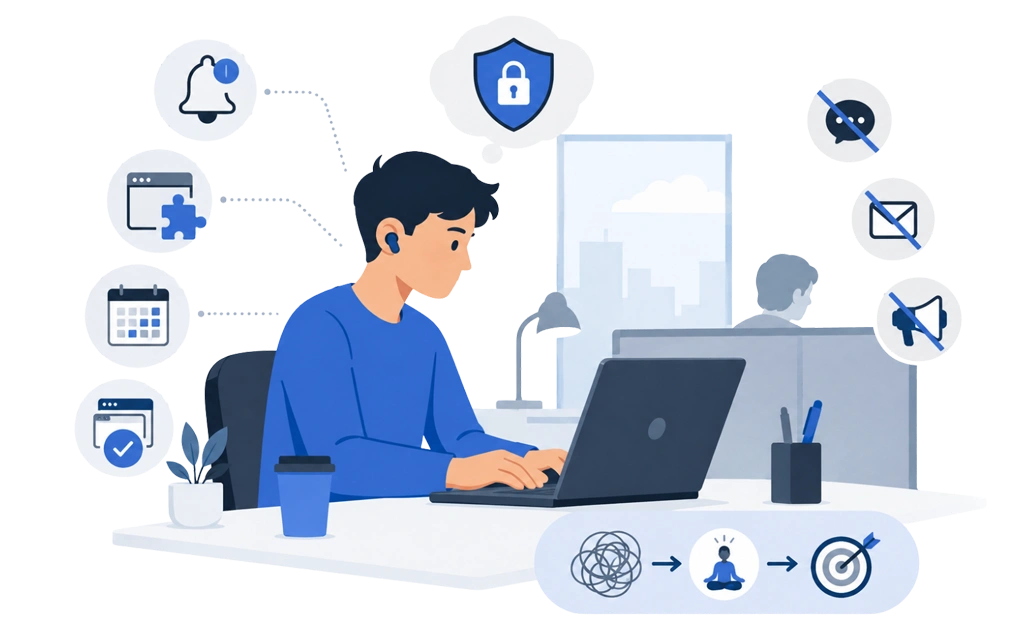
Most advice on how to focus at work with ADHD assumes three things. That you control your own machine, that you control your own calendar, and that you have an uninterrupted afternoon in front of you.
At work you usually have none of them. Staying focused at work is not about building the ideal setup. It is about what you can still build inside the constraints you actually have.
Key Takeaways
- Work removes many of the levers the advice assumes: Your machine may be managed, your calendar is partly shared, and the day often arrives already broken into pieces.
- What you control is narrower than the advice suggests, but it is not nothing: Notifications, your browser setup, protected calendar blocks, and how many windows you keep open.
- Recovery beats prevention when interruptions are part of the job: Build for the transition back rather than never leaving.
- Home can make time harder to track: Without office cues, breaks, meals, coffee, and the end of the day may need to be scheduled on purpose.
- Check your IT policy before installing anything: Not needing admin rights describes how software is built, not permission to install it.
- Home and the office fail in opposite ways: Home can lack structure and a clear end to the day. The office often has structure, but less quiet.
Disclaimer: The trust and verification details in this article were accurate at the time of publication. Notice something out of date? Let us know and we will fix it.
Why Most ADHD Focus Advice Does Not Survive a Workplace
Read enough ADHD focus advice and a picture forms: a quiet desk, a personal laptop, a clear afternoon, and full control over what runs on the machine.
That is a student’s setup, or a freelancer’s on a good day. It is not how many knowledge-work jobs actually feel, and many adults are working in the opposite conditions.
At work, someone else books your time. A colleague can appear at your desk without warning. The laptop may be managed by an IT team you have never met, and it may refuse to install anything they have not approved. The work environment was designed for collaboration, which often means interruption.
None of that makes focus impossible. It does mean advice built for a different situation can keep failing, while you assume the failure is yours.
Separate the two. Some of it is how ADHD affects you. Some of it is the workplace, and that part would be hard for anyone. On the first part, DigitalZen for ADHD and focus challenges goes deeper.
What You Can Still Control on a Locked-Down Machine
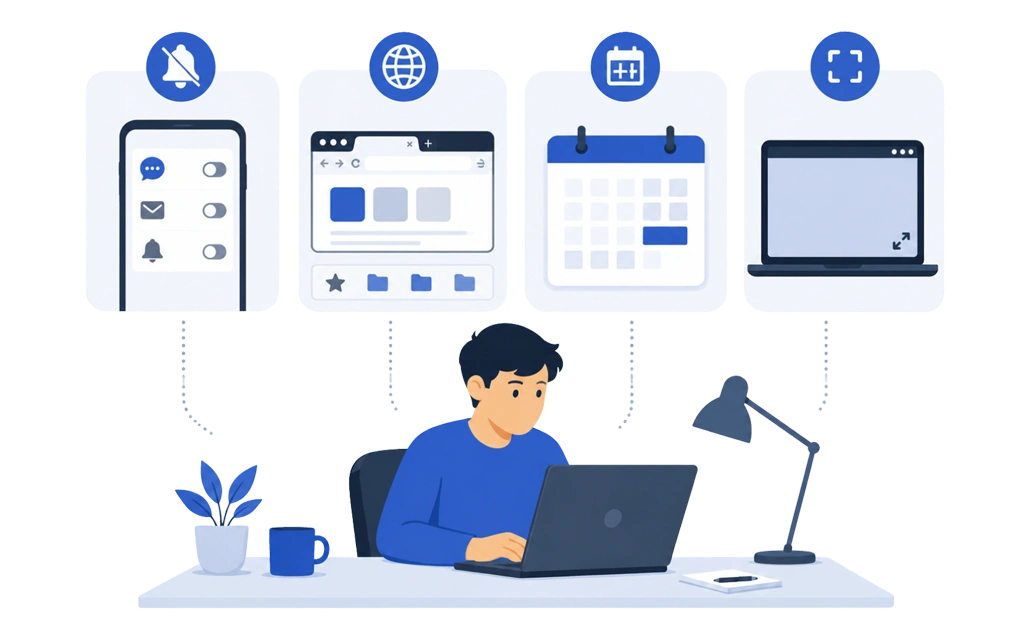
More than you might think. Many of the time management levers are still yours.
- Notifications: This is the biggest one, and it usually needs no permissions. Turn off anything that does not need your attention right now. Badge counts, previews, sounds, the lot. Many chat tools let you set a timer on do not disturb, which is easier to justify than switching them off entirely.
- Your browser: You may not be able to install software. You can usually work in a separate window or profile with only what the task needs open. Bookmark the few tools you actually use, and stop keeping a pile of tabs alive as a distraction disguised as a to-do list.
- Calendar space: Set aside specific time in your own calendar. It is not a hack; it is how calendars work. Time booked with a real purpose is harder to take than time that looks empty. Give the time block a real name, because a vague label invites someone to take it.
- One window at a time: Full screen for the thing you are doing. It sounds trivial, and it is one of the few things that works on almost any machine, under most policies, with no special approval.
None of this is impressive. It is the layer people often skip because it seems too small to matter, then spend too long looking for an app instead.
How DigitalZen Installs Without Admin Rights
If your IT policy allows approved software, this is where a blocker comes in. If it does not, the previous section is the safe limit, and that is a real answer rather than a consolation prize.
DigitalZen was built to work without deep system access. It does not require root or administrator rights, and it does not install kernel modules. That matters twice over on a work machine. Where policy allows, it can install in places where tools needing elevated permissions cannot, and if someone asks what you put on the laptop, the answer is short and checkable.
The supporting evidence is worth having to hand:
- The Windows application is signed with an EV certificate.
- The macOS application is notarized by Apple.
- DigitalZen scans clean across 98 antivirus vendors on VirusTotal.
- The account collects your name and email address, nothing more, and the service is GDPR compliant.
To be clear about the boundary: not requiring admin rights describes how the software is built. It is not a way around your employer’s rules. A managed device can still block unapproved installs, and that decision belongs to your organization. Check first.
A browser extension alone may not hold up here. The easiest route around it is a second browser already on the machine, which is why an extension alone will not hold.
DigitalZen runs on Windows, macOS, and Linux, which is useful if your work and personal machines use different platforms.
Meetings, Interruptions and Getting Back on Task
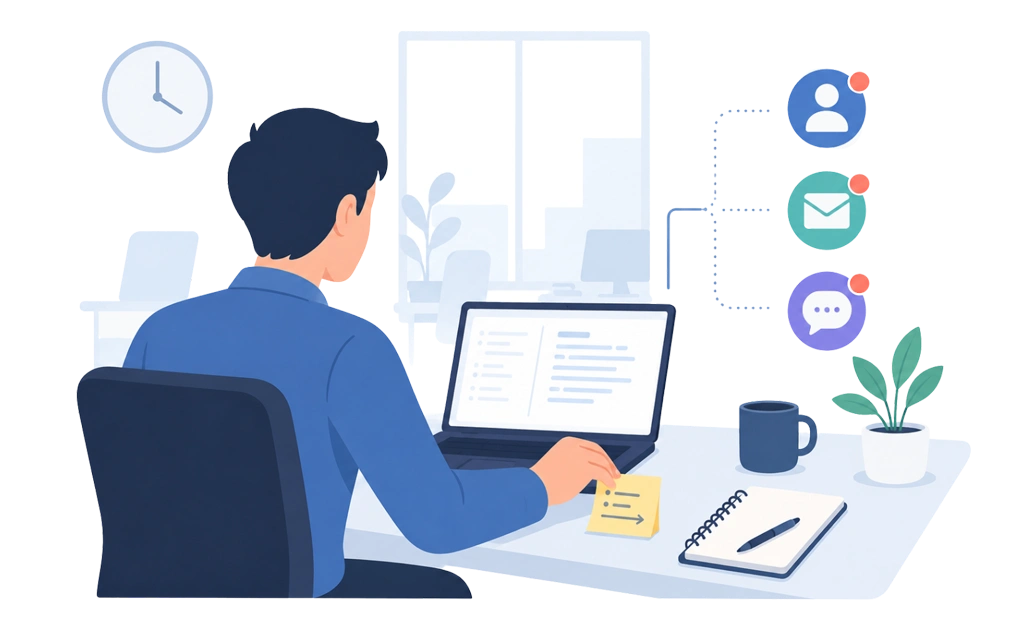
Most advice here is about preventing interruptions. At work, that is often unrealistic because interruptions are part of the job.
The realistic target is recovery. Getting interrupted costs you the interruption plus the climb back, and the climb back is often the expensive part.
Three things can help you cope when interruptions are constant, and none need anyone’s permission.
1. Leave a breadcrumb before you stand up. One line about what you were doing and what comes next, in the file, on a sticky note, or on the whiteboard behind you. It takes a few seconds, and it makes the hardest moment of returning easier: sitting down with no idea what you need to get done. It makes the work easier to start again.
2. Protect the first few minutes back. Do not open email to ease yourself in. That is not easing in; it is starting a different job. Go straight to the breadcrumb.
3. Group the small stuff. Tackle messages, approvals, and quick questions in two or three passes a day. Handled that way, they usually cost less than when they are scattered through the day.
If your calendar is wall-to-wall meetings, a focus tool can only do so much. That is a conversation about workload, not a focus problem.
Working From Home Versus the Office
The two setups break in opposite directions, so the fixes differ.
At home, there may be less external structure. No commute to mark the start, no colleagues leaving to mark the end, and nothing between you and the fridge. For many people with ADHD, one of the biggest problems is the loss of time tracking. You do not notice how long you have been working, so there is no coffee break, no proper pause, and no clear stop at night.
The problem is not only starting. It is also noticing when the day has stretched too far. A workday can quietly expand into the evening, especially when home and work happen in the same space. Over time, that can degrade quality of life because there is no clean break between work time and rest time.
A hard stop matters more than a hard start, which is switching off when work has no natural end. DigitalZen’s wellness templates can help turn breaks and shutdown points into scheduled parts of the day, instead of decisions you have to remember after you are already absorbed.
At the office, the structure is provided and the quiet is not. You get a start time, an end time, and someone at your shoulder more often than you planned. The problem is not starting. It is staying with the task after interruptions.
If you split your week, treat them as different modes. Small adjustments to each beat one routine stretched across both. DigitalZen for freelancers and remote workers covers the home side in more detail.
Focusing Alongside Colleagues
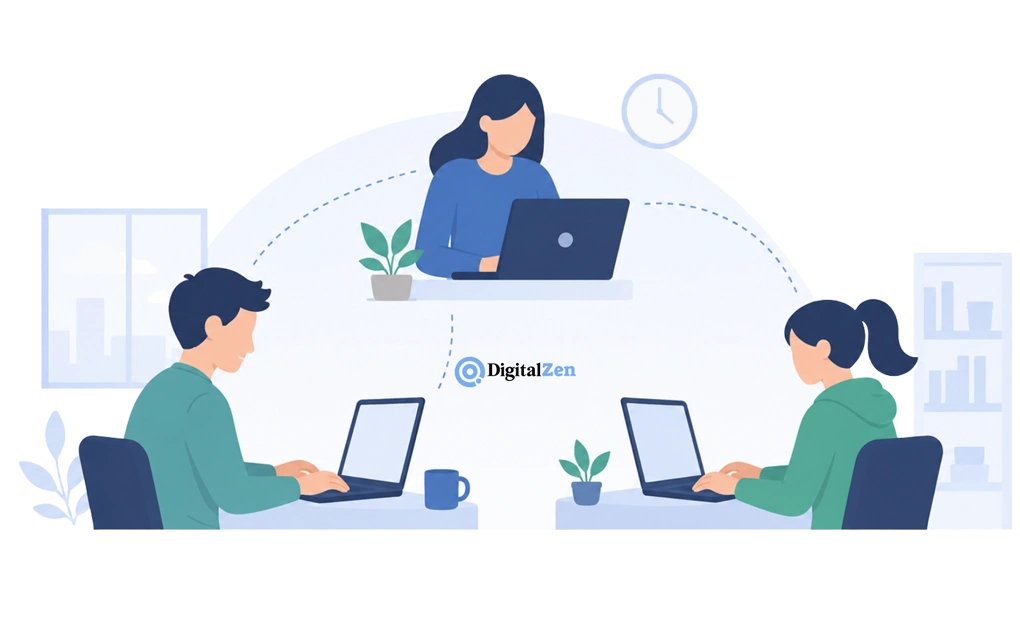
Many people with ADHD work better when someone else is visibly working too. It is why libraries fill up.
DigitalZen has Team Focus for this. A few people agree to a focus session and run it at the same time. It is worth being precise about what that is and is not.
It is voluntary and started by the people taking part. Nobody is enrolled by a manager, nothing is reported to anyone, and no one can see what you were doing during the session. The motivation comes from the shared start time, not from anyone checking.
If your team is spread across locations, shared focus time across a distributed team works the same way, with the same limits.
Whether to Tell Your Employer
This is a personal decision, and there is no general right answer.
Some people find that sharing context makes the practical parts easier. Fewer surprise meetings, more written follow-ups, less need to explain the headphones.
Others prefer to keep it private. Sometimes the culture does not feel safe. Sometimes they would rather their work was not read through that lens afterwards.
What is true in one country, company, or team can be false in another. If you are weighing it seriously, a therapist or someone who knows your situation may be more useful than a general article. Nothing here is legal or HR advice, and none of the setup in this piece requires disclosing anything. Whichever way you go, a little self-compassion helps more than getting the decision perfect.
Frequently Asked Questions
How Do I Focus at Work When I Have ADHD?
A useful first tip is to start with what you control rather than the ideal setup. Turn off notifications, use one window at a time, and book focus time in your calendar with a real name on it. When the work itself is what stops you, break it into smaller chunks until one of them looks small enough to get started on.
A long list can feel overwhelming no matter how good your setup is. Add a blocker if your IT policy allows, and here is the wider set of ADHD focus tools by category.
Can I Use a Focus App on a Work Computer?
Often yes, but check your IT policy first. Managed devices frequently restrict installations, and some organizations require approval for anything new. An ADHD-friendly tool that does not need administrator rights may be easier to install where policy permits, though it is not a way around a restriction.
How Do I Recover Focus After an Interruption?
Leave yourself a note before you get up, saying what you were doing and what comes next. When you return, go to that note first rather than to your inbox. For many people with ADHD, restarting is often the harder part. The first few minutes back can shape whether your brain rejoins the task or starts a new one.
Is It Better to Work From Home With ADHD?
It depends which problem you have. Home may suit people who need quiet and struggle with interruption. The office may suit people who need external structure to start and to stop. Some people do better splitting the week, though a close deadline can make quiet worth more than structure.
If home is where your day never ends, protecting the end of the working day matters more than anything you do in the morning.
Should I Tell My Employer I Have ADHD?
There is no general answer. It depends on your jurisdiction, your employer, and your own preference. Some people find that sharing context makes practical conversations easier. Others prefer to keep it private. Talk to someone who knows your situation before deciding, and note that none of the setup described here requires disclosing anything.
Set up focus enforcement that installs without admin rights. DigitalZen has a free tier, so you can test whether it fits your work setup before spending anything.
Reference
- https://www.virustotal.com/gui/url/41321ccd8233ca399806713a435e6a34ecf29327fd70a2da9ce490fe48ee2535