
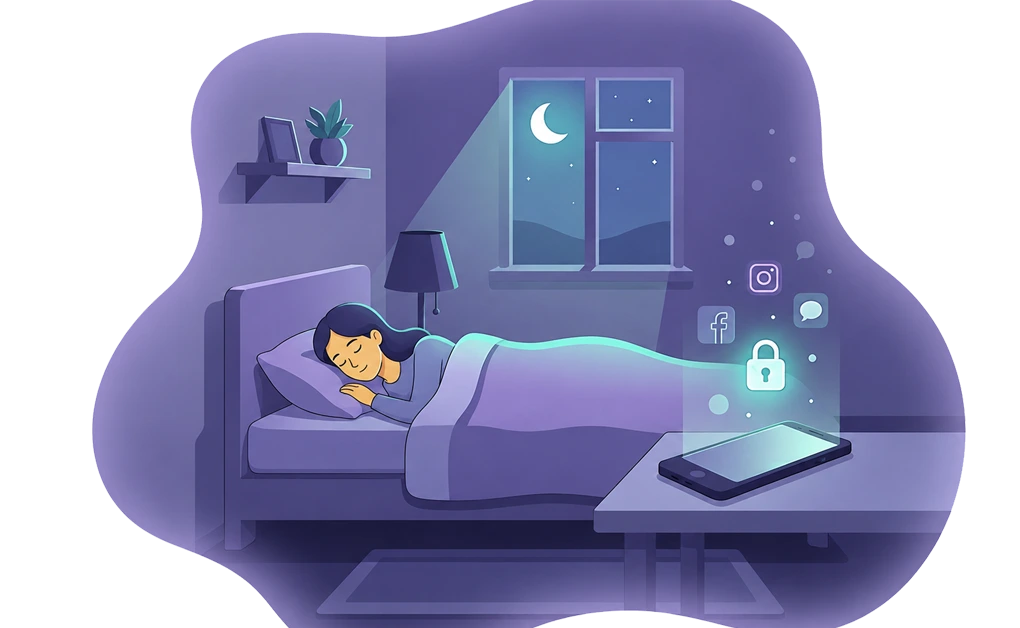
A practical way to stop using social media before bed is to set the rule earlier in the day and let a tool run it at night. Scheduled blocks, daily allowances, and adaptive locks can make late-night scrolling harder without relying on a last-minute decision while you are already in bed.
Key Takeaways
- Set the rule before bedtime: It is easier to choose a cutoff earlier in the day than to decide while you are already scrolling in bed.
- Social media can be hard to stop: Feeds, alerts, and recommendations can make a quick check turn into a longer session.
- Use scheduled blocks instead of last-minute decisions: A recurring block can turn on while you wind down, so you do not have to remember it every night.
- Replace the habit with something calmer: An e-reader, podcast, audiobook, quiet music, or journal can fill the space scrolling used to take.
- Add friction before unlocking: Cooldown, Schedule, and Friend locks can make late-night changes less automatic.
How to Stop Using Social Media Before Bed in Four Steps
A practical bedtime setup comes down to four steps. Each step moves part of the decision earlier in the day, so you are not trying to make the choice while already in bed.
- Pick a cutoff time. A good starting point is 30 to 60 minutes before bed. Some people may prefer a longer cutoff, such as 90 minutes, if late-night scrolling is harder to stop. The exact time matters less than choosing a time you can follow.
- Set a recurring schedule. Use a tool that turns the block on automatically each night. This helps you avoid relying on memory or motivation when you are already winding down.
- Lock the schedule. A schedule without a lock may still be easy to pause or edit. Adding an adaptive lock, such as a cooldown or friend approval, creates friction before the block can be changed.
- Have a quieter activity ready. An e-reader, podcast, or journal can fill the space that scrolling used to take. The block works better when it gives your attention somewhere calmer to go.
These four steps work best together. A schedule helps the block start on time. A lock makes it harder to change in the moment. A quieter activity gives you something to do instead of returning to the feed.
How to Set Up Each Step the Right Way With DigitalZen
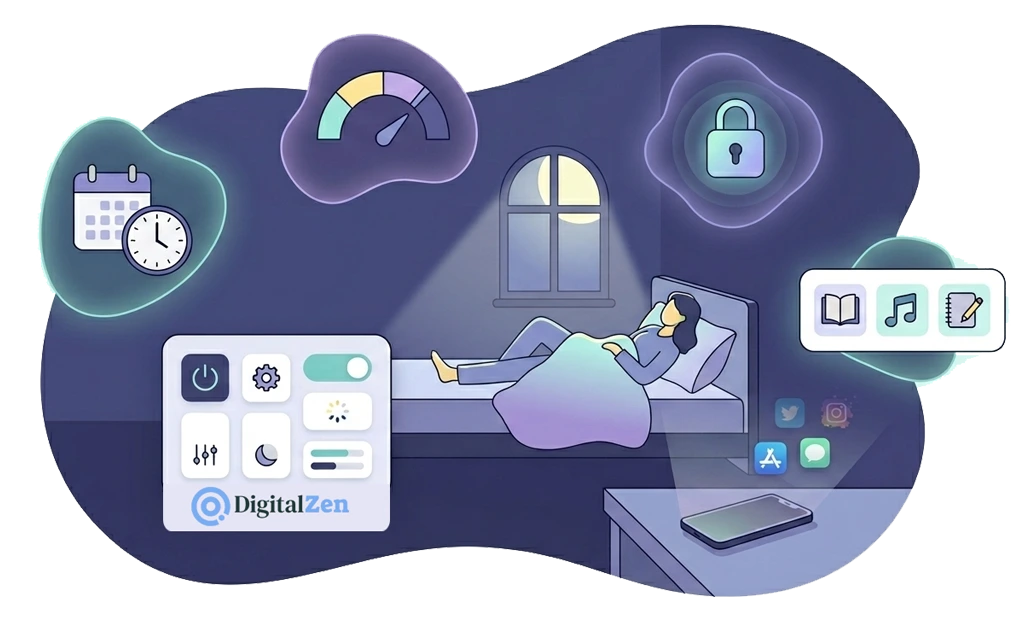
Each step is simple to set up once. Together, they create a bedtime routine that can run in the background while you wind down.
1. Set the Block Before the Evening Gets Hard
The best time to set a block is earlier in the day, before you are tired and already scrolling. Setting it at 11 p.m., when the feed is already open, is much harder to follow.
A practical setup is simple. Pick the apps and sites you want blocked, such as Instagram, TikTok, X, YouTube, or Reddit. Set a recurring schedule that turns the block on every night at your cutoff time. Then let it run automatically until morning.
For people whose habit is mainly a nighttime pattern, a tool built for the night owl problem is a natural starting point.
Linux users can find OS-specific setup steps in our guide on how to control social media use on Linux. Once the schedule is set, the block does not depend on you remembering to flip a switch after a long day.
2. Use Daily Allowances So the Block Is Already in Place
Daily allowances can help when you do not want to cut an app out completely. You set a daily cap, such as 45 minutes of Instagram or an hour of YouTube. Once that time runs out, the block starts.
This works well for apps you still find useful during the day. You keep some access, but the app is less available by bedtime. The cap helps reduce how much access is left when you are winding down.
DigitalZen’s controls for managing social media include both scheduled blocks and daily allowances, so you can mix and match. Use scheduled blocks for apps you want fully blocked at night. Use allowances for apps you only want capped. Windows users can follow the OS-specific steps in our guide on how to block social media on Windows to get started.
3. Add a Lock So the Schedule Is Harder to Change
A schedule helps, but it may still be easy to pause or edit. Adding a lock creates friction before the block can be changed.
DigitalZen’s adaptive locks can work well for bedtime use:
- Cooldown lock. A timer runs before an unlock is allowed. This creates a pause before the block can be changed.
- Schedule lock. You set a future date or time that the block holds until. This helps when you want to commit in advance.
- Friend lock. The unlock code goes to a friend’s email, so you cannot unlock alone. This can help if accountability makes the rule easier to follow.
Pick the lock that matches your usual pattern. If you tend to make quick changes, try the cooldown lock. If you plan well but struggle later, try the schedule lock. If social accountability helps you, try the friend lock.
4. Replace the Scroll With Something Quieter
The block creates space. What fills that space matters.
Scrolling often fills a role, such as input, distraction, or comfort. Removing it without another option can make the evening feel restless. The goal is not to do nothing. It is to choose something quieter.
Three options can work well:
- Lower-stimulation reading. Try an e-reader or reading app. This gives you something to focus on without the same endless feed.
- Audio. Podcasts, audiobooks, or calm music can give your mind something to follow while your eyes rest.
- Light writing or planning. A short journal entry, a quick reflection, or tomorrow’s to-do list can give the evening a calmer endpoint.
DigitalZen’s Focus Mode can support this because it works as a whitelist. You can block everything except your e-reader, audio app, or writing tool. That way, the device still gives you something to do, but not the feed you were trying to avoid.
Why Last-Minute Bedtime Rules Are Hard to Keep
Last-minute rules are hard to keep because the decision happens when the habit is already in motion. If you are already in bed with the feed open, it is easier to keep scrolling than to stop. That is why setting the rule earlier can work better.
Key insight: the goal is to let your earlier decision guide your later behavior. If you set the schedule at 8 p.m., the block is already active by the time 11 p.m. comes around. You do not have to make the same choice again while you are tired and already tempted to scroll.
This is why scheduled blocks and adaptive locks can work better than a rule you only keep in your head. A personal rule is easy to negotiate in the moment. A locked schedule adds structure, so the decision is not left entirely to bedtime-you.
What Makes Late-Night Scrolling Hard to Stop
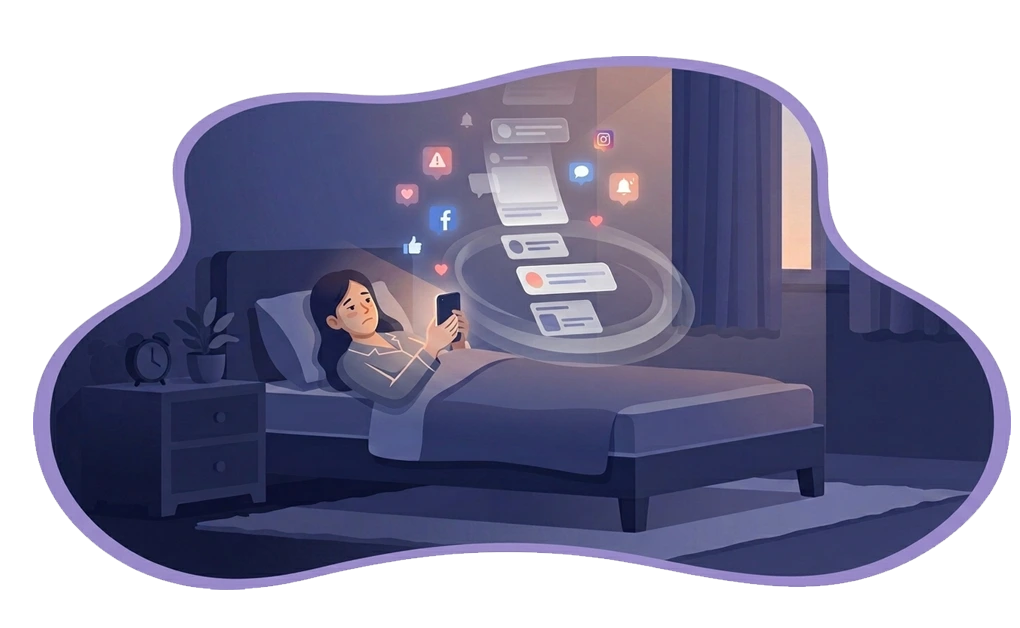
Late-night scrolling can be hard to stop for a few different reasons. Knowing those patterns can help you choose a better setup.
Social media can make it easy to keep going. Endless feeds, alerts, and recommendations can make one more scroll feel natural. This does not mean you lack discipline. It means the app is giving you a steady stream of new things to check.
The shift from a busy day to rest can feel awkward. After a full day of work, study, or errands, lying quietly in bed can feel like a sudden stop. Scrolling can fill that gap with something familiar, even when it does not help you wind down.
Social media can feel like a way to catch up. At night, a quick check can feel like a way to see what you missed. That pull can feel real, especially after a long day. But the same quick check can also turn into a longer session than planned.
These patterns are not only about discipline. A better setup changes the environment, so the easier choice is not always opening the feed again.
How to Tell If Your Bedtime Social Media Block Is Working
A bedtime block should make your evenings easier to manage, not just look strict on paper. For the first week or two, use a simple morning check to see whether the setup fits your real routine.
Ask yourself:
- Did I reach for my phone before getting out of bed? Many people check their phones soon after waking, so this can be a useful habit to notice. If it keeps happening, you may need to move the cutoff earlier or make the lock stronger.
- Did last night’s content stay on my mind this morning? If a video, post, or comment is still the first thing you think about, the block may be starting too late.
- Did I feel tired after a heavy scrolling night? Social media use close to bedtime may affect sleep quality for some people. If you notice a pattern, try an earlier cutoff or a quieter replacement activity.
- Do I remember what I did in the last hour before bed? A clear answer, such as “I read for 20 minutes,” can mean your replacement habit is working. A vague answer may mean the old scrolling pattern still needs more structure.
These questions are not a diagnosis. They are simple clues. If the same problems keep showing up, adjust one part of the setup. You might move the cutoff earlier, use a stronger lock, or choose a replacement activity that is easier to start.
Set One Social Media Cutoff Tonight
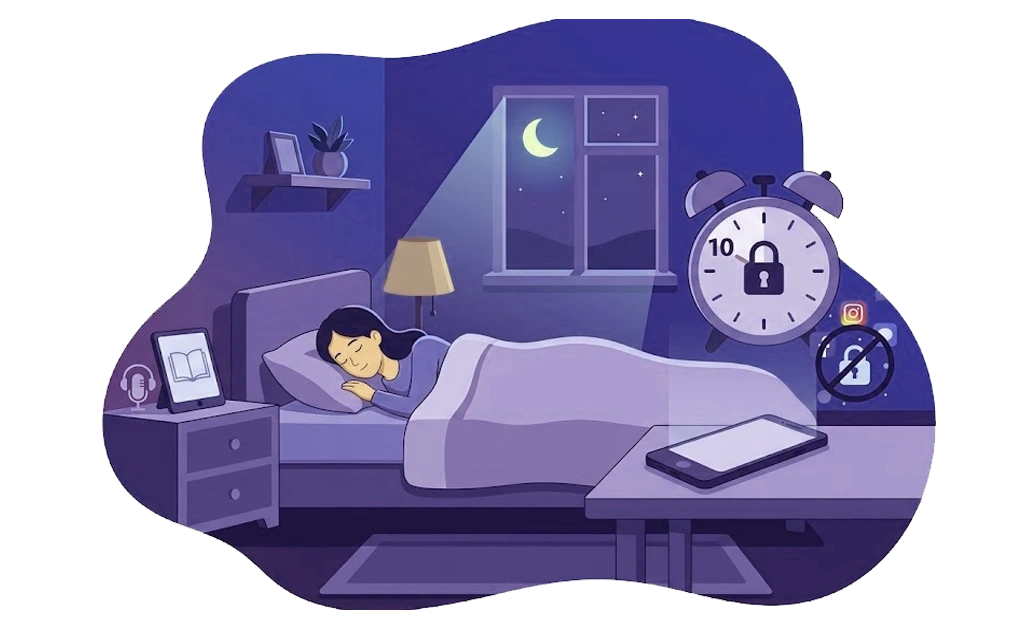
The first night with a new setup does not need to be perfect. The goal is simply to get one useful rule in place. Start small, then adjust after you see how it works in your real evening.
A reasonable plan for tonight is to pick one cutoff time, set a recurring schedule, add a cooldown lock, and choose one quieter replacement, such as an e-reader app or a podcast. Turn it on earlier in the evening, before you are already tired and scrolling. Then check in tomorrow morning and notice what worked.
If you want a broader setup that covers more than social media, our full guide to blocking apps at night walks through the configuration end-to-end.
With DigitalZen, you can start for free, set up your first scheduled block tonight, and have a 10 p.m. cutoff running before you go to bed.
Frequently Asked Questions
What Is the Best Way to Stop Using Social Media at Night?
A practical approach is to set a scheduled block earlier in the day and add a lock so it is harder to change at night. Daily allowances and a quieter replacement activity can also help. This works because the rule is already in place before you are tired and already scrolling.
How Far Before Bed Should I Block Social Media?
A good starting point is 30 to 60 minutes before bed. Some people may prefer a longer cutoff, such as 90 minutes, if late-night scrolling is harder to stop. The best time is the one you can follow consistently.
Can I Block Just Social Media or Do I Have to Block Everything?
You can block just social media. Most blockers let you choose specific apps and sites, so you can target Instagram, TikTok, X, YouTube, Reddit, or other platforms without blocking the rest of your device. This works well if you still want to read, listen to music, or use calmer apps before bed.
What Should I Do Instead of Scrolling Before Bed?
Choose a quieter activity that still gives your attention somewhere to go. E-readers, reading apps, podcasts, audiobooks, calm music, or a short journal entry can all work. The point is not to do nothing. It is to make the replacement easier to start than the feed.
Will Blocking Social Media at Night Help Me Sleep Better?
Reducing social media before bed may support a calmer wind-down routine for some people. Individual results vary, and sleep depends on many factors beyond screen use. If sleep is a persistent struggle, a doctor or sleep specialist is the right place to start. Blocking social media is one supportive habit, not a sleep treatment.
References