
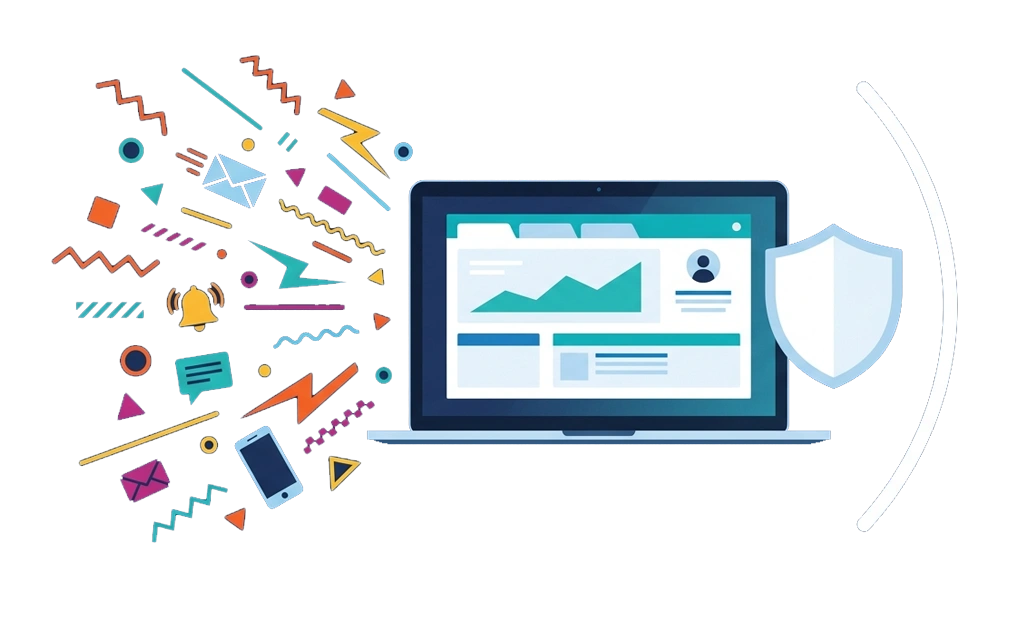
Online distraction often starts with one small check. You open a notification, switch tabs, or scroll for a quick break, then realize more time has passed than planned.
Many apps and websites are designed to keep your attention moving through alerts, endless feeds, and unpredictable content. What helps is building stronger focus guardrails, such as reducing alerts, blocking distracting sites, and making distractions harder to open during focus time.
Key Takeaways
- Online distraction is often shaped by design: Many platforms use notifications, endless feeds, and unpredictable content to keep you checking.
- Unpredictable content makes apps harder to put down: You may keep opening apps because you never know what new post, message, or update will appear.
- Notifications can interrupt your workflow: Research suggests it can take over 20 minutes to return to a task after an interruption.
- Infinite scroll removes natural stopping points: When the feed never ends, “just one more” can easily turn into a longer session.
- System-level blocking can create stronger focus guardrails: Reducing notifications helps, but blocking access can make distractions harder to open during focus time.
- Stronger systems reduce reliance on willpower: When distractions are harder to open or disable, focus depends less on making the right choice in the moment.
How Online Platforms Pull Your Attention Back
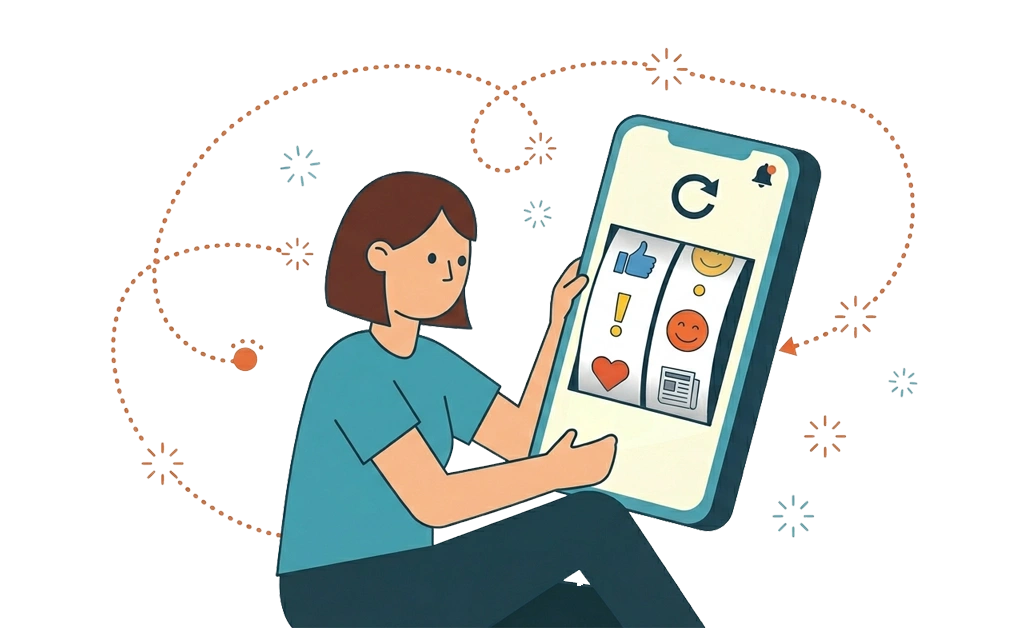
Distraction is not a character flaw. Many online platforms are designed to pull attention back again and again. Once you understand the patterns, it becomes easier to see why simple intentions often break down when focus drops or habits take over.
Unpredictable Rewards
Social media feeds show different things every time you open them. Sometimes you see something funny. Sometimes it is boring. Sometimes it is upsetting, useful, or surprising.
That unpredictability can keep you checking. It works in a similar way to a slot machine, where the next result might be the one that feels rewarding. This is one reason apps can feel hard to put down, even when you did not plan to spend much time on them.
Over time, checking can become automatic, especially during boredom, stress, or low-focus moments.
Notification Interruptions and Context Switching
Every notification can pull your attention away from what you were doing. Research suggests it can take more than 20 minutes to return to a task after an interruption.
Even a quick glance can break your flow because it gives your brain a new thing to process. A few interruptions per hour can make the whole workday feel fragmented. You may feel busy, but the work itself can feel harder to complete.
For students, this can happen during study sessions. For professionals, it can happen during deep work or admin tasks that already require extra focus.
The “Just One More” Scroll Loop
Infinite scroll feeds keep adding new content. Each swipe can bring something funny, useful, stressful, or surprising.
The problem is that there is no clear stopping point. The feed does not tell you when you are done. That is why “just one more” can turn into a much longer session.
One way to reset the pattern is to take a structured break from high-stimulation content, sometimes called a dopamine detox.
Tab Hoarding and the Illusion of Multitasking
Multiple open tabs can feel productive. In reality, they often split your attention.
Switching between tabs is not the same as doing several tasks at once. It is rapid task switching. Each switch can make it harder to stay with one piece of work. Fewer tabs can make your workspace feel calmer and easier to manage.
When every open tab feels important, it can become harder to decide what actually needs attention now.
Practical Ways to Make Online Distractions Harder to Access
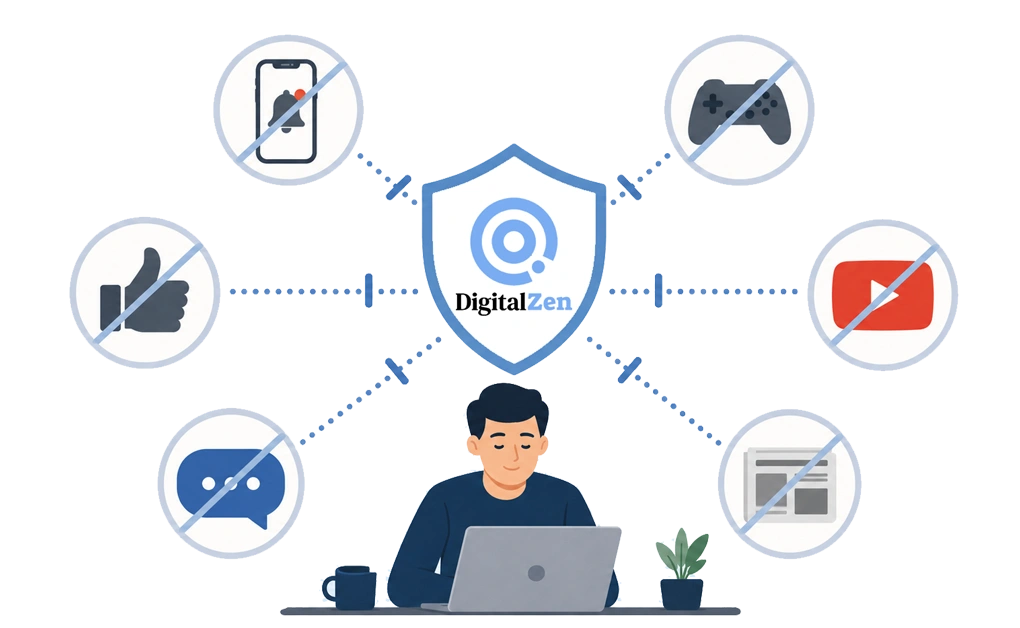
Not all solutions work the same way. Some reduce interruptions. Others make distractions harder to access. The strongest setup often combines several layers.
1. System-Level Blocking With DigitalZen
System-level blocking can be stronger than browser-only blocking because it works across browsers and apps. It can also make distractions harder to bypass through incognito mode or a different browser.
DigitalZen adds focus guardrails such as:
- Lock features that add friction before you can turn blocks off in a distracted moment
- Cooldown timers that create a pause before a quick urge turns into another browsing session
- Accountability codes that let someone else hold the key
- Scheduled blocking that protects focus time without asking you to make the same decision every day
This addresses the problem at the access level, before the distraction becomes another open tab or app session. Instead of trying to resist the same distractions all day, you make them harder to open during the times you want to focus.
2. Reducing Notifications
Turning off notifications removes some interruptions. This can help protect focus time and reduce constant checking.
However, it does not stop you from opening Instagram, Reddit, YouTube, or news sites on your own. Notification control is a helpful first step, but it may not be enough if checking has already become a habit during work, study, or downtime.
3. Using Focus Modes
Built-in focus modes on phones and computers can help. They can silence notifications, hide distracting apps, and create a clearer work window.
The limitation is that they are often easy to override. A few taps may be all it takes to turn them off. Focus modes can still be useful, but they may need stronger blocking support when turning them off is easier than staying with the task.
4. Browser Extensions
Browser extensions can block sites, but they usually live inside one browser. This makes them easier to disable, remove, or bypass.
You may also get around them by switching browsers or using incognito mode. For persistent distraction, browser extensions are not enough for distraction blocking because they are too easy to bypass.
When the workaround takes only a few seconds, the block tends to fail at the exact moment you need it most.
5. Hosts File Editing
Editing the hosts file can block sites at the system level. However, it requires manual changes and technical steps.
That can be useful for some people, but it also creates a problem. If you can edit the file to block a site, you can also edit it again to unblock the site. Without any lock or added friction, hosts file blocking fails when the block is too easy to undo.
That makes it better as a technical fix than a self-control guardrail.
6. DNS Filtering
DNS filtering blocks sites at the network level. Tools like NextDNS or Pi-hole can filter entire categories.
However, DNS filtering has gaps:
- It may not block every app experience
- It can be bypassed by switching networks
- It may not work the same way outside your usual network
DNS filtering can be useful, but it is not always enough on its own. DNS filtering may work well at home, but it can become less reliable when you move between school, work, mobile data, or public Wi-Fi.
How to Choose the Right Distraction Blocking Setup
The best setup depends on how distraction usually starts for you. Some people are pulled away by notifications. Others open the same sites without thinking. Some need stronger limits because simple blockers are too easy to turn off.
- If Notifications Are the Main Problem
Start by turning off non-essential alerts. This may be enough if you only get distracted when apps interrupt you.
Keep important reminders on, such as calendar alerts or work messages. Then silence news, social media, shopping, and entertainment notifications during focus time.
- If You Open Distracting Sites Without Thinking
If you keep typing the same websites into your browser, notification control may not be enough. In this case, blocking access can help.
You can block distracting sites during work hours, study sessions, or any time you want fewer interruptions. This makes the site harder to open when checking has become automatic.
- If You Keep Bypassing Your Own Blocks
Some blockers work at first but are easy to turn off. If you keep disabling your own limits, you may need more friction.
A better setup may include waiting periods, lock features, or accountability codes. These extra steps create a pause before the block is removed.
- If You Need Limited Access Instead of Full Blocking
Some sites are distracting, but still useful. You may need YouTube for tutorials, Reddit for research, or social media for work.
In this case, full blocking may feel too strict. A better option is to set time windows or daily allowances. This gives you access without leaving the site open all day.
How DigitalZen Addresses Online Distraction
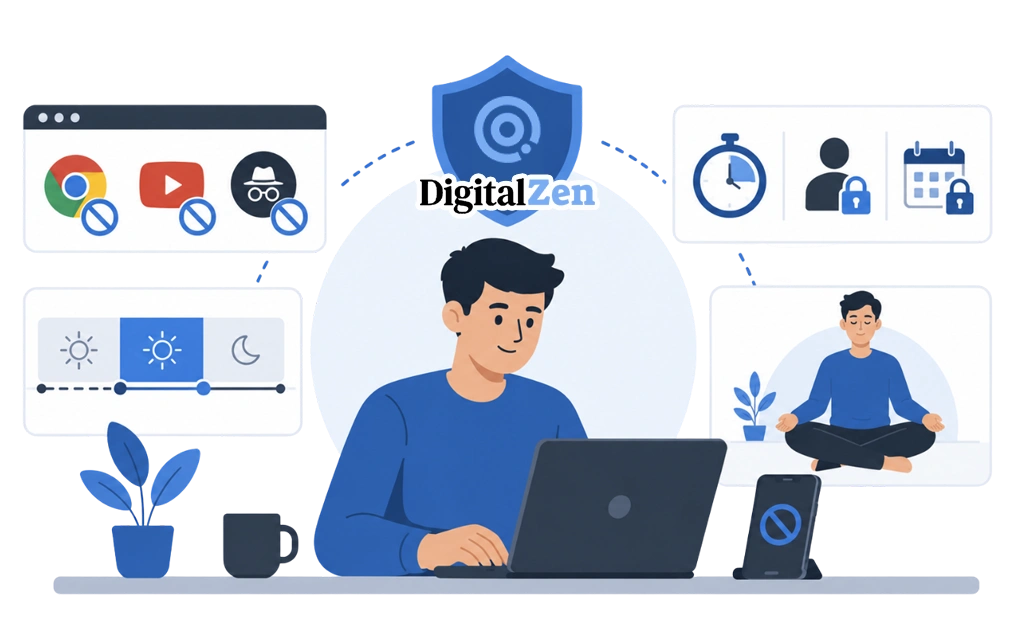
DigitalZen is a focus and productivity app for distraction blocking, screen-time moderation, and digital boundary management. It helps create stronger guardrails by making distracting websites and apps harder to access during focus time.
System-Level Blocking
DigitalZen can block websites and apps across browsers, so switching browsers does not become an easy escape route. This makes it harder to bypass blocks by switching browsers or using incognito mode.
It works on Windows, macOS, and Linux, which can be helpful if you need consistent blocking across your main desktop setup.
Lock Features That Add Friction
Lock features add friction before a block can be disabled. This creates a pause before you undo a boundary in the same moment you feel pulled toward a distraction.
DigitalZen includes:
- Cooldown timers that require a waiting period before disabling blocks
- Accountability codes that let someone else hold the key
- Date-based locks that keep blocks active until a set date
By the time you get through the lock, the urge to open the distraction may feel less strong.
Scheduled Focus Sessions
You can set specific hours for blocking. For example, you might block distracting sites from 9 a.m. to 12 p.m. and again from 2 p.m. to 5 p.m.
Blocks activate automatically, so you do not have to make the same decision every day. The rotation feature can also alternate between focus time and breaks. This supports a more structured workday without constant manual setup.
Once you understand why distraction happens, blocking websites and apps boosts productivity by removing the source of the problem.
Taking Back Control of Your Attention
Online distraction is not a personal failure. Many apps and websites are built to keep attention moving from one update, tab, or feed to the next.
A stronger response is to build guardrails around the times you want to focus, so staying on track does not depend only on willpower. Start by turning off non-essential notifications. Then use system-level blocking with lock features if distractions are still easy to open.
The goal is not to quit the internet. The goal is to use it on your terms.
If you are ready to start, sites to block for productivity provides a ready-made list to get you going. Linux users who want a full guide can start with a distraction-free setup on Linux.
Frequently Asked Questions
Why Is It So Hard to Stay Focused Online?
Many online platforms are designed to keep you engaged. They use notifications, endless feeds, and unpredictable content to pull your attention back. These patterns can make it harder to stop checking once you start.
How Long Does It Take to Regain Focus After a Distraction?
Research suggests it can take more than 20 minutes to return to a task after an interruption. Even a quick glance at your phone or another tab can make it harder to settle back into focused work.
Are Browser Extensions Effective for Blocking Distractions?
Browser extensions can help, but they are often easy to disable or bypass. You may be able to turn them off, switch browsers, or use incognito mode. System-level blocking can be more reliable when you need stronger guardrails.
What Is the Most Effective Way to Block Distractions?
For persistent online distraction, system-level blocking is often stronger than browser-only blocking because it works across browsers and apps. It can also include lock features that add friction before blocks are disabled, making it harder to bypass limits in a distracted moment.
Is Online Distraction a Willpower Problem?
Not always. Online distraction is often shaped by design. Platforms use notifications, endless feeds, and unpredictable content to keep people engaged. Tools that reduce access during focus time can work better than trying to stop manually.
References: